
Gom&Company
Edit YouTube videos without learning a pro suite
Timeline, templates, captions and music in one beginner-friendly Windows editor.
- Free trial download before you buy
- One-time $29.00 licence for 1 PC
- AI subtitles in 18 languages, up to 4 h
A YouTube video usually needs the same few things: trim the dead air, add a title, drop in captions and put music underneath. GOM Mix puts those on a plain timeline, and GOM Lab describes it as editing that needs no manual and no training.
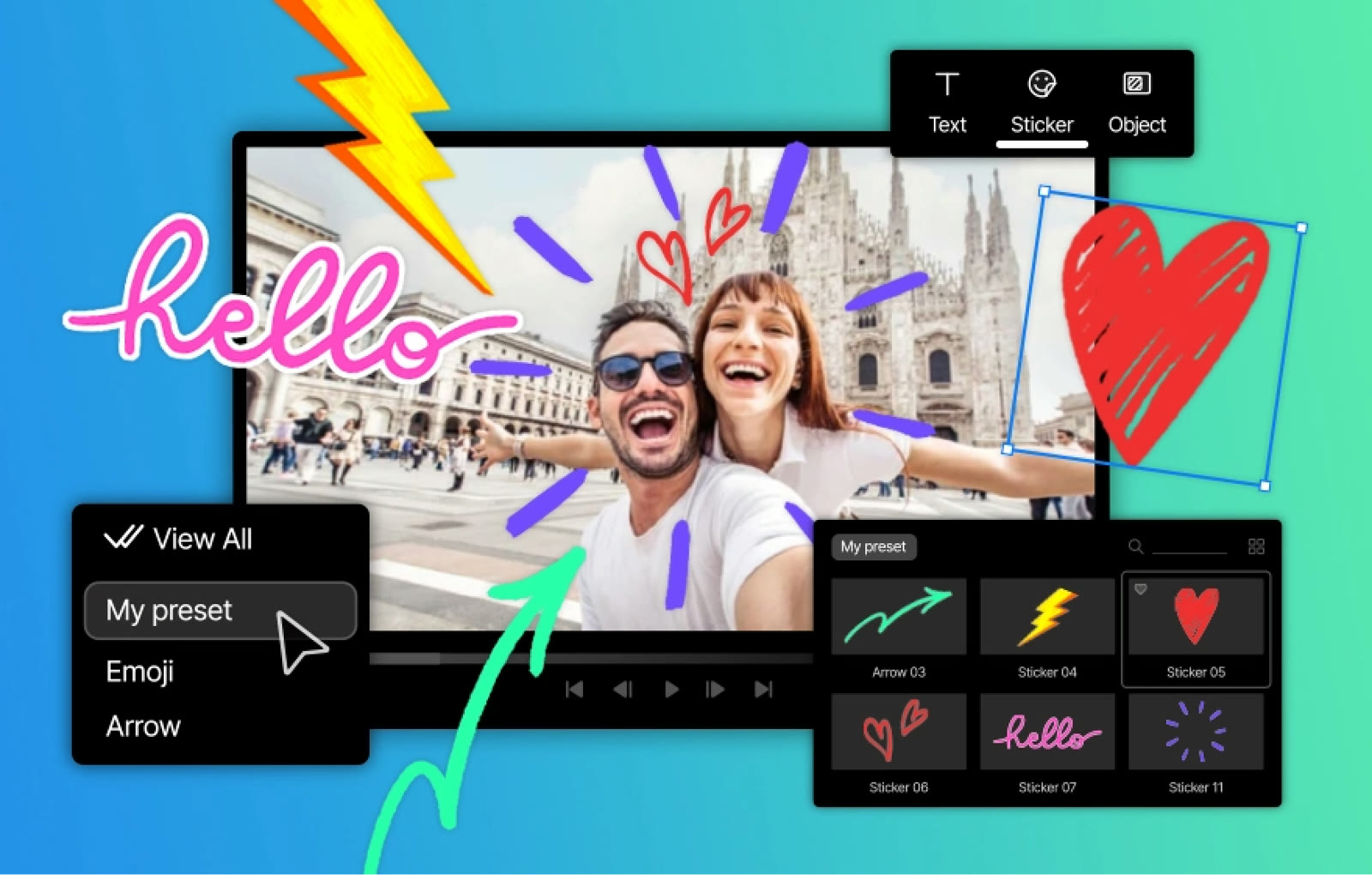
Captions carry most channels, and the editor ships with 124 subtitle presets whose font, colour and style you can change. For emphasis there are 248 stickers and 33 video pack collections you can place straight onto the frame.
Music is the last step, and GOM Mix lists up to 1,000 BGM tracks and sound effects, described as royalty-free. Extra effects such as trendy filters, reverse playback and chroma key sit in the same effect menu.
For a recurring format, such as an intro with the same title every week, you can save edit settings as presets. Templates, 61 of them, give a fast start for anniversaries, events and presentations.
Windows 10 (64-bit) or later is required, with 8 GB of RAM or more. The free trial download lets you cut one real upload before you decide on the $29.00 permanent licence.
Deals you can use now
| Deal | Code | Conditions |
|---|---|---|
| Free trialDownload GOM Mix and try the editor before you buy a licence | — | Windows 10 (64-bit) or later. The permanent licence is a one-time $29.00 for 1 PC at a time. |
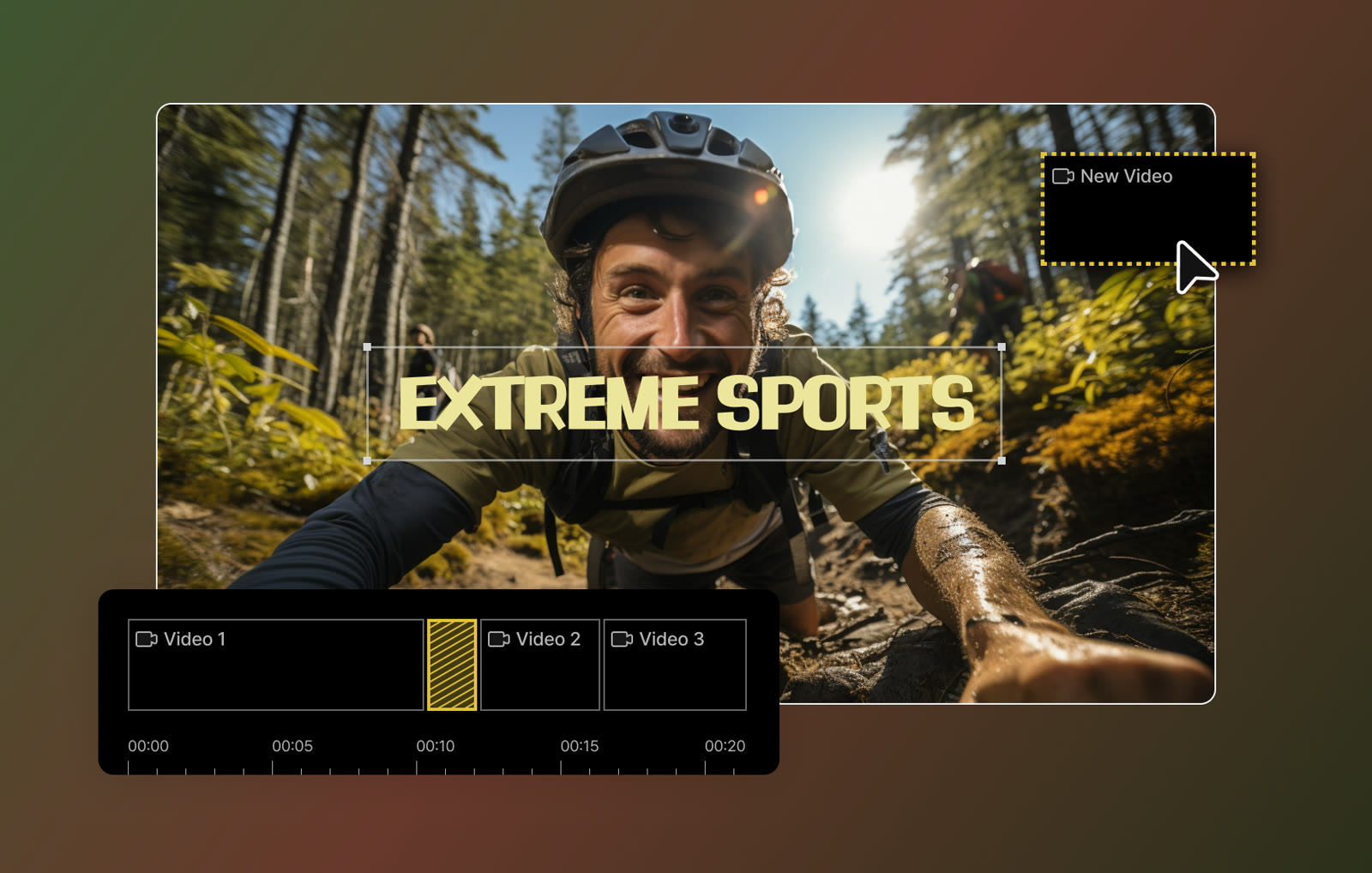 See GOM Mix in detailEasy video editor with AI subtitlesCut clips on a timeline · Stickers and shapes on the picture · Templates for events · Caption presets
FAQ
Does GOM Mix include music?
GOM Lab lists up to 1,000 royalty-free BGM tracks and sound effects. Extra music and further services run on credits.
Do I need a subscription?
No. A permanent licence costs $29.00 once, for 1 PC at a time. GOM Easy Pass at $9.99 a month is optional and mainly adds credits for AI tools.
Can I save my favourite settings?
Yes. The product page describes saving edited functions as presets so you can reuse them across videos.
You might also like
 UniConverter15% off every licenceConvert, compress and record in one video toolbox
 FilmoraTwo-week free trialThe video editor where AI handles the tedious part
 Media.ioHalf price on the yearly planAn AI image and video studio in your browser
 InVideo30% off InVideo Studio monthlyTurn one prompt into a finished video