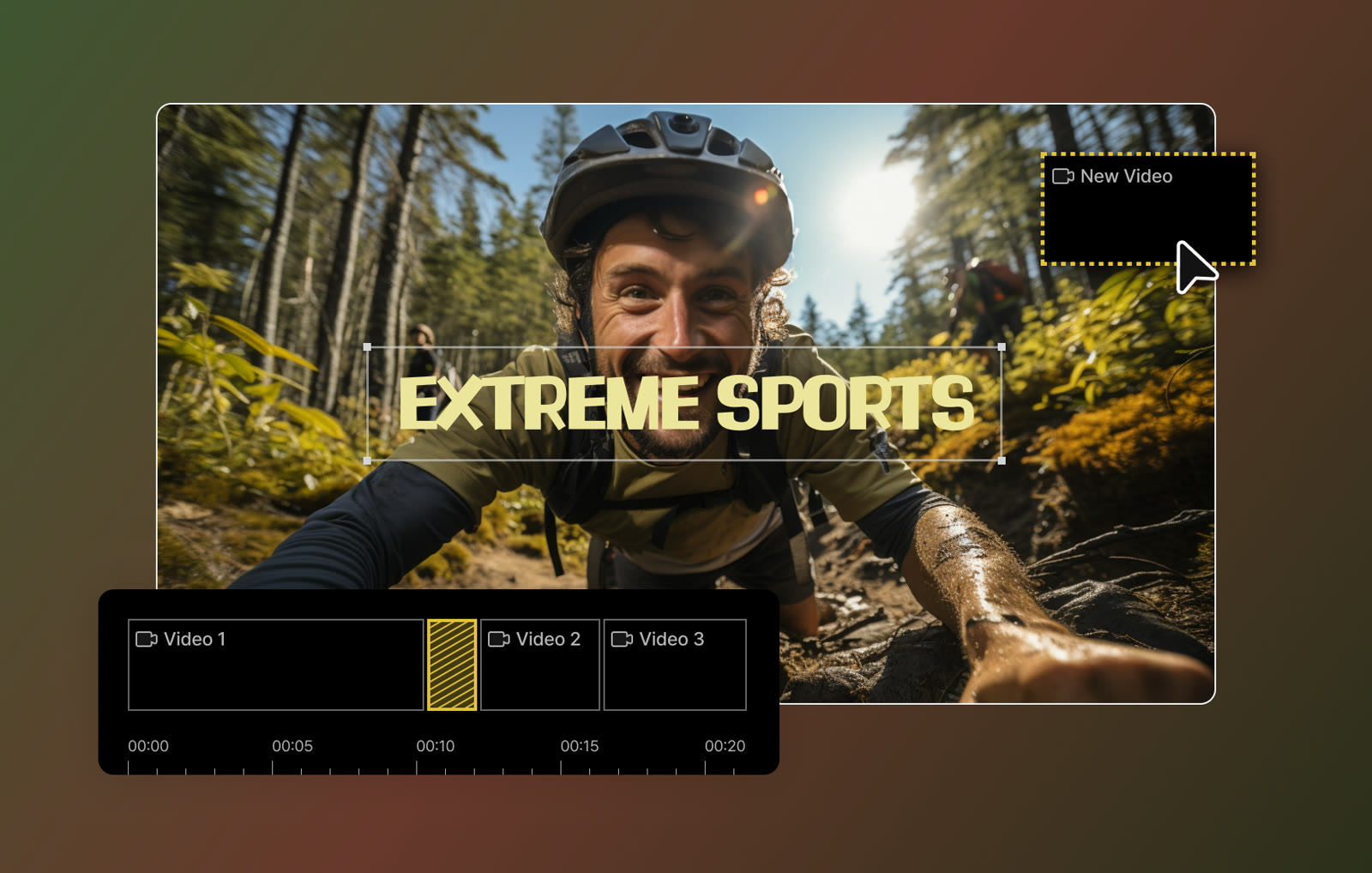
Cut clips on a timeline
Lay Video 1, 2 and 3 on one timeline, drop a bold title over the footage and drag a new clip into place. The interface is made so a beginner can edit without a manual or training.

Gom&Company
Easy video editor with AI subtitles
Lay Video 1, 2 and 3 on one timeline, drop a bold title over the footage and drag a new clip into place. The interface is made so a beginner can edit without a manual or training.
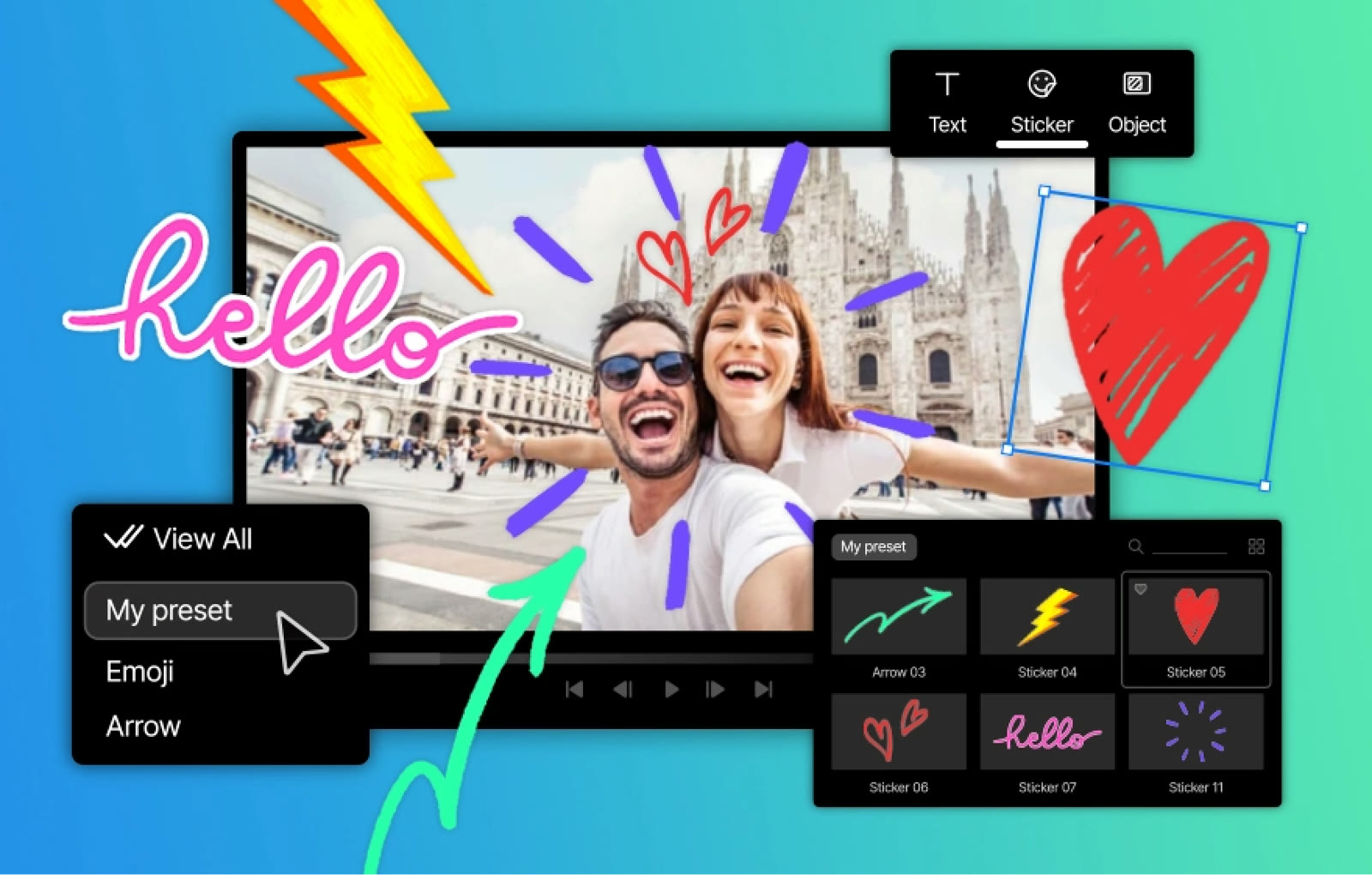
Pick emoji, arrows and hand-drawn stickers from a preset panel, then resize them right on the frame. The library holds 248 stickers and 33 video pack collections.
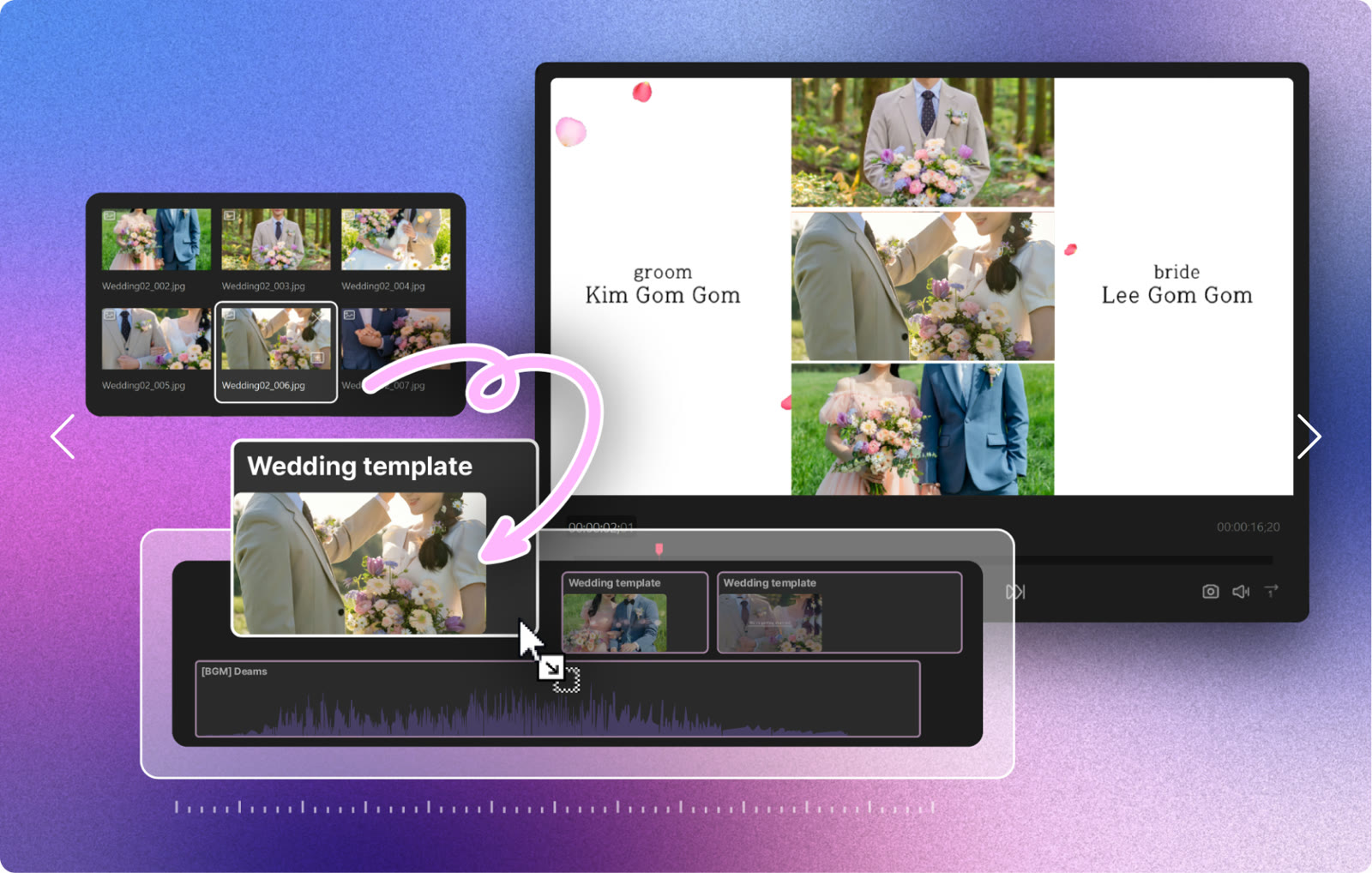
Swap your own clips into a wedding-style template and the layout, captions and music stay in place. 61 templates cover anniversaries, events and presentations.
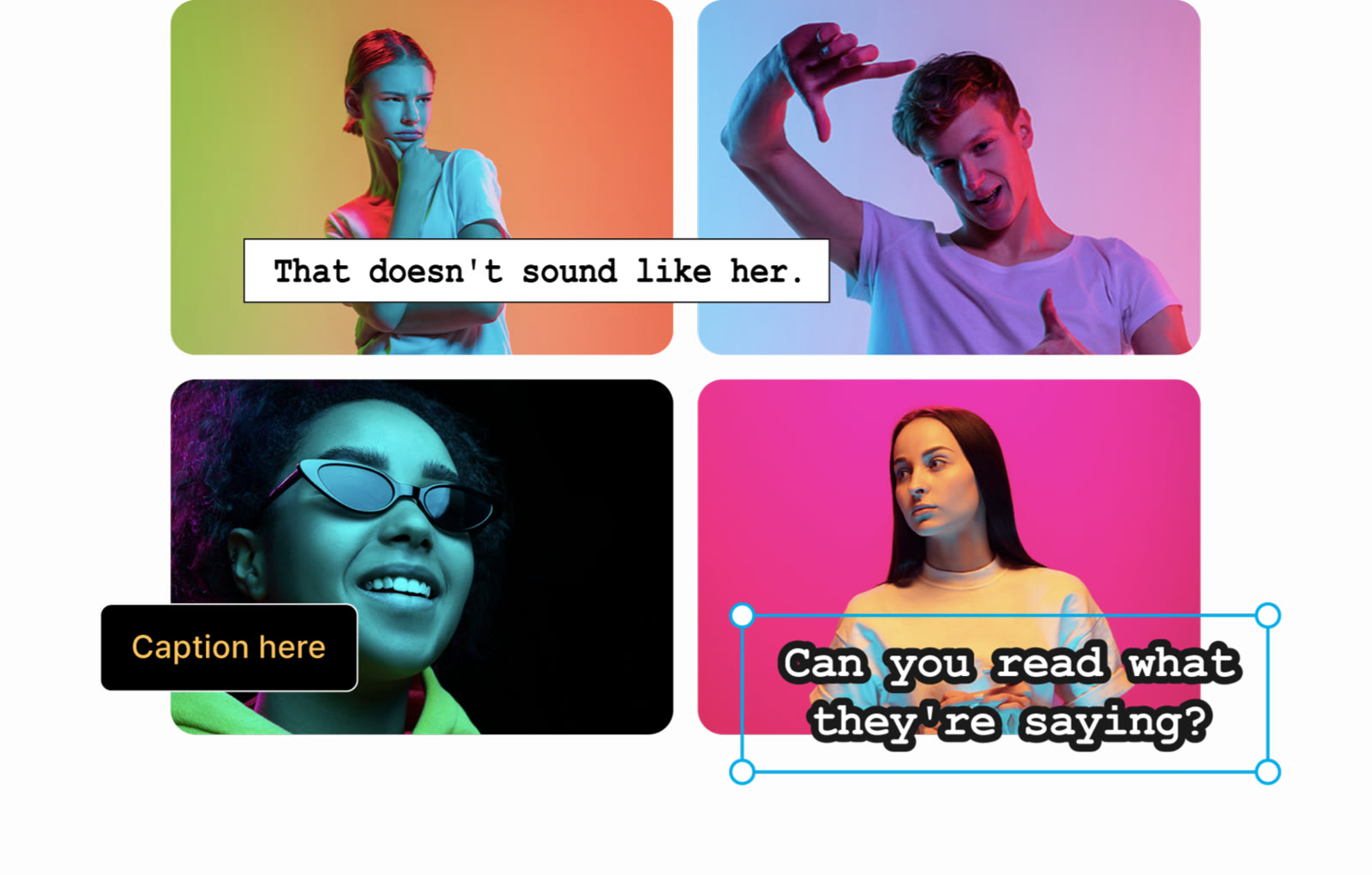
Choose from 124 subtitle presets, then change font, colour and style to suit the shot. Text boxes sit on the frame you are working on, with handles to move and scale them.

The chroma-key effect lifts the backdrop out of a clip so your subject can stand in front of any scene you choose. Use it for presenters, product demos and picture-in-picture explainers.
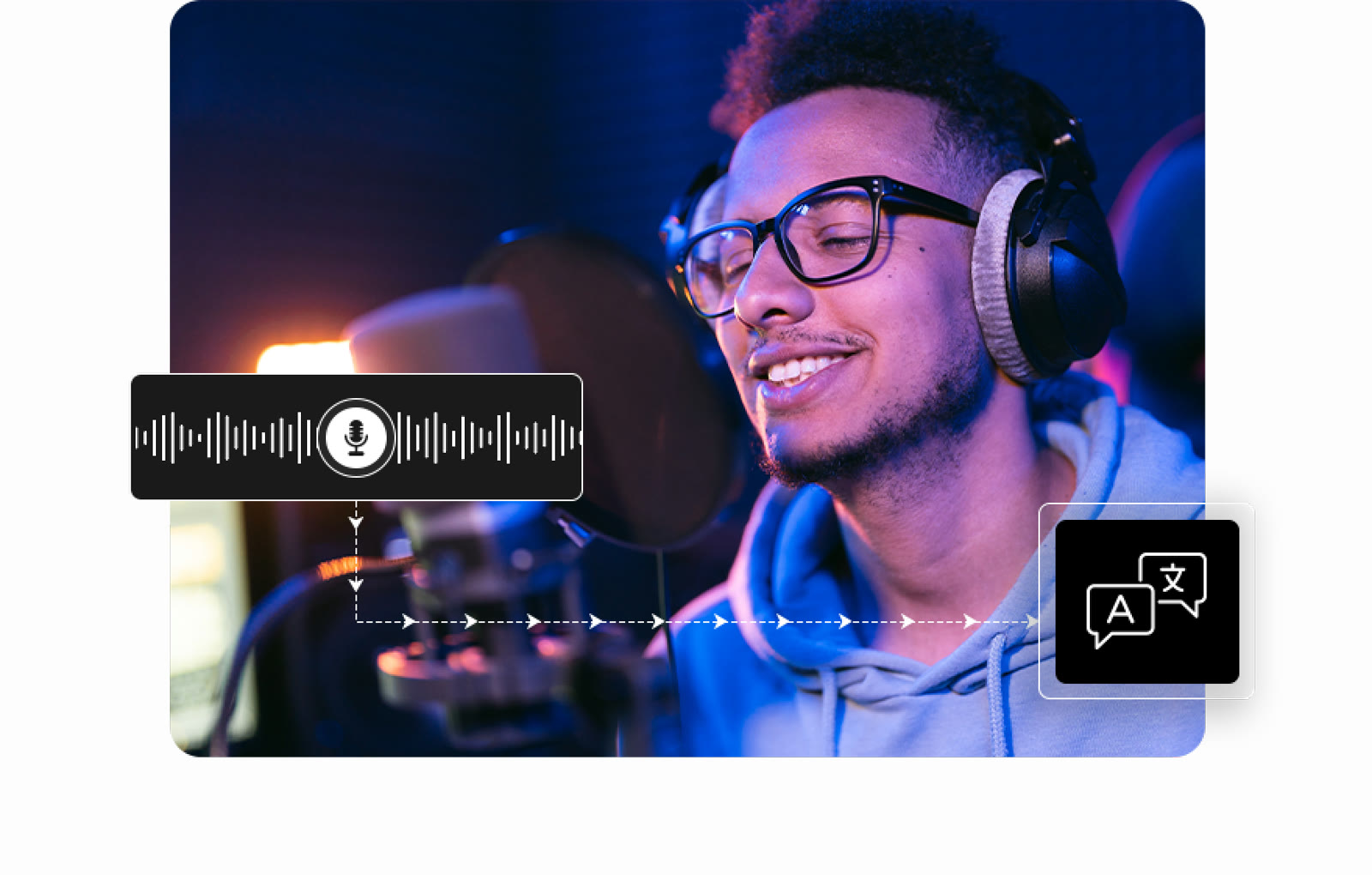
AI subtitles are generated from the audio in 18 languages for videos up to 4 hours long. The permanent licence lists AI Subtitles as a built-in feature, while credits cover the other AI tools.
The product page offers a free trial download and a permanent licence. The licence is a one-time $29.00 for 1 PC at a time, and it includes AI Subtitles.
It is a $9.99 monthly subscription (30 days, 1 PC at a time) with 87 credits a month for AI image generation, image editing, video generation, upscaling and subtitles. A first purchase adds up to 113 credits including a bonus.
Windows 10 (64-bit) or later, Windows 11 included. GOM Lab asks for 8 GB of RAM (16 GB recommended), an Intel i5 at 2 GHz or better, 10 GB of free disk space and a screen of 1280 x 1024 or higher.
Video: mp4, mov, mkv, avi, wmv, flv, mpg, ts and more. Images: jpeg, jpg, bmp, gif and png. Audio: mp3, wav, m4a, flac and mp2.
The specification list for GOM Mix names Windows only. The free GOM Player does have a Mac build.
 UniConverter15% off every licenceConvert, compress and record in one video toolbox
 FilmoraTwo-week free trialThe video editor where AI handles the tedious part
 Media.ioHalf price on the yearly planAn AI image and video studio in your browser
 InVideo30% off InVideo Studio monthlyTurn one prompt into a finished video