
Gom&Company
Record tutorials and lectures with GOM Cam
Screen capture up to 4K with drawing tools, scheduling and a webcam lecture mode.
- Free trial download before you buy
- One-time $29.00 licence for 1 PC
- AI subtitles in 18 languages, up to 4 h
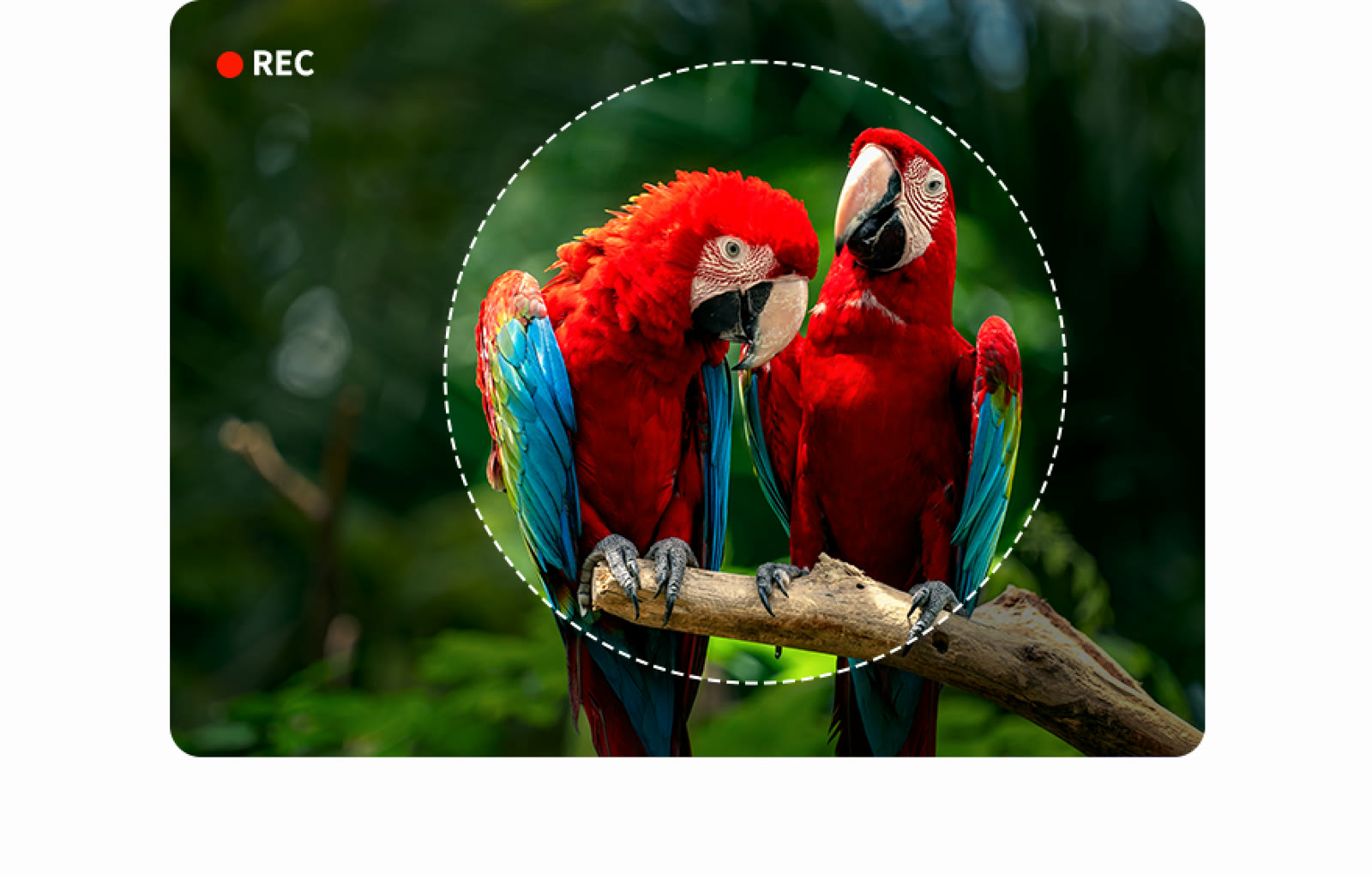
Tutorials live or die on clarity, and GOM Cam records everything on your monitor in high definition up to 4K. Capture can cover one screen, several screens or a webcam feed.
Lecture mode adds your face to the video next to slide files, using the webcam. A memo and drawing function lets you circle things on the recorded screen, which GOM Lab says is used for online lectures by public institutions and schools.
Blur and blackboard tools can be added while recording, handy for hiding a password field or sketching a diagram. Multi-schedule recording starts captures at fixed times, so a webinar or a stream gets saved without you at the keyboard.
Afterwards you can extract and keep only the useful parts of the recording, or save just the audio track. AI Text Extraction reads text inside images so you can copy it out.
GOM Cam needs Windows 10 (64-bit) or later and cannot record copyright-protected sites, remote or virtual environments, or screens under recording-prevention software. The permanent licence is a one-time $25.00, and a trial download is available first.
Deals you can use now
| Deal | Code | Conditions |
|---|---|---|
| Free trialDownload GOM Mix and try the editor before you buy a licence | — | Windows 10 (64-bit) or later. The permanent licence is a one-time $29.00 for 1 PC at a time. |
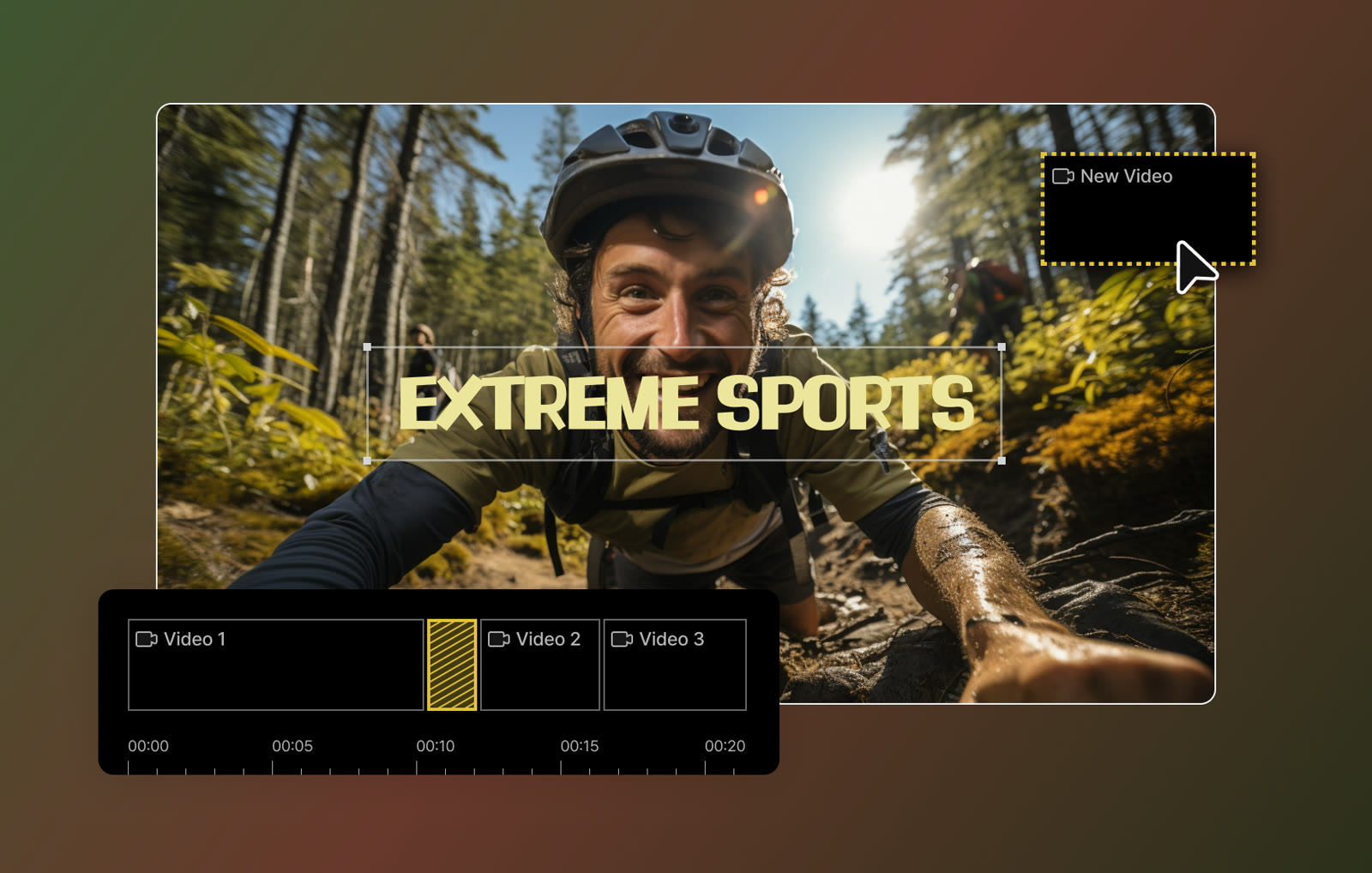 See GOM Mix in detailEasy video editor with AI subtitlesCut clips on a timeline · Stickers and shapes on the picture · Templates for events · Caption presets
FAQ
What resolution can GOM Cam record?
It captures the monitor in high definition up to 4K.
Can I record audio only?
Yes. You can pull the audio out of a recording and store it alone, which also suits recordings made only for sound.
What PC does it need?
Windows 10 (64-bit) or later, 4 GB of RAM (8 GB recommended), an Intel i5 at 2 GHz or better and 10 GB of free disk space. An internet connection is required for licence checks.
Does it work offline?
No. Licence verification needs the internet, so the software cannot be used in offline mode.
You might also like
 UniConverter15% off every licenceConvert, compress and record in one video toolbox
 FilmoraTwo-week free trialThe video editor where AI handles the tedious part
 Media.ioHalf price on the yearly planAn AI image and video studio in your browser
 InVideo30% off InVideo Studio monthlyTurn one prompt into a finished video