
Gom&Company
Chroma key and moving blur in a simple editor
Swap backdrops, reverse a clip and track a blur across the frame.
- Free trial download before you buy
- One-time $29.00 licence for 1 PC
- AI subtitles in 18 languages, up to 4 h

Shoot against a plain backdrop and GOM Mix's chroma-key effect lifts it away, so the person can stand in any place you choose. GOM Lab calls it a movie-like effect that lets you move to any virtual location.
Privacy edits need movement too. The Motion Graph lets a blur or mosaic follow a subject's path: select the clip, open the Alpha, Crop and Mask settings, double-click the blur and add points with the plus button as the subject moves.
Reverse video playback adds a different kind of trick, useful for a pour that runs backwards or a jump that lifts off the ground. Filters then set the mood, from warm tones to mysterious ones.
Layers stay editable on the timeline, with transform controls for size and rotation under the Effect menu. If a clip was shot sideways, the same menu fixes the angle.
The system asks for Windows 10 (64-bit) or later, 8 GB of RAM and an NVIDIA GeForce GTX 700 or better for graphics. A trial download lets you key out your own backdrop before buying.
Deals you can use now
| Deal | Code | Conditions |
|---|---|---|
| Free trialDownload GOM Mix and try the editor before you buy a licence | — | Windows 10 (64-bit) or later. The permanent licence is a one-time $29.00 for 1 PC at a time. |
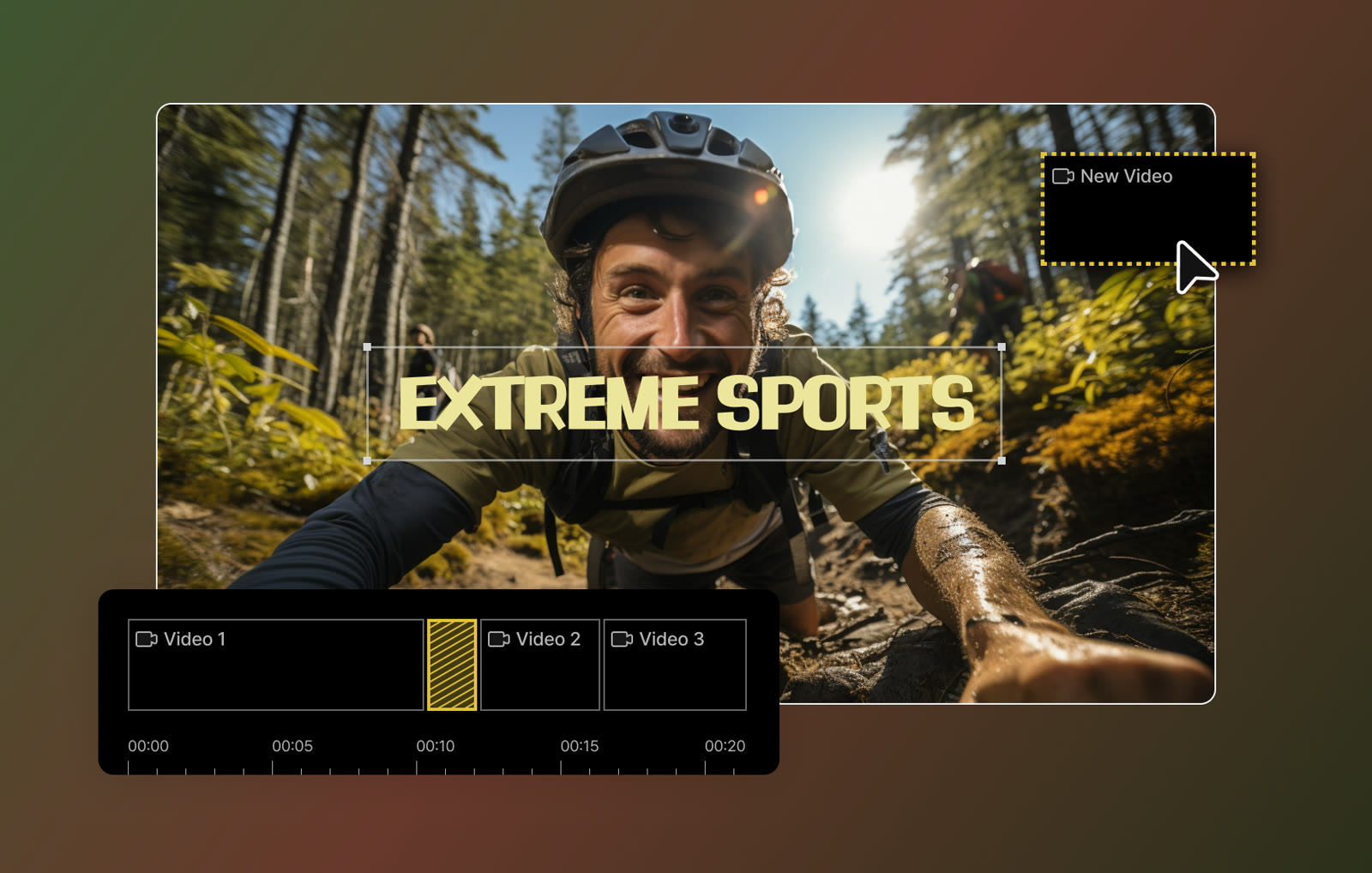 See GOM Mix in detailEasy video editor with AI subtitlesCut clips on a timeline · Stickers and shapes on the picture · Templates for events · Caption presets
FAQ
Can I blur a face that moves?
Yes. Use the Motion Graph to add blur or mosaic points along the subject's path through the clip.
How do I rotate a clip?
Select the source in the track and open Effect, then Transform, then Convert. Adjust the Size and Rotation values there.
Which graphics card is recommended?
GOM Lab lists Intel HD graphics 5000 or higher as the minimum and an NVIDIA GeForce GTX 700 or higher as recommended.
You might also like
 UniConverter15% off every licenceConvert, compress and record in one video toolbox
 FilmoraTwo-week free trialThe video editor where AI handles the tedious part
 Media.ioHalf price on the yearly planAn AI image and video studio in your browser
 InVideo30% off InVideo Studio monthlyTurn one prompt into a finished video