
Wondershare
Sign a PDF without a printer or a scanner
Draw it, type it or upload it, whichever feels quickest.
- 20% off PDFelement
- OCR for scanned PDFs in 26 languages
- Sign and send without printing
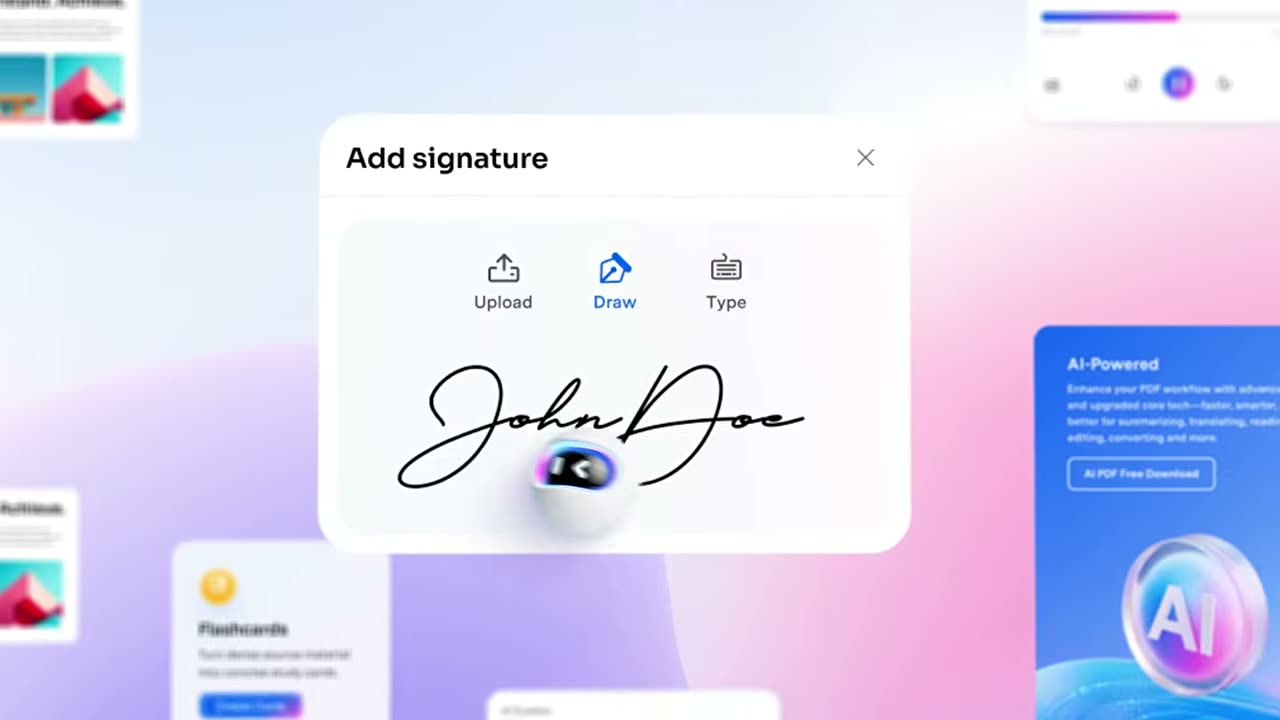
Printing a page, signing it with a pen and scanning it back in just for one line is a routine you can skip. Open the file, place your signature where it belongs, and you are done.
Creating a signature starts in the Comment tab under Signature. The window offers three routes: Draw, Type and Upload. Draw lets you choose one of three colours, and Type offers five handwriting-style fonts.
For paperwork that needs more weight, use certificate-based e-signing. You can build a signable PDF, send it to many recipients at once and watch the status of every document from any device.
A signature you use often syncs through PDFelement Cloud, so you do not recreate it on another machine. Open the same file on a phone while travelling and it signs with the same mark.
If contracts cross your desk regularly, the current 20% off PDFelement makes it sensible to keep signing, editing and converting inside one program.
Deals you can use now
| Deal | Code | Conditions |
|---|---|---|
| 20%20% off PDFelement | — | — |
 See PDFelement in detailEdit a PDF as easily as a Word fileNo original file? Edit the PDF itself · Let the AI write the email · Sign without printing · Scanned PDFs, turned into text
FAQ
How can I add a signature?
There are three ways: Draw, Type or Upload. Drawing offers three colours and typing offers five handwriting-style fonts.
Can I ask several people to sign at once?
You can create a signable PDF, send it in bulk to multiple recipients and follow the signing status of each document.
Can I reuse a saved signature on another device?
Signatures sync through PDFelement Cloud, so you can call them up on other devices.
You might also like
 Edraw.AI7-day unlimited free trialDescribe it, and the diagram draws itself
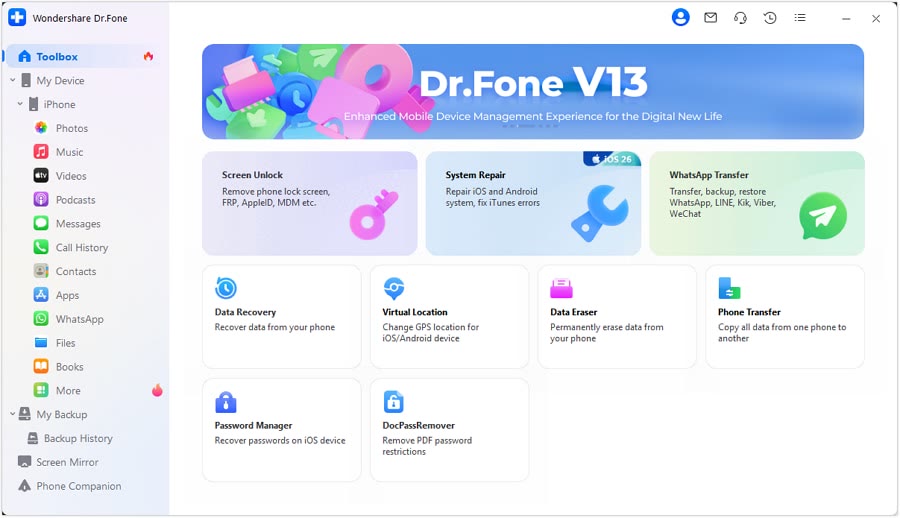 Dr.FoneExtra checkout code SAFDRFON for Dr.FonePhone recovery, repair and transfer toolkit
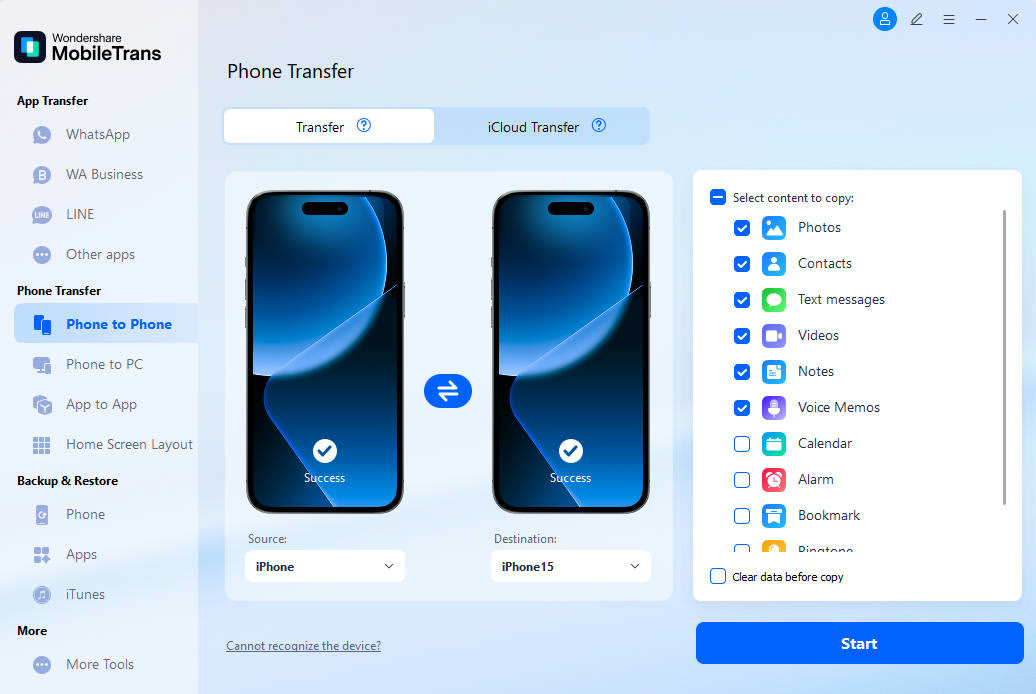 MobileTransAn extra MobileTrans checkout code: SENMOBTRPhone-to-phone transfer and backup
 RecoveritExtra checkout code SAFRECOVGet deleted and formatted files back