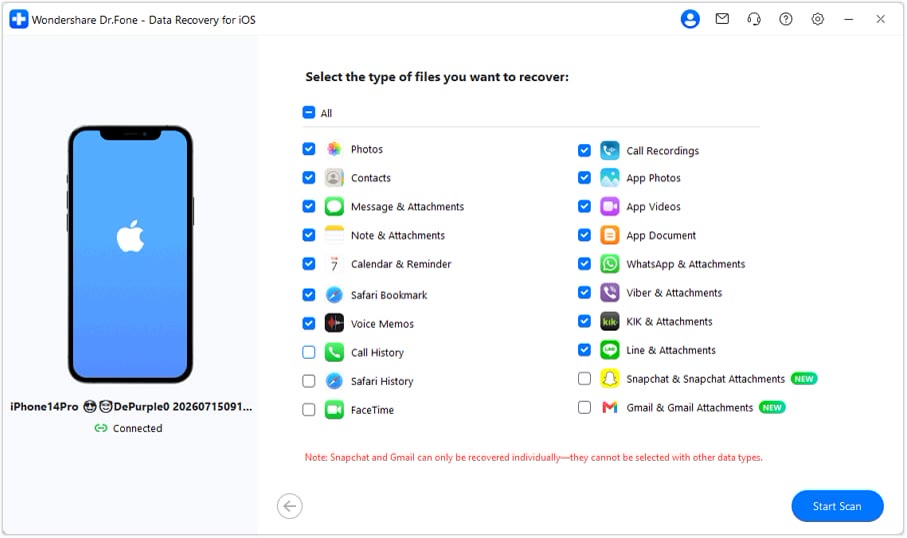
Scan first, preview before you recover
This screen lists the file types you can pick: photos, contacts, messages, notes, call history and app attachments. Connect an iPhone to scan it directly, or pull data from an iCloud or iTunes backup instead.

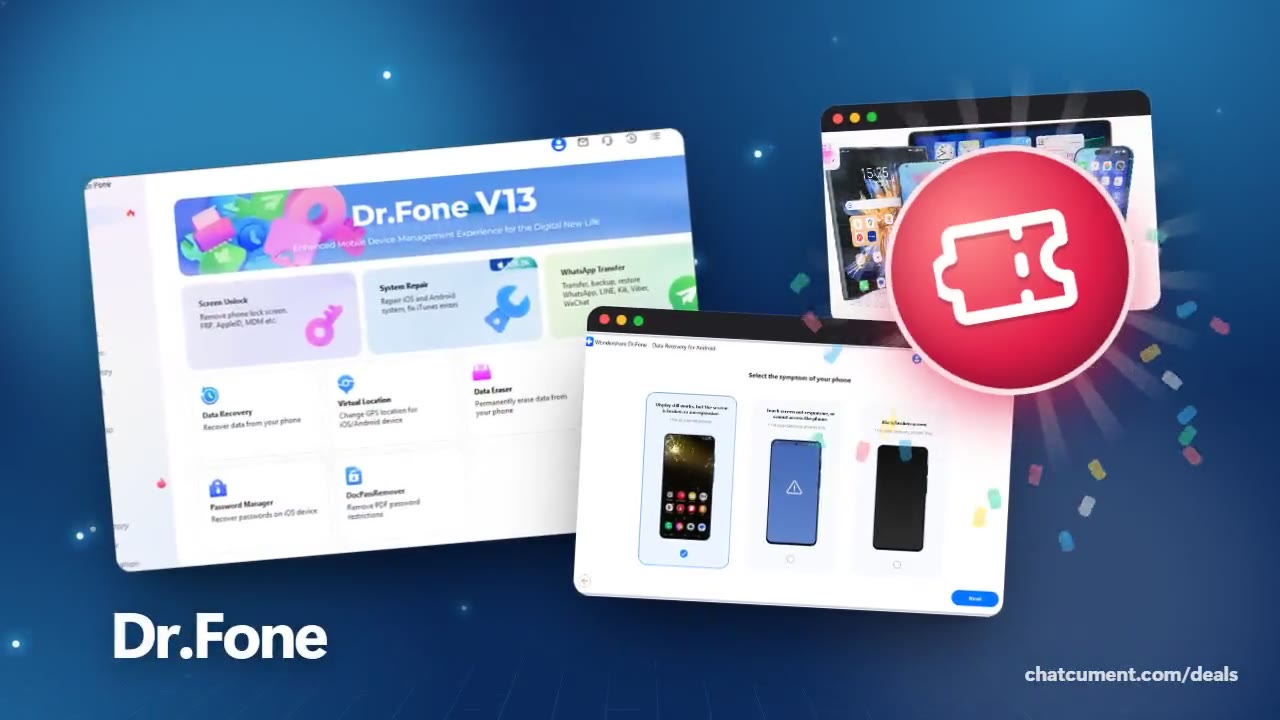
Wondershare
Phone recovery, repair and transfer toolkit
Entered in the code field at checkout.
Get the discountThis screen lists the file types you can pick: photos, contacts, messages, notes, call history and app attachments. Connect an iPhone to scan it directly, or pull data from an iCloud or iTunes backup instead.
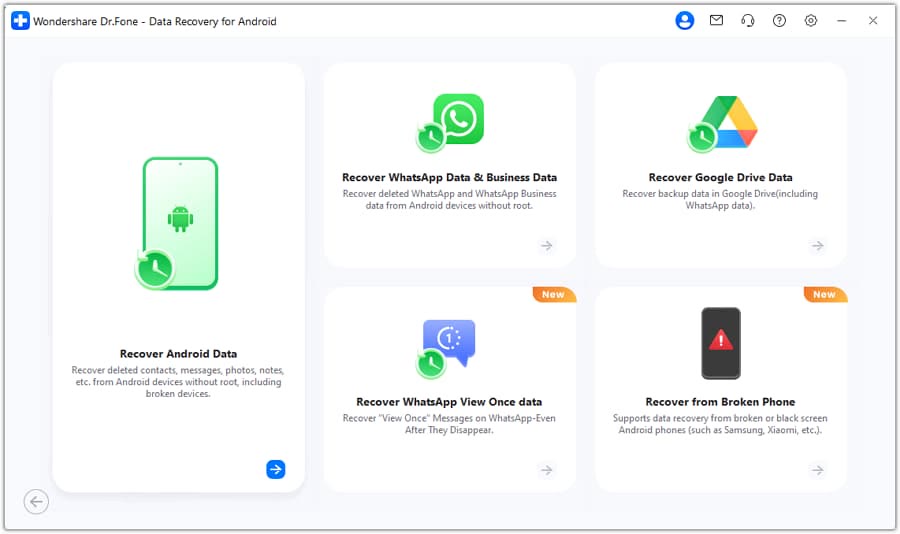
Android Data Recovery splits into cards for ordinary files, WhatsApp data, Google Drive backups and broken phones. Pick the mode that matches what went wrong.
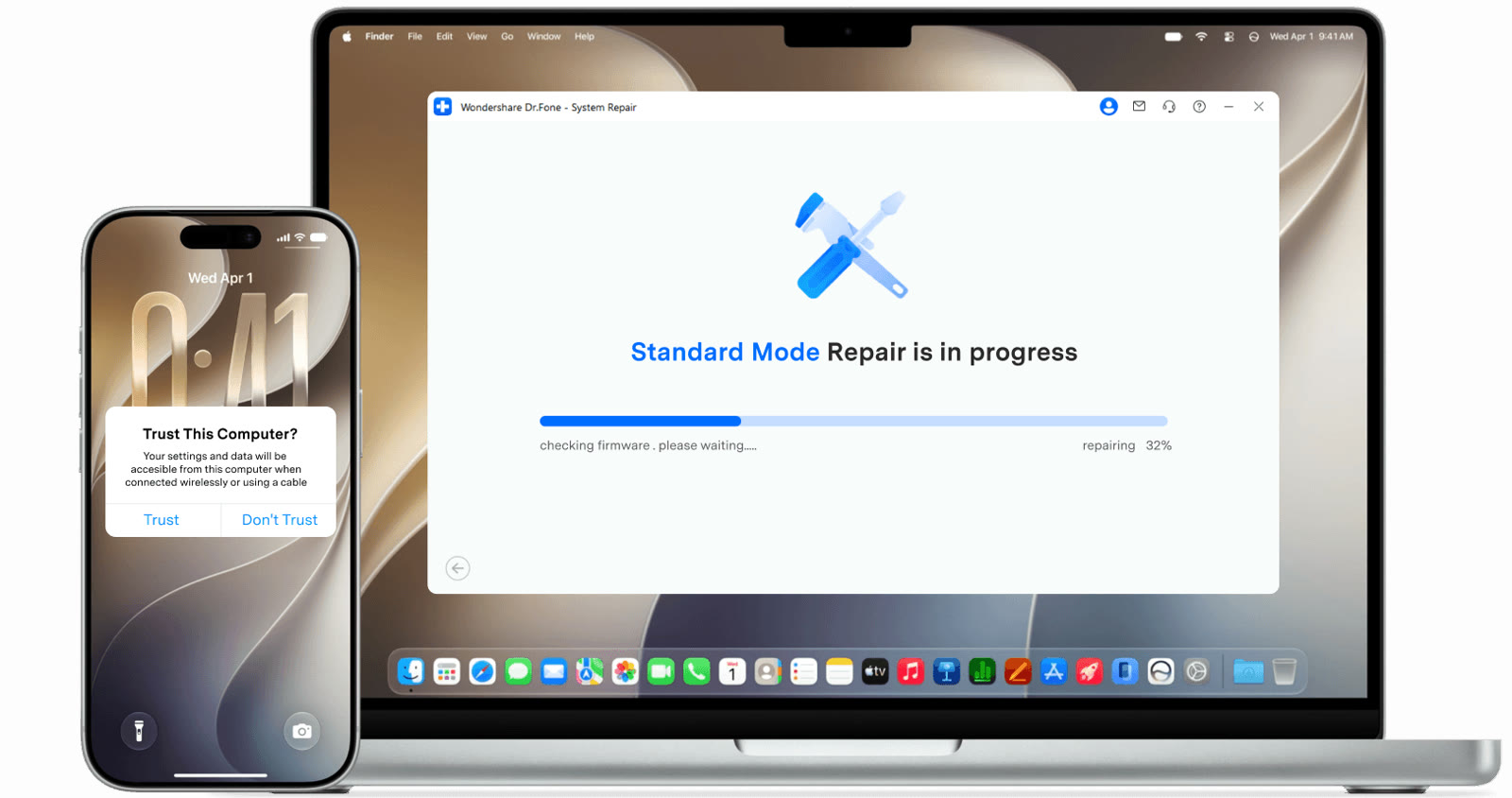
An iPhone stuck on the Apple logo or in a restart loop gets repaired from a computer, with a progress bar on screen. Standard Repair is built to fix supported problems without erasing your data.
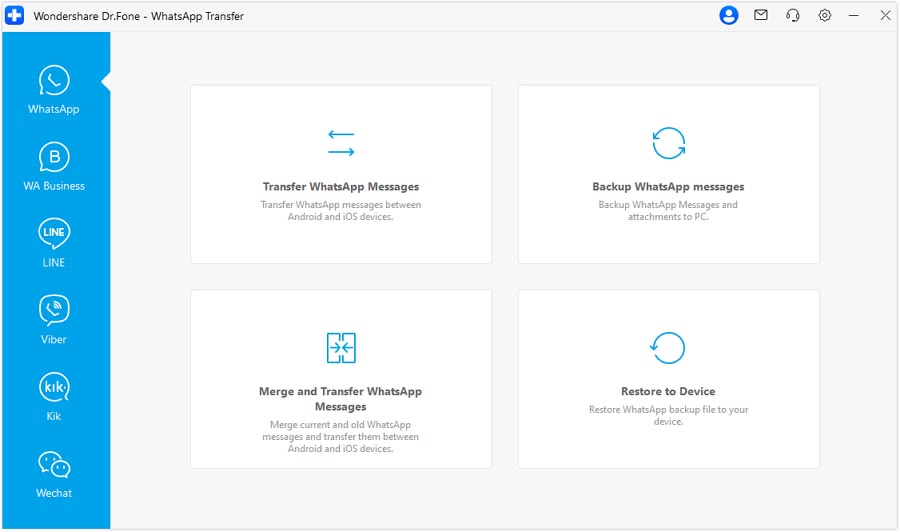
The WhatsApp Transfer window offers transfer, backup, merge-and-transfer and restore to device. LINE, Viber, Kik and WeChat sit in the tabs on the left.
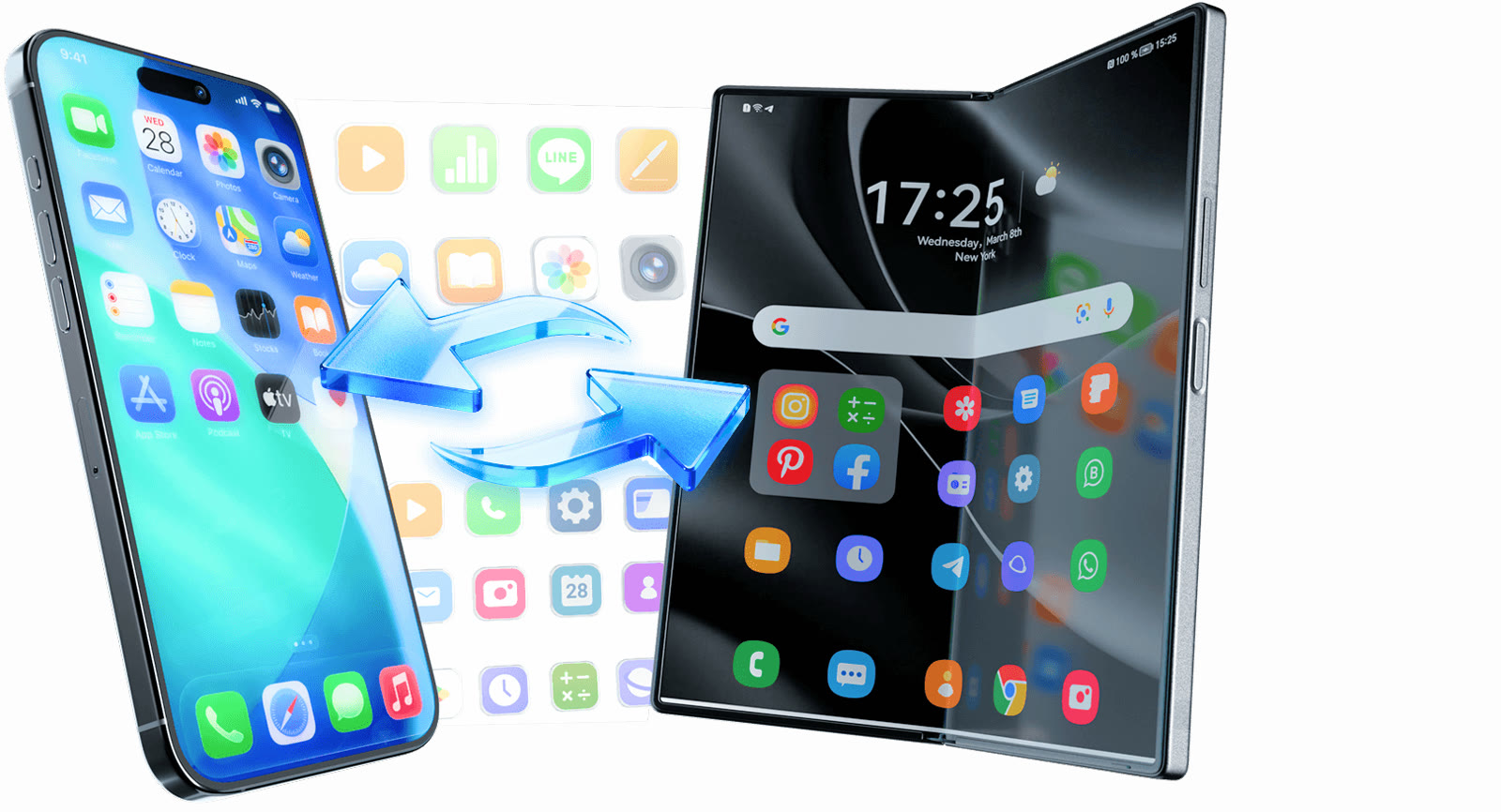
Pick contacts, messages, photos, videos and music and send them across platforms. Switching phones does not mean a reset; you bring only what you choose.
It is a phone toolkit for Windows and Mac. The official site lists screen unlock, system repair, data recovery, WhatsApp transfer, phone-to-phone transfer, data eraser, virtual location and an iOS password manager.
For iPhone data recovery the scan and preview come first, and paying comes at the export or restore step. The official page adds that results depend on device condition, iOS version and recovery source.
Basic manages, transfers and edits phone data from a PC. It adds one-click backup with selective restore and screen mirroring, and it works with 1 to 5 mobile devices and 2 PCs.
The Basic checkout shows monthly, annual and perpetual licenses. Monthly and annual renew automatically and can be cancelled anytime, and the page mentions a 7-day money-back guarantee.
The tech specs page asks for a 1 GHz processor, 1 GB of free RAM (2 GB recommended) and 7 GB of disk space. The interface is offered in 13 languages.
 PDFelement20% off PDFelementEdit a PDF as easily as a Word file
 Edraw.AI7-day unlimited free trialDescribe it, and the diagram draws itself
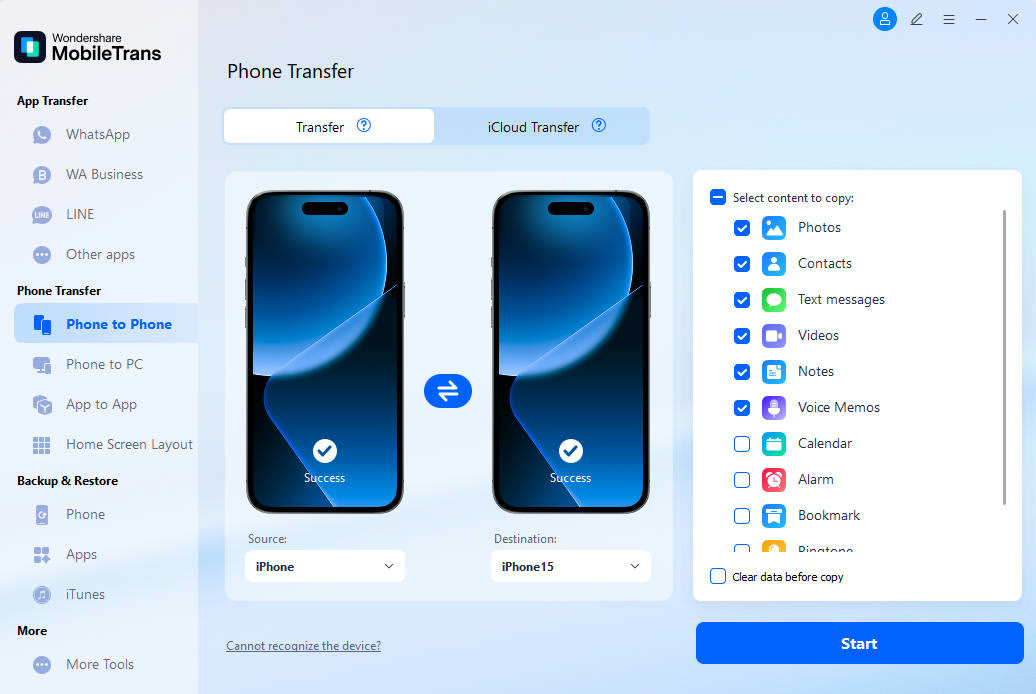 MobileTransAn extra MobileTrans checkout code: SENMOBTRPhone-to-phone transfer and backup
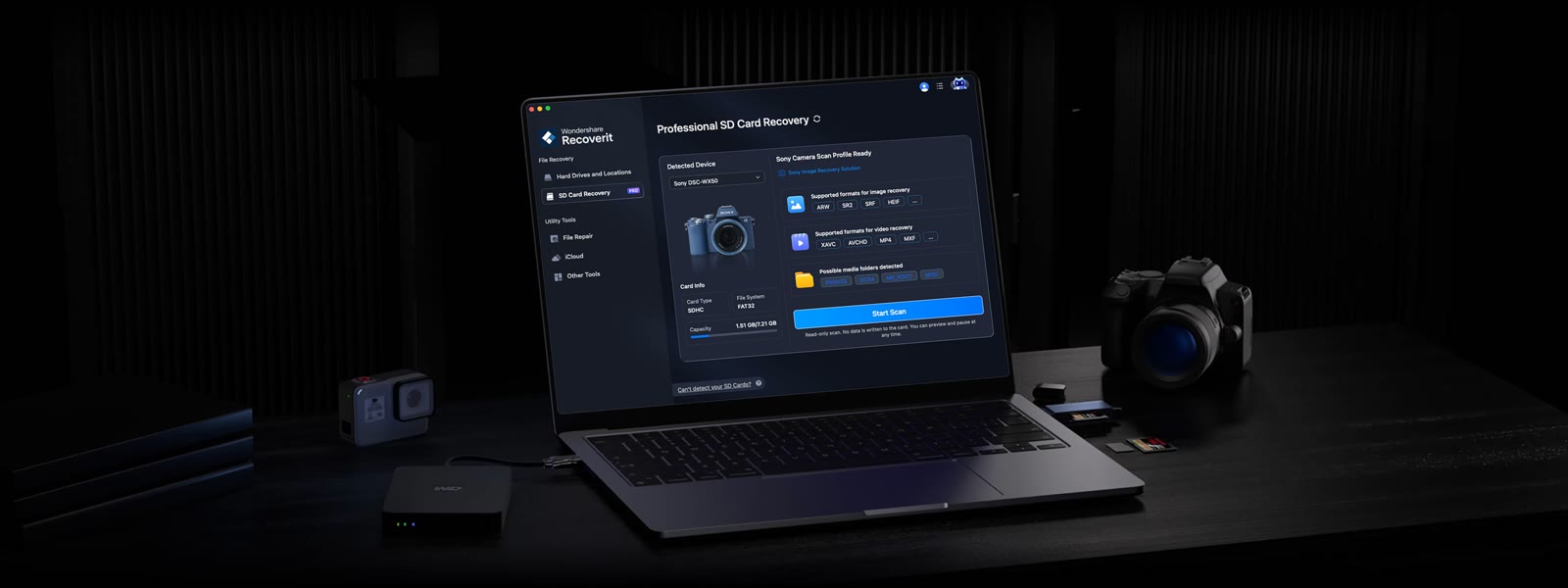 RecoveritExtra checkout code SAFRECOVGet deleted and formatted files back