Pick what moves, then press Start
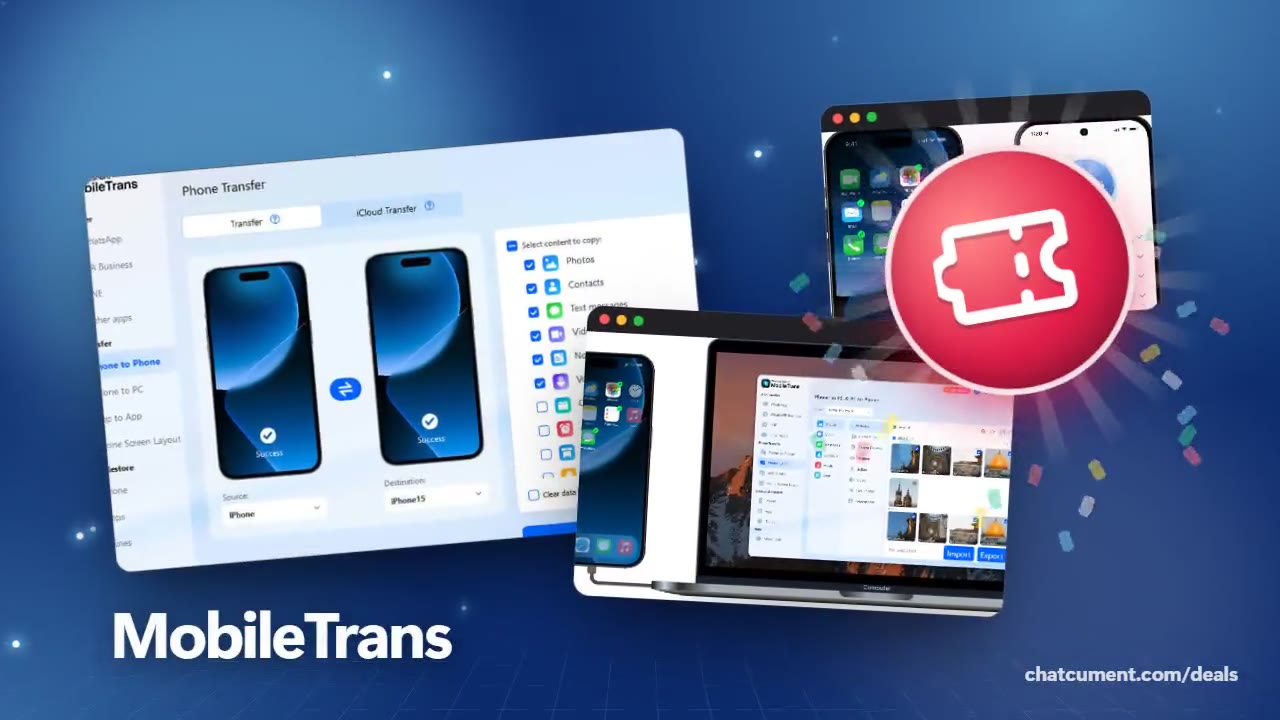
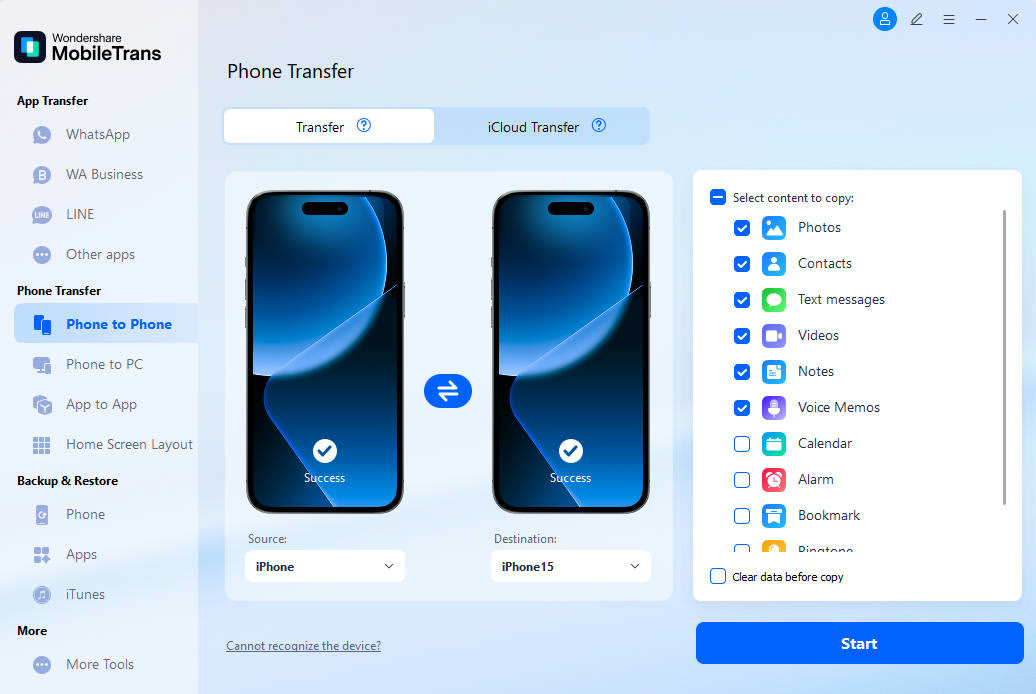
Tick photos, contacts, text messages, videos, notes and voice memos, then start the copy. Source and destination phones sit side by side on one screen. Calendar, alarm and bookmark items sit further down the same list.
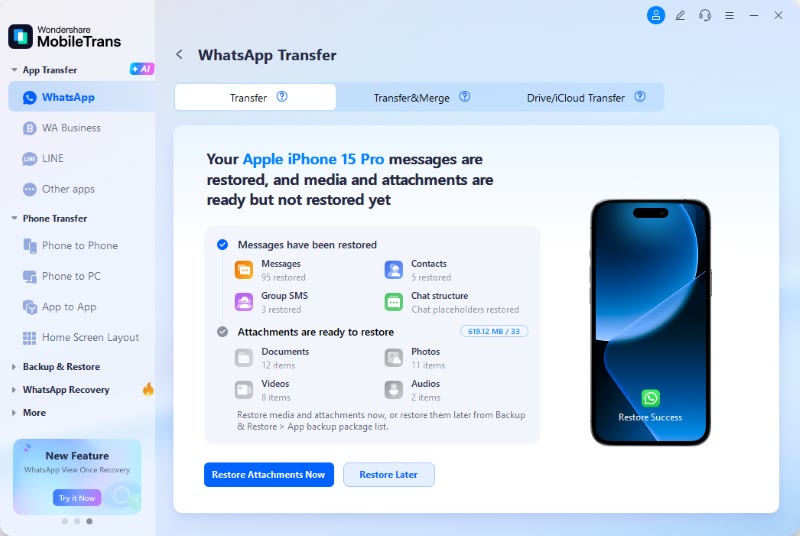
WhatsApp chats arrive in two stages
Messages, contacts and group messages restore first, while documents, photos, videos and audio wait as attachments. You choose whether to restore those attachments right away or later. The screen offers Transfer, Transfer & Merge and Drive/iCloud Transfer tabs.
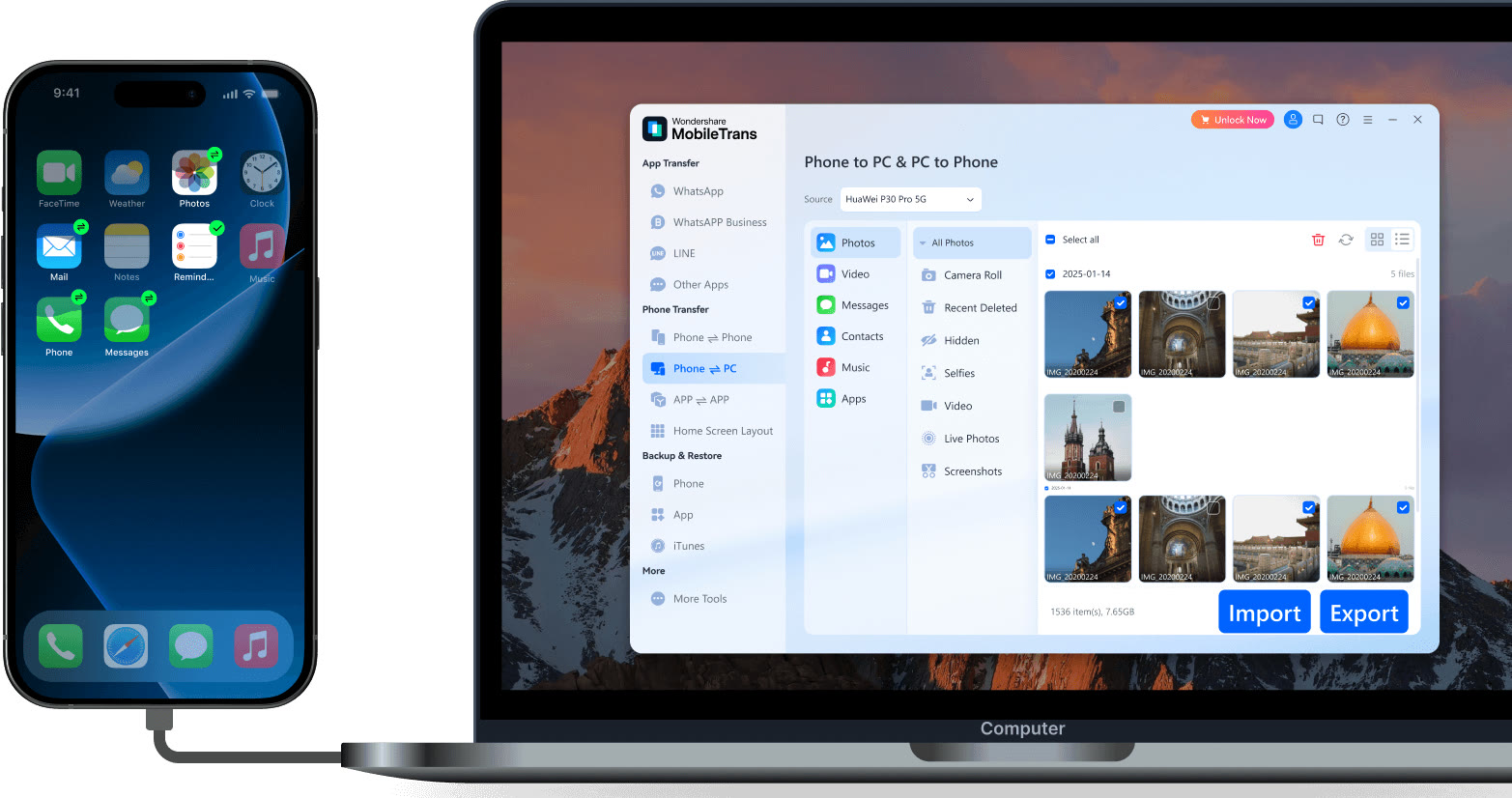
Move photos between phone and computer
Choose Phone to PC in the left menu and the list shows photos, video, messages, contacts, music and apps. Photos are grouped by album, with Import and Export buttons under the grid. The same menu holds the WhatsApp, WhatsApp Business and LINE transfer entries.
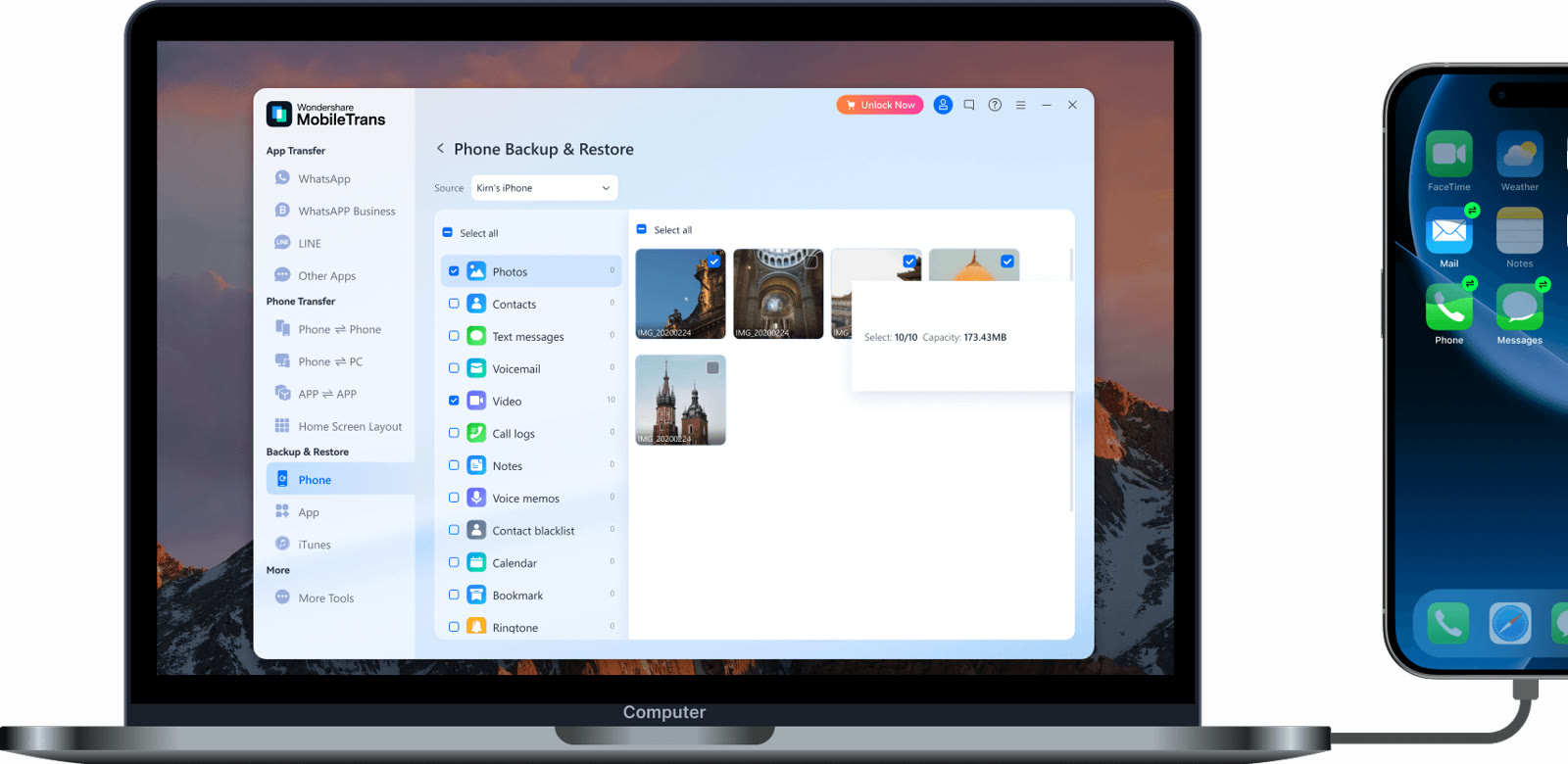
Back up item by item
Photos, contacts, text messages, voicemail, video, call logs, notes, voice memos, calendar, bookmarks and ringtones each get a checkbox. The total size of your selection updates at the bottom. Backup & Restore is split into Phone, App and iTunes.
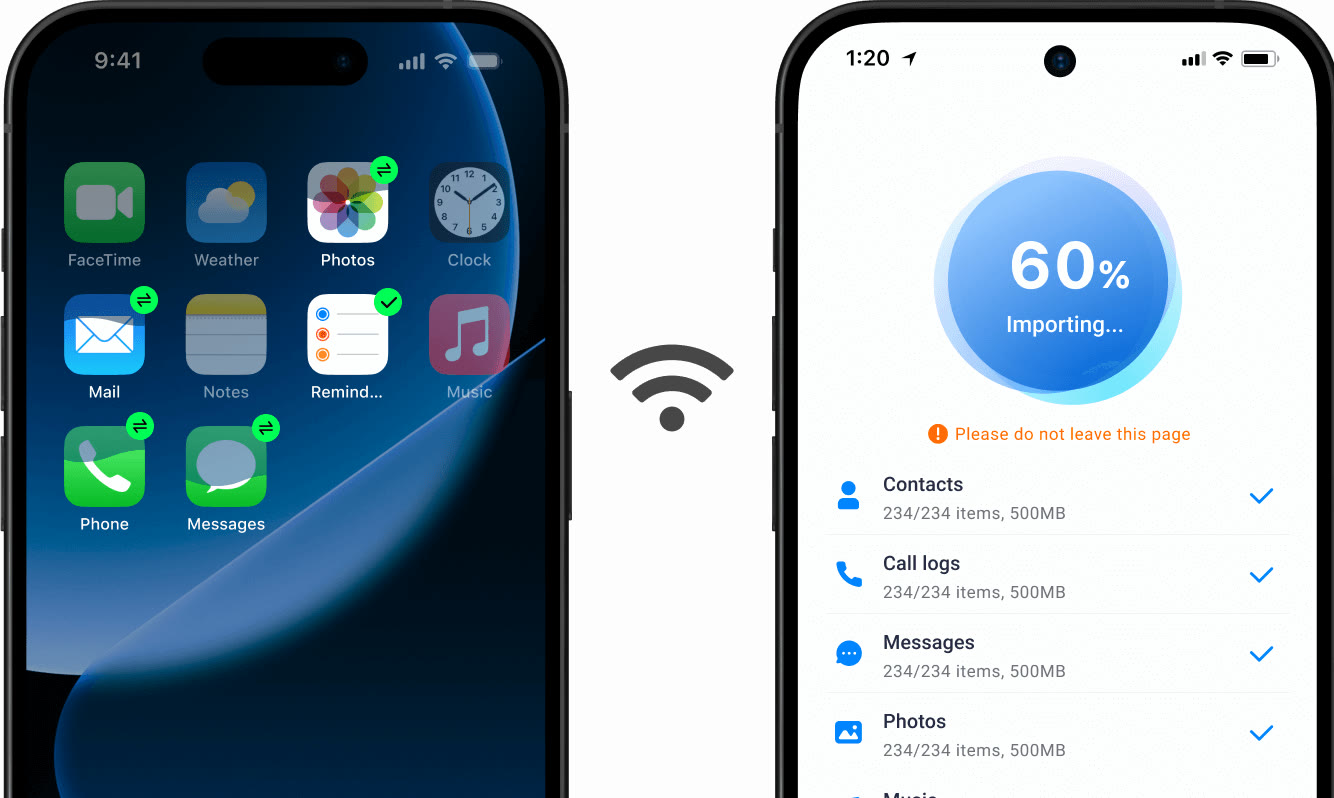
Skip the cable with the mobile app
Link two phones over Wi-Fi and the app moves contacts, call logs, messages and photos in turn. No computer or cable is needed, and progress is shown as a percentage.