
Wondershare
Edit a scanned PDF by bringing its text back with OCR
Turn a paper scan into text you can fix, search and copy.
- 20% off PDFelement
- OCR for scanned PDFs in 26 languages
- Sign and send without printing
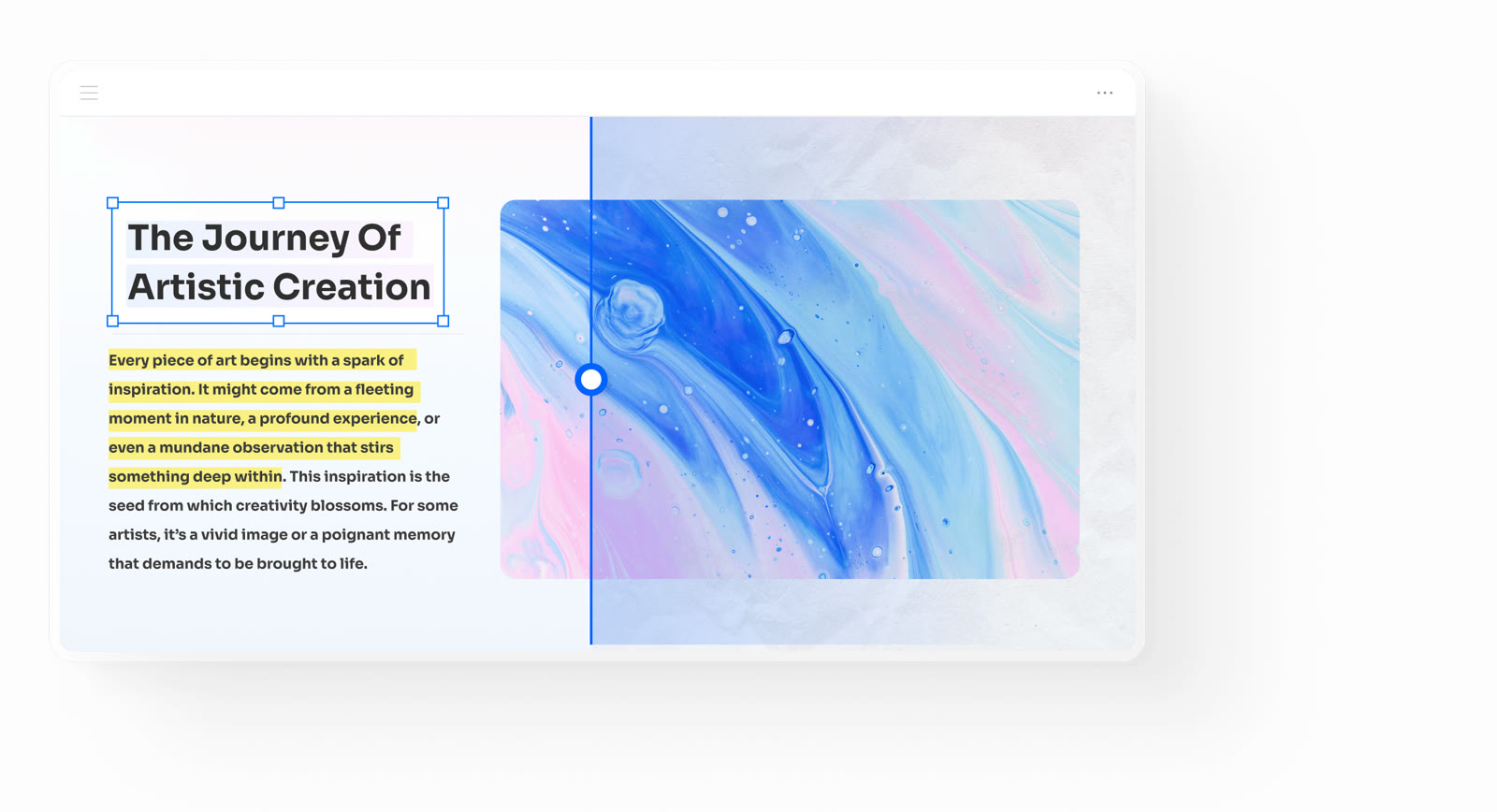
A scanned contract or receipt is usually just a photo of a page stored inside a PDF. Click a paragraph and the whole page is selected like a picture, because there are no real letters to put a cursor in.
PDFelement reads that image with OCR and recognises text in 26 languages, including right-to-left scripts. You pick the result: a searchable PDF that keeps the scan looking exactly as it did, or editable text you can rewrite.
After recognition, the editing tools behave as they do on any born-digital PDF. Change a word, its size, colour or font and the surrounding layout stays put, so fixing one date in an old agreement does not push the page out of shape.
If you hold an archive rather than a single page, OCR runs in batches over scanned PDFs and images. Cleaner source scans recognise better, so straighten crooked pages before you start.
The current 20% off PDFelement applies when you buy the licence, which suits anyone who keeps returning to paper records. You can run the free download on your own scans before paying.
Deals you can use now
| Deal | Code | Conditions |
|---|---|---|
| 20%20% off PDFelement | — | — |
 See PDFelement in detailEdit a PDF as easily as a Word fileNo original file? Edit the PDF itself · Let the AI write the email · Sign without printing · Scanned PDFs, turned into text
FAQ
Can PDFelement run OCR on a photo taken with a phone?
It recognises text in scanned PDFs and in images, so a clear photo of a page works. Sharp, evenly lit shots with straight edges give the most accurate result.
What separates a searchable PDF from editable text?
A searchable PDF keeps the scan's look and adds an invisible text layer, so you can find and copy words but not rewrite them. Editable text swaps the picture of the words for real text you can change.
How many languages does the OCR cover?
26 languages, and that list includes right-to-left scripts.
You might also like
 Edraw.AI7-day unlimited free trialDescribe it, and the diagram draws itself
 Dr.FoneExtra checkout code SAFDRFON for Dr.FonePhone recovery, repair and transfer toolkit
 MobileTransAn extra MobileTrans checkout code: SENMOBTRPhone-to-phone transfer and backup
 RecoveritExtra checkout code SAFRECOVGet deleted and formatted files back