

Wondershare
Photograph your paper sketch, get a diagram back
Upload a hand-drawn layout and it returns as a tidy diagram you can edit.
- 7-day free trial, no limits
- All 40+ AI tools included
- Start from ready-made templates
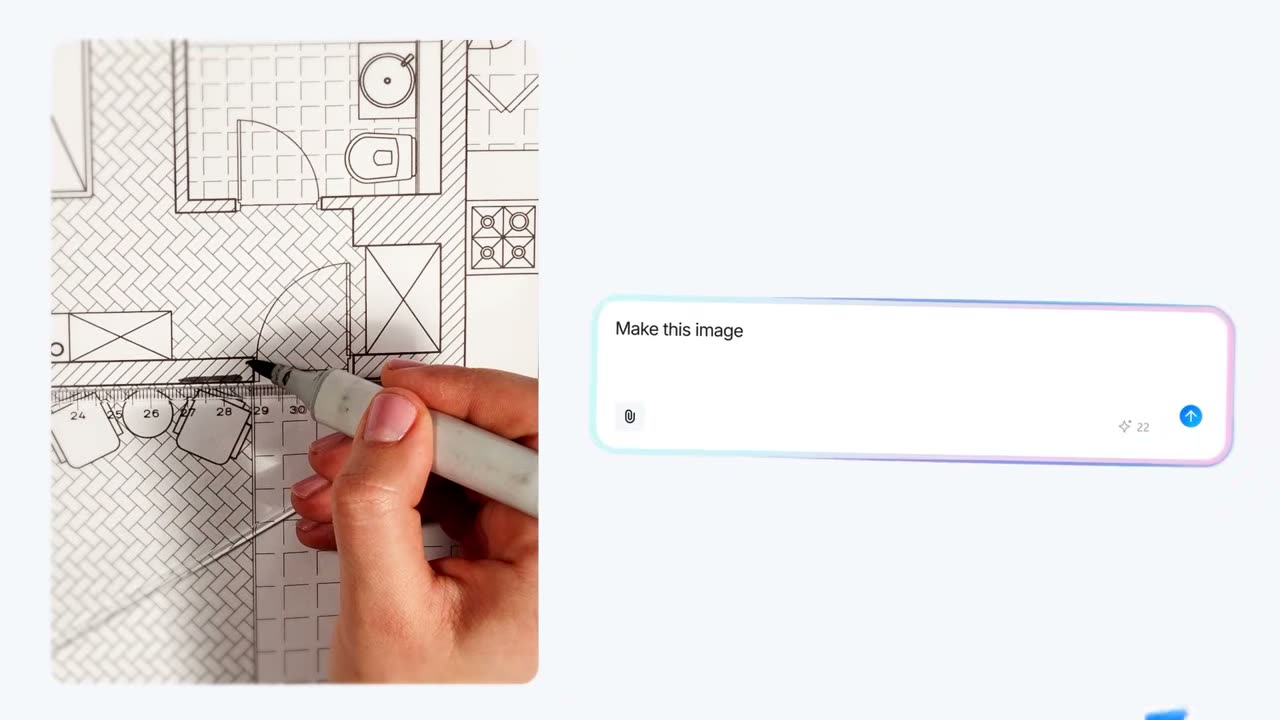
A structure drawn quickly in a notebook during a meeting holds a good idea but looks too rough to circulate. Edraw.AI takes a photo of that hand drawing and returns it as an editable diagram, so nobody redraws it from scratch.
The result is a diagram rather than a flat picture, which means individual shapes and text labels can still be changed. A wobbly line or a forgotten item can be fixed after conversion. Photograph the page in good light so the handwriting stays readable.
The AI tool list has a separate drawing tool, and framed layouts such as floor plans or network diagrams can continue from a template. When the diagram is finished, export it to PNG, PDF or another format for sharing.
During the seven-day trial, photograph one notebook sketch and check the conversion first. All 40+ AI tools stay open without limits.
Deals you can use now
| Deal | Code | Conditions |
|---|---|---|
| 7 days free7-day unlimited free trial | — | Includes all 40+ AI tools |
 See Edraw.AI in detailDescribe it, and the diagram draws itselfOne sentence, one flowchart · Hand sketches, cleaned up · Templates for every field · SWOT and PEST from one sentence
FAQ
What kind of sketch can I upload?
A hand drawing on paper, such as a floor plan or a note, photographed and uploaded.
Can I edit it after conversion?
Yes. It becomes an editable diagram, so shapes and text can be changed.
How do I save the result?
Export it to PNG, PDF or other formats.
You might also like
 PDFelement20% off PDFelementEdit a PDF as easily as a Word file
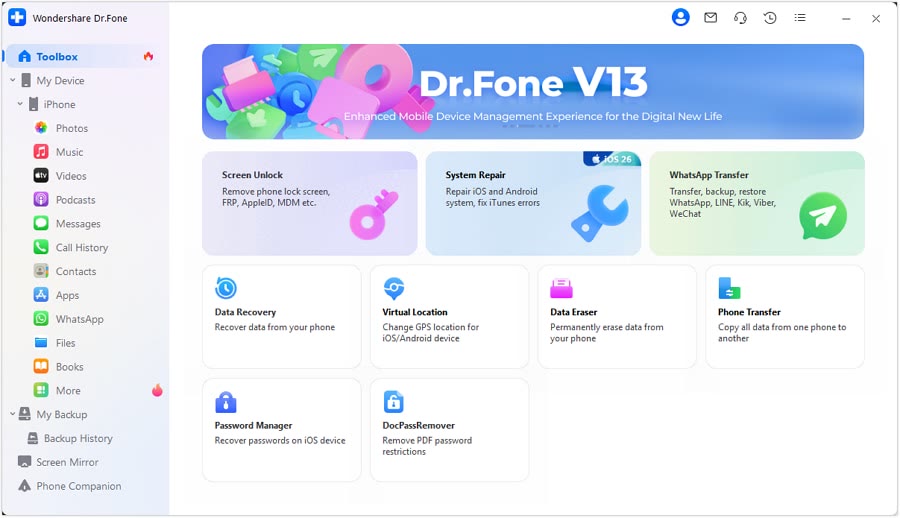 Dr.FoneExtra checkout code SAFDRFON for Dr.FonePhone recovery, repair and transfer toolkit
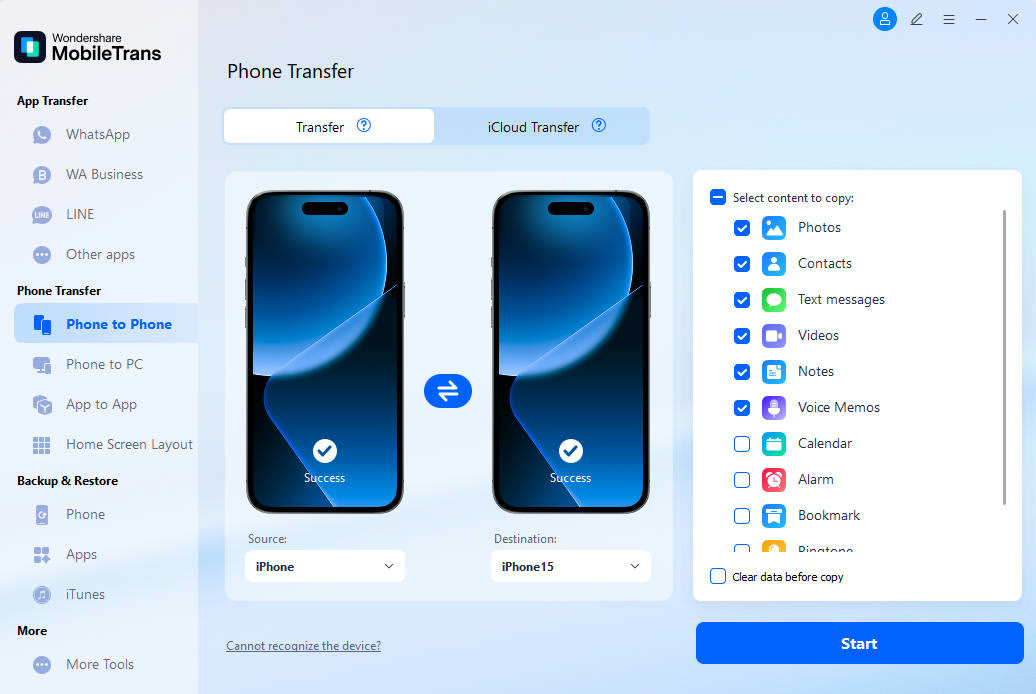 MobileTransAn extra MobileTrans checkout code: SENMOBTRPhone-to-phone transfer and backup
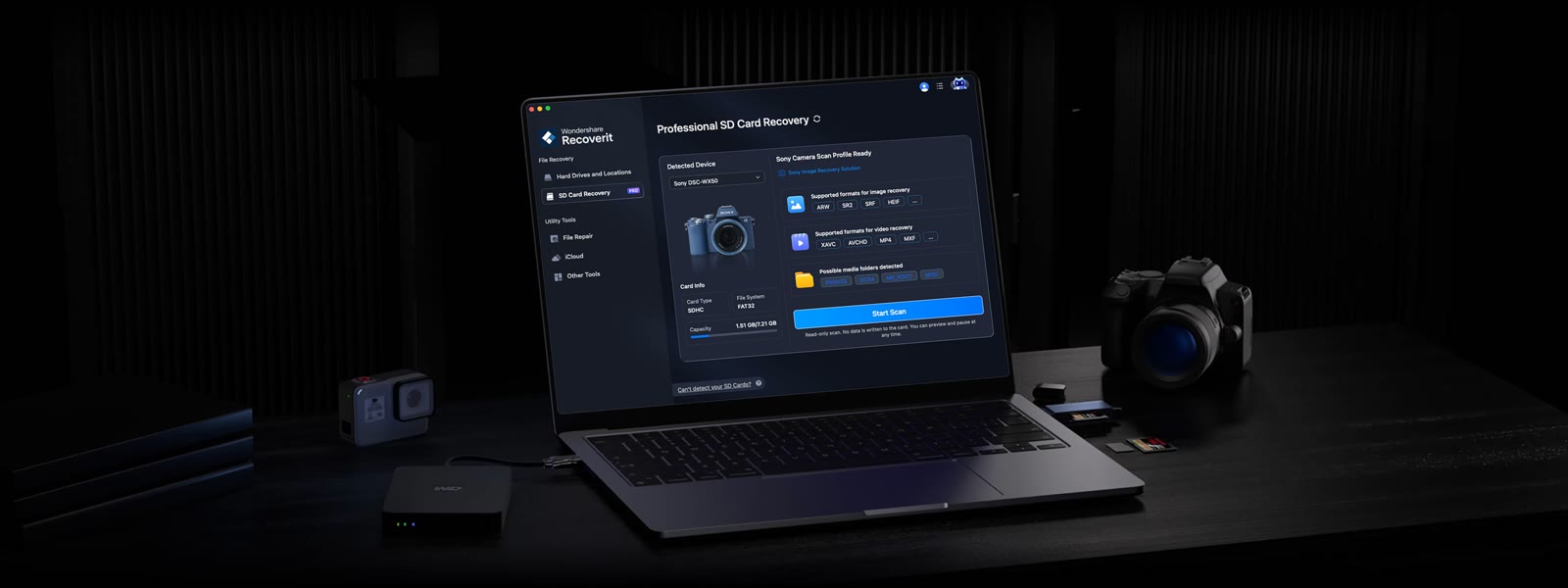 RecoveritExtra checkout code SAFRECOVGet deleted and formatted files back