

Wondershare
Let the AI fill the four SWOT boxes first
Describe what you are analysing in a line and the four quadrants come back organised.
- 7-day free trial, no limits
- All 40+ AI tools included
- Start from ready-made templates
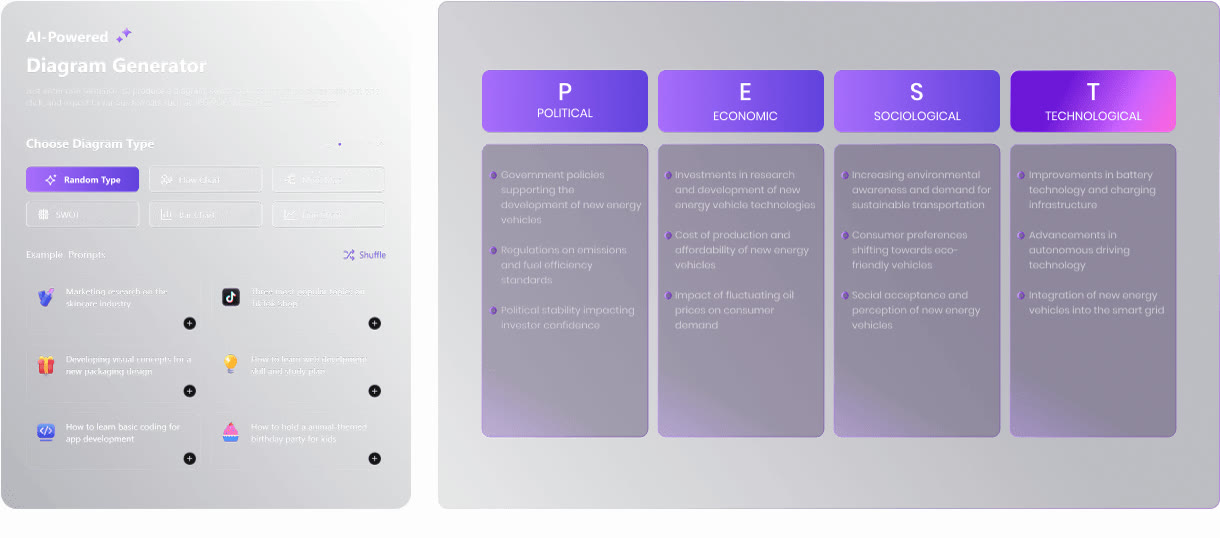
A strategy deck needs a SWOT grid, but the first sentence for each of the four boxes can be the hardest part. The Edraw.AI SWOT analysis generator takes a prompt describing a business, project or person and sorts the findings into strengths, weaknesses, opportunities and threats.
The AI reads the context you supply and organises it against the framework. It is handy for surfacing angles a brainstorm tends to miss, and the formatting is handled for you, which shortens the whole exercise.
Once the draft appears you can rewrite text, add points, and change colors and layout. The same approach covers PEST analysis, which splits the outside environment into political, economic, social and technological factors, and there is a separate lean canvas generator.
The seven-day trial leaves every AI tool open, so build one analysis you would actually put in your next team presentation.
Deals you can use now
| Deal | Code | Conditions |
|---|---|---|
| 7 days free7-day unlimited free trial | — | Includes all 40+ AI tools |
 See Edraw.AI in detailDescribe it, and the diagram draws itselfOne sentence, one flowchart · Hand sketches, cleaned up · Templates for every field · SWOT and PEST from one sentence
FAQ
How do I generate a SWOT analysis?
Enter the subject in the prompt and generate; the result is sorted into strengths, weaknesses, opportunities and threats.
Can I edit the result myself?
Yes. Rewrite text, add points, and change colors and layout.
Does it also do PEST analysis?
Yes, there is a separate PEST analysis generator.
You might also like
 PDFelement20% off PDFelementEdit a PDF as easily as a Word file
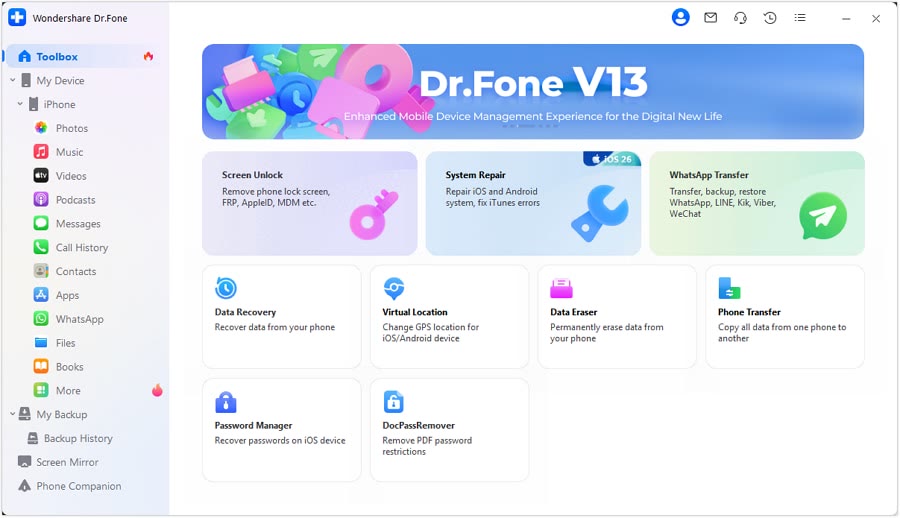 Dr.FoneExtra checkout code SAFDRFON for Dr.FonePhone recovery, repair and transfer toolkit
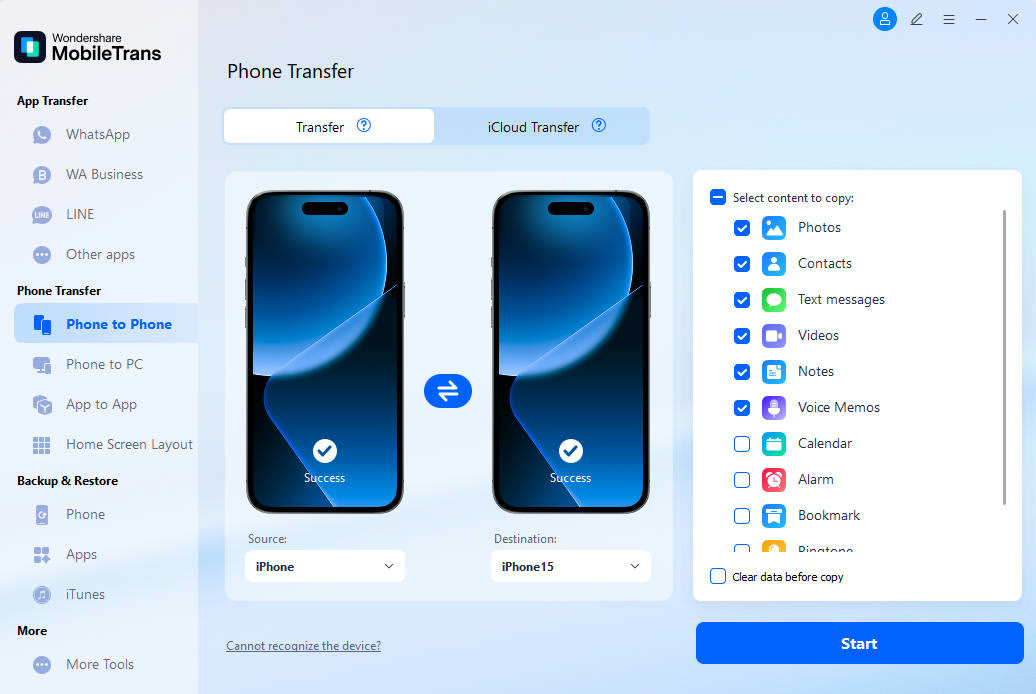 MobileTransAn extra MobileTrans checkout code: SENMOBTRPhone-to-phone transfer and backup
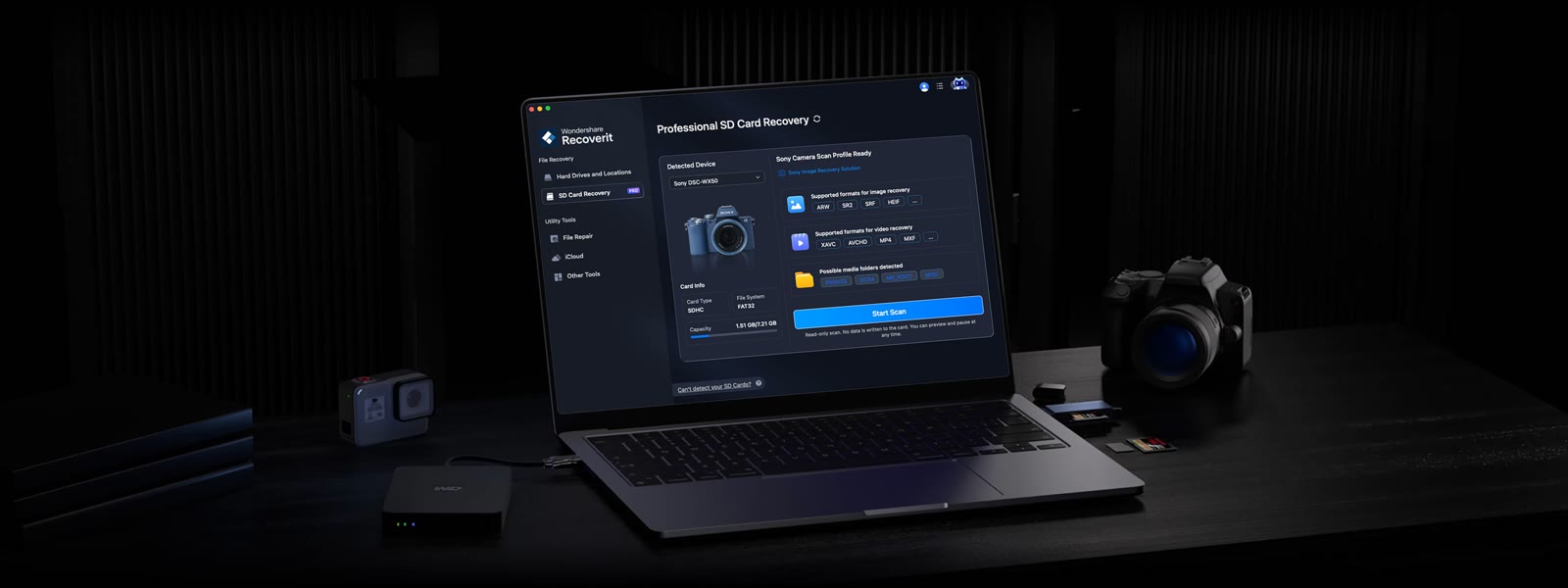 RecoveritExtra checkout code SAFRECOVGet deleted and formatted files back