

Wondershare
Build a Gantt chart in the browser, with your team
Start a schedule from a template and track progress on a kanban board.
- 7-day free trial, no limits
- All 40+ AI tools included
- Start from ready-made templates
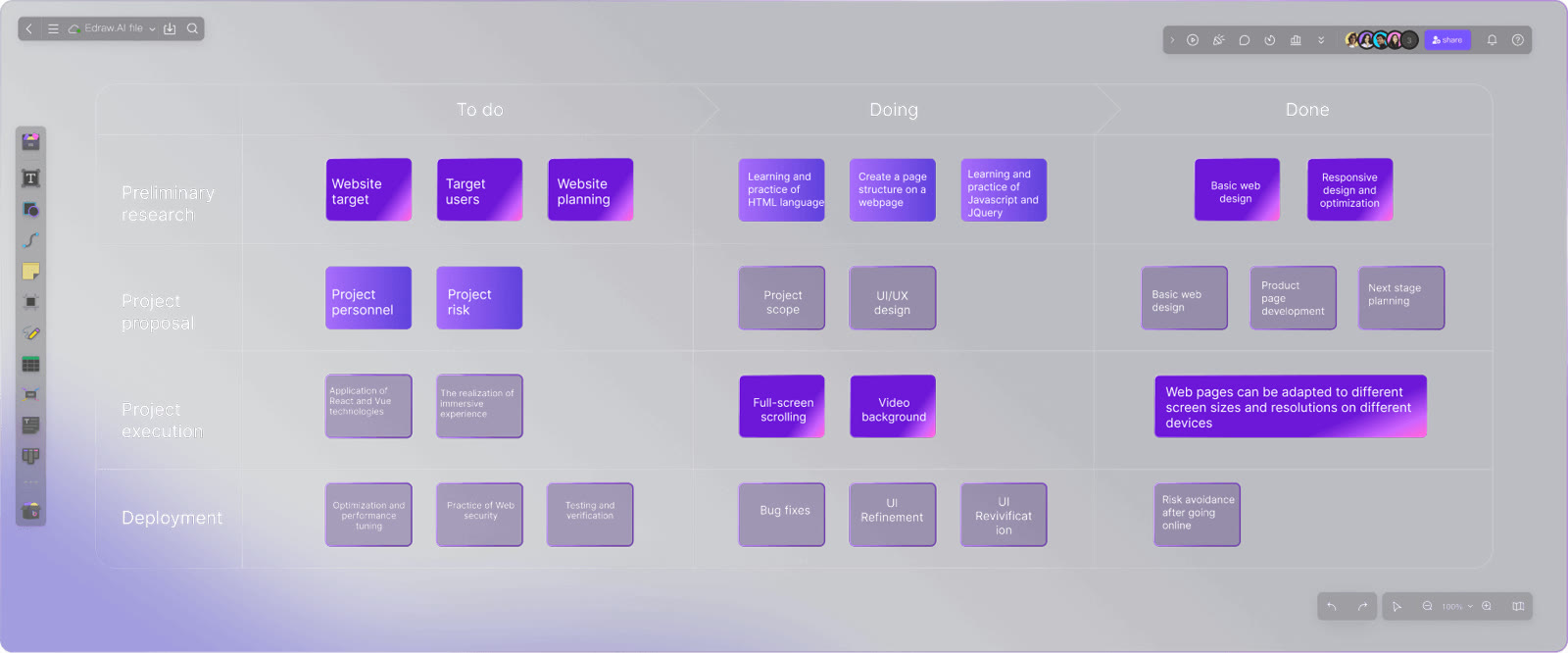
A project schedule built by shading spreadsheet cells drifts out of shape fast. Edraw.AI lists Gantt chart templates beside mind maps and org charts, so you open one in the browser with nothing to install and start from a finished timeline layout rather than an empty screen.
A schedule is rarely a solo document. Teammates edit the same canvas and talk through date changes in comments, which cuts down on emailing files back and forth and hunting for the latest copy.
A kanban board shows how the project is moving at a glance, and a finished chart exports to formats such as PDF or PNG for a status report. A practical split is the Gantt chart for the long view and the board for what is happening this week.
The seven-day unlimited trial lets you load one real schedule and see whether the team finds it comfortable to share.
Deals you can use now
| Deal | Code | Conditions |
|---|---|---|
| 7 days free7-day unlimited free trial | — | Includes all 40+ AI tools |
 See Edraw.AI in detailDescribe it, and the diagram draws itselfOne sentence, one flowchart · Hand sketches, cleaned up · Templates for every field · SWOT and PEST from one sentence
FAQ
Do I need to install anything to make a Gantt chart?
No. It opens, edits and saves online in the browser.
Can colleagues edit the same chart?
Yes. Everyone can work on the canvas together and comment on it.
Where do I follow progress besides the chart?
A kanban board shows the state of the project at a glance.
You might also like
 PDFelement20% off PDFelementEdit a PDF as easily as a Word file
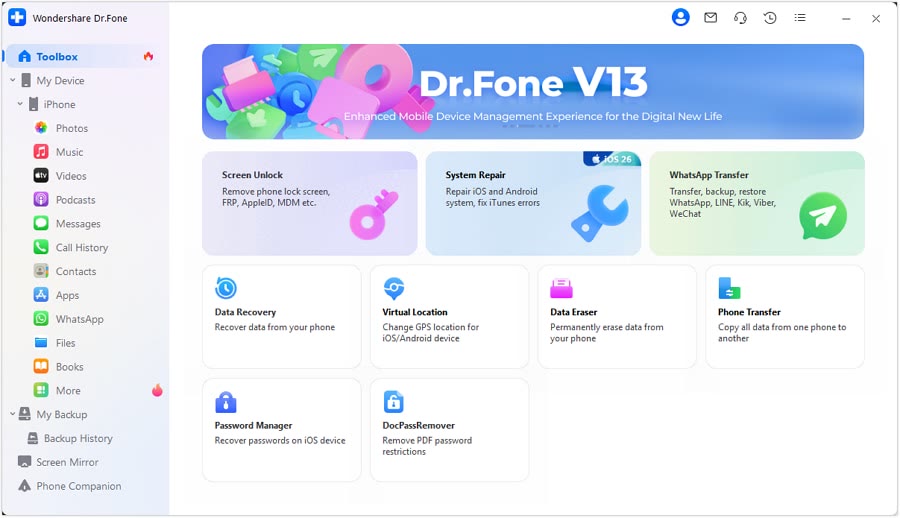 Dr.FoneExtra checkout code SAFDRFON for Dr.FonePhone recovery, repair and transfer toolkit
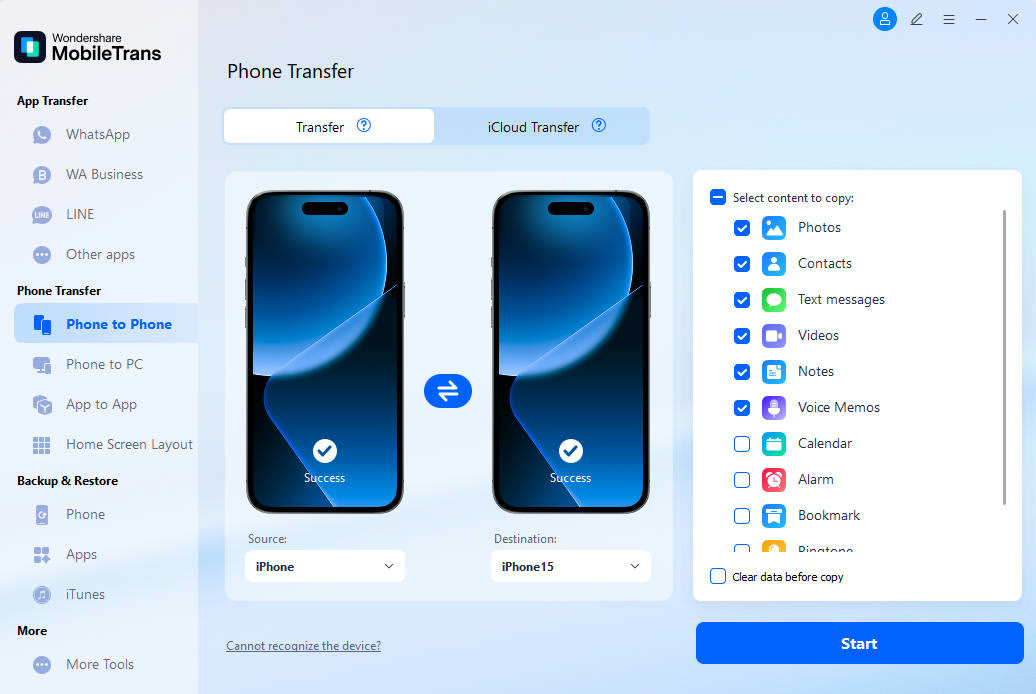 MobileTransAn extra MobileTrans checkout code: SENMOBTRPhone-to-phone transfer and backup
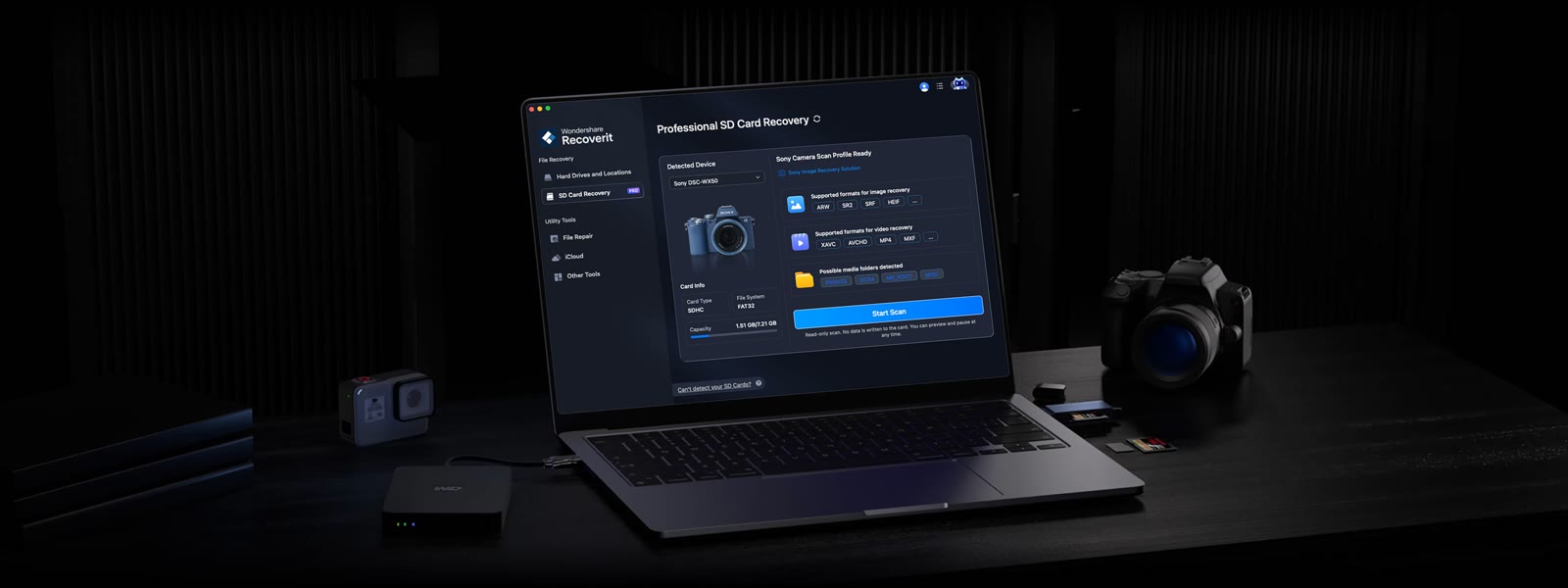 RecoveritExtra checkout code SAFRECOVGet deleted and formatted files back