

Wondershare
Get the branches of a mind map before you start
Type a topic and the generator returns a map branching out from a central idea.
- 7-day free trial, no limits
- All 40+ AI tools included
- Start from ready-made templates

Open a blank mind map the evening before a planning meeting and you often stare at one lonely central node. The Edraw.AI mind map generator starts you further along: type a topic into the prompt box, press Generate and a branching draft appears. The sample prompts include a project plan, a plan for learning to code and a packaging design concept.
A draft splits into main branches, such as overview, objectives and constraints, with detail nodes hanging beneath each one. Rename a branch, add a node or delete one, and bend the structure to your own situation. The time spent deciding how to organise an empty page drops sharply.
When the raw material sits in a document, the AI tool list also includes file analysis next to the mind map generator. Brainstorming can continue on a shared canvas where teammates comment, so a draft built alone can be put in front of the group right away.
During the seven-day trial all 40+ AI tools are open, which makes it a fair moment to feed in next week's planning topic and see what comes back.
Deals you can use now
| Deal | Code | Conditions |
|---|---|---|
| 7 days free7-day unlimited free trial | — | Includes all 40+ AI tools |
See Edraw.AI in detailDescribe it, and the diagram draws itselfOne sentence, one flowchart · Hand sketches, cleaned up · Templates for every field · SWOT and PEST from one sentenceFAQ
How do I start a mind map?
Type a topic into the AI mind map generator prompt box and press Generate.
Can I change the generated map?
Yes. Branches and nodes can be added, renamed or removed by hand.
Can my team work on it with me?
Yes. Everyone can work on the same canvas in real time and leave comments.
You might also like
 PDFelement20% off PDFelementEdit a PDF as easily as a Word file
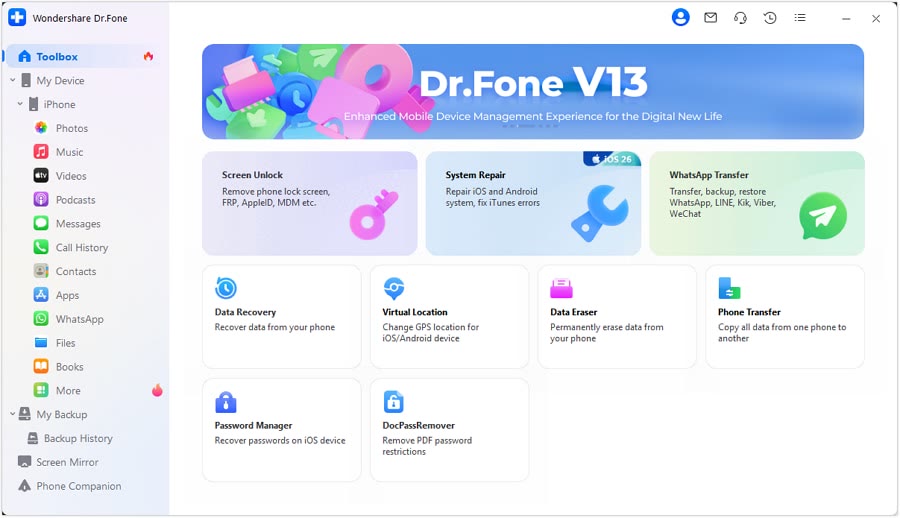 Dr.FoneExtra checkout code SAFDRFON for Dr.FonePhone recovery, repair and transfer toolkit
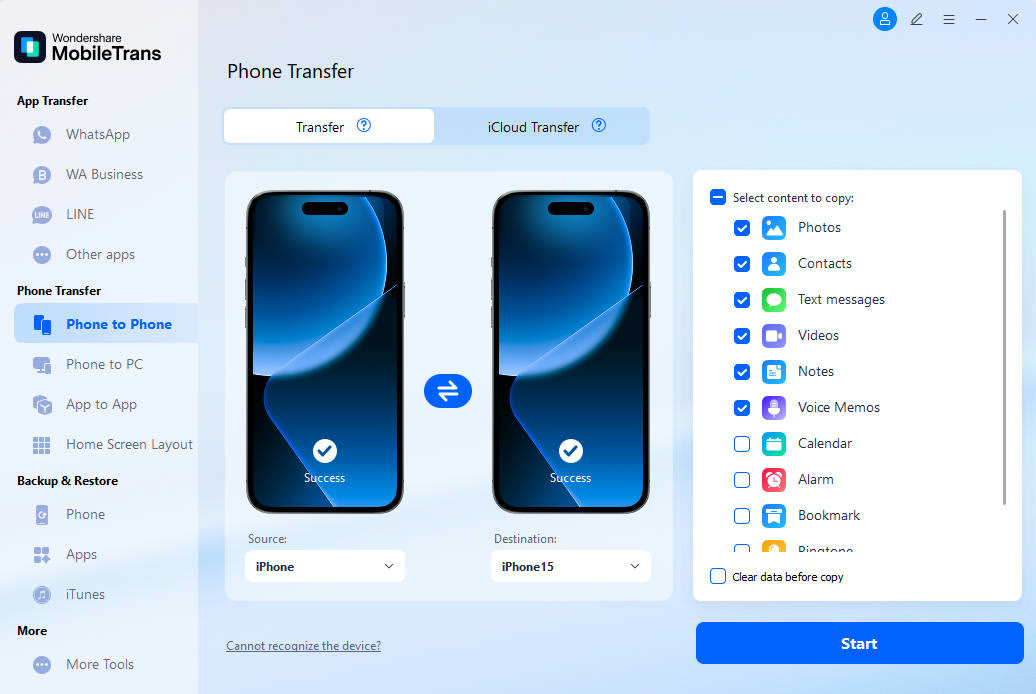 MobileTransAn extra MobileTrans checkout code: SENMOBTRPhone-to-phone transfer and backup
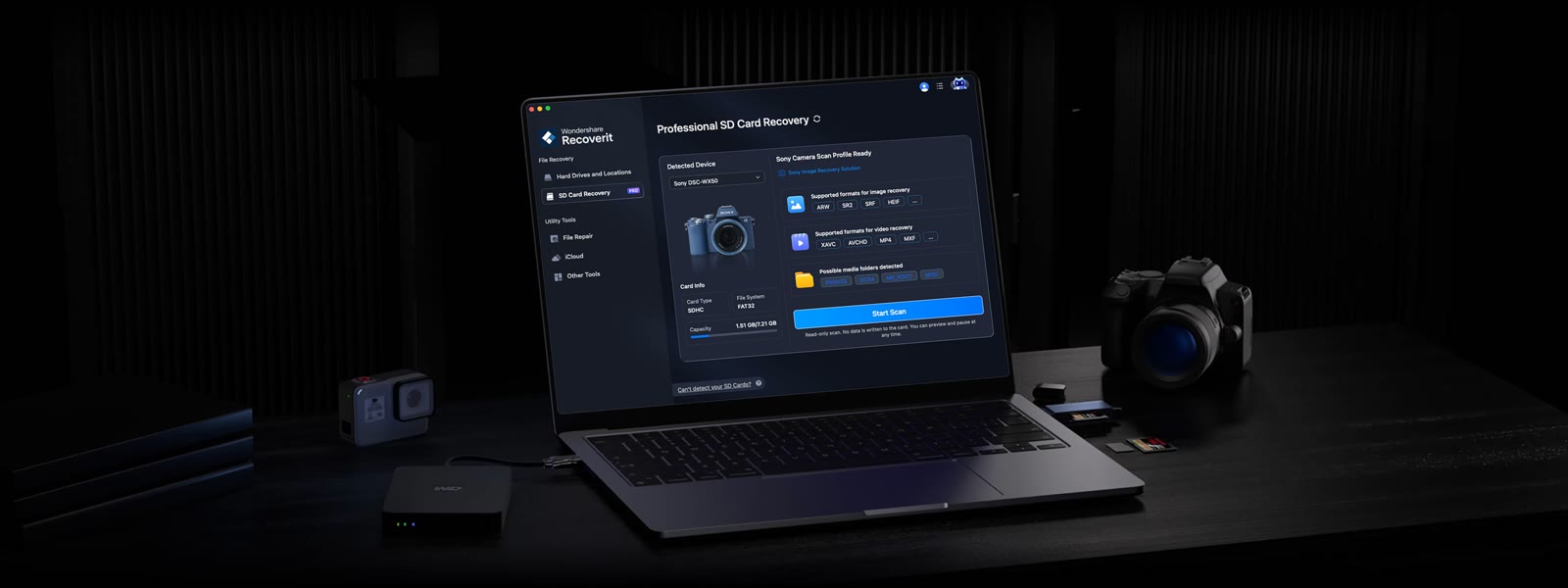 RecoveritExtra checkout code SAFRECOVGet deleted and formatted files back