
Wondershare
Move WhatsApp chats from iPhone to Android
Chats and media move with a guided desktop workflow.
- Extra discount: code SAFDRFON
- Scan and preview first, pay at export
- Monthly, annual or lifetime; 7-day refund
Entered in the code field at checkout.
Get the discount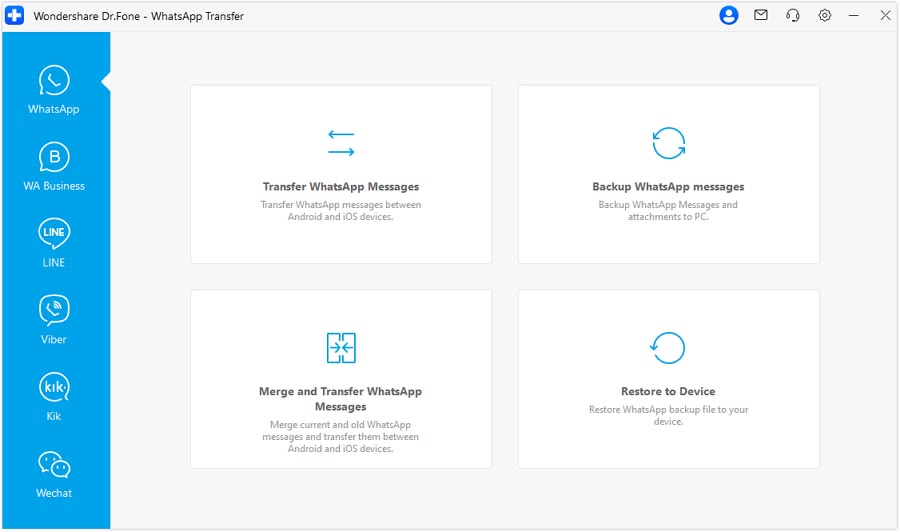
WhatsApp and WhatsApp Business chats can go Android to iPhone, iPhone to Android, Android to Android or iPhone to iPhone. Messages, photos, videos, voice notes, stickers, documents and call logs are covered.
The official site says you can transfer after the new phone is already set up, and choose to keep existing WhatsApp data on the destination. It also admits that official migration tools are a fine first option when they fit your case.
Backing up to a computer lets you preview the content and export it as PDF, HTML, CSV or Excel. LINE, Kik, Viber and WeChat get backup and restore too.
Huge chat histories take time, so keep the cable plugged in until it ends. The code SAFDRFON can be entered when you pay.
Deals you can use now
| Deal | Code | Conditions |
|---|---|---|
| CodeExtra checkout code SAFDRFON for Dr.Fone | SAFDRFON | Entered in the code field at checkout. |
| CodeExtra checkout code SAFMIRRO for Dr.Fone Basic | SAFMIRRO | Made for the Basic plan: backup, screen mirroring and data management. |
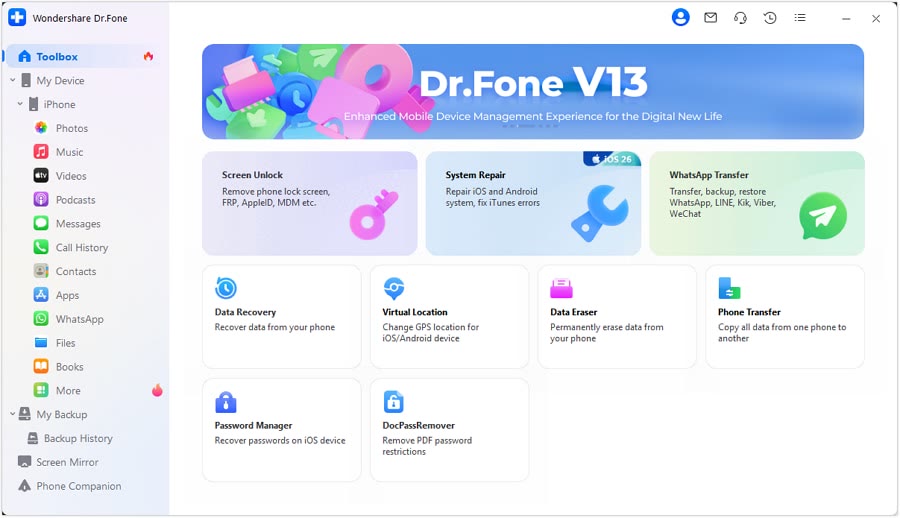 See Dr.Fone in detailPhone recovery, repair and transfer toolkitScan first, preview before you recover · Android recovery by situation · System problems start with Standard Repair · Move WhatsApp chats in one go
FAQ
Does it handle WhatsApp Business?
Yes, the official page includes WhatsApp Business transfers.
Can I export chats as PDF?
PC backups can be exported in PDF, HTML, CSV and Excel formats.
What about LINE or Viber?
Backup and restore are offered for Viber, LINE, WeChat and Kik too.
You might also like
 PDFelement20% off PDFelementEdit a PDF as easily as a Word file
 Edraw.AI7-day unlimited free trialDescribe it, and the diagram draws itself
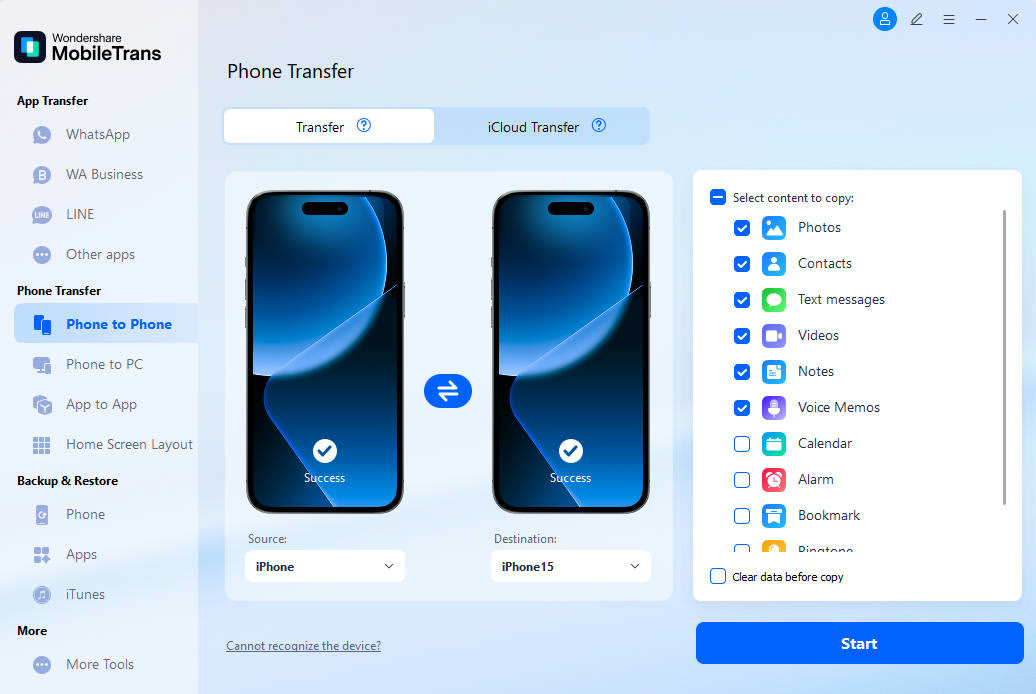 MobileTransAn extra MobileTrans checkout code: SENMOBTRPhone-to-phone transfer and backup
 RecoveritExtra checkout code SAFRECOVGet deleted and formatted files back