

Wondershare
Recover deleted iPhone photos and messages
Scan the device first, even without a backup.
- Extra discount: code SAFDRFON
- Scan and preview first, pay at export
- Monthly, annual or lifetime; 7-day refund
Entered in the code field at checkout.
Get the discount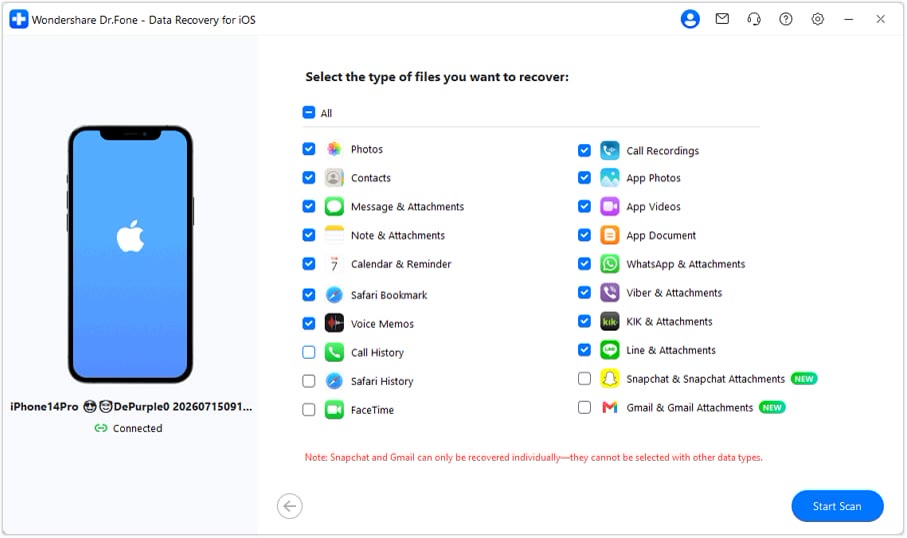
When the Recently Deleted album is empty, the next places to look are the device itself, iCloud and iTunes backups. Dr.Fone checks all three from one program.
You tick the file types to recover: photos, contacts, messages, notes, call history, app photos and documents, from a list of more than 35 types. The scan is read-only by design, so it should not touch existing data.
Results appear as a preview. Send the ones you want back to the iPhone or export them to the computer, with no need to restore a whole backup over the phone.
If new data has piled up since the deletion, or no accessible copy remains, recovery may fail. At checkout you can try SAFDRFON and compare the total.
Deals you can use now
| Deal | Code | Conditions |
|---|---|---|
| CodeExtra checkout code SAFDRFON for Dr.Fone | SAFDRFON | Entered in the code field at checkout. |
| CodeExtra checkout code SAFMIRRO for Dr.Fone Basic | SAFMIRRO | Made for the Basic plan: backup, screen mirroring and data management. |
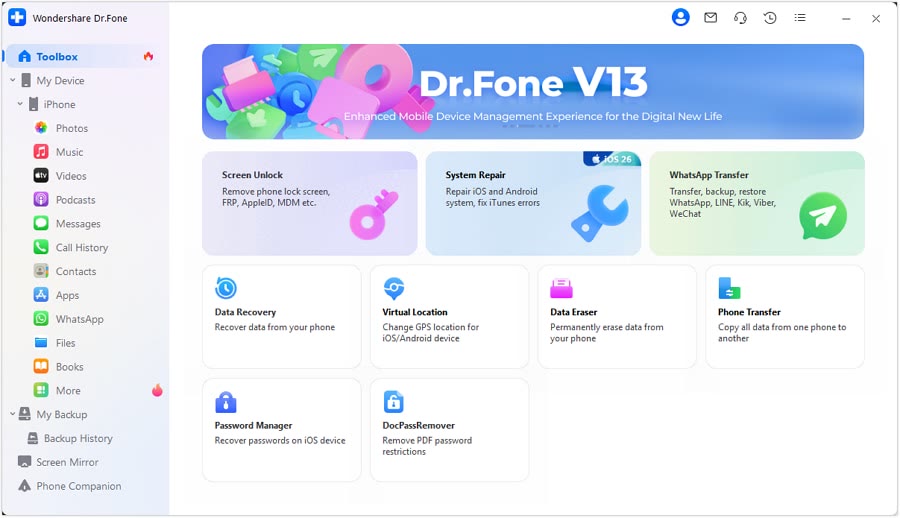 See Dr.Fone in detailPhone recovery, repair and transfer toolkitScan first, preview before you recover · Android recovery by situation · System problems start with Standard Repair · Move WhatsApp chats in one go
FAQ
Does it work without a backup?
It starts with a device scan. The official page says results vary with device condition and iOS version.
Will scanning alter my phone?
The scan is described as read-only, so existing data is left alone.
Where do recovered photos go?
Back to the iPhone or out to your computer, whichever you pick.
You might also like
 PDFelement20% off PDFelementEdit a PDF as easily as a Word file
 Edraw.AI7-day unlimited free trialDescribe it, and the diagram draws itself
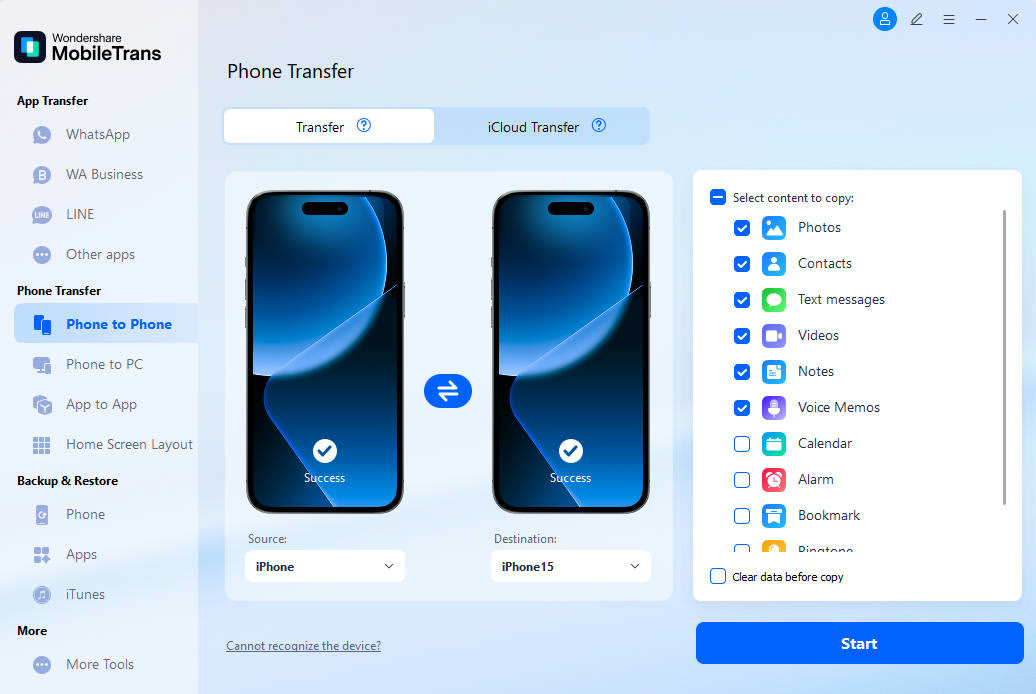 MobileTransAn extra MobileTrans checkout code: SENMOBTRPhone-to-phone transfer and backup
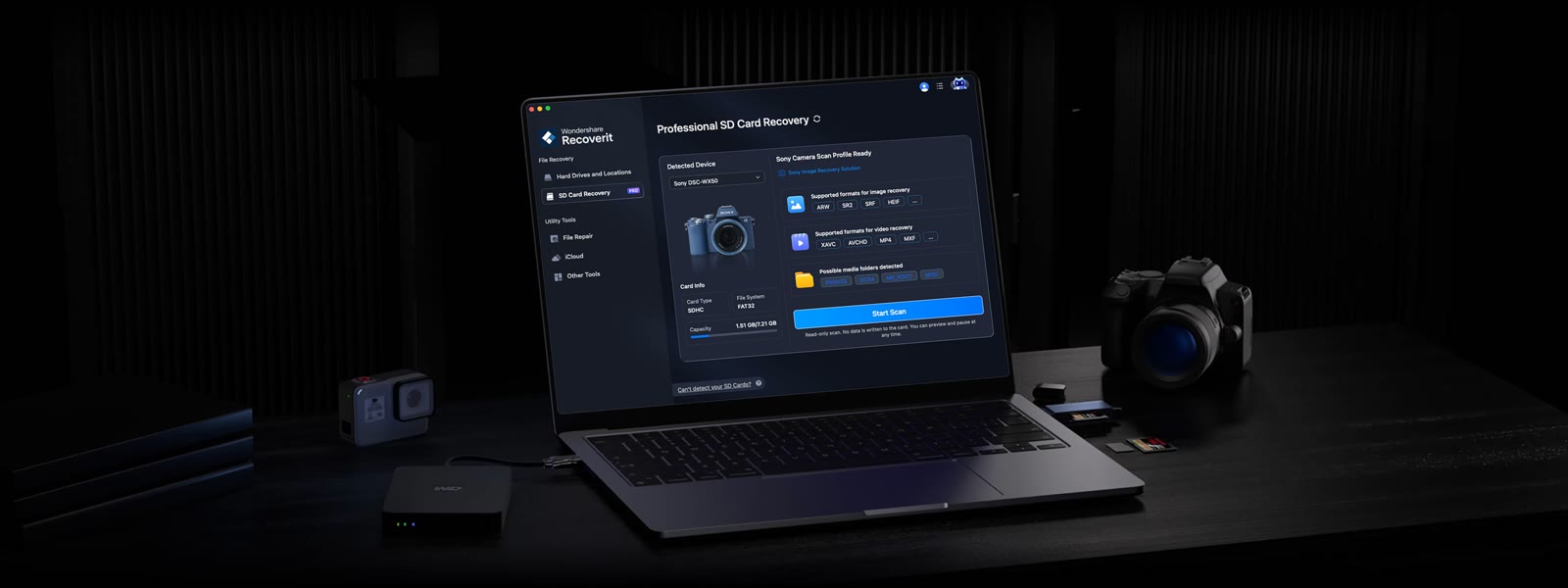 RecoveritExtra checkout code SAFRECOVGet deleted and formatted files back