

Wondershare
iPhone stuck on the Apple logo
Try Standard Repair first, because it aims to keep your data.
- Extra discount: code SAFDRFON
- Scan and preview first, pay at export
- Monthly, annual or lifetime; 7-day refund
Entered in the code field at checkout.
Get the discount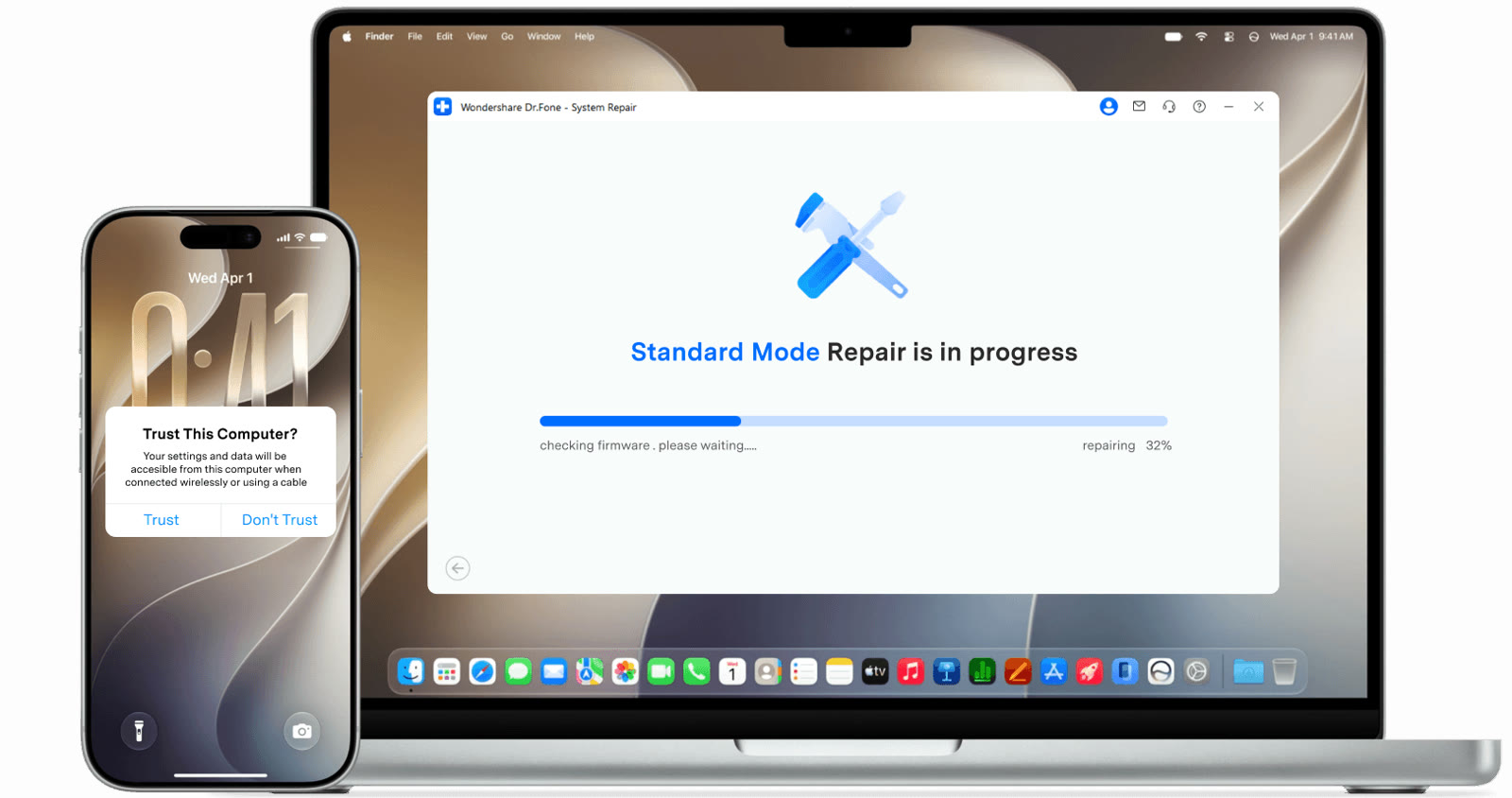
Apple logo freezes, restart loops, a stuck recovery mode and updates that hang are software problems this tool targets. The official site says it handles more than 150 iOS issues.
Standard Repair is built to solve supported problems without deleting data. For severe cases there is Advanced Repair, which may erase the device.
Connect the iPhone to your computer and the program checks firmware, downloads a package and shows progress. It also covers iTunes errors such as 4013 and 1110, and entering recovery mode is listed as free.
A cracked board or water damage is hardware, and software will not fix that. Before buying, compare totals with a code like SAFDRFON.
Deals you can use now
| Deal | Code | Conditions |
|---|---|---|
| CodeExtra checkout code SAFDRFON for Dr.Fone | SAFDRFON | Entered in the code field at checkout. |
| CodeExtra checkout code SAFMIRRO for Dr.Fone Basic | SAFMIRRO | Made for the Basic plan: backup, screen mirroring and data management. |
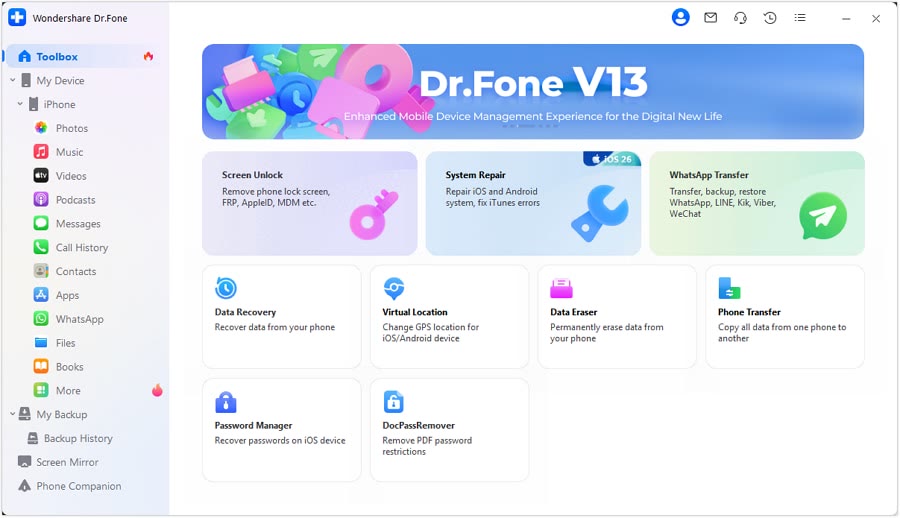 See Dr.Fone in detailPhone recovery, repair and transfer toolkitScan first, preview before you recover · Android recovery by situation · System problems start with Standard Repair · Move WhatsApp chats in one go
FAQ
Will my data be erased?
Standard Repair is built to keep data; Advanced Repair may erase it, according to the official page.
Is iTunes required?
The official page presents it as a repair tool that works without iTunes or Finder.
Does it fix failed iOS updates?
Stuck updates and verification failures are on the supported list.
You might also like
 PDFelement20% off PDFelementEdit a PDF as easily as a Word file
 Edraw.AI7-day unlimited free trialDescribe it, and the diagram draws itself
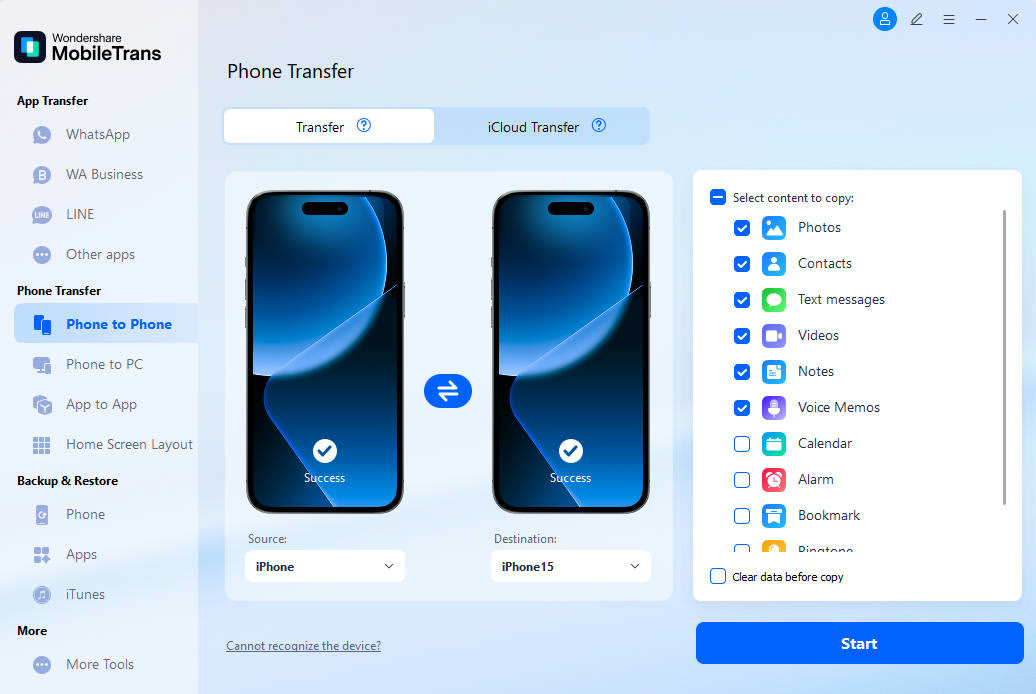 MobileTransAn extra MobileTrans checkout code: SENMOBTRPhone-to-phone transfer and backup
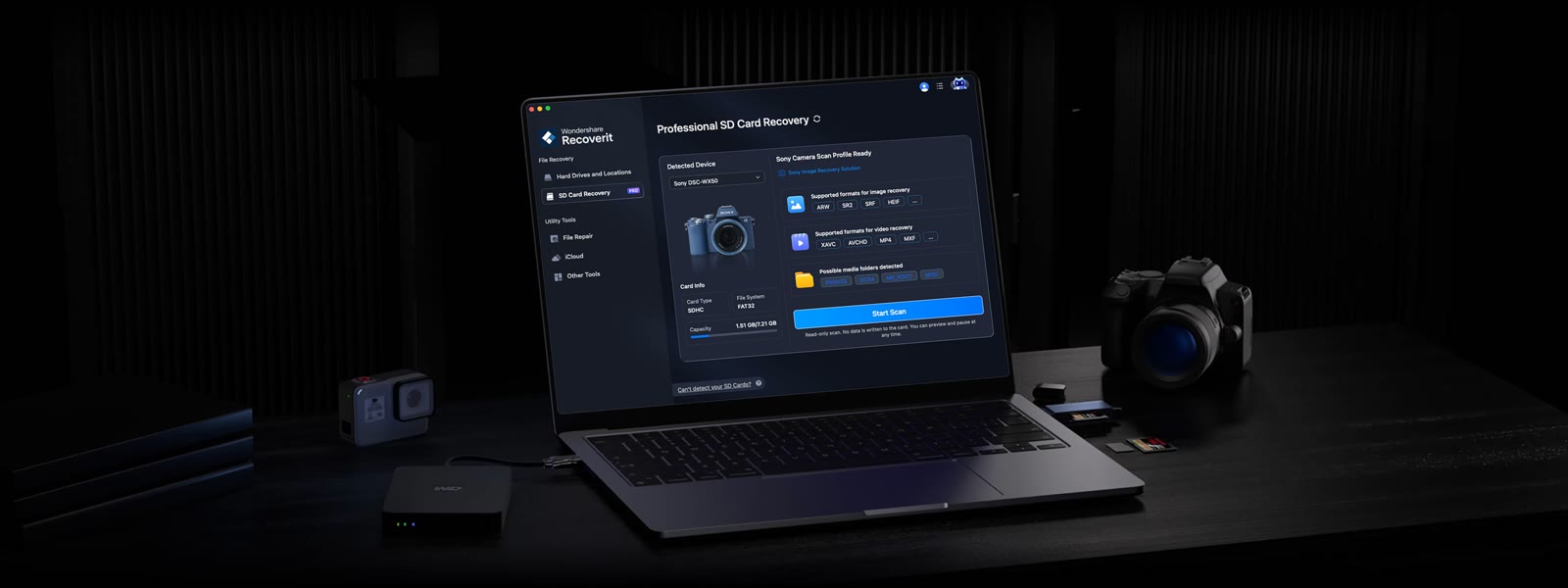 RecoveritExtra checkout code SAFRECOVGet deleted and formatted files back