
Wondershare
What moves when you switch from iPhone to Android
Supported file types differ by direction.
- Extra discount: code SAFDRFON
- Scan and preview first, pay at export
- Monthly, annual or lifetime; 7-day refund
Entered in the code field at checkout.
Get the discount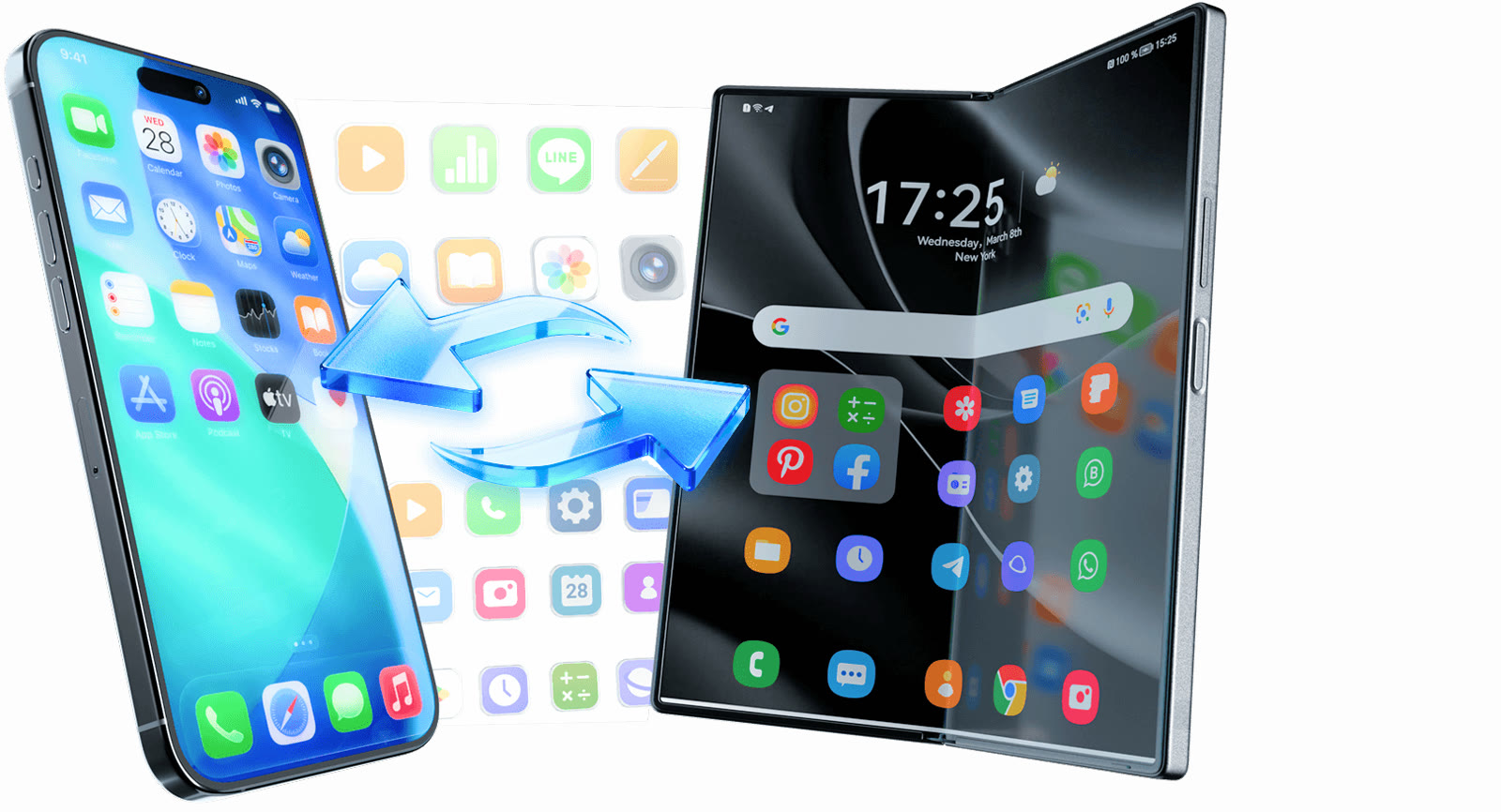
Dr.Fone Phone Transfer lets you pick supported items and send them between iOS and Android. The official site lists compatibility with Android 16 and iOS 27.
Going from iPhone to Android, it handles 12 types: photos, videos, contacts, a blocklist, texts, calendar, reminders, alarms, voicemail, ringtones, voice memos and music.
Android to iPhone covers 8 types: photos, videos, contacts, texts, calendar, ringtones, voice memos and music. iPhone to iPhone supports 13, and Android to Android supports 12.
Chat apps such as WhatsApp use a separate transfer feature. For a Dr.Fone checkout that includes phone transfer, you can try SAFDRFON.
Deals you can use now
| Deal | Code | Conditions |
|---|---|---|
| CodeExtra checkout code SAFDRFON for Dr.Fone | SAFDRFON | Entered in the code field at checkout. |
| CodeExtra checkout code SAFMIRRO for Dr.Fone Basic | SAFMIRRO | Made for the Basic plan: backup, screen mirroring and data management. |
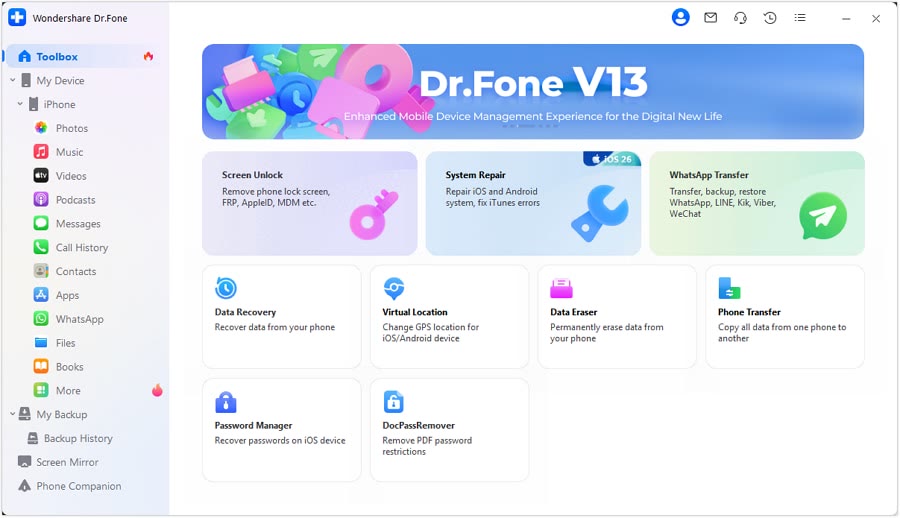 See Dr.Fone in detailPhone recovery, repair and transfer toolkitScan first, preview before you recover · Android recovery by situation · System problems start with Standard Repair · Move WhatsApp chats in one go
FAQ
Do I have to reset the iPhone?
For Android to iPhone, the page says you need not reset it or depend on shaky Wi-Fi.
Do app chats move too?
App-based chats go through a separate feature such as WhatsApp Transfer.
Will a big photo library be slow?
The page notes that larger photo and video libraries may take longer.
You might also like
 PDFelement20% off PDFelementEdit a PDF as easily as a Word file
 Edraw.AI7-day unlimited free trialDescribe it, and the diagram draws itself
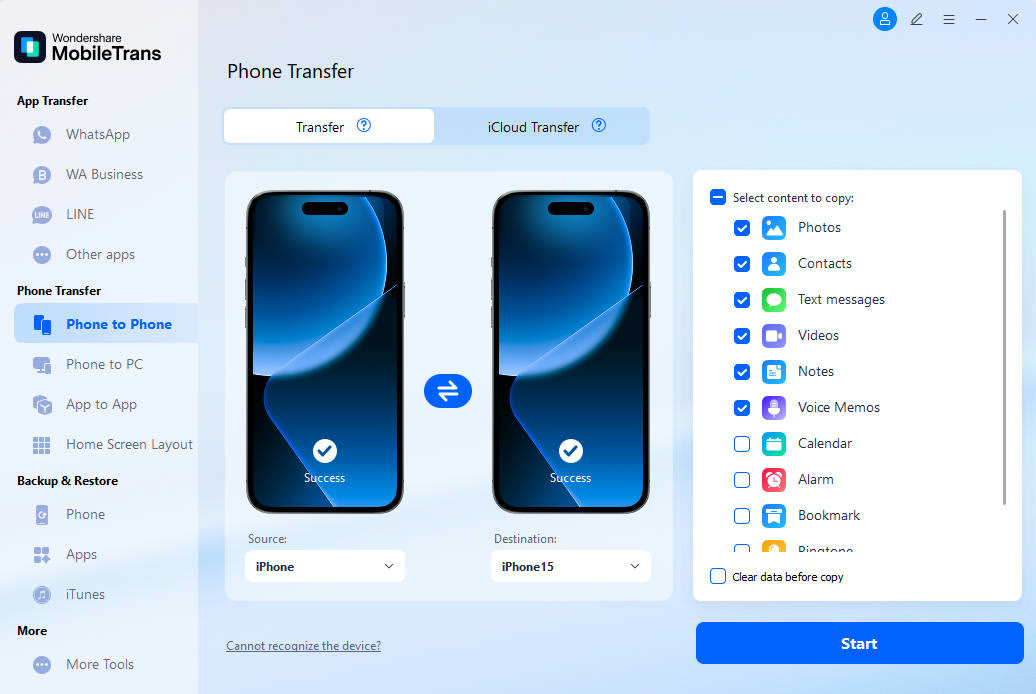 MobileTransAn extra MobileTrans checkout code: SENMOBTRPhone-to-phone transfer and backup
 RecoveritExtra checkout code SAFRECOVGet deleted and formatted files back