
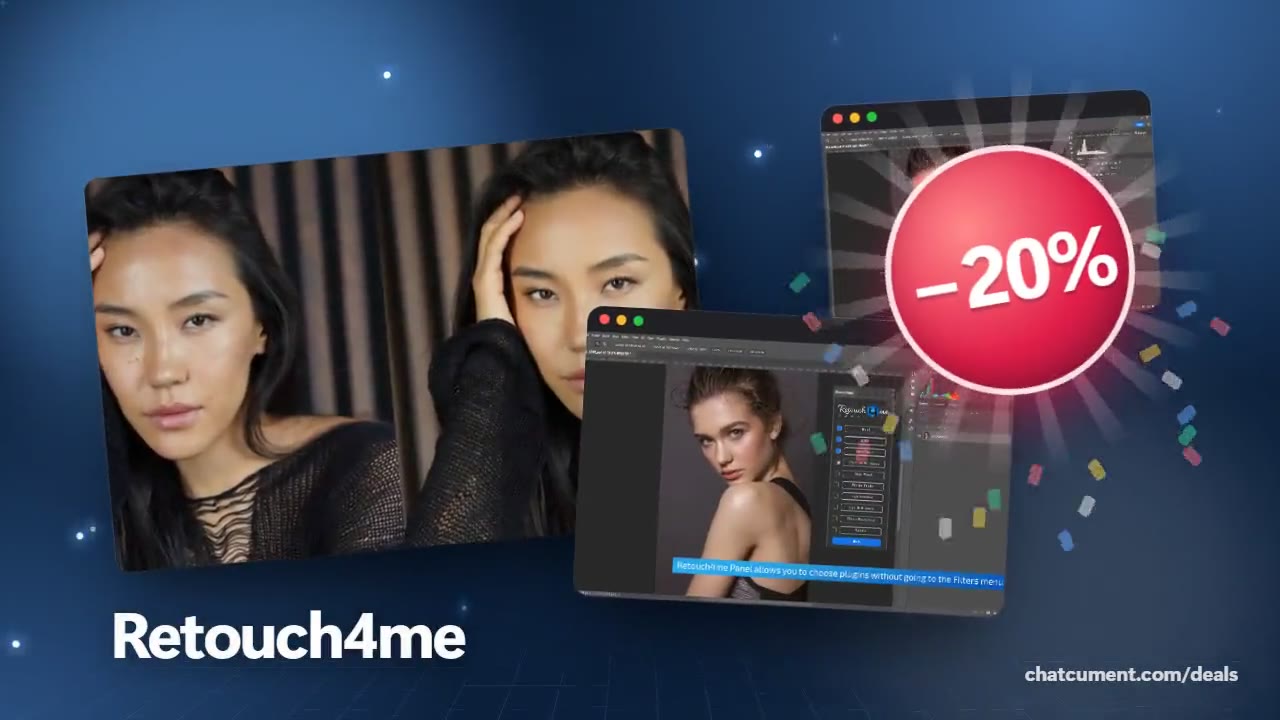
Retouch skin in Photoshop with one panel and one click
Pick the plugins, press Run, get a layered result.
- 20% off every plugin
- Free Cloud Retouch credits included
- Results on layers, original untouched
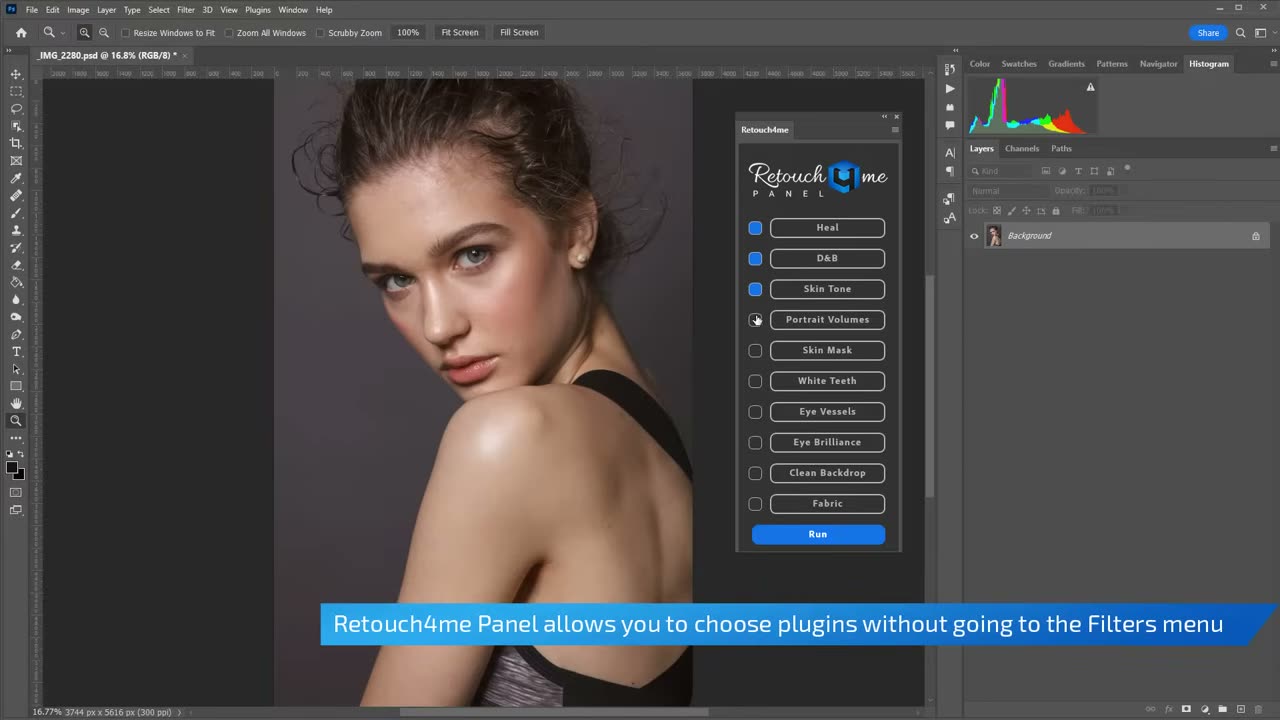
Manual skin work in Photoshop usually means a healing brush, a dodge and burn pass and a colour fix, repeated for every frame. The Retouch4me panel turns that routine into a checklist: Heal, D&B, Skin Tone, Portrait Volumes, Skin Mask, White Teeth, Eye Vessels, Eye Brilliance, Clean Backdrop and Fabric. Tick what the shot needs and press Run.
You do not have to think about order. The panel runs the plugins in the sequence that works best, and you can set a blend amount for each effect. Retouch4me states that using all plugins together makes retouching at least five times faster.
Results come back either as one merged layer or as separate layers. In the file on screen, a Skin group holds the heal, D&B, Skin Tone and Portrait Volumes layers, with Eye Vessels and Eye Brilliance stacked above. If one step is too strong, hide it or lower its opacity and keep everything else.
Two processing modes are available. On-Device uses the plugins you bought, needs no internet connection and keeps files on your machine. Cloud Retouch runs on Retouch4me servers, so a weaker computer is fine, and the first 20 retouches are free. Right now every plugin is 20% off, which makes it easy to start with the effects you use most.
Deals you can use now
| Deal | Code | Conditions |
|---|---|---|
| 20%20% off every plugin | — | Comes with free Cloud Retouch credits |
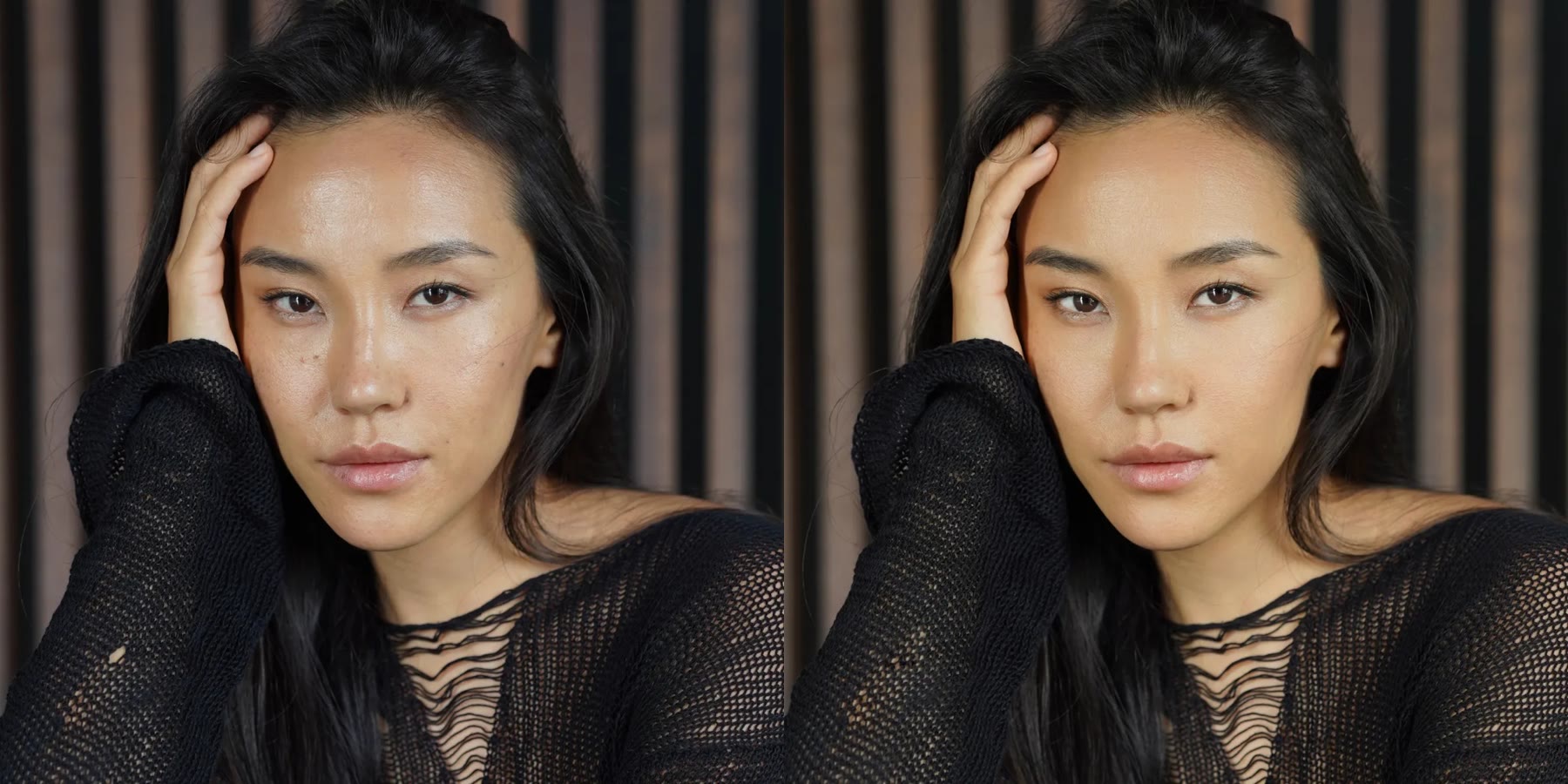 See Retouch4me in detailPhotoshop plugins that retouch portraits for youBefore and after, side by side · A few clicks inside Photoshop · Original untouched, results on layers · Clean skin that still looks real
FAQ
Do I buy the panel separately?
You download the panel from retouch4.me or Adobe Cloud. On-Device mode runs the plugins you have purchased, while Cloud mode charges per image.
What computer do I need?
Windows 10 or 11, or macOS 10.15 and later. Retouch4me lists at least 6 GB of RAM and, on PC, a GPU with 4 GB or an Intel CPU with OpenCL 1.1.
Can I undo a single step afterwards?
Yes, if you export separate layers. Hide or fade the one layer and the other corrections stay as they are.
You might also like
 UniConverter15% off every licenceConvert, compress and record in one video toolbox
 FilmoraTwo-week free trialThe video editor where AI handles the tedious part
 Media.ioHalf price on the yearly planAn AI image and video studio in your browser
 InVideo30% off InVideo Studio monthlyTurn one prompt into a finished video