
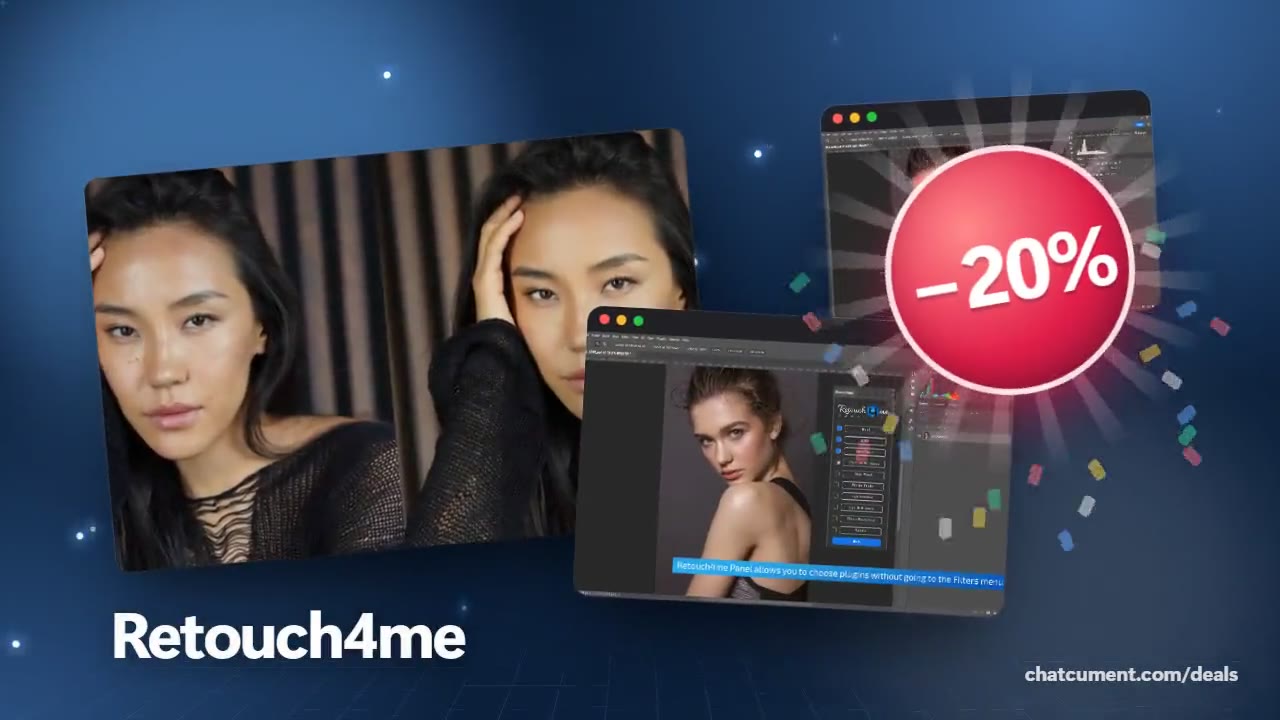
Add AI portrait retouching to a Lightroom or Capture One workflow
Retouching is no longer tied to Photoshop alone.
- 20% off every plugin
- Free Cloud Retouch credits included
- Results on layers, original untouched
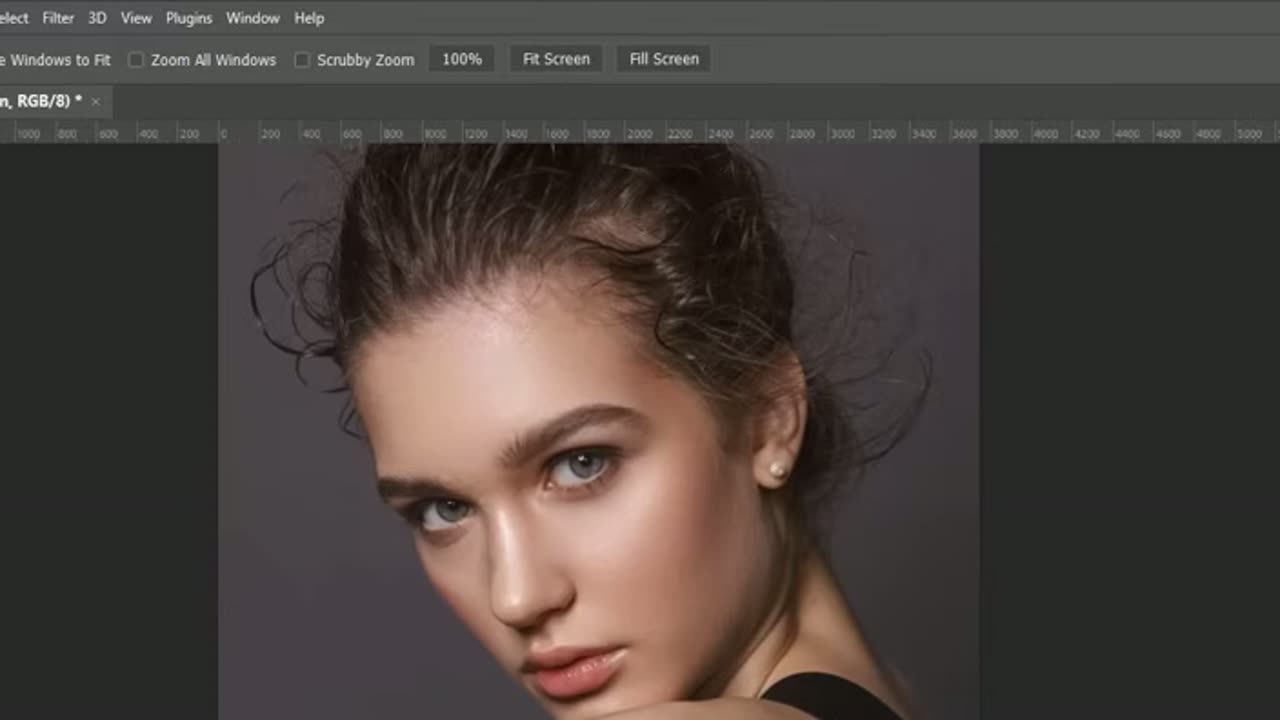
People who grade colour and exposure in Lightroom or Capture One usually get stuck at portrait retouching, because skin work normally means jumping into Photoshop. Retouch4me says plugins such as Heal and Dodge&Burn run as standalone apps or as plugins for Photoshop, Adobe Lightroom and Capture One.
The official site lists Photoshop, Lightroom, Capture One, Affinity Photo and, for video, DaVinci Resolve, Final Cut Pro and Premiere Pro. That means you can slot a retouching step into the editor you already use instead of replacing it.
When the selects are already chosen, the flow is short. Set exposure and colour in Lightroom, send only the portrait frames to the plugin for blemishes and light, then come back to the catalogue and deliver. Retouch4me notes that the programme suits Photoshop users best, along with Lightroom users who move to Photoshop partway through.
Demo versions let you confirm it in your own setup first. For installation the guidance is to uninstall the demos and close host programmes such as Photoshop and Lightroom. The full plugins are 20% off right now.
Deals you can use now
| Deal | Code | Conditions |
|---|---|---|
| 20%20% off every plugin | — | Comes with free Cloud Retouch credits |
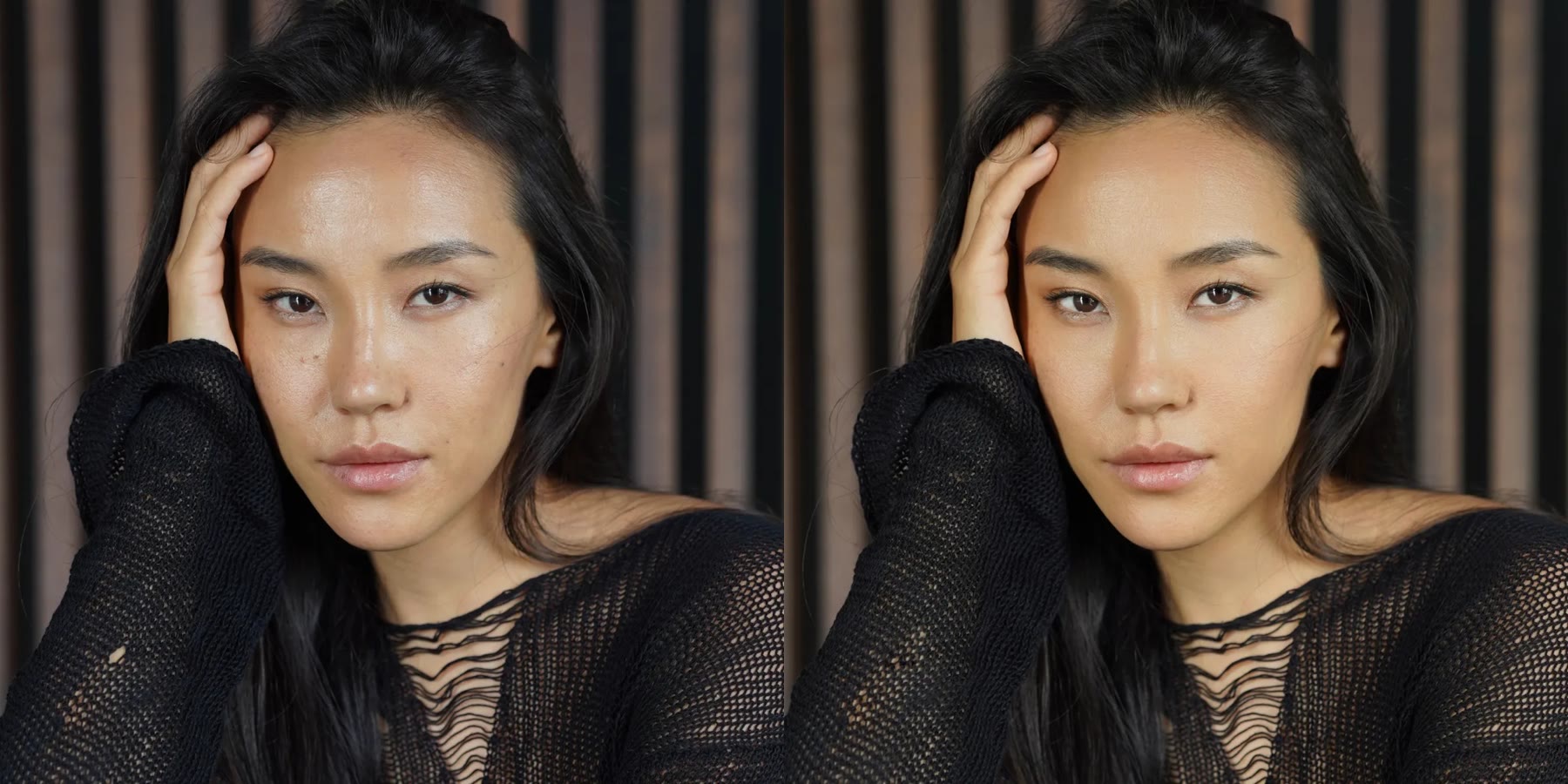 See Retouch4me in detailPhotoshop plugins that retouch portraits for youBefore and after, side by side · A few clicks inside Photoshop · Original untouched, results on layers · Clean skin that still looks real
FAQ
Can I run it straight from Lightroom?
The official FAQ says plugins work as standalone apps or as plugins for Photoshop, Lightroom and Capture One. Check your own setup with the demo first.
Anything to watch out for when installing?
Uninstall the demo versions and close programs that may use the plugins, such as Photoshop or Lightroom, before installing.
Does it cover video editors too?
There are separate video plugins for DaVinci Resolve, Final Cut Pro and Premiere Pro. They are different products from the photo plugins.
You might also like
 UniConverter15% off every licenceConvert, compress and record in one video toolbox
 FilmoraTwo-week free trialThe video editor where AI handles the tedious part
 Media.ioHalf price on the yearly planAn AI image and video studio in your browser
 InVideo30% off InVideo Studio monthlyTurn one prompt into a finished video