
Set screen time limits with Qustodio
Daily allowances, restricted hours and a pause button.
- Free account, Premium features to try
- Free plan protects 1 device
- 30-day money-back on Premium plans
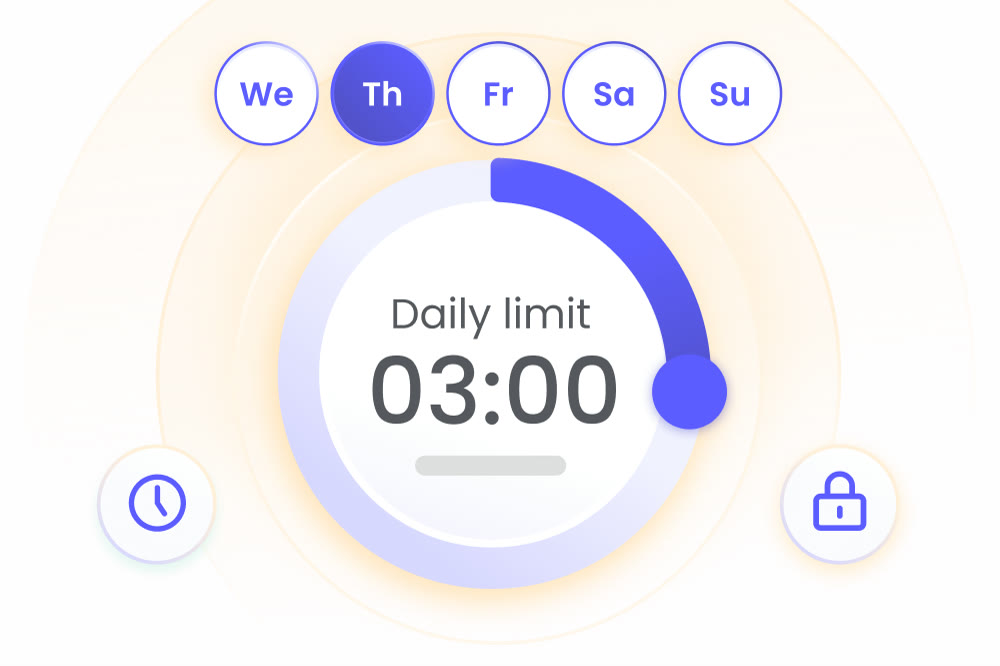
Most arguments about screens come down to one question: how long is enough. Qustodio lets you answer it once, in numbers, instead of renegotiating every evening. You set a daily limit, choose the days it applies to and let the app enforce it.
Limits can be tied to the whole device or to games and apps specifically. A tablet might get three hours a day overall, while a single game gets less. Restricted times add a second layer, so the device stays off-limits during school hours or after bedtime.
When something comes up, the pause button stops internet access at once and a tap later restores it. That is handy for dinner or homework, and it keeps you from taking the device out of your child's hands.
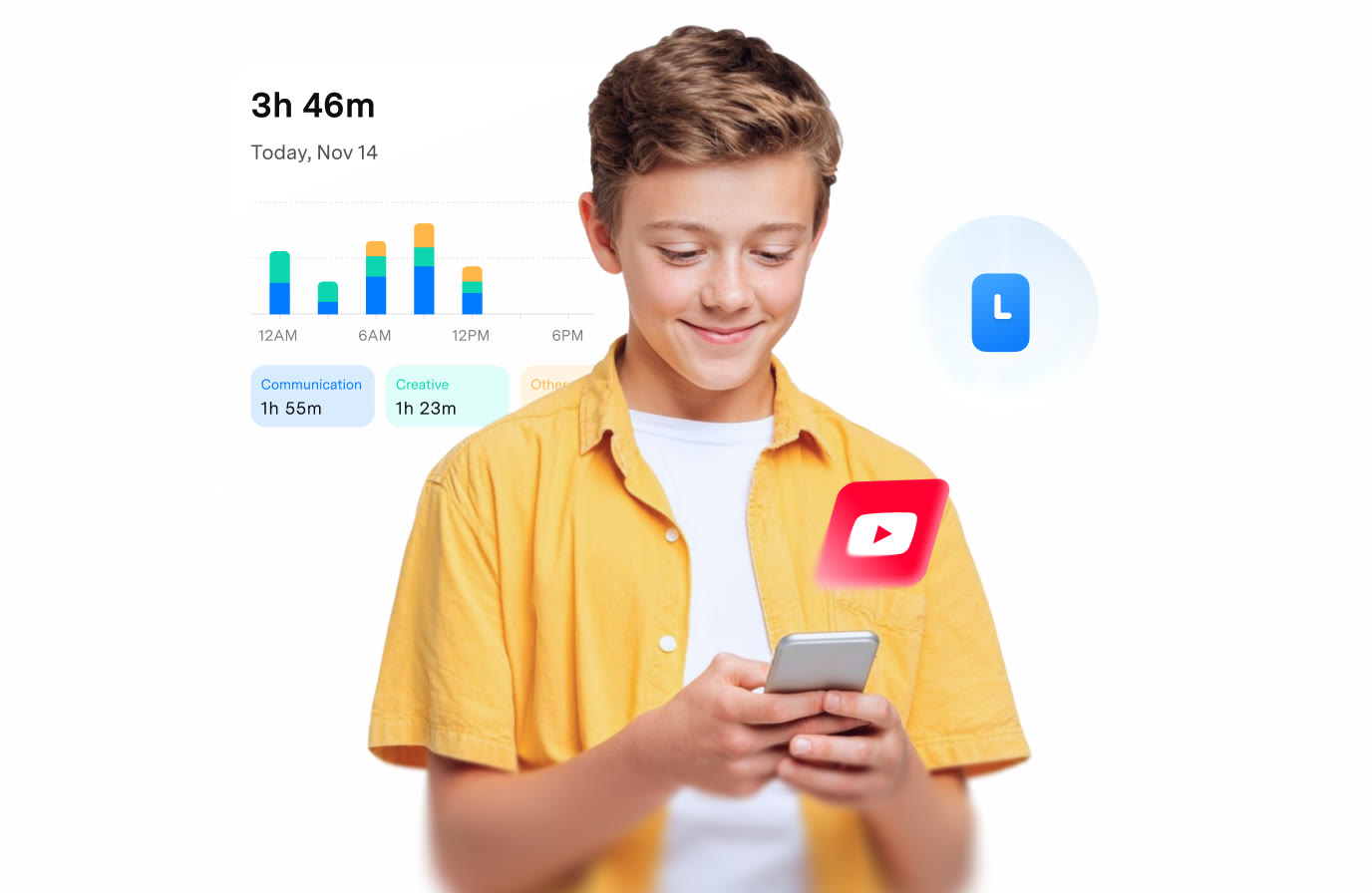
The dashboard keeps score: it shows today's total screen time next to the limit you set, so you can see whether the number is realistic. Adjust it as your child grows and tell them about the change before it takes effect.
A free Qustodio account protects one device, and signing up also brings a trial of the Premium features, so you can try limits on a real routine before choosing a plan.
Deals you can use now
| Deal | Code | Conditions |
|---|---|---|
| FreeFree account, plus a trial of Premium features | — | The free plan covers one device. Premium Basic covers up to 5 devices and Complete has no device limit. |
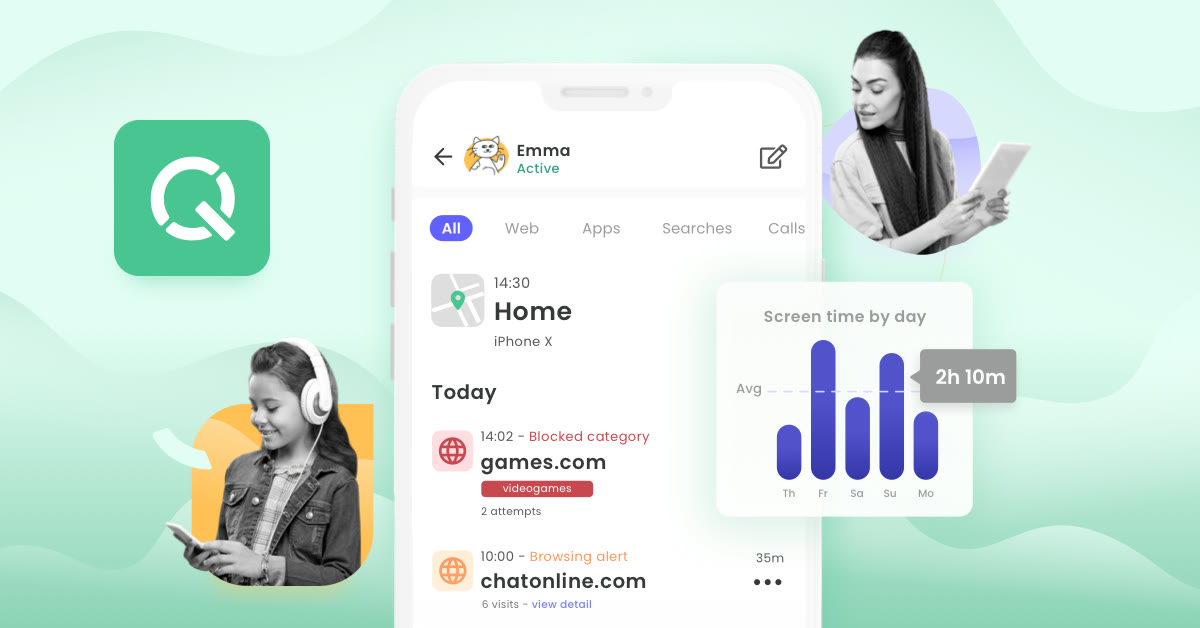 See Qustodio in detailTime limits, filters and locationOne dashboard for every device · Allow or block, app by app · Routines for dinner and study time · Daily limits by day of the week
FAQ
Can I set different limits for different days?
Yes. You choose a daily limit and the days it applies to, and you can add restricted times on top of it.
Can I limit one game without touching the rest?
Games and apps have their own time limits, separate from the device-wide allowance.
Does the limit work on a Windows laptop and a phone?
Daily time limits and restricted times are listed for Android, iPhone and iPad, Windows, Mac, Chromebook and Kindle.
You might also like
 2ndNumber20% off yearly plans with code GIVEME20A US or UK number, no SIM needed
 FamiSafeAn extra code you add at checkoutParental controls kids know about
 hidemy.name VPNTry hidemy.name VPN free for 24 hoursVPN for 5 devices, 24h free test
 KeeperTry Keeper's personal and family plans free for 30 daysPassword manager, 30 days free