
Block apps at bedtime and study time
Schedule screen-free moments instead of policing them.
- Free account, Premium features to try
- Free plan protects 1 device
- 30-day money-back on Premium plans
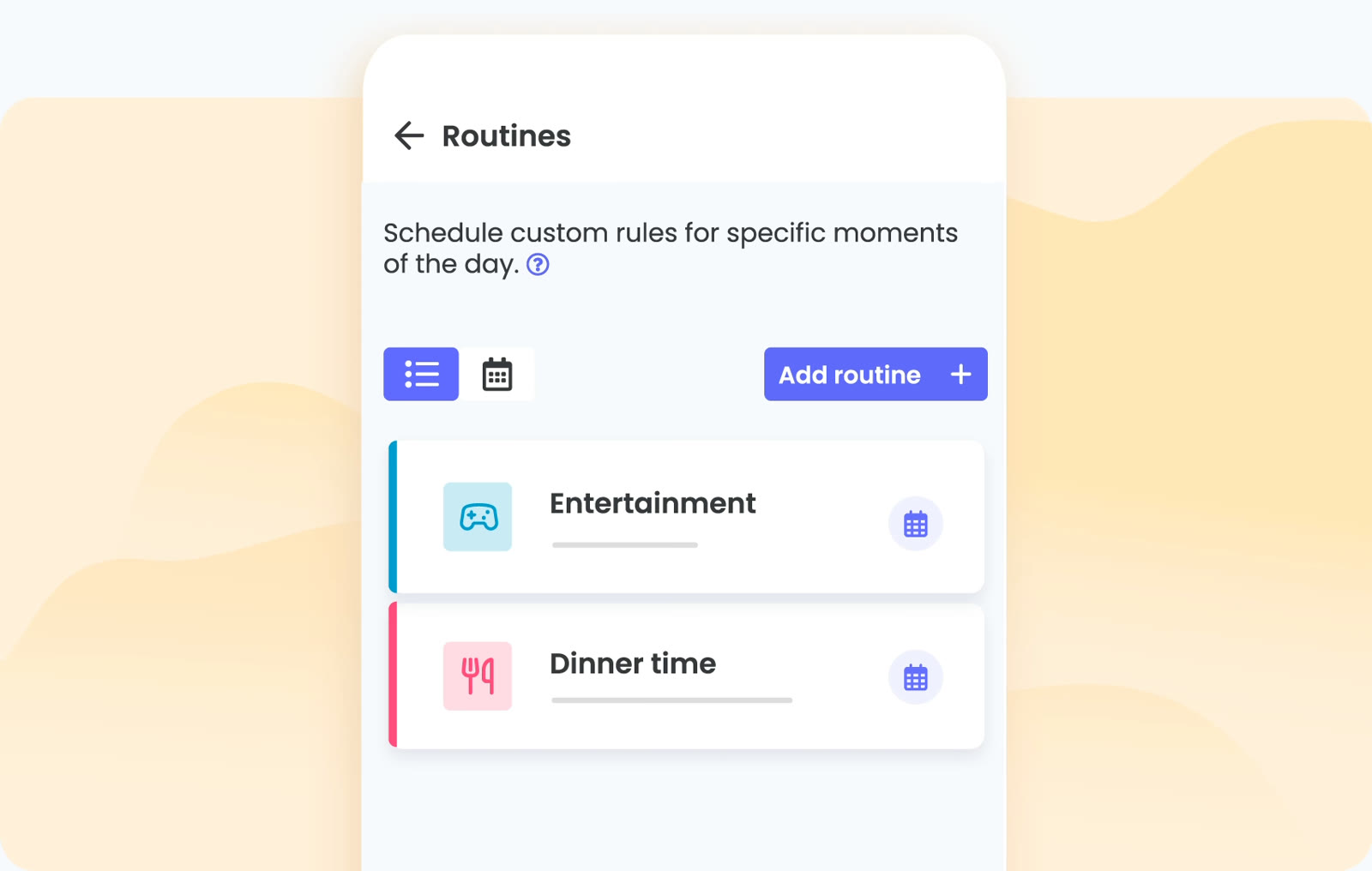
Phones are hardest to put down at the moments you most want them gone: homework, dinner and the last hour before sleep. A routine in Qustodio is a set of rules that switches on for exactly those windows and switches off again by itself.
Inside a routine you decide what stays reachable. Block the games and social apps, keep a dictionary or a messaging app with the grandparents open, and leave the rest of the day untouched. Apps are blocked by category on computers and tablets, so new downloads fall under the same rule.
Routines can be switched between easily, so a school-night routine and a weekend routine can sit side by side. Pausing the internet is there as the blunt option for the evenings when a routine is not enough.
Sleep is the reason most families set this up. Qustodio describes routines as a way to encourage healthy sleep patterns, and a charging phone outside the bedroom does the rest.
Sit down with your child and agree the hours together; a rule they helped write gets challenged less. Opening a free Qustodio account covers one device and includes a trial of Premium features, which is where custom routines live.
Deals you can use now
| Deal | Code | Conditions |
|---|---|---|
| FreeFree account, plus a trial of Premium features | — | The free plan covers one device. Premium Basic covers up to 5 devices and Complete has no device limit. |
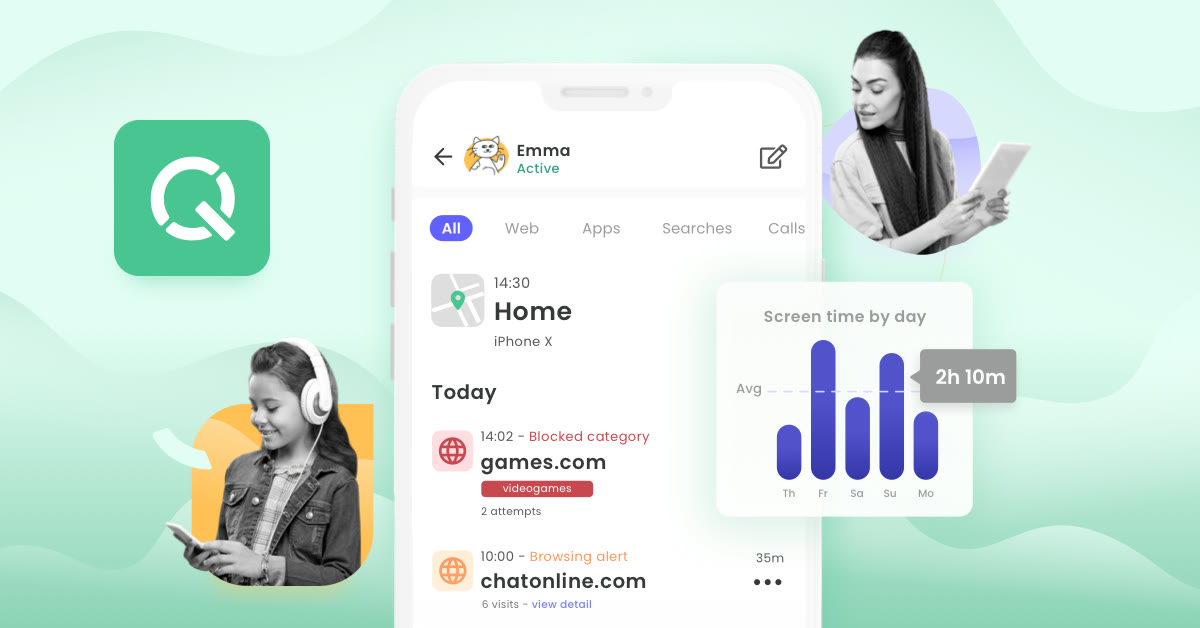 See Qustodio in detailTime limits, filters and locationOne dashboard for every device · Allow or block, app by app · Routines for dinner and study time · Daily limits by day of the week
FAQ
Can a routine block only some apps?
Yes. You choose which games and apps are blocked inside the routine, and everything else follows your normal rules.
Does the routine end by itself in the morning?
Routines run on the schedule you set, for specific moments of the day, and normal rules apply outside that window.
Are custom routines part of the free plan?
Custom routines are listed among the Premium features, which you can try after creating a free account.
You might also like
 2ndNumber20% off yearly plans with code GIVEME20A US or UK number, no SIM needed
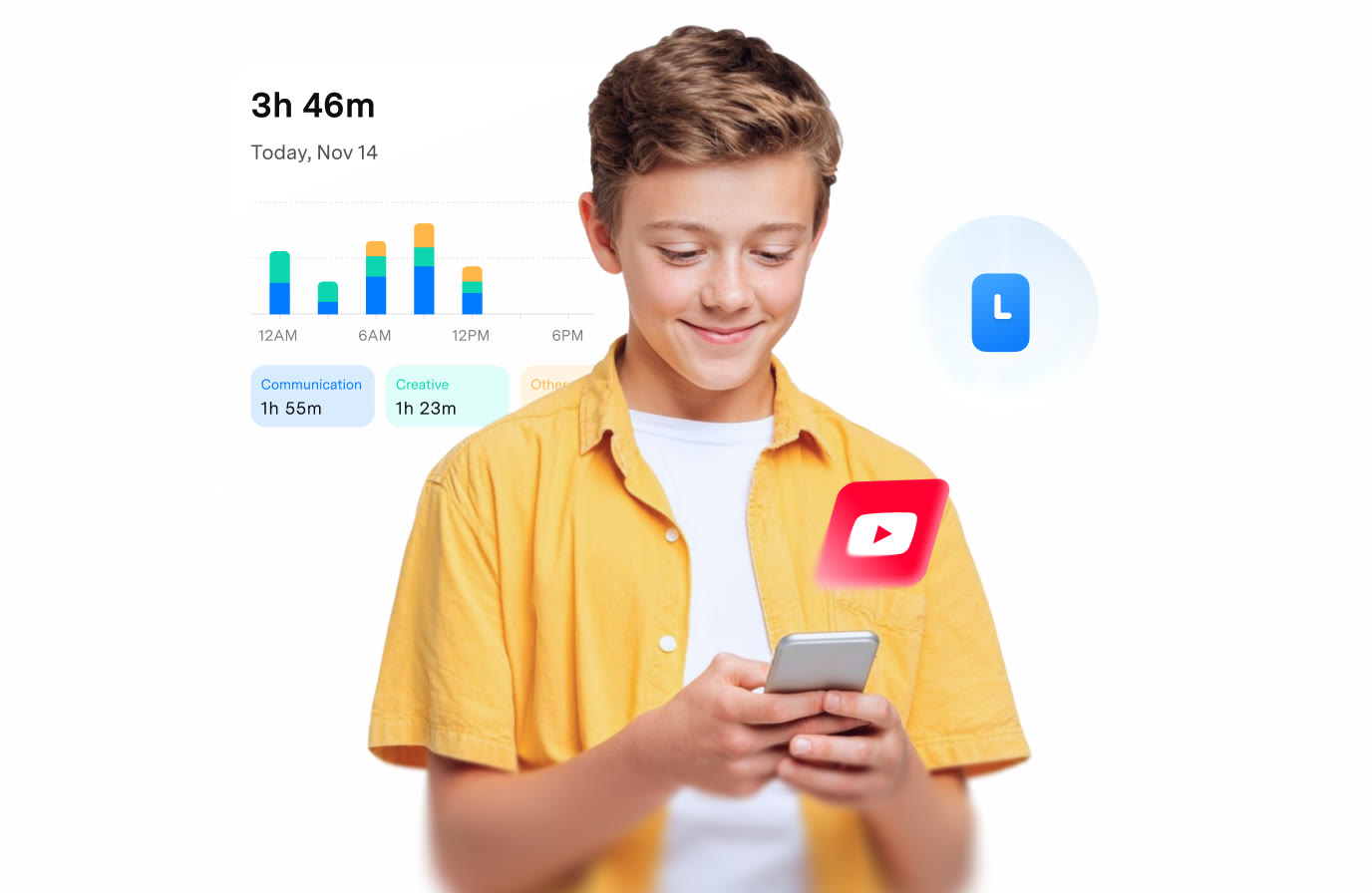 FamiSafeAn extra code you add at checkoutParental controls kids know about
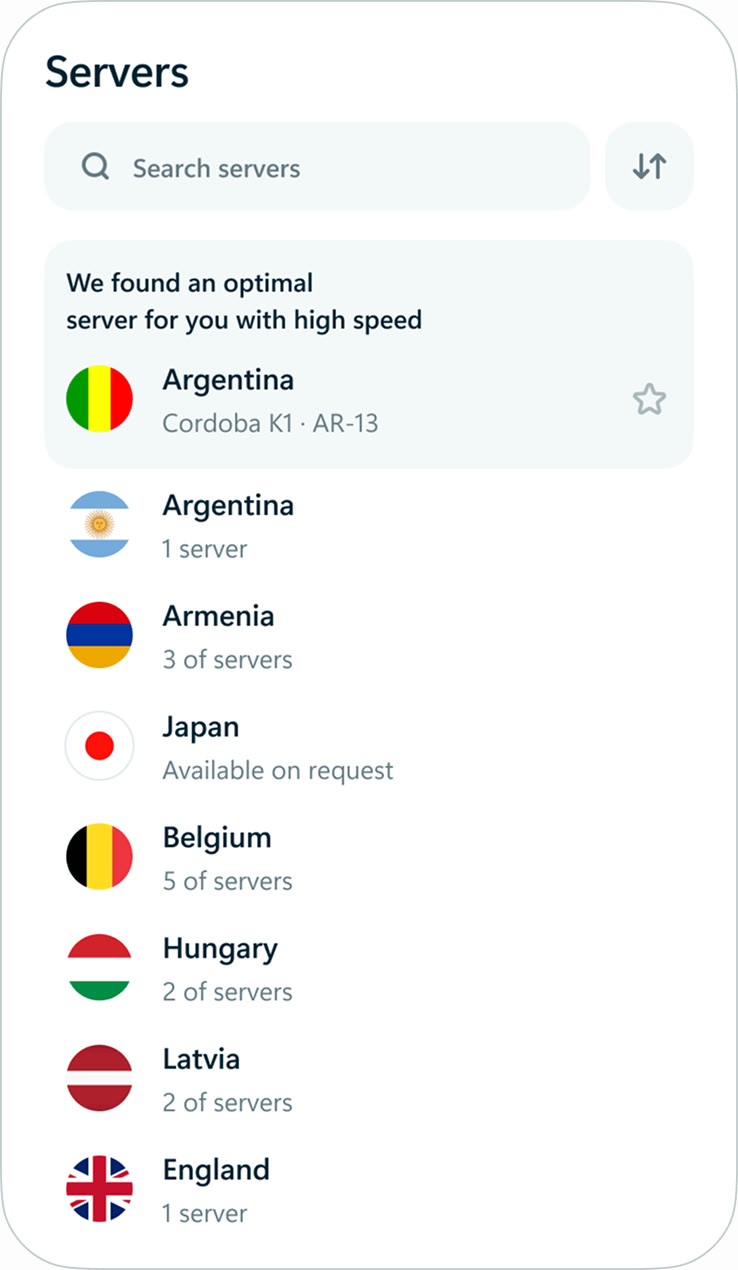 hidemy.name VPNTry hidemy.name VPN free for 24 hoursVPN for 5 devices, 24h free test
 KeeperTry Keeper's personal and family plans free for 30 daysPassword manager, 30 days free