
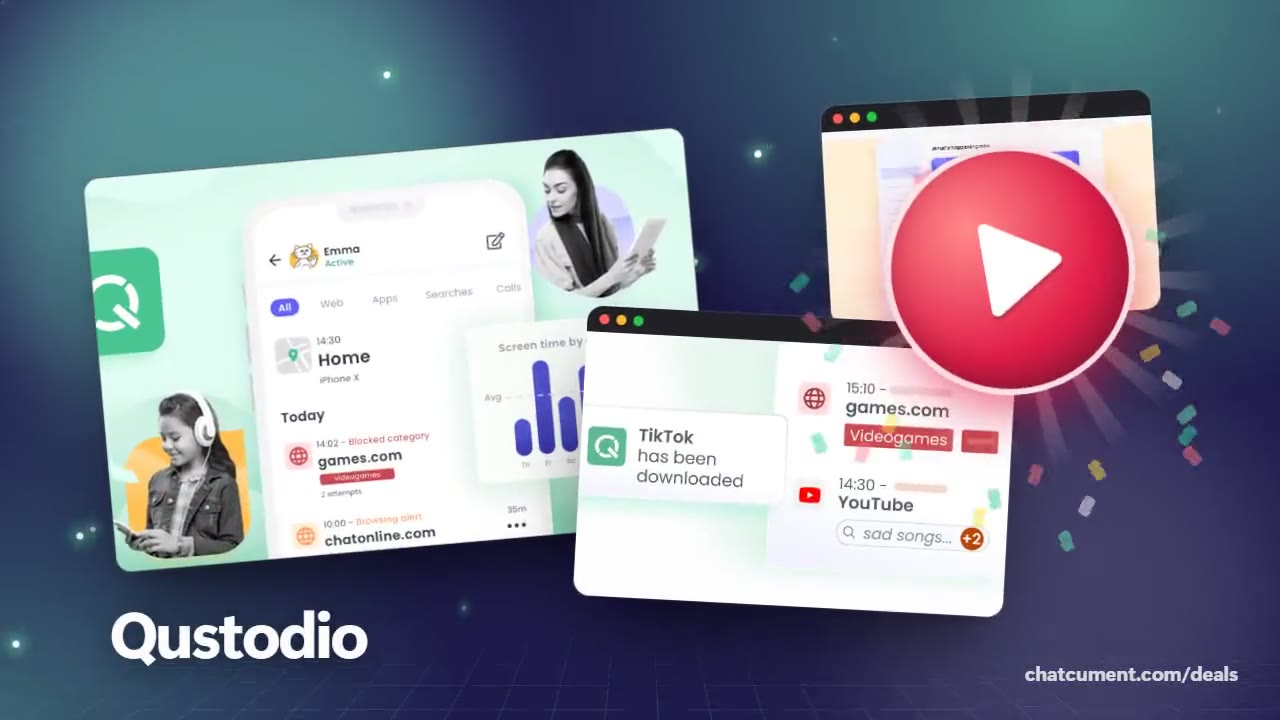
Filter and block websites for your child
Category filters plus blocks for one exact address.
- Free account, Premium features to try
- Free plan protects 1 device
- 30-day money-back on Premium plans
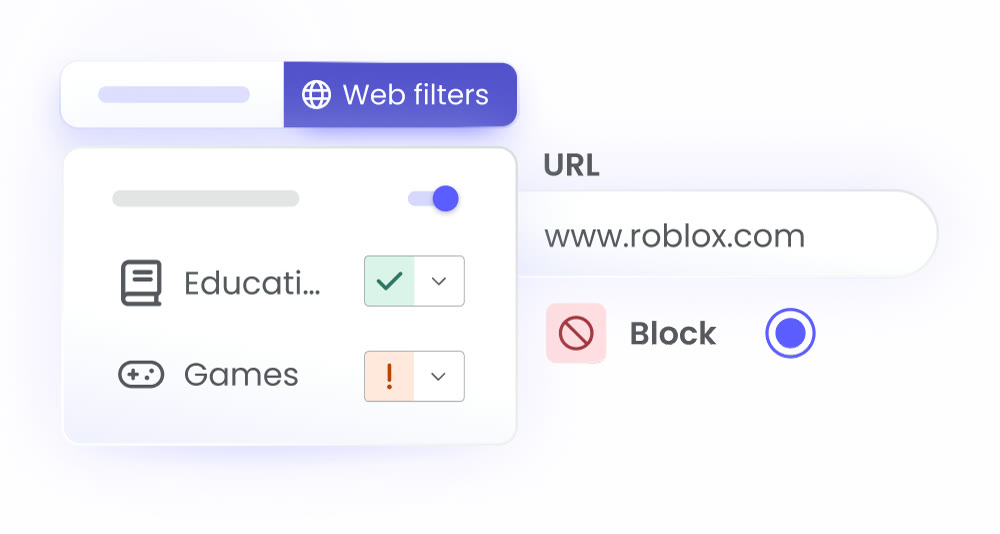
A web filter should be strict about the few things that matter and relaxed about everything else. Qustodio sorts websites into categories, and each category can be allowed, flagged with a warning or blocked outright.
In practice that means Educational sites open freely while Games trigger a warning, and a single address, say roblox.com, can be blocked on its own. The filter works on the address, so it applies in whichever browser your child opens.
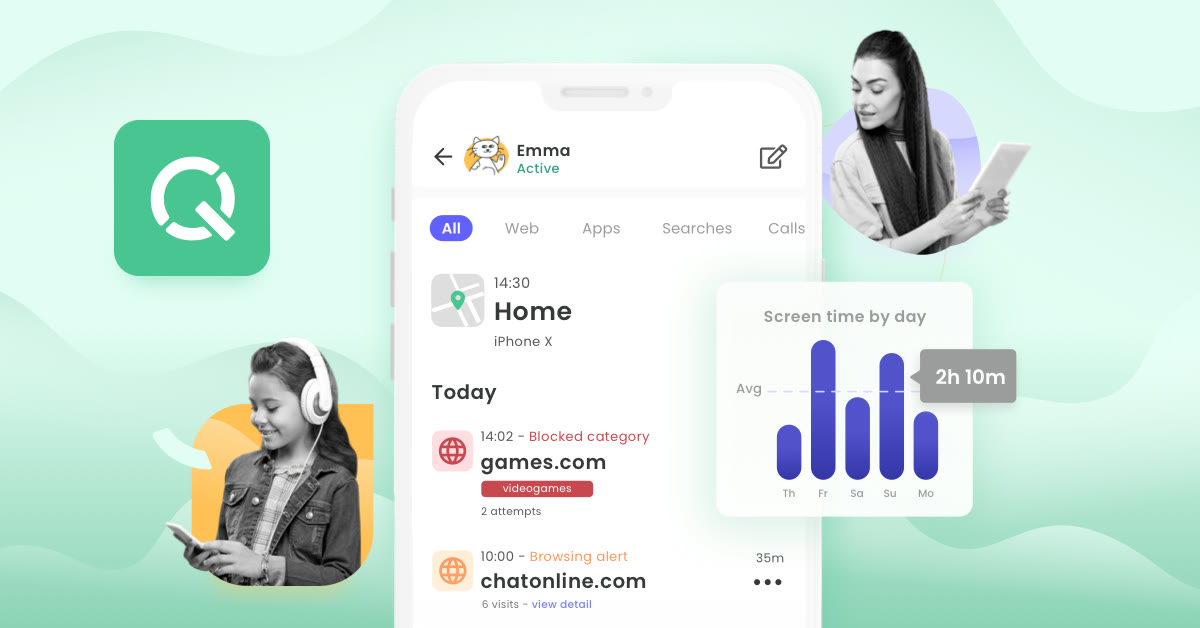
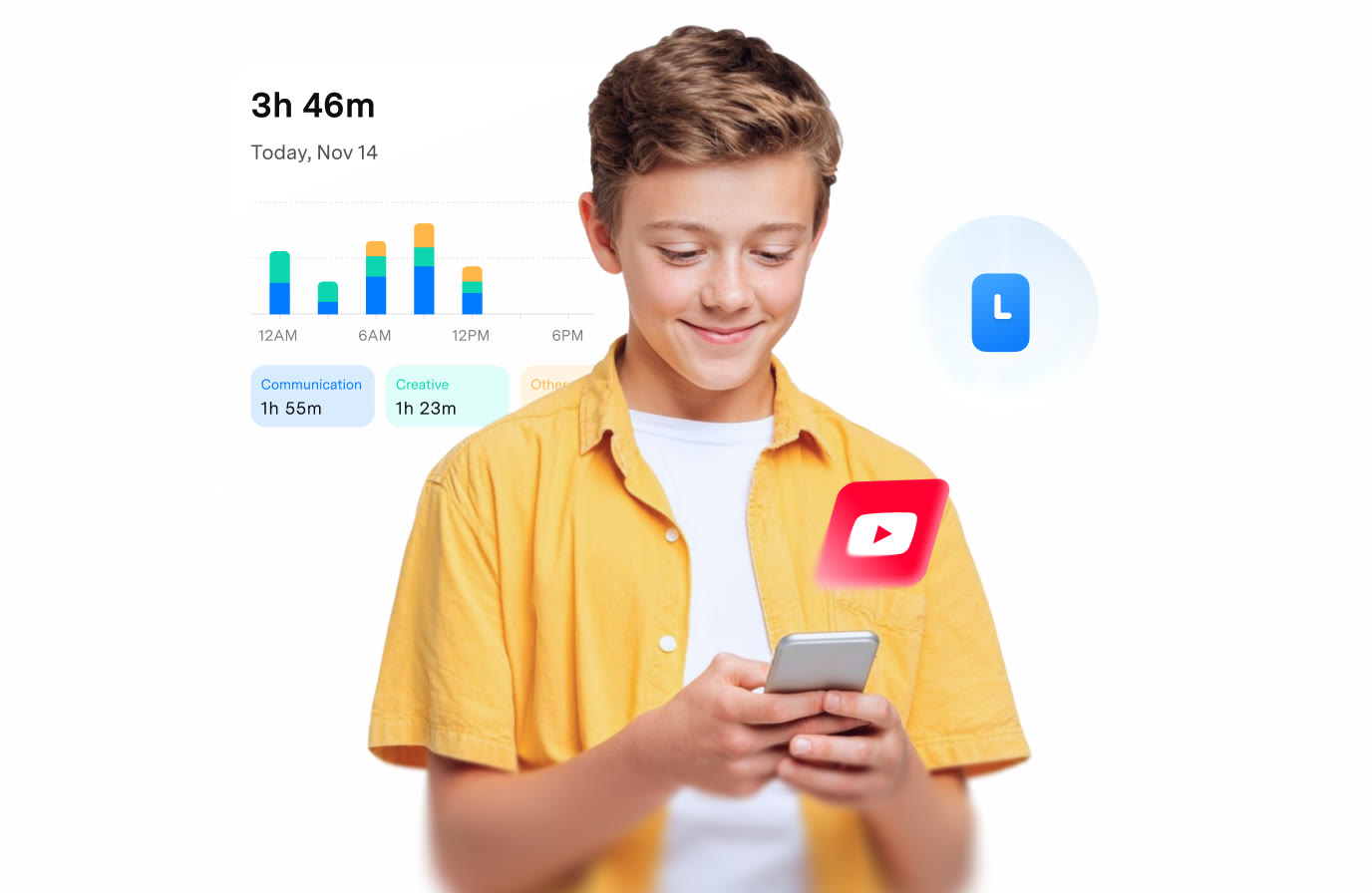
Qustodio also shows the activity behind the rules. A blocked category appears in the timeline with the number of attempts, which tells you whether the rule is being tested or simply ignored. Search alerts flag worrying searches before a child reaches a page.
Web filtering and activity alerts are listed for Android, iPhone and iPad, Windows, Mac, Chromebook and Kindle, so one account covers the whole house. Custom rules for web, apps and games are part of the Complete plan.
Explain the categories to your child so a blocked page does not feel random. A free Qustodio account protects one device, and signing up also opens a trial of the Premium features for trying the filter on a real device.
Deals you can use now
| Deal | Code | Conditions |
|---|---|---|
| FreeFree account, plus a trial of Premium features | — | The free plan covers one device. Premium Basic covers up to 5 devices and Complete has no device limit. |
 See Qustodio in detailTime limits, filters and locationOne dashboard for every device · Allow or block, app by app · Routines for dinner and study time · Daily limits by day of the week
FAQ
Can I block just one website?
Yes. Add the exact address, such as roblox.com, and set it to block, while the rest of its category keeps its own rule.
Does the filter work on every browser?
Qustodio lists web filtering for its Android, iOS, Windows, Mac, Chromebook and Kindle apps, and it applies to the device rather than to one browser.
Will I see blocked attempts?
Blocked categories show up in the activity timeline along with the number of attempts.
You might also like
 2ndNumber20% off yearly plans with code GIVEME20A US or UK number, no SIM needed
 FamiSafeAn extra code you add at checkoutParental controls kids know about
 hidemy.name VPNTry hidemy.name VPN free for 24 hoursVPN for 5 devices, 24h free test
 KeeperTry Keeper's personal and family plans free for 30 daysPassword manager, 30 days free