One dashboard for every device
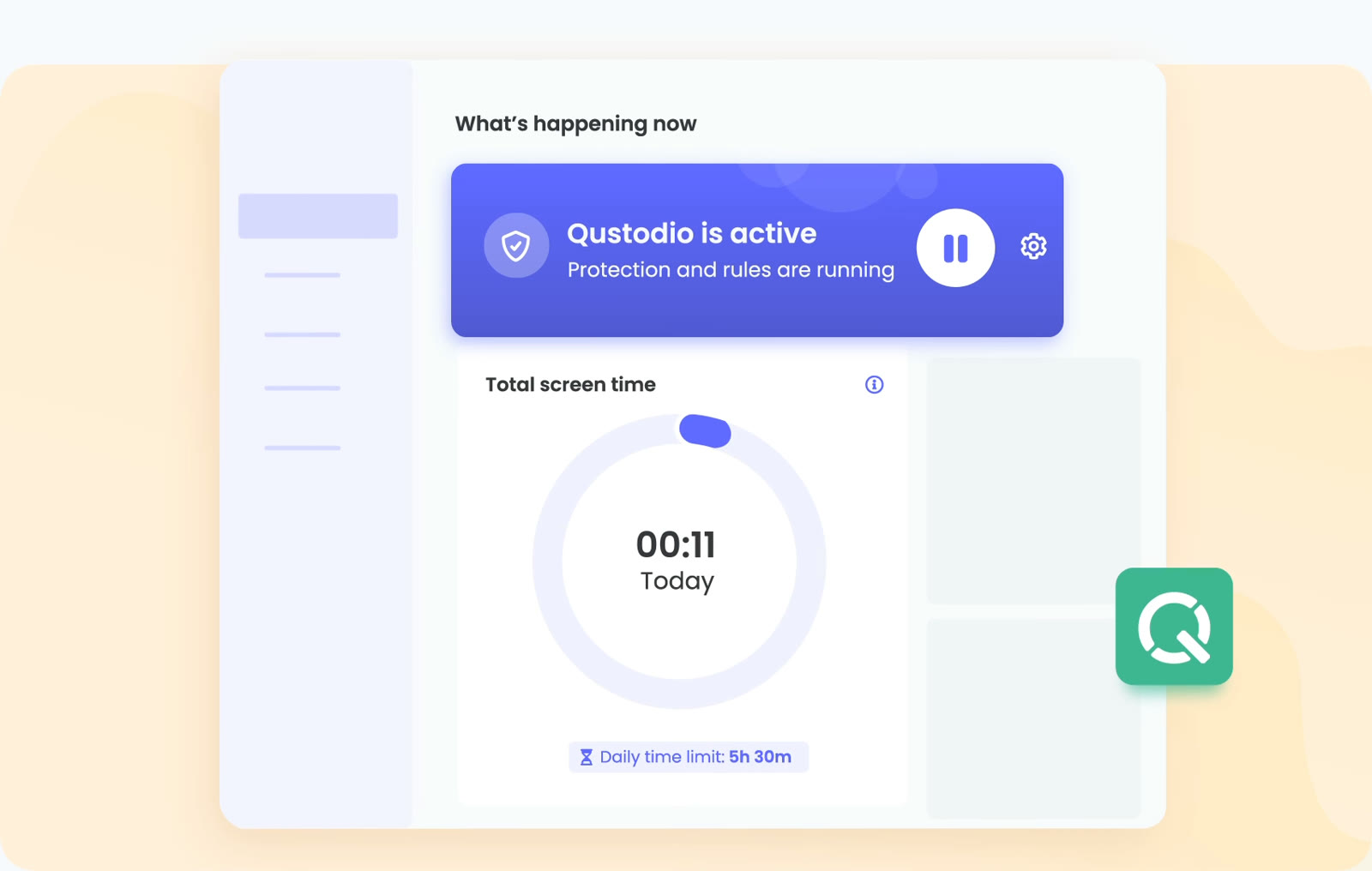
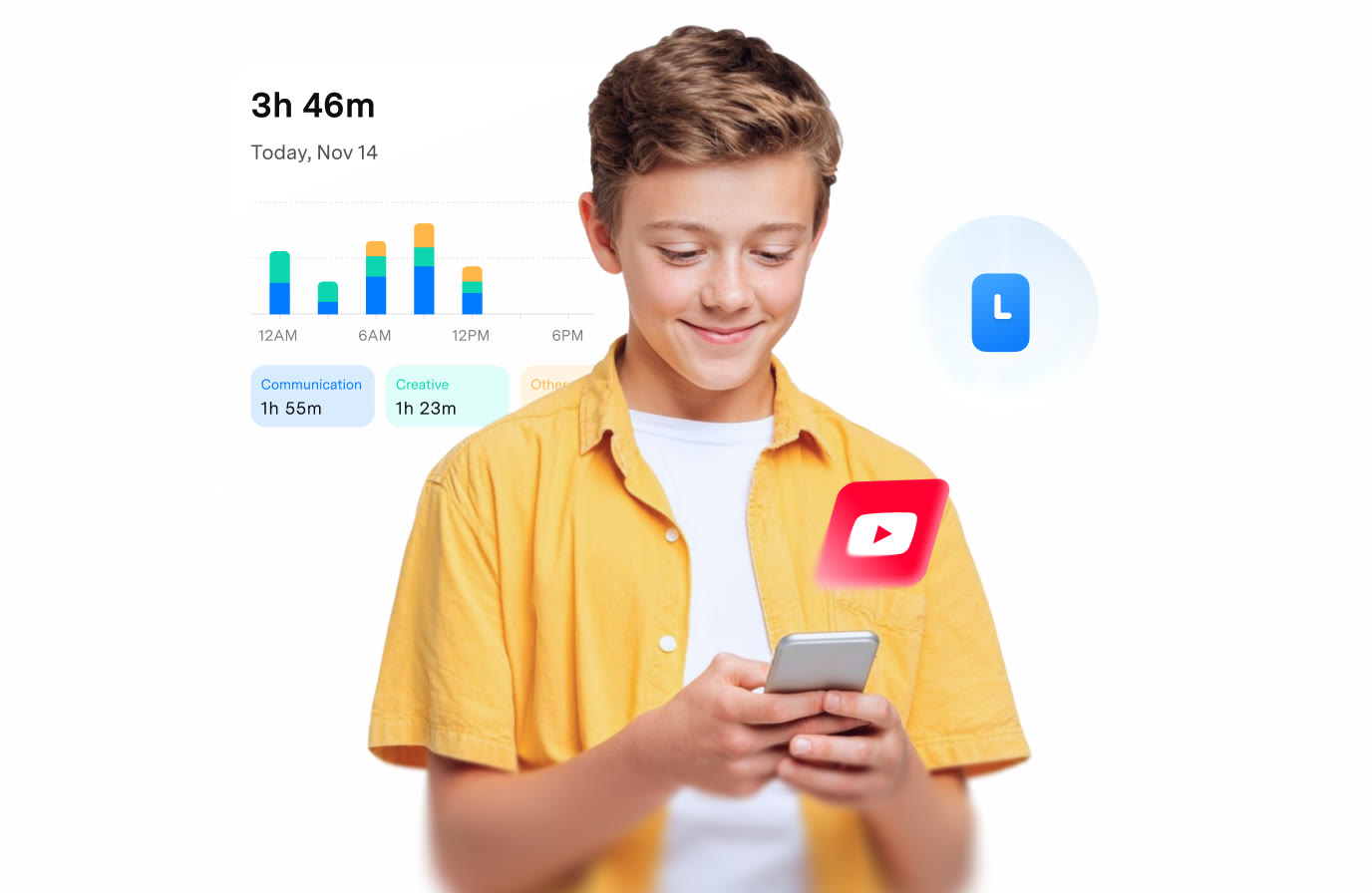
The parent dashboard shows that protection is running, today's total screen time and the daily limit you set, for example 5h 30m. Open it on the web or in the parent app from any device.

Time limits, filters and location
The parent dashboard shows that protection is running, today's total screen time and the daily limit you set, for example 5h 30m. Open it on the web or in the parent app from any device.
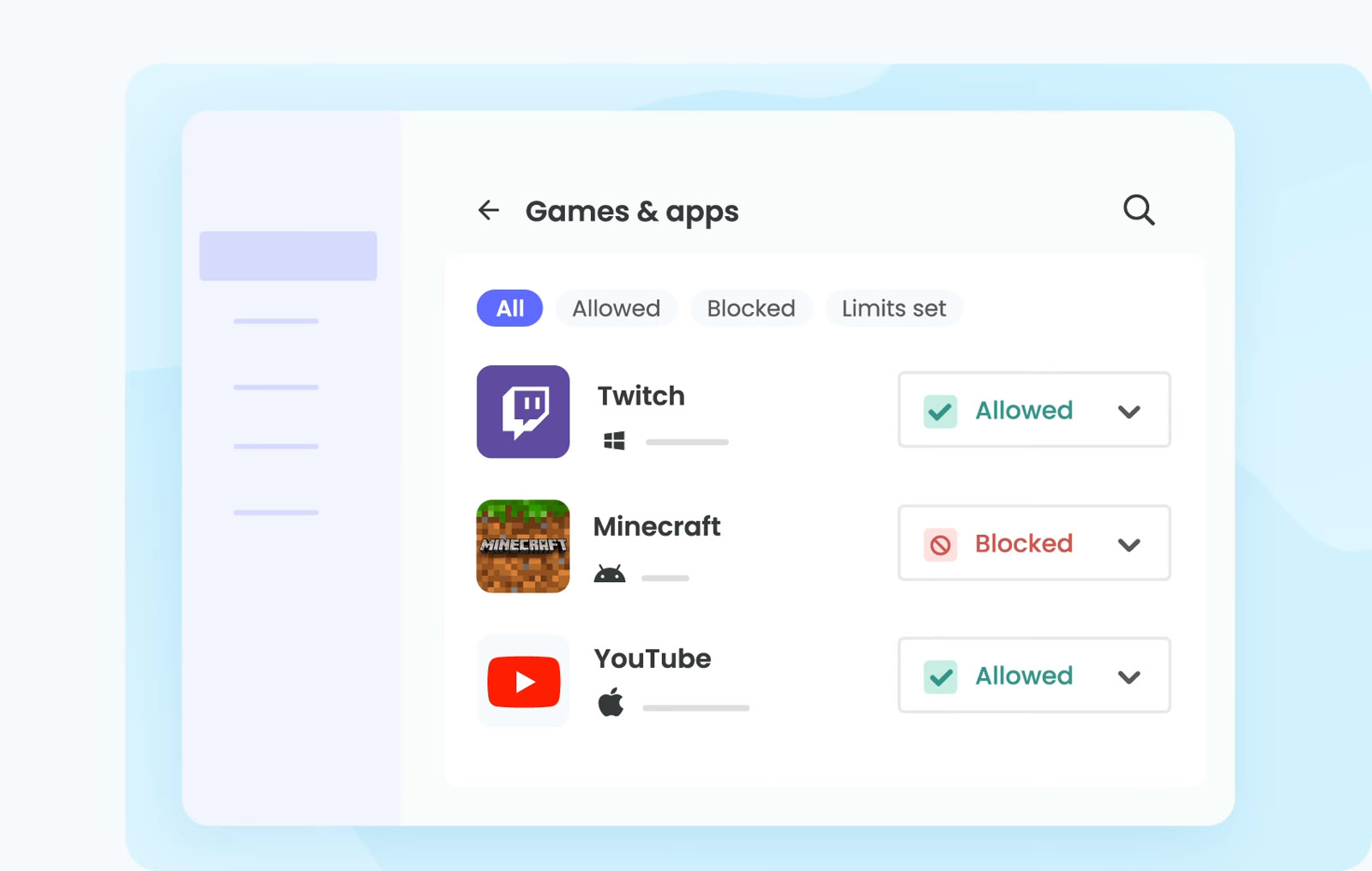
The Games & apps list sorts what is installed into All, Allowed, Blocked and Limits set. Each entry has its own switch, so Twitch can stay open while Minecraft is blocked.
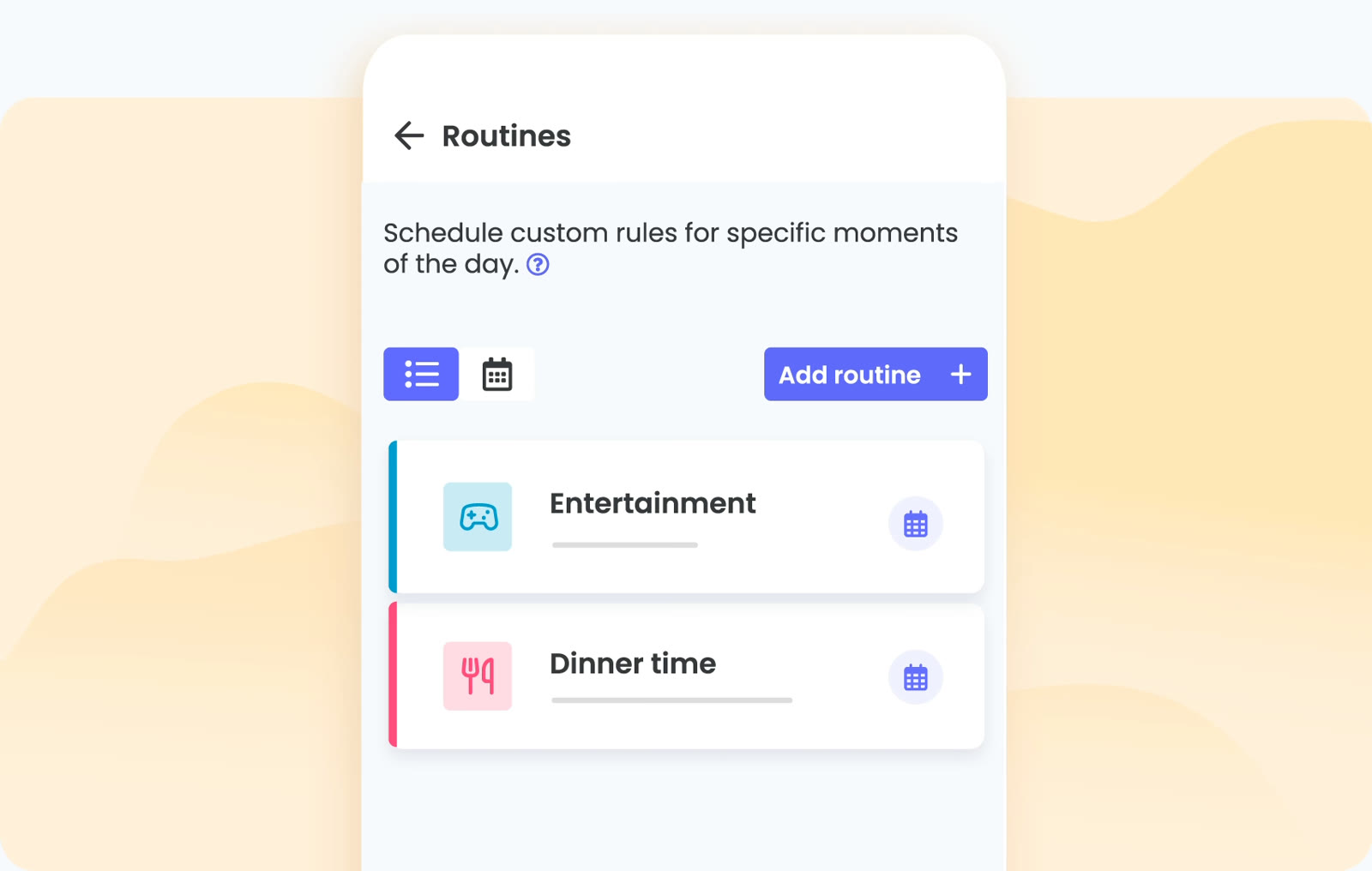
Routines let you schedule custom rules for specific moments of the day. Dinner time and Entertainment are two of the examples shown, and study or bedtime follow the same pattern.
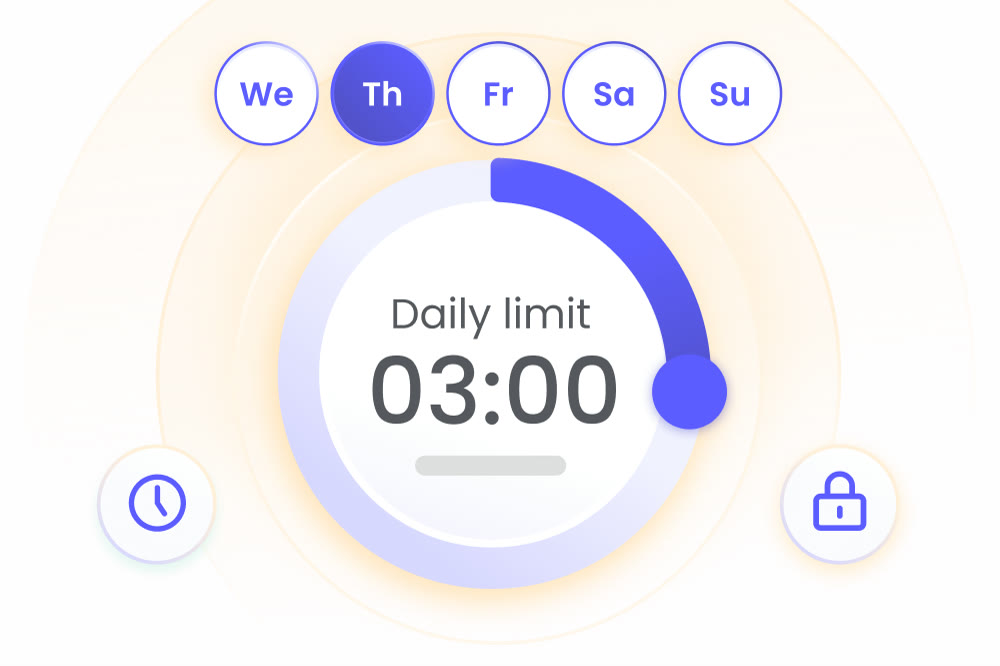
Set a daily allowance such as 3:00 hours and choose which days it applies to. When it is time to put the device down, one tap pauses the internet.
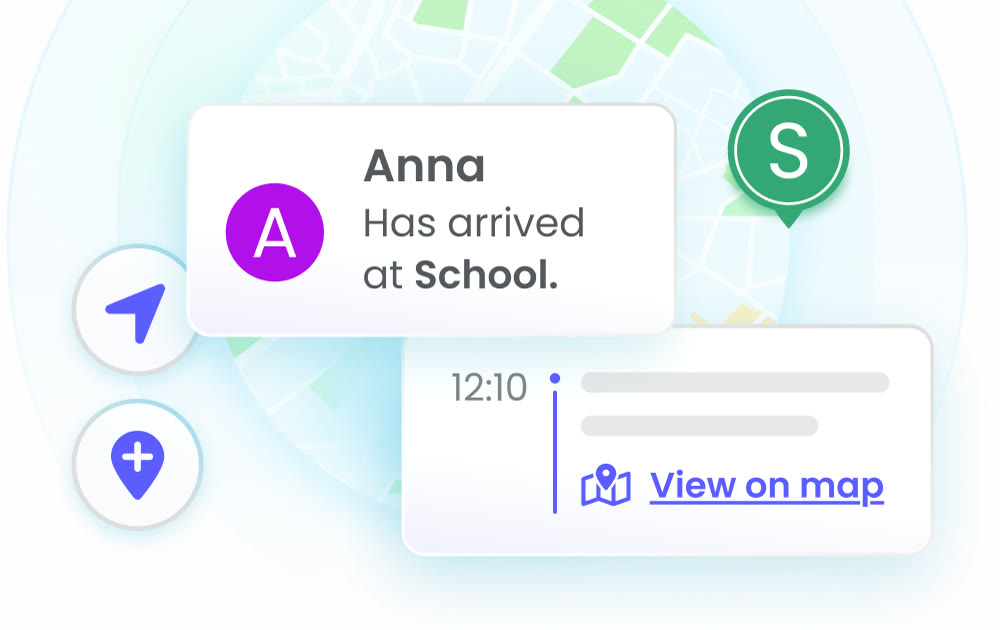
Save the places your child visits most, like home and school, and get a notification when they arrive or leave. A map view shows where they are now and where they have been.
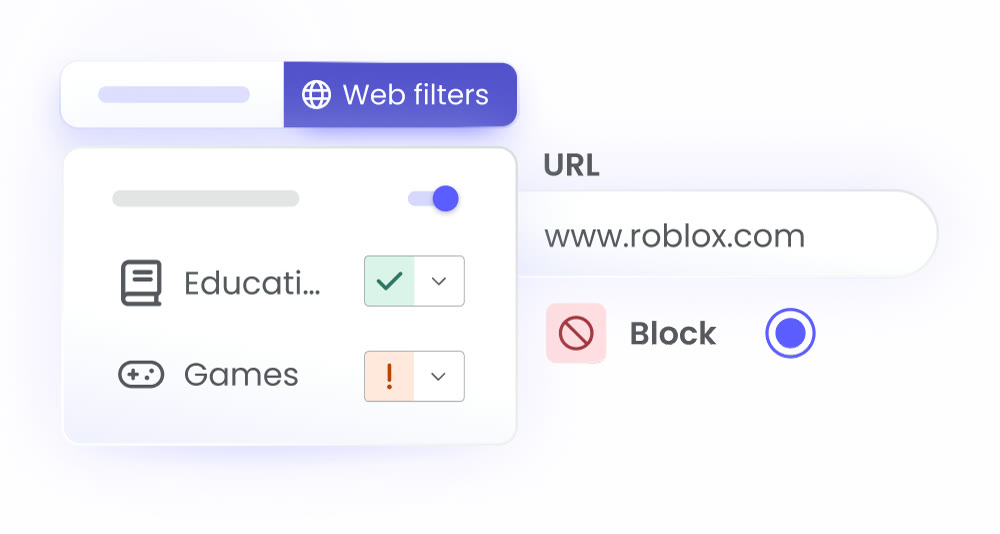
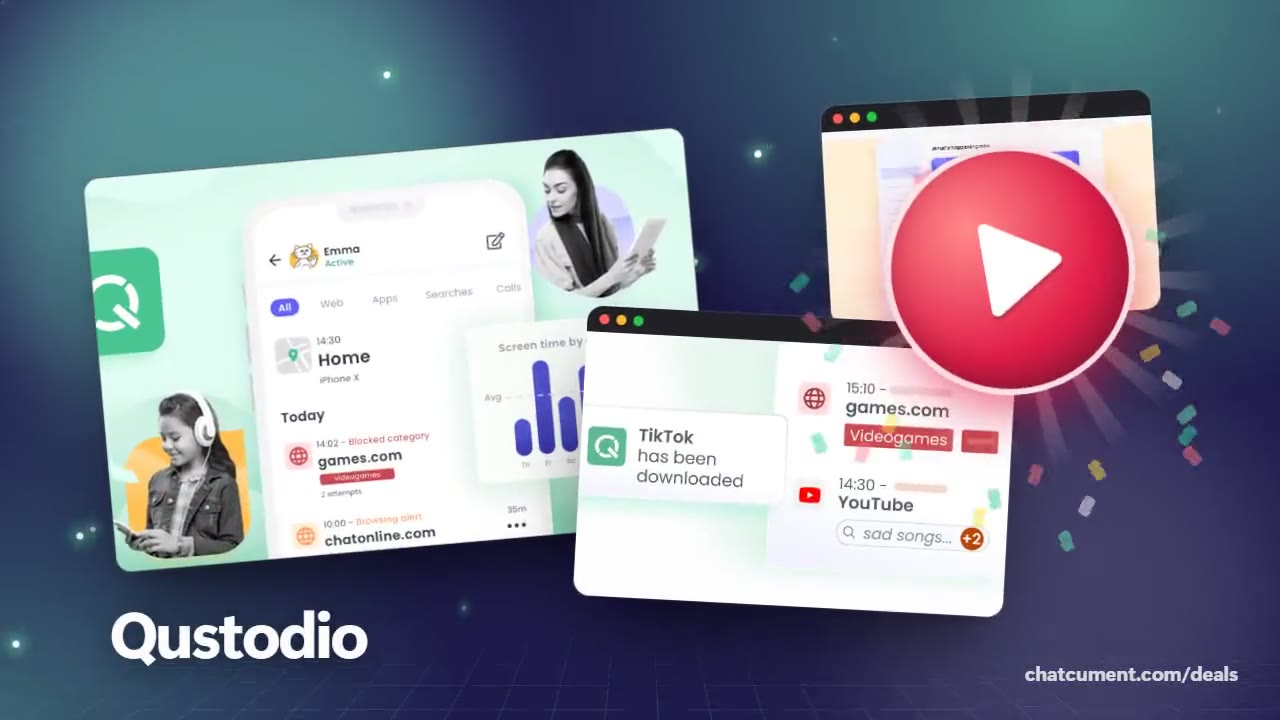
Filter websites by category, for instance letting Educational through while flagging Games. You can also block one exact address such as roblox.com.
Free Qustodio protects a single device with basic protection features. Anything beyond that, such as more devices or the advanced rules, belongs to the Premium plans.
Basic is listed at $59.95 a year (about $5.00 a month) and covers up to 5 devices. Complete is $104.95 a year (about $8.75 a month) with no device limit, and it adds calls and messages monitoring, custom rules for web, apps and games, and YouTube monitoring.
Android 9 and up, iPhone and iPad on iOS 15 and up, Windows 10 and up, Mac from macOS Catalina 10.15 to macOS Tahoe 26, Chromebooks with Google Play, and Kindle Fire tablets on FireOS 6 and up.
Qustodio states a 30-day money-back guarantee on its Premium plans if you are not satisfied.
Install the parent app for Android or iPhone, or sign in to your account on the web. The dashboard shows real-time activity and lets you change rules, and reports can also arrive by email.
 2ndNumber20% off yearly plans with code GIVEME20A US or UK number, no SIM needed
 FamiSafeAn extra code you add at checkoutParental controls kids know about
 hidemy.name VPNTry hidemy.name VPN free for 24 hoursVPN for 5 devices, 24h free test
 KeeperTry Keeper's personal and family plans free for 30 daysPassword manager, 30 days free