
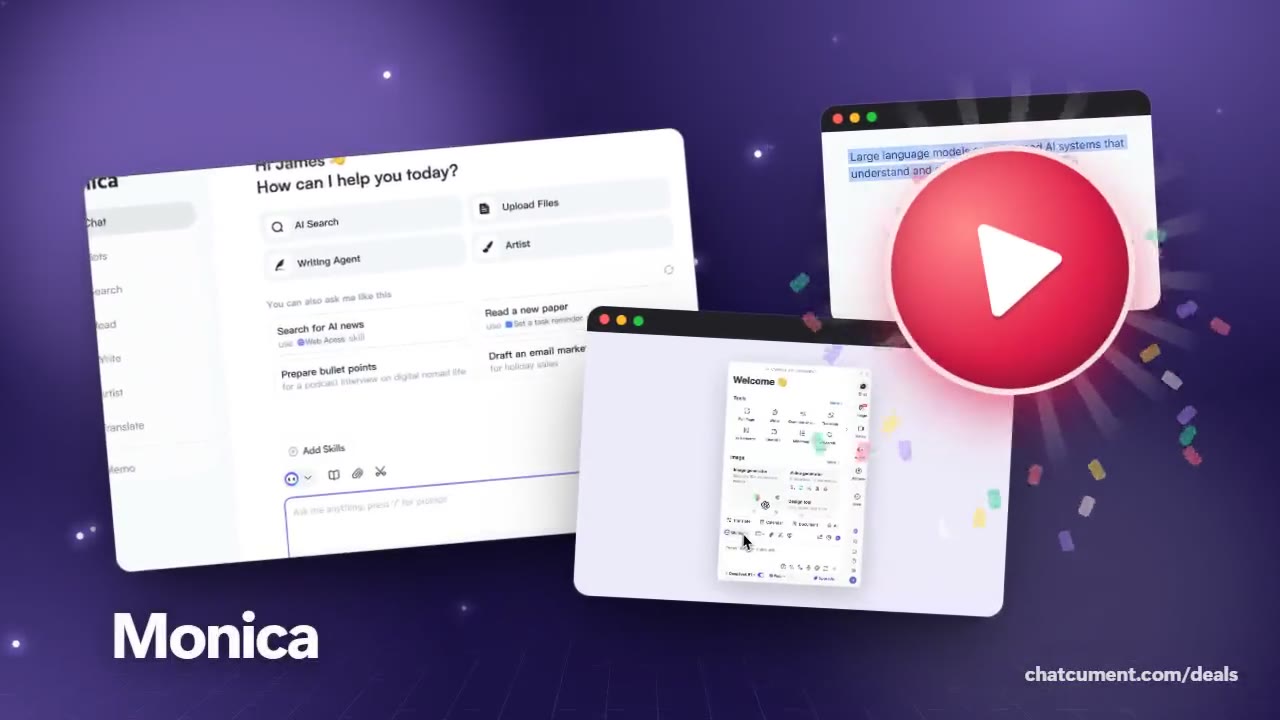
Butterfly Effect
Summarize YouTube videos with Monica
Skim a long video as timestamped highlights first.
- Start free on the free plan
- 40 basic-model queries a day, free
- Refund within 72 hours of a payment
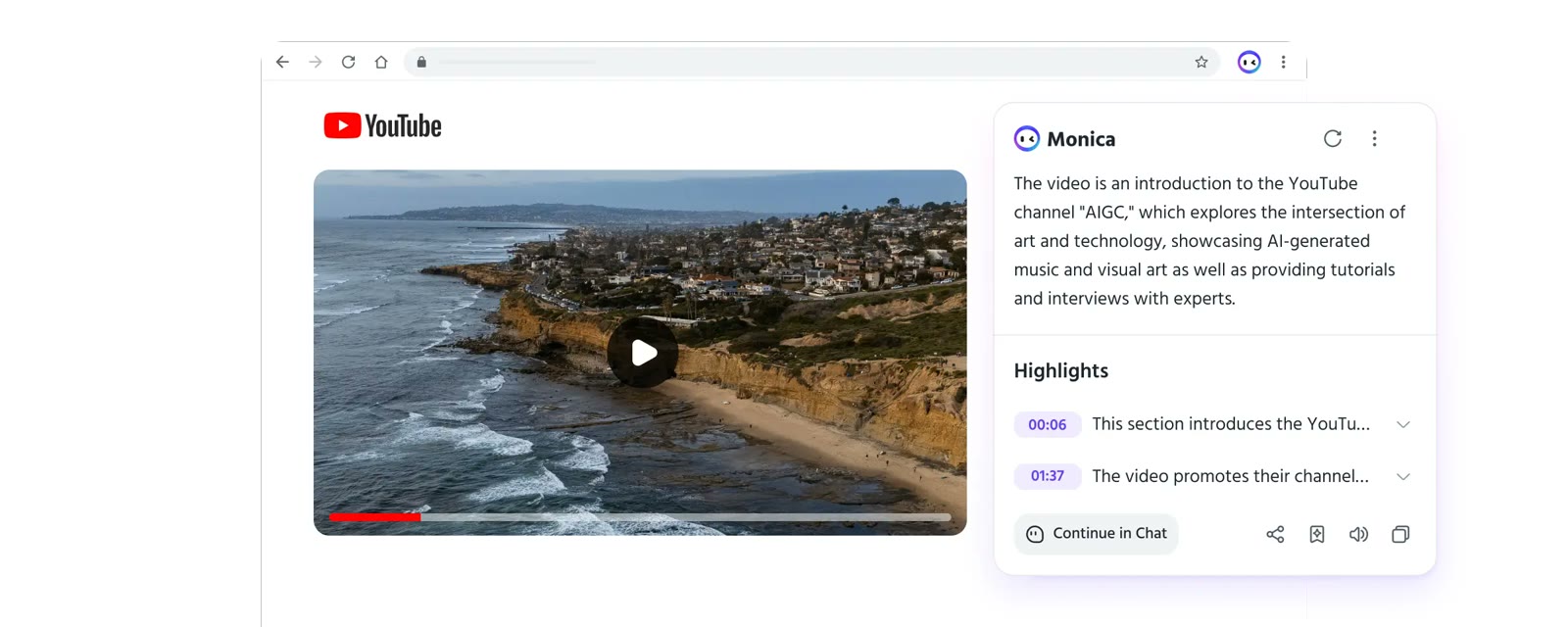
Install the Monica extension, open a YouTube watch page and an icon appears on the right side of the video. Clicking it generates a short summary and a Highlights list.
Each highlight carries a time such as 00:06 or 01:37. Click one to jump to that moment, which makes an hour-long lecture easy to cut down to the parts you need.
The official help page states that videos with or without subtitles can be summarized. Continue in Chat under the summary opens the same material as a conversation, and share, copy and listen buttons sit beside it.
For research, summaries of several videos are handy to compare side by side. The free plan covers your first tries within its daily allowance, and Pro is there if you outgrow it.
Deals you can use now
| Deal | Code | Conditions |
|---|---|---|
| FreeStart on the free plan | — | The free plan gives 40 basic-model queries a day. Paid Pro adds 5,000 basic and 200 advanced queries a month. |
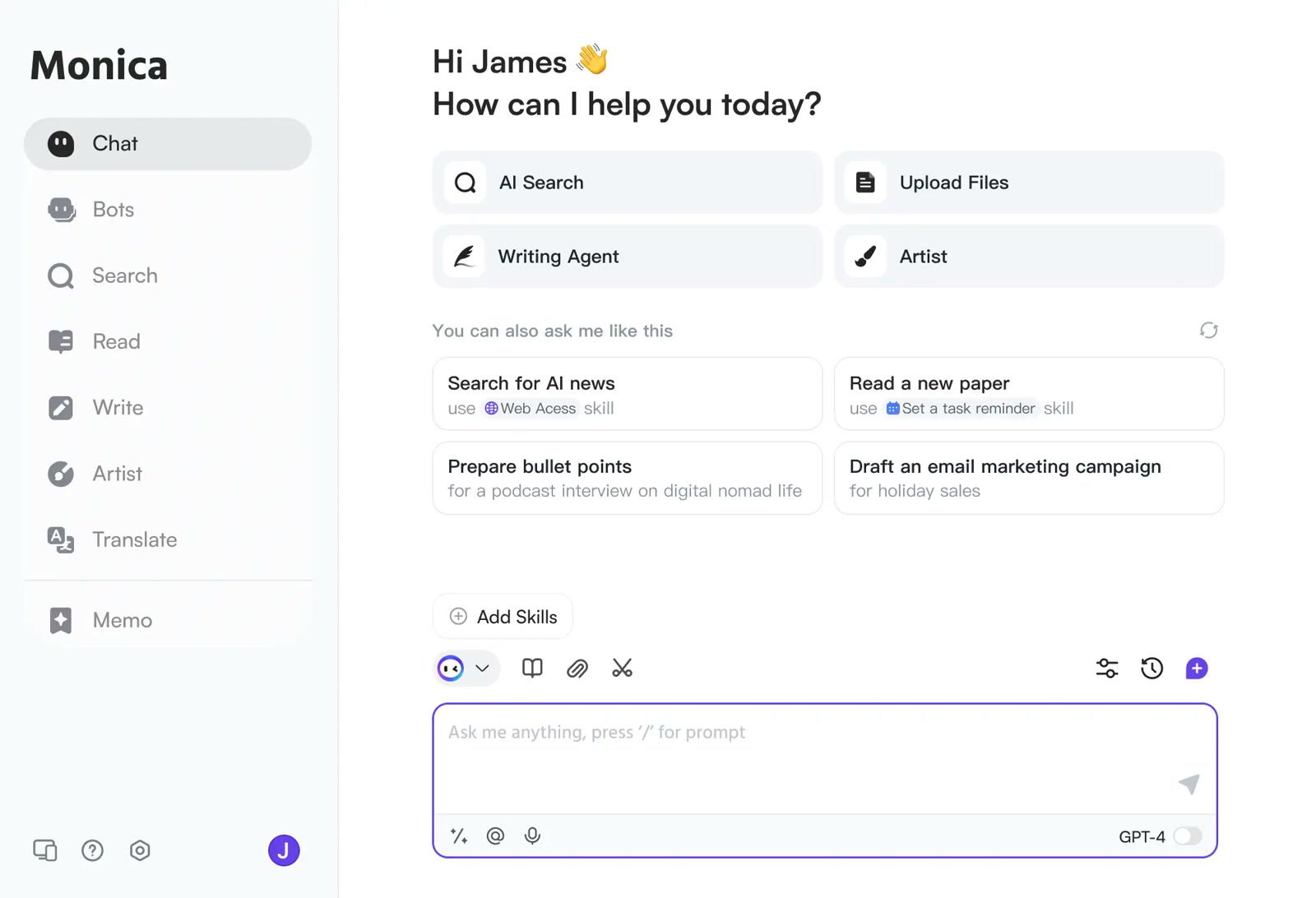 See Monica in detailOne AI sidebar for any web pageChat, search, read and write in one window · YouTube videos boiled down to timestamped highlights · Gmail replies that start from the sender's intent · An AI answer next to your Google results
FAQ
Does it work on videos with no subtitles?
The official help page says videos with or without subtitles are supported.
Where do I start a summary?
After installing the extension, click the Monica icon on the right side of a YouTube video page.
Can I ask follow-up questions?
Yes, use Continue in Chat in the summary panel to carry on in a conversation.
You might also like
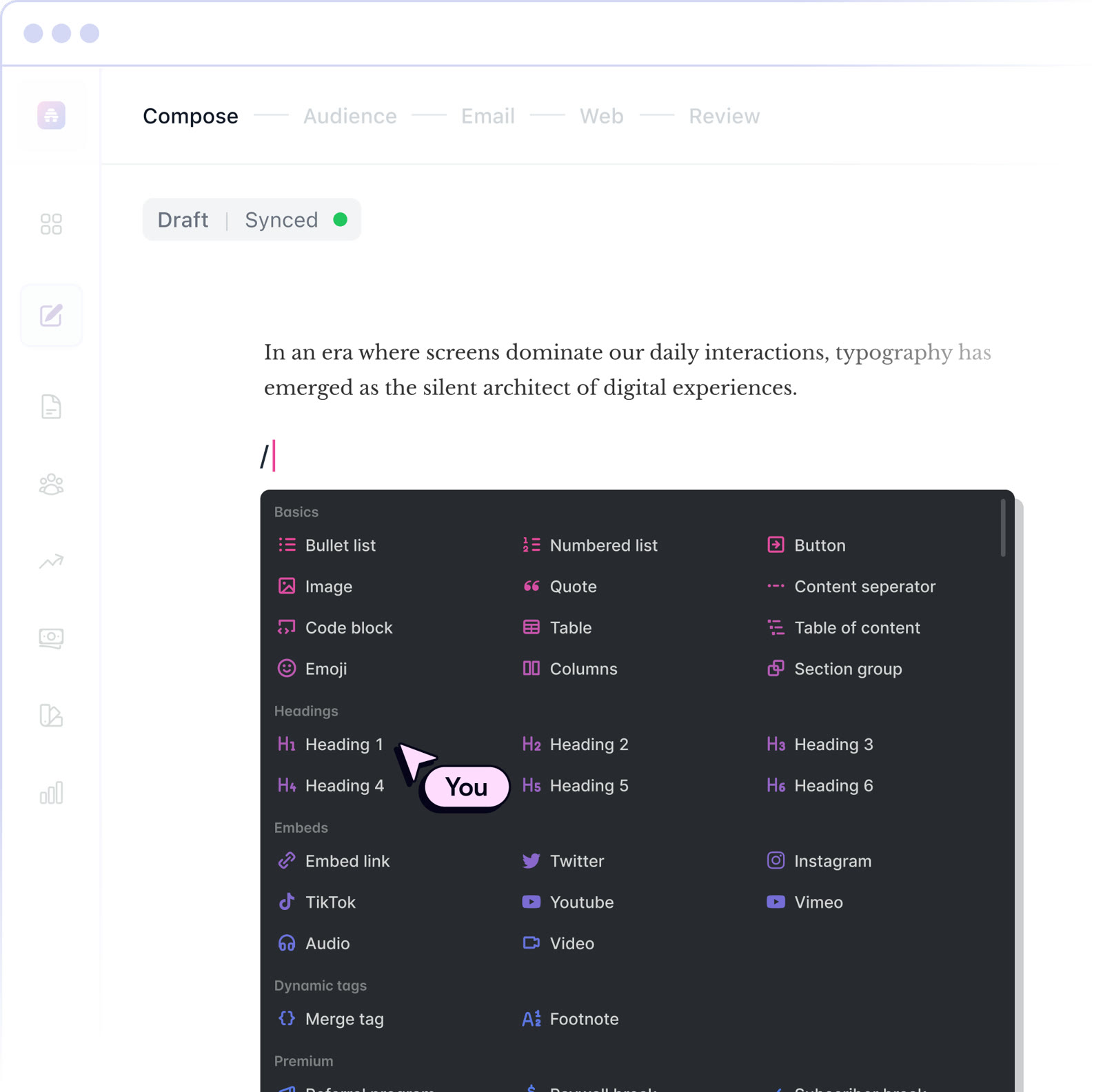 beehiiv20% off the first 3 months of a paid planNewsletter editor, site and monetization in one
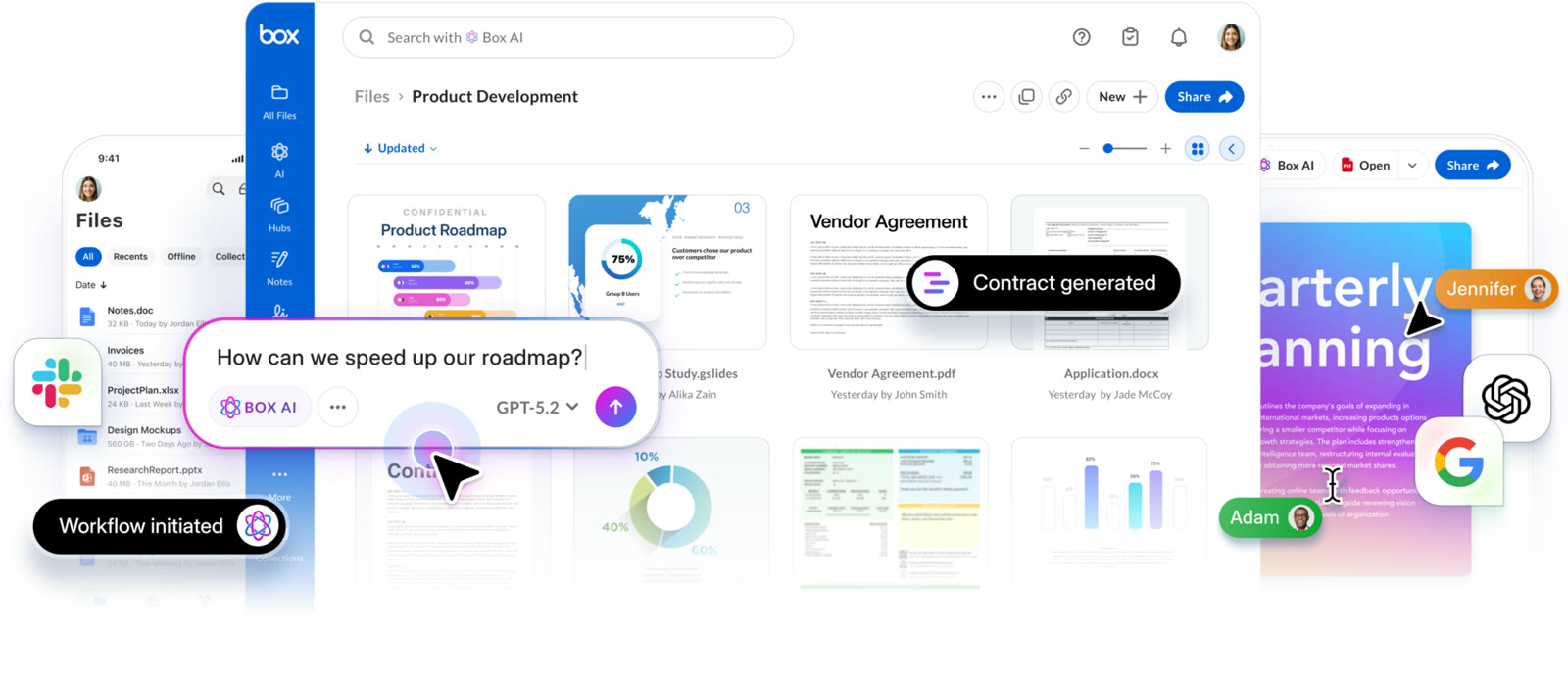 BoxIndividual plan is free; business plans begin with a free trialCloud storage that starts at 10 GB free
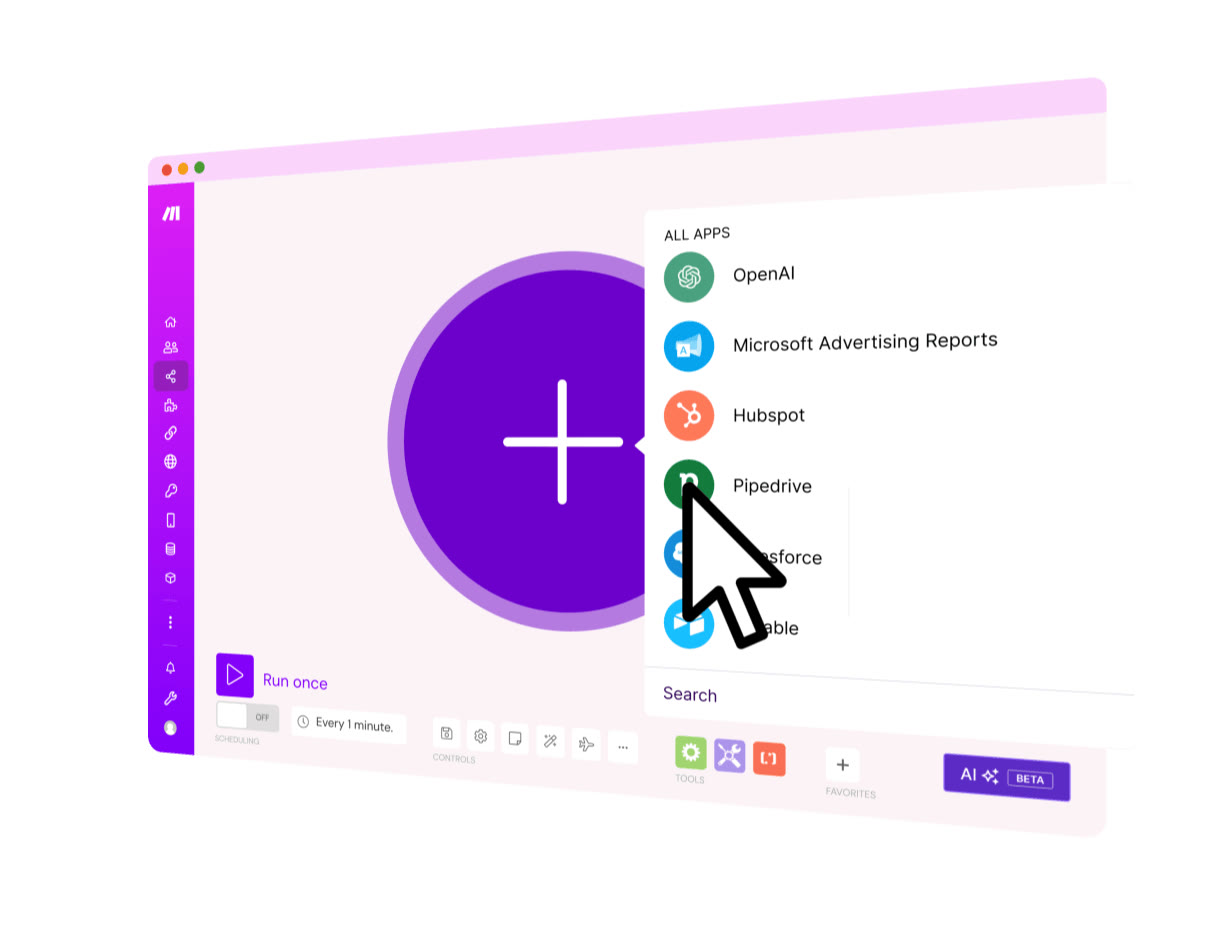 MakeStart on the Free planVisual automation across 3,500+ apps
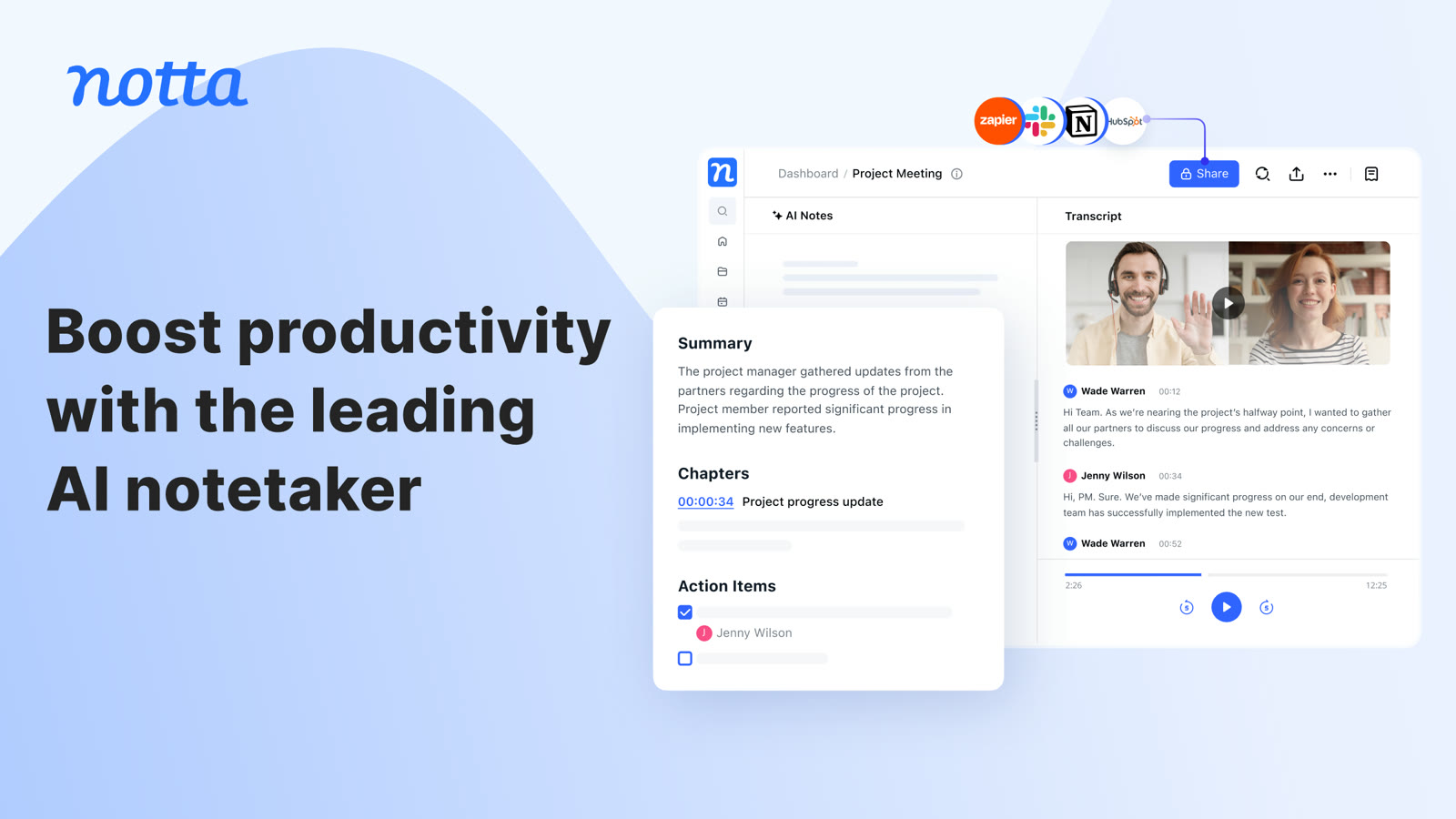 NottaFree plan with 120 transcription minutes a month, no card to startAI transcripts and notes for meetings