
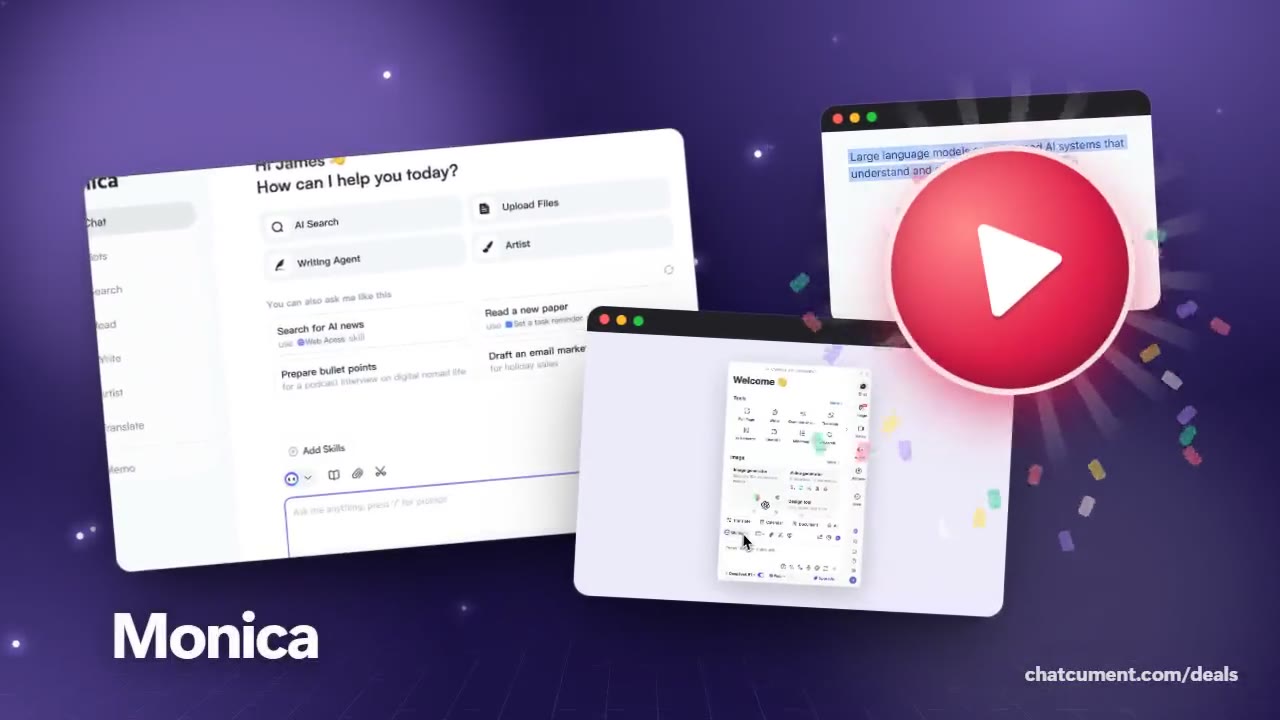
Butterfly Effect
ChatGPT, Claude and Gemini in one Monica sidebar
Ask several models from one window instead of juggling tabs.
- Start free on the free plan
- 40 basic-model queries a day, free
- Refund within 72 hours of a payment
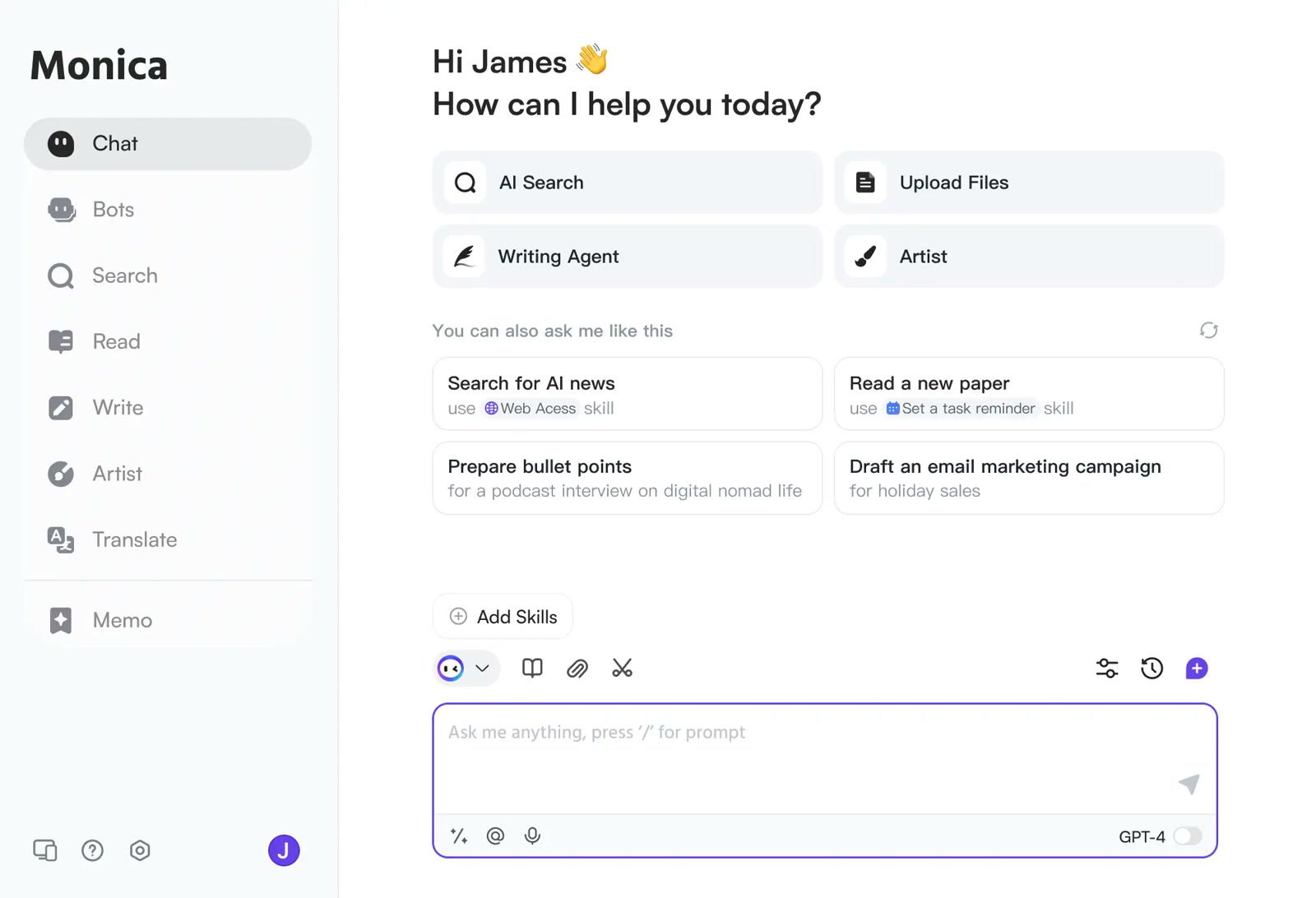
Monica's pricing page lists GPT, Claude and Gemini models among its basic and advanced models. One account lets you pick between them from a single window.
Press Ctrl+M (Cmd+M on a Mac) and the chat opens beside the page you were reading. That removes most of the tab switching you would otherwise do between model sites.
If an answer is not quite right, the Get answers from other models button under a reply collects responses from other models for side-by-side comparison. If the button is missing, switch it on under Settings, General, Chat.
For a one-line question, Quick Ask on Ctrl+J (Cmd+J) is faster. The free plan allows 40 basic queries a day, enough to see how different models phrase the same answer.
Deals you can use now
| Deal | Code | Conditions |
|---|---|---|
| FreeStart on the free plan | — | The free plan gives 40 basic-model queries a day. Paid Pro adds 5,000 basic and 200 advanced queries a month. |
See Monica in detailOne AI sidebar for any web pageChat, search, read and write in one window · YouTube videos boiled down to timestamped highlights · Gmail replies that start from the sender's intent · An AI answer next to your Google resultsFAQ
Which models can I use?
The pricing page names GPT, Claude and Gemini models as basic and advanced options. Which ones open depends on your plan.
How do I compare model answers?
Click Get answers from other models under a reply and choose which models to compare.
Is there a shortcut to open the chat?
Ctrl+M or Cmd+M opens the chat, and Ctrl+J or Cmd+J opens Quick Ask.
You might also like
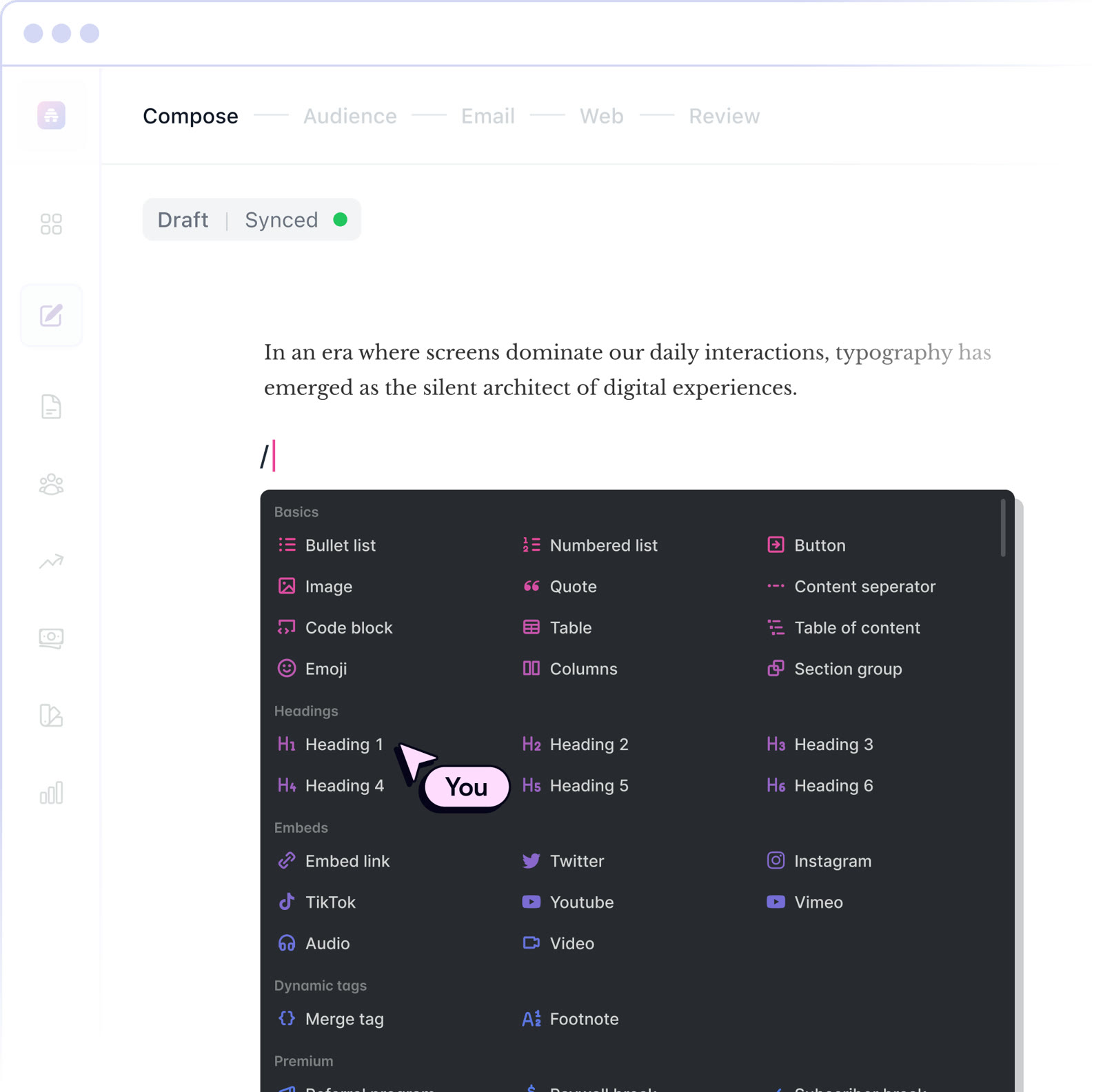 beehiiv20% off the first 3 months of a paid planNewsletter editor, site and monetization in one
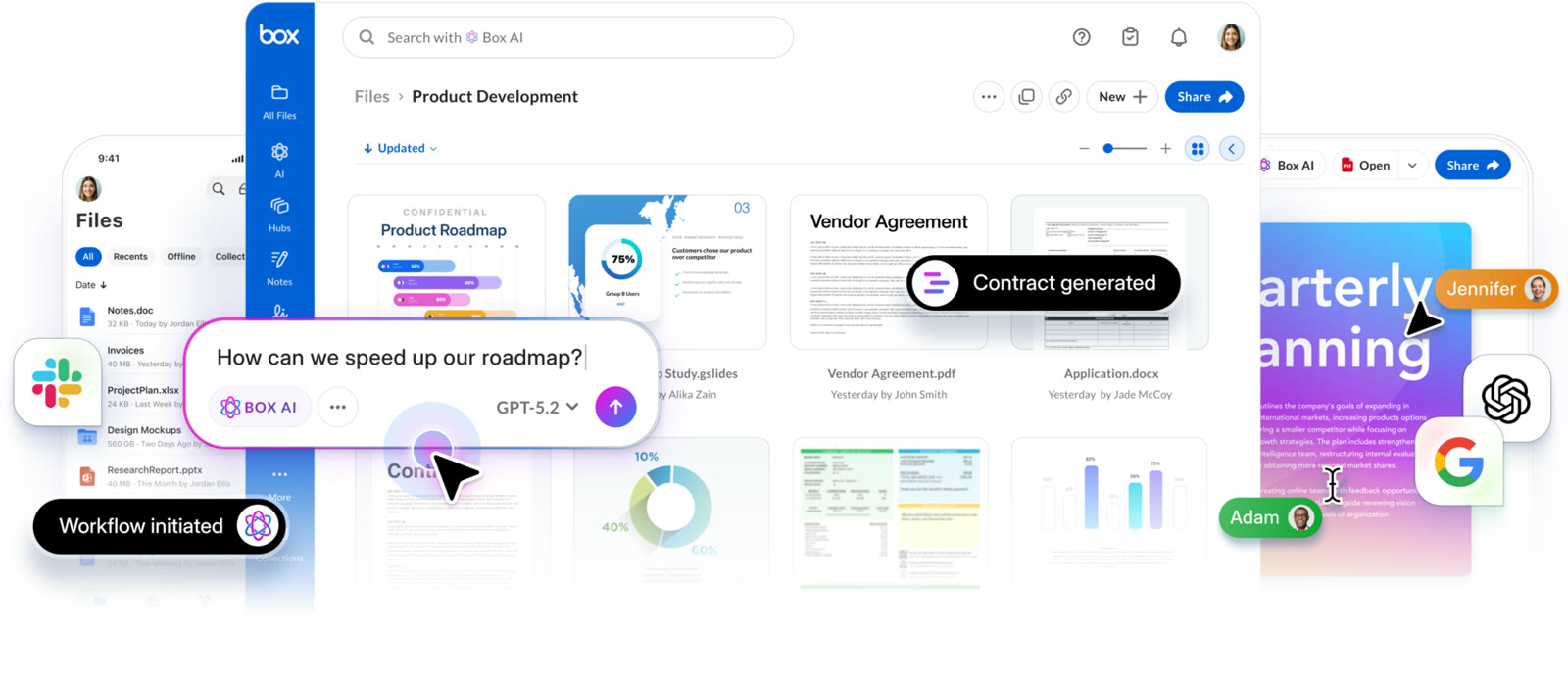 BoxIndividual plan is free; business plans begin with a free trialCloud storage that starts at 10 GB free
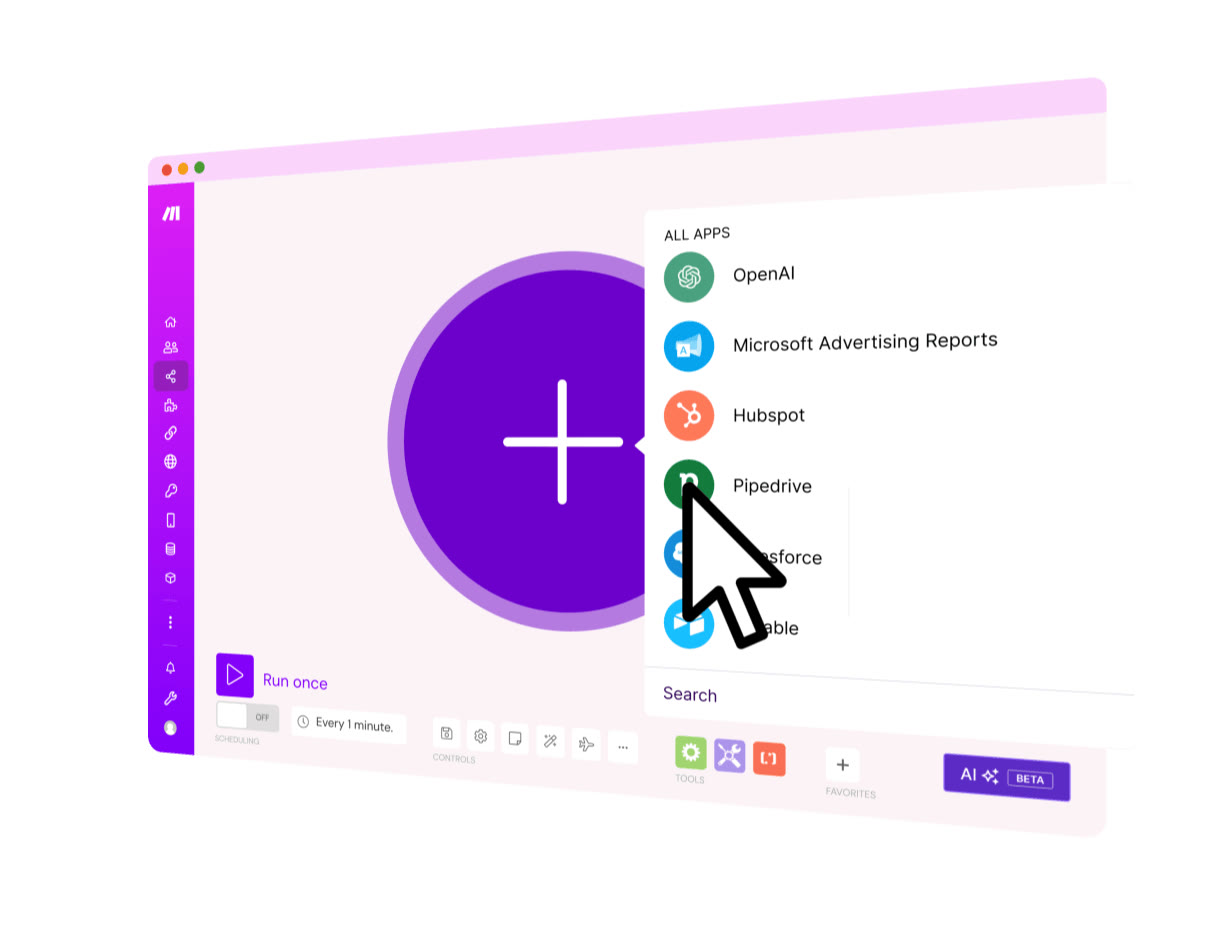 MakeStart on the Free planVisual automation across 3,500+ apps
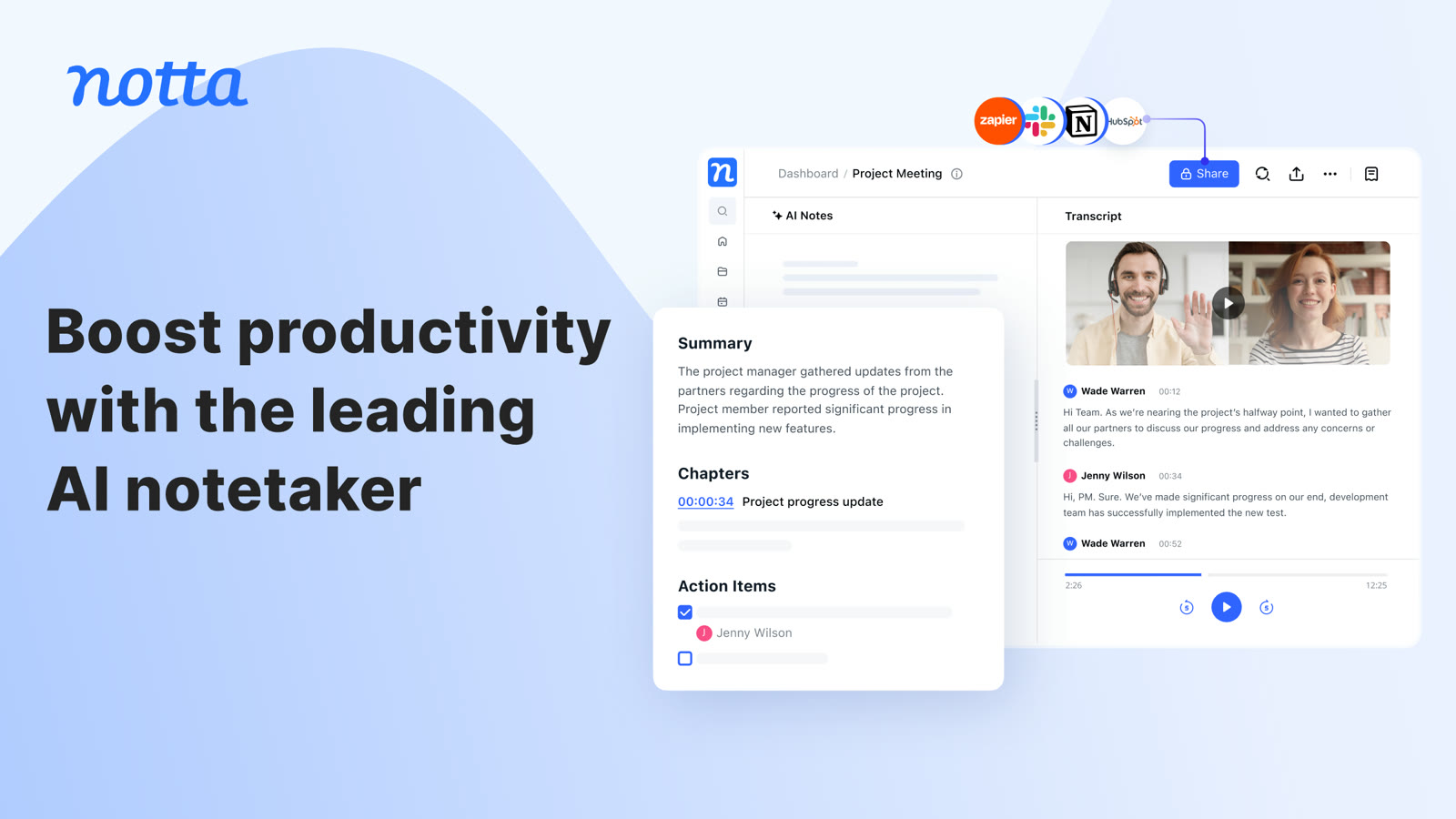 NottaFree plan with 120 transcription minutes a month, no card to startAI transcripts and notes for meetings