
Butterfly Effect
Read any foreign page with the translation under each paragraph
Immersive translation that sits right below the original text.
- Start free on the free plan
- 40 basic-model queries a day, free
- Refund within 72 hours of a payment
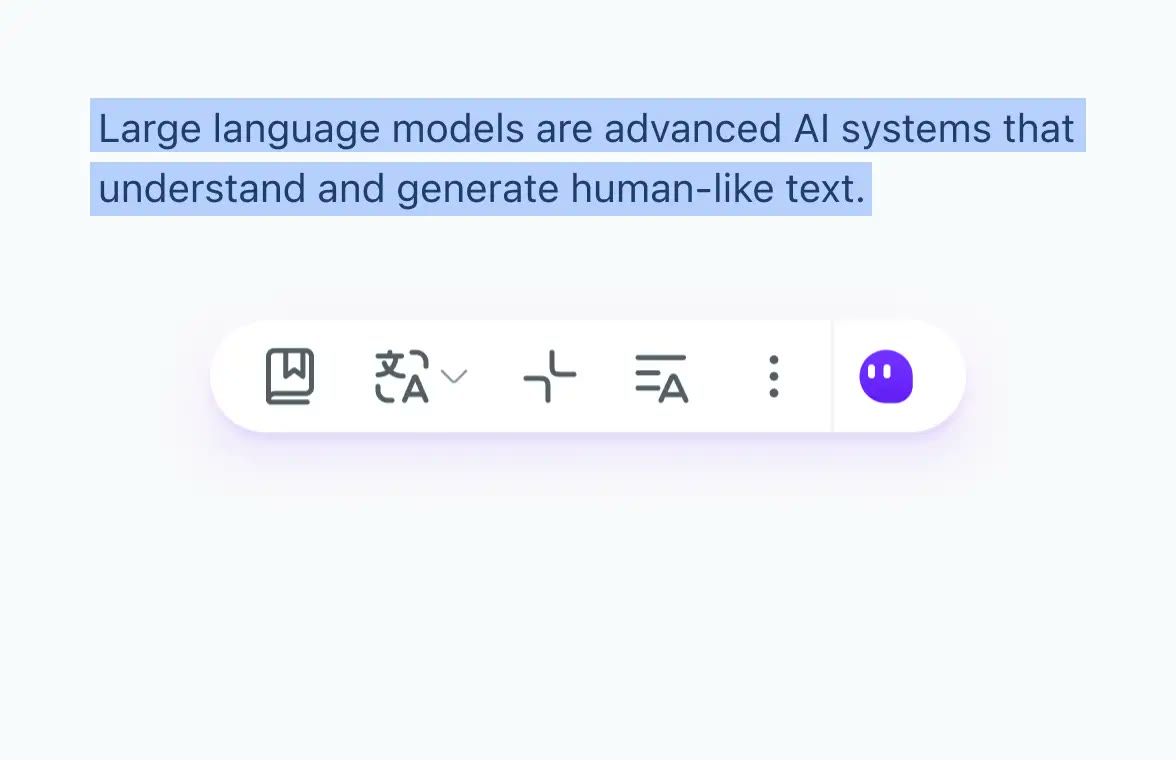
Open a foreign-language site, click the PowerUP button at the bottom right and press the Translate icon. Each paragraph gets its translation directly beneath it, so there is no copying or tab switching.
You can choose between classic engines such as Google, Microsoft and DeepL, and AI models such as Gemini, GPT and Claude. The pricing table shows Google and Microsoft for web pages on Free, with advanced models and DeepL on paid plans.
With an AI model selected, expert modes cover academic papers, technology, email and social media. A glossary lets you pin the exact terms a translation should use.
Hover over a paragraph and press Ctrl to translate only that one. Display can be bilingual or translation only, and styling can be underline, subdued or a custom colour.
Deals you can use now
| Deal | Code | Conditions |
|---|---|---|
| FreeStart on the free plan | — | The free plan gives 40 basic-model queries a day. Paid Pro adds 5,000 basic and 200 advanced queries a month. |
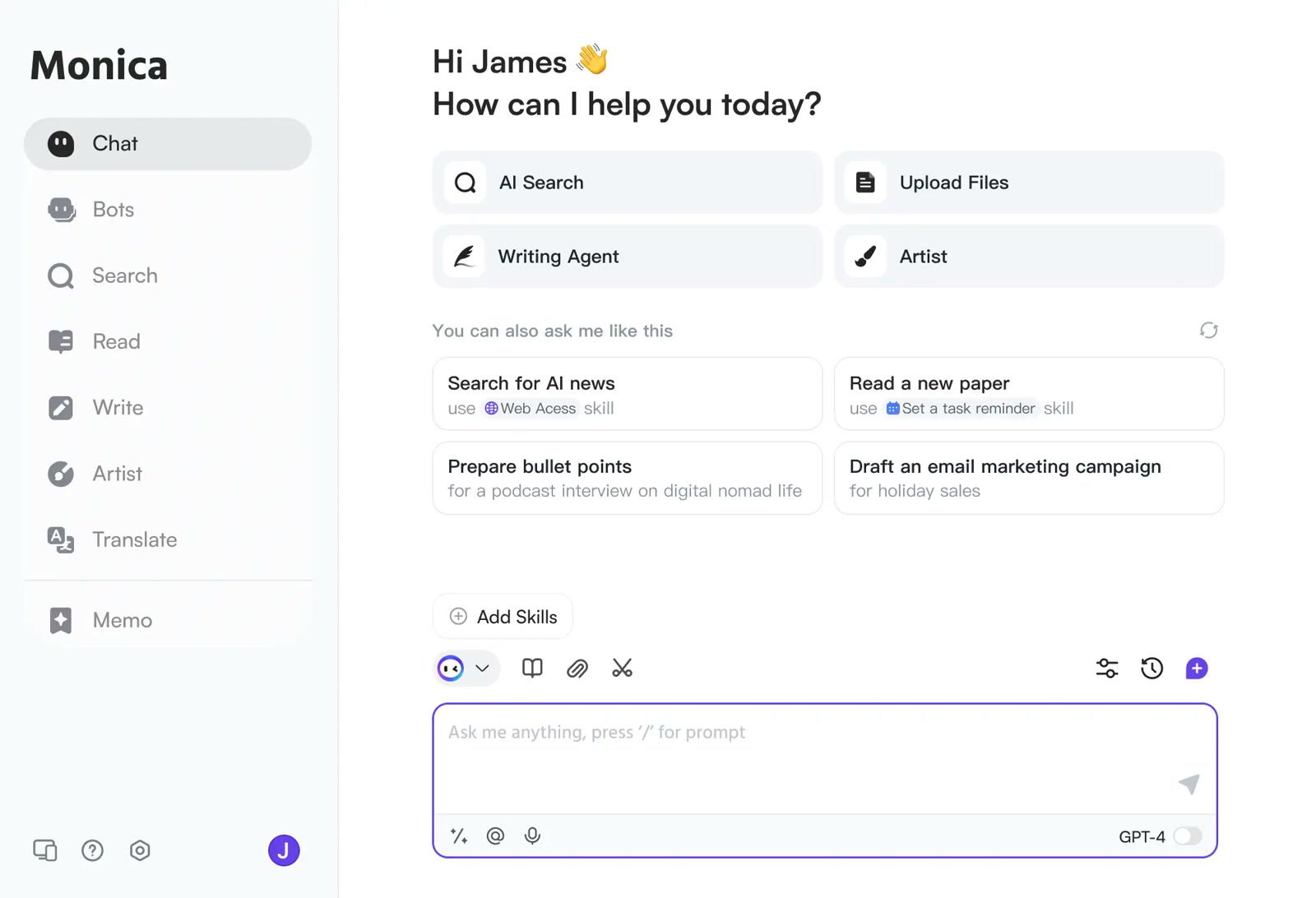 See Monica in detailOne AI sidebar for any web pageChat, search, read and write in one window · YouTube videos boiled down to timestamped highlights · Gmail replies that start from the sender's intent · An AI answer next to your Google results
FAQ
Does webpage translation work on the free plan?
The pricing table lists Google and Microsoft engines for web pages on Free.
Can I translate a single paragraph?
Once the feature is on, hover over a paragraph and press Ctrl to translate just that one.
Can I change the translation engine?
Yes, switch between Google, Microsoft, DeepL and several AI models.
You might also like
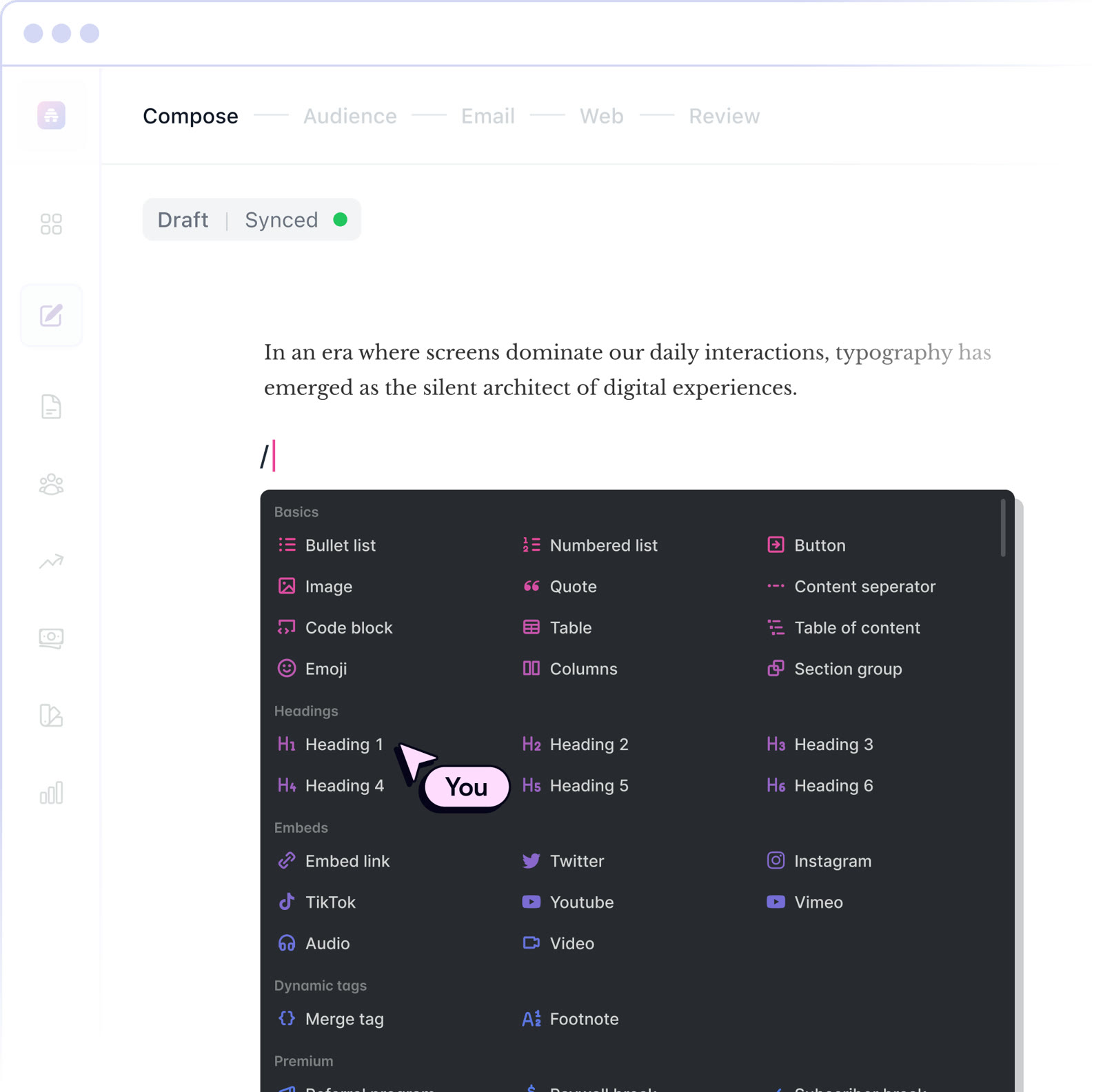 beehiiv20% off the first 3 months of a paid planNewsletter editor, site and monetization in one
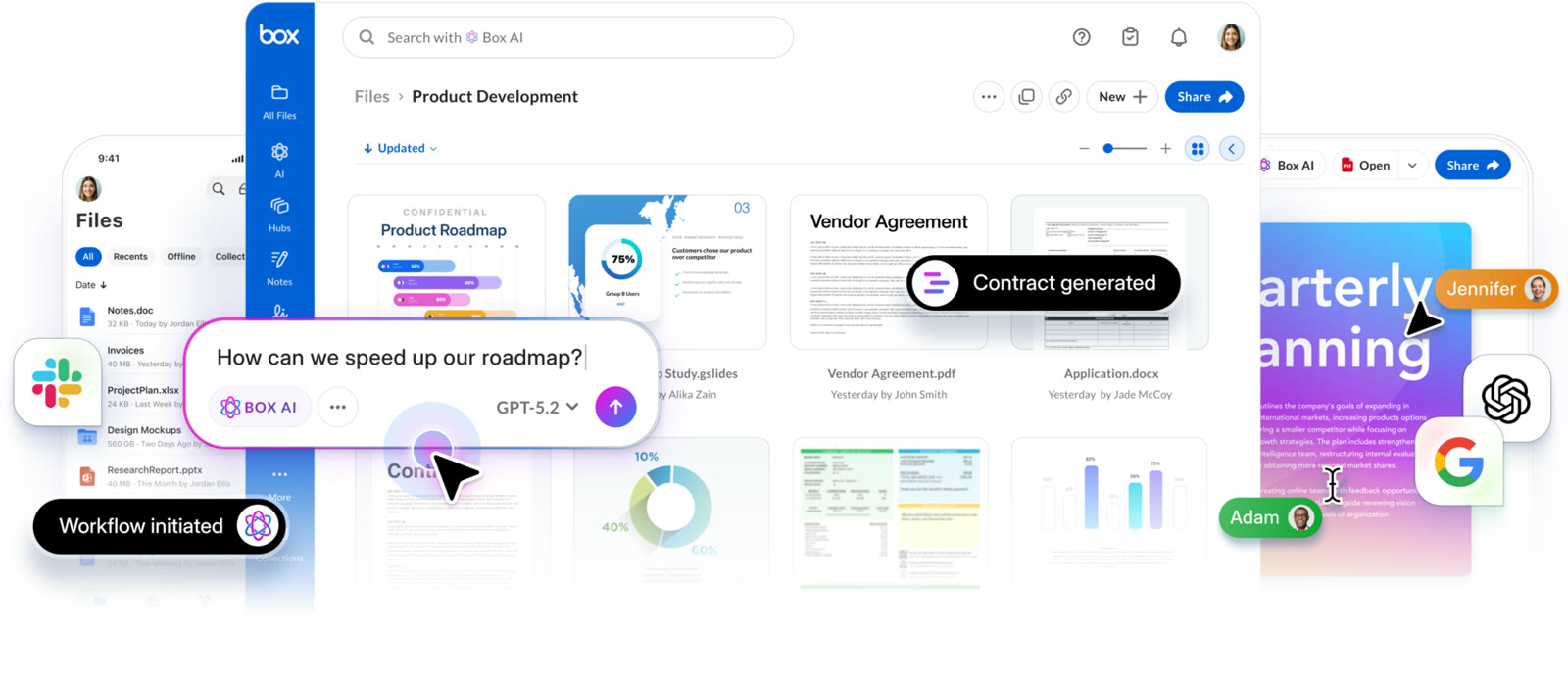 BoxIndividual plan is free; business plans begin with a free trialCloud storage that starts at 10 GB free
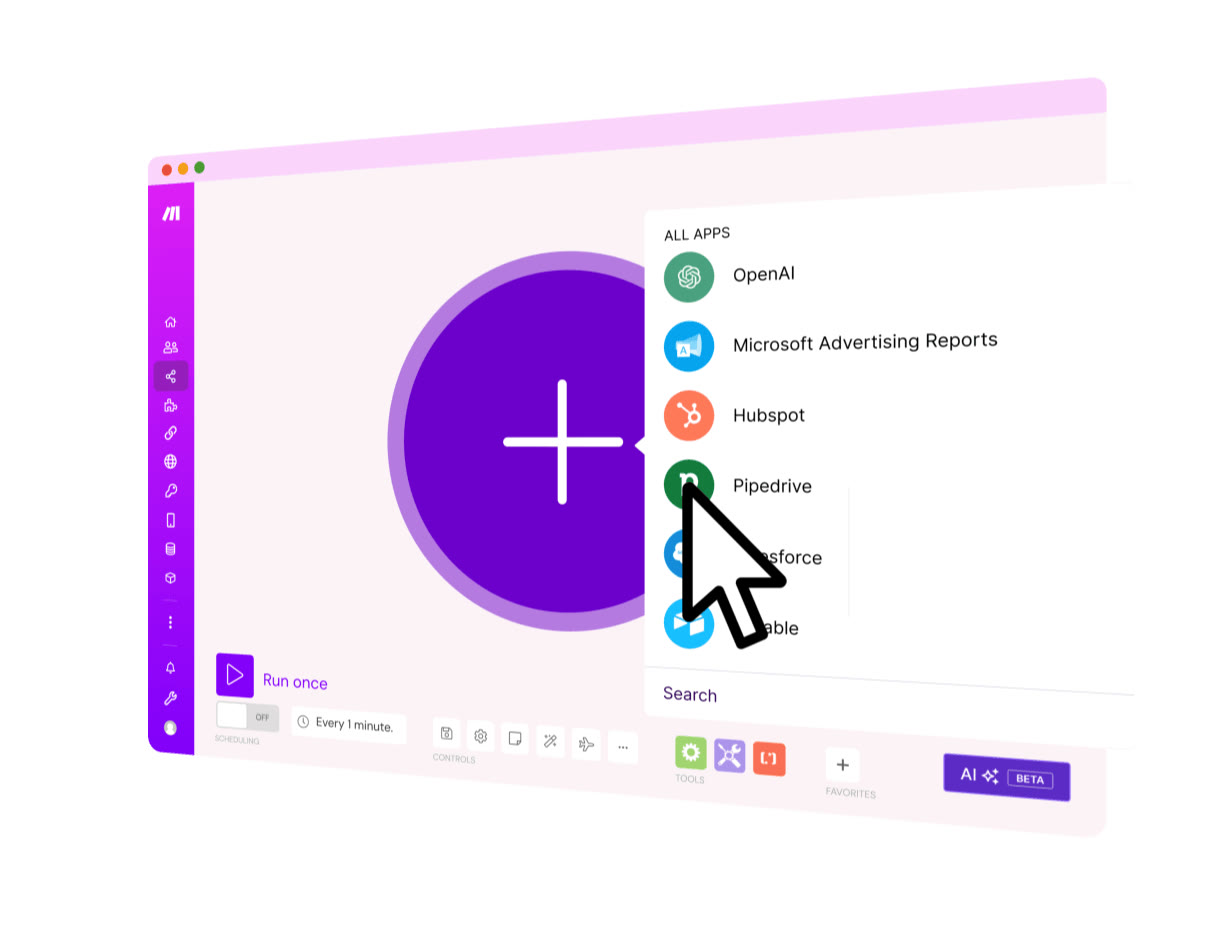 MakeStart on the Free planVisual automation across 3,500+ apps
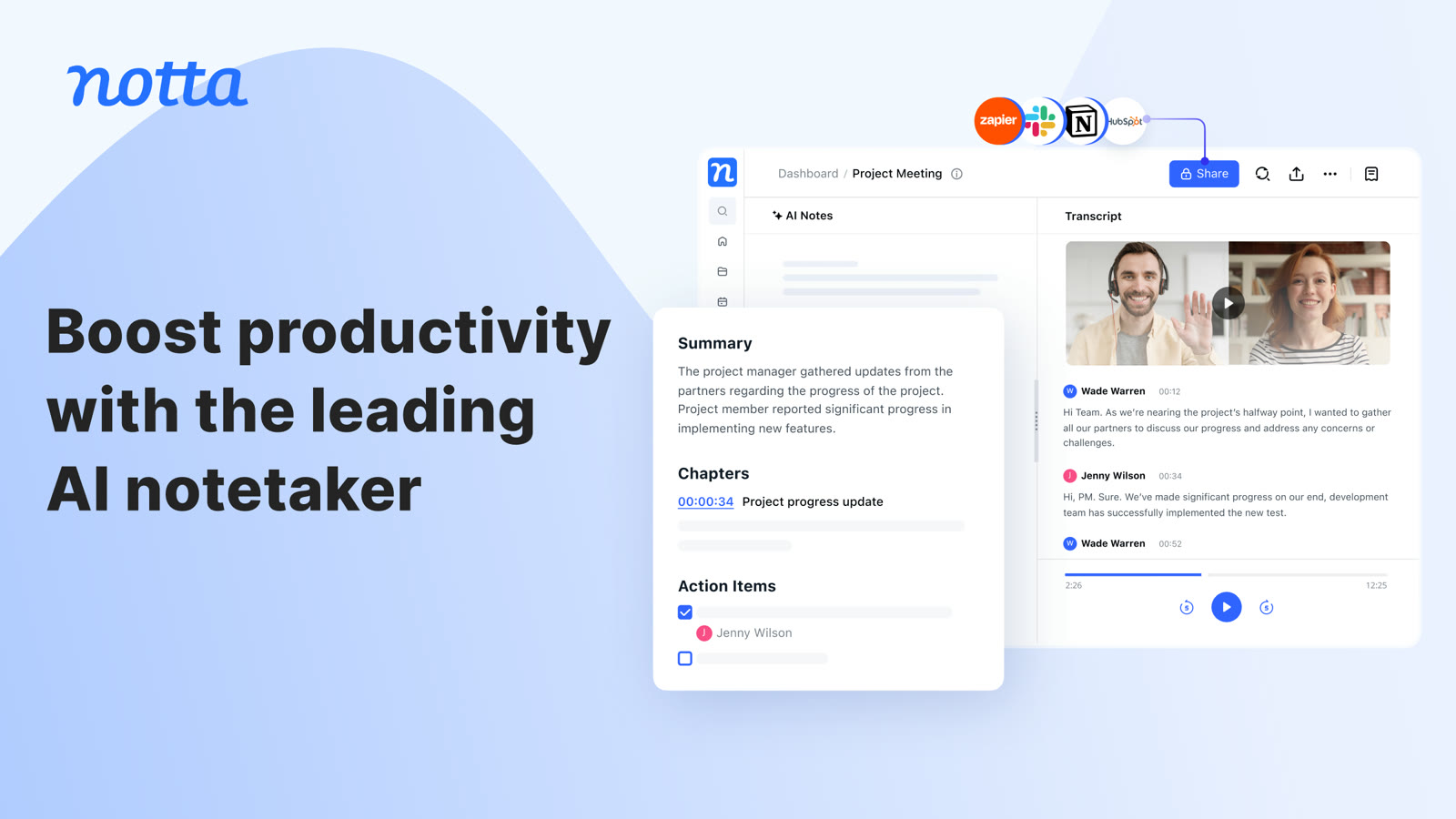 NottaFree plan with 120 transcription minutes a month, no card to startAI transcripts and notes for meetings