
Wondershare
Back up your phone to a computer
Keep contacts, photos and notes safe before a switch.
- Extra checkout code SENMOBTR
- 18+ data types, 6000+ devices
- 7-day money-back guarantee
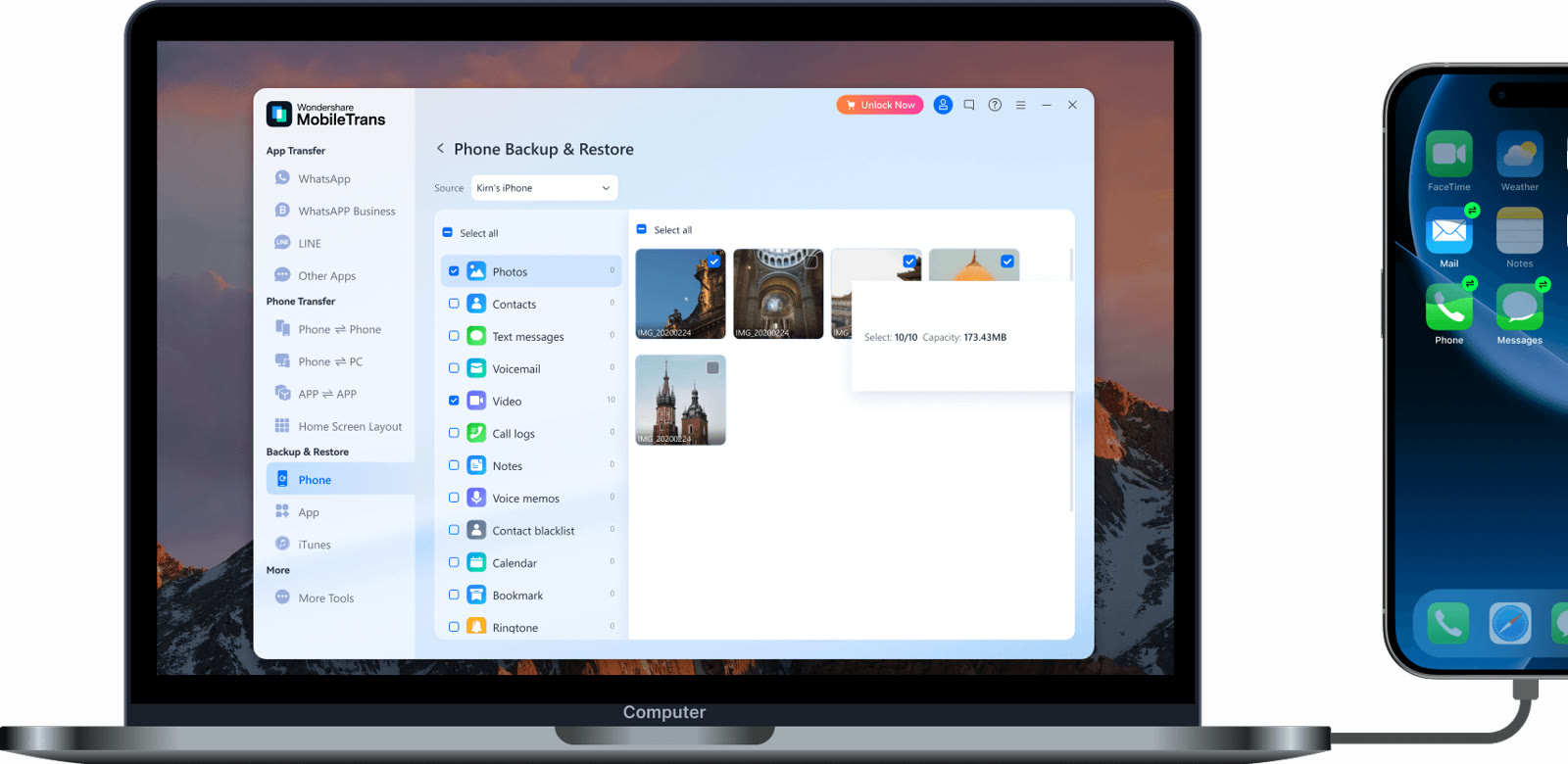
A backup on the computer takes the stress out of changing phones. MobileTrans Backup & Restore is divided into Phone, App and iTunes.
On the phone backup screen you see photos, contacts, text messages, voicemail, video, call logs, notes, voice memos, a contact blacklist, calendar, bookmarks and ringtones. The size of whatever you tick is totalled at the bottom.
Backing up costs nothing even in the free trial. Restoring lets you view file counts first, but putting data onto another device requires a license.
WhatsApp data can be backed up to the computer and restored later. The site also describes recovering deleted WhatsApp and WhatsApp Business data this way.
If you back up often, compare the yearly and perpetual licenses. The checkout page is where a code such as SENMOBTR goes.
Deals you can use now
| Deal | Code | Conditions |
|---|---|---|
| CodeAn extra MobileTrans checkout code: SENMOBTR | SENMOBTR | The official site does not state an amount for this code. Check the total at checkout. |
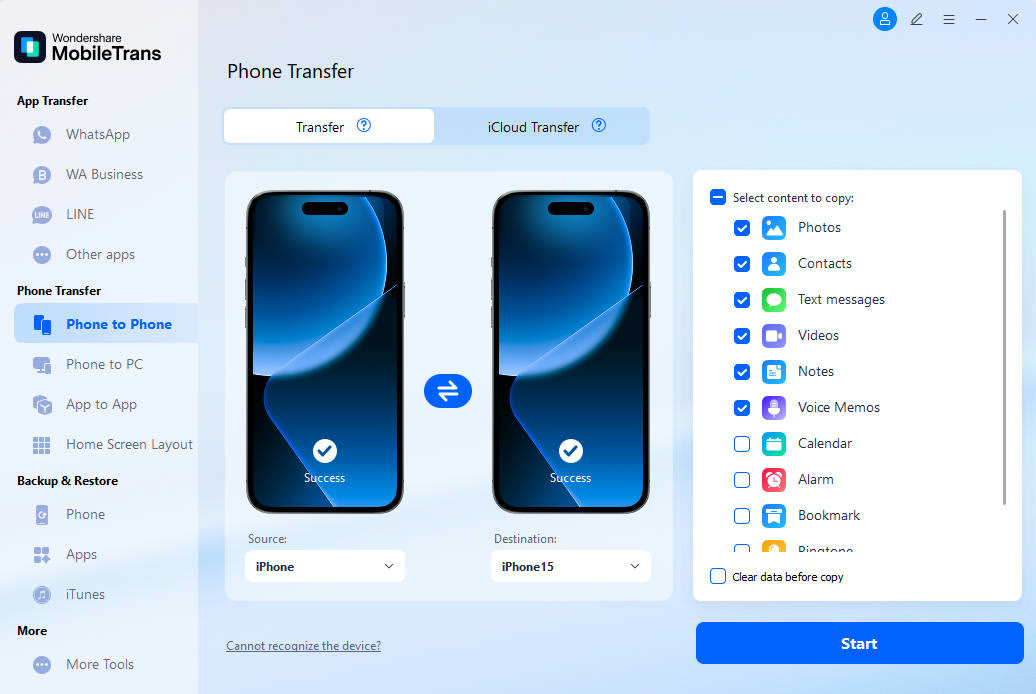 See MobileTrans in detailPhone-to-phone transfer and backupPick what moves, then press Start · WhatsApp chats arrive in two stages · Move photos between phone and computer · Back up item by item
FAQ
Is backup really free?
The official FAQ says the backup feature is free even without a license. Restoring needs one.
Can I restore a PC backup onto a new phone?
Yes, the Restore side of Backup & Restore reads from a backup on the computer or from iTunes. That step requires a license.
What gets backed up?
The list includes photos, contacts, text messages, video, call logs, notes, calendar and bookmarks. The exact entries can vary with the phone type.
You might also like
 PDFelement20% off PDFelementEdit a PDF as easily as a Word file
 Edraw.AI7-day unlimited free trialDescribe it, and the diagram draws itself
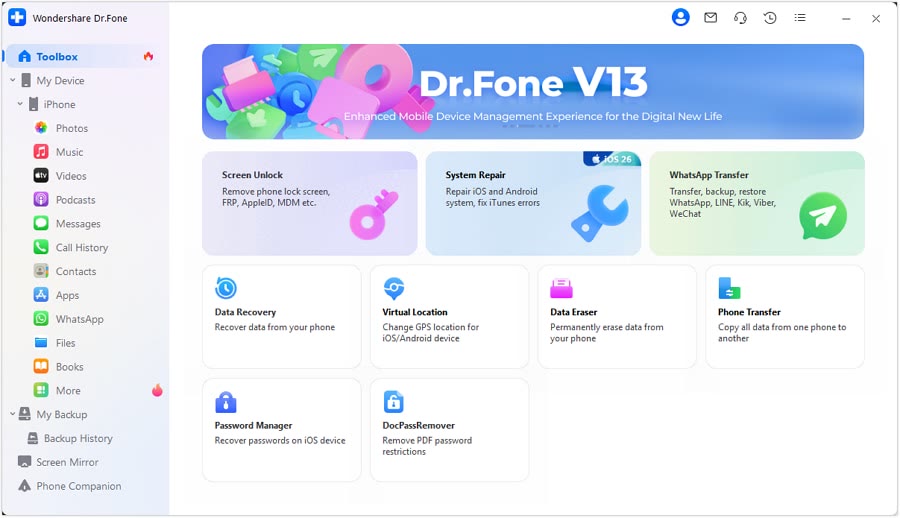 Dr.FoneExtra checkout code SAFDRFON for Dr.FonePhone recovery, repair and transfer toolkit
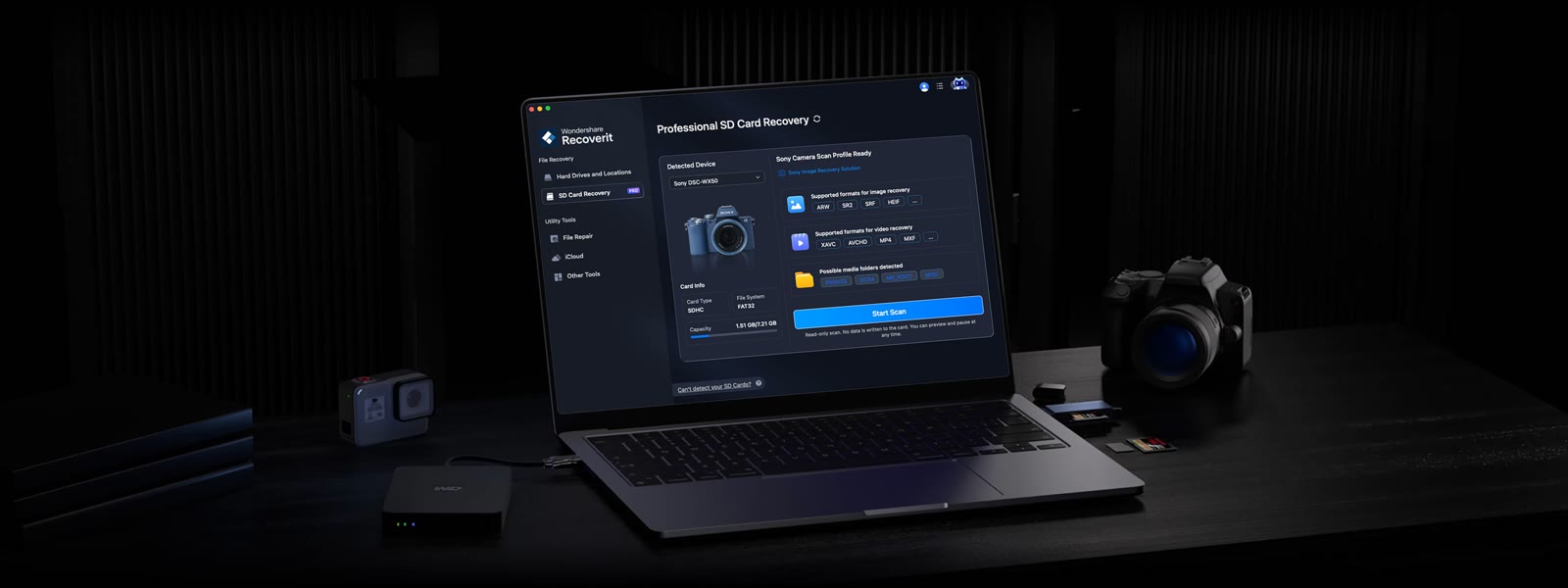 RecoveritExtra checkout code SAFRECOVGet deleted and formatted files back