
Wondershare
Switch between iPhone and Android
Photos, contacts and texts in one pass.
- Extra checkout code SENMOBTR
- 18+ data types, 6000+ devices
- 7-day money-back guarantee
Switching platforms usually starts with the same worry: photos and contacts. The Phone to Phone screen in MobileTrans works the same whichever side is iPhone and whichever is Android.
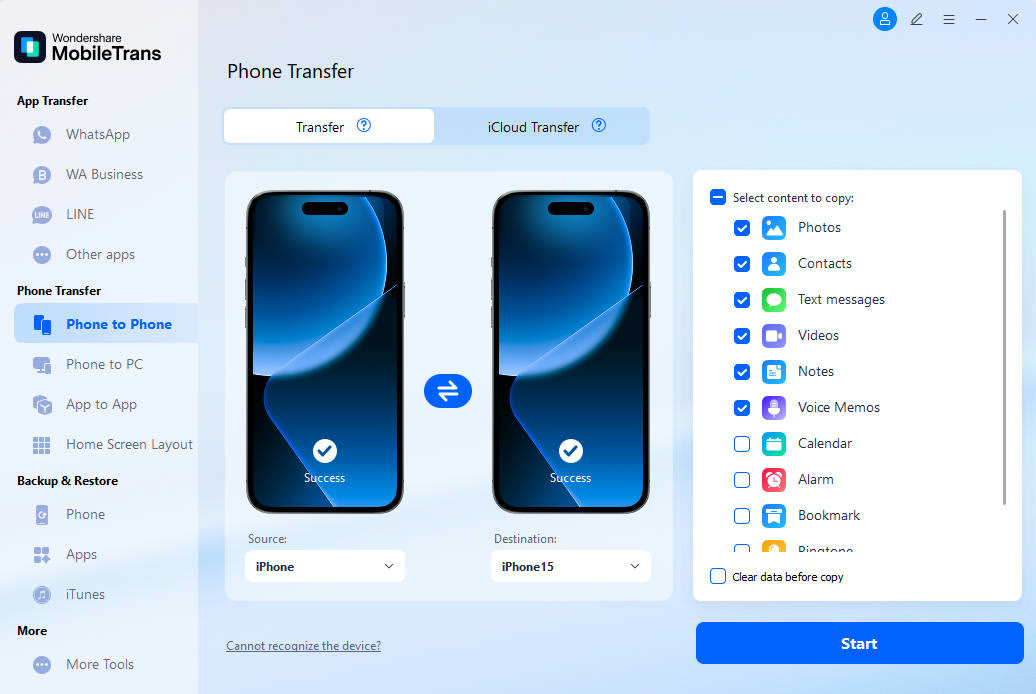
The source phone sits on the left, the destination on the right, with a swap icon between them. A checklist on the right covers photos, contacts, text messages, videos, notes and voice memos.
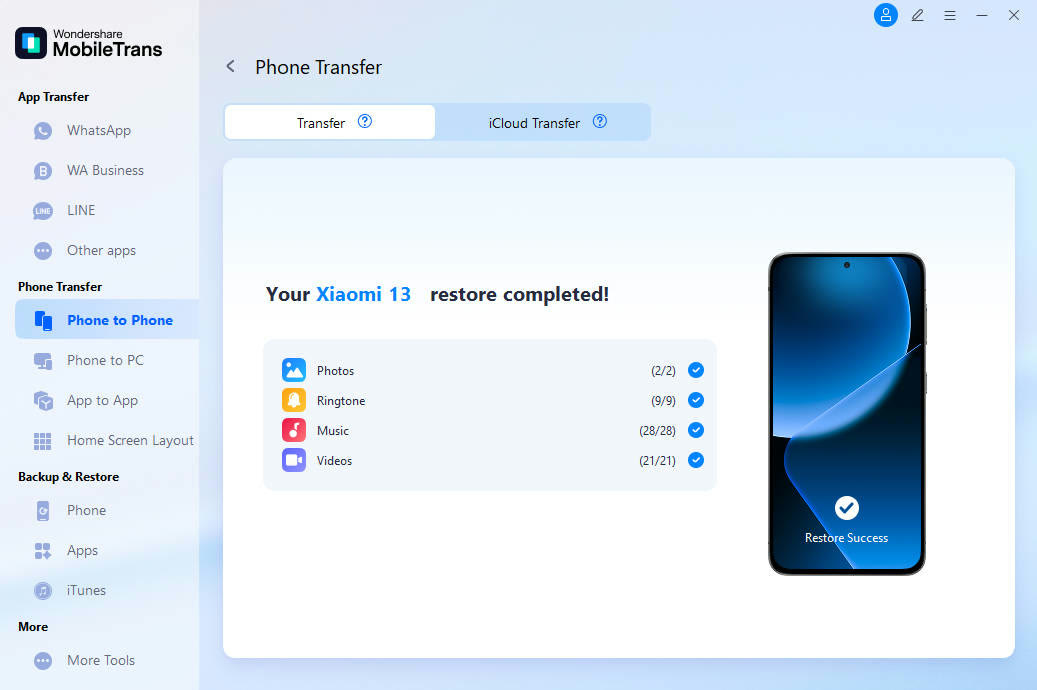
The finished screen reports counts per item, such as 28 of 28 music files and 21 of 21 videos. Nothing has to be guessed about what arrived.
Wiping the destination before copying is a separate checkbox. Leave it unticked if you want the new phone's existing photos to stay.
The official site cites 18+ data types and 6000+ devices. Try the free detection step first, and look for the SENMOBTR field when you check out.
Deals you can use now
| Deal | Code | Conditions |
|---|---|---|
| CodeAn extra MobileTrans checkout code: SENMOBTR | SENMOBTR | The official site does not state an amount for this code. Check the total at checkout. |
 See MobileTrans in detailPhone-to-phone transfer and backupPick what moves, then press Start · WhatsApp chats arrive in two stages · Move photos between phone and computer · Back up item by item
FAQ
What data can I copy?
Photos, contacts, text messages, videos, notes, voice memos, calendar, alarm and bookmarks are in the list. Scroll the panel in the app to see all of it.
Will photos already on the new phone disappear?
Only if you tick the option to clear data before copying. It starts unticked.
Must both phones be plugged into a computer?
The desktop version links both phones to the computer. The mobile app moves data over Wi-Fi instead.
You might also like
 PDFelement20% off PDFelementEdit a PDF as easily as a Word file
 Edraw.AI7-day unlimited free trialDescribe it, and the diagram draws itself
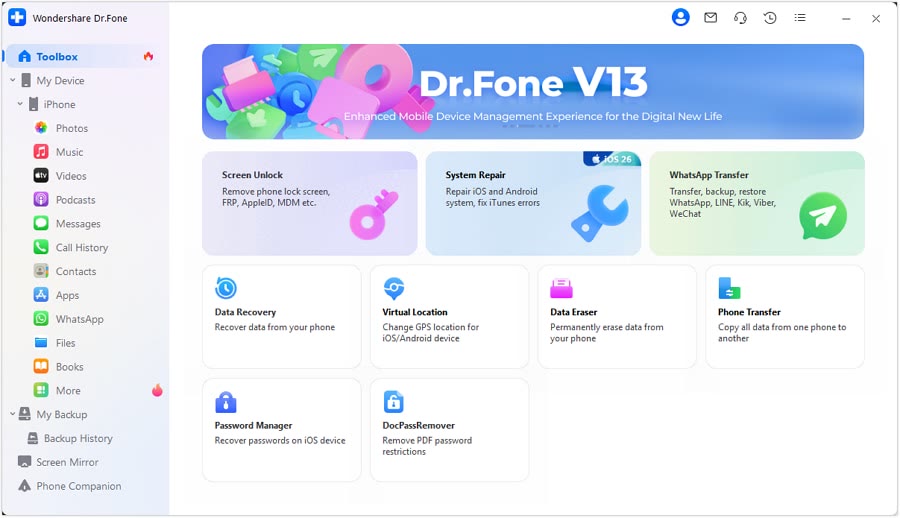 Dr.FoneExtra checkout code SAFDRFON for Dr.FonePhone recovery, repair and transfer toolkit
 RecoveritExtra checkout code SAFRECOVGet deleted and formatted files back