
Hand over the script, let the AI place the scenes
Written stories become video with scenes, captions and a voice.
- 30% off monthly, 25% off annual
- 50 extra AI minutes in month one
- One prompt becomes a finished video
Moving a story from your head to the screen normally means learning both a camera workflow and an editor. InVideo AI takes an article or a single idea and returns a video with scene breakdown, captions and narration already attached.
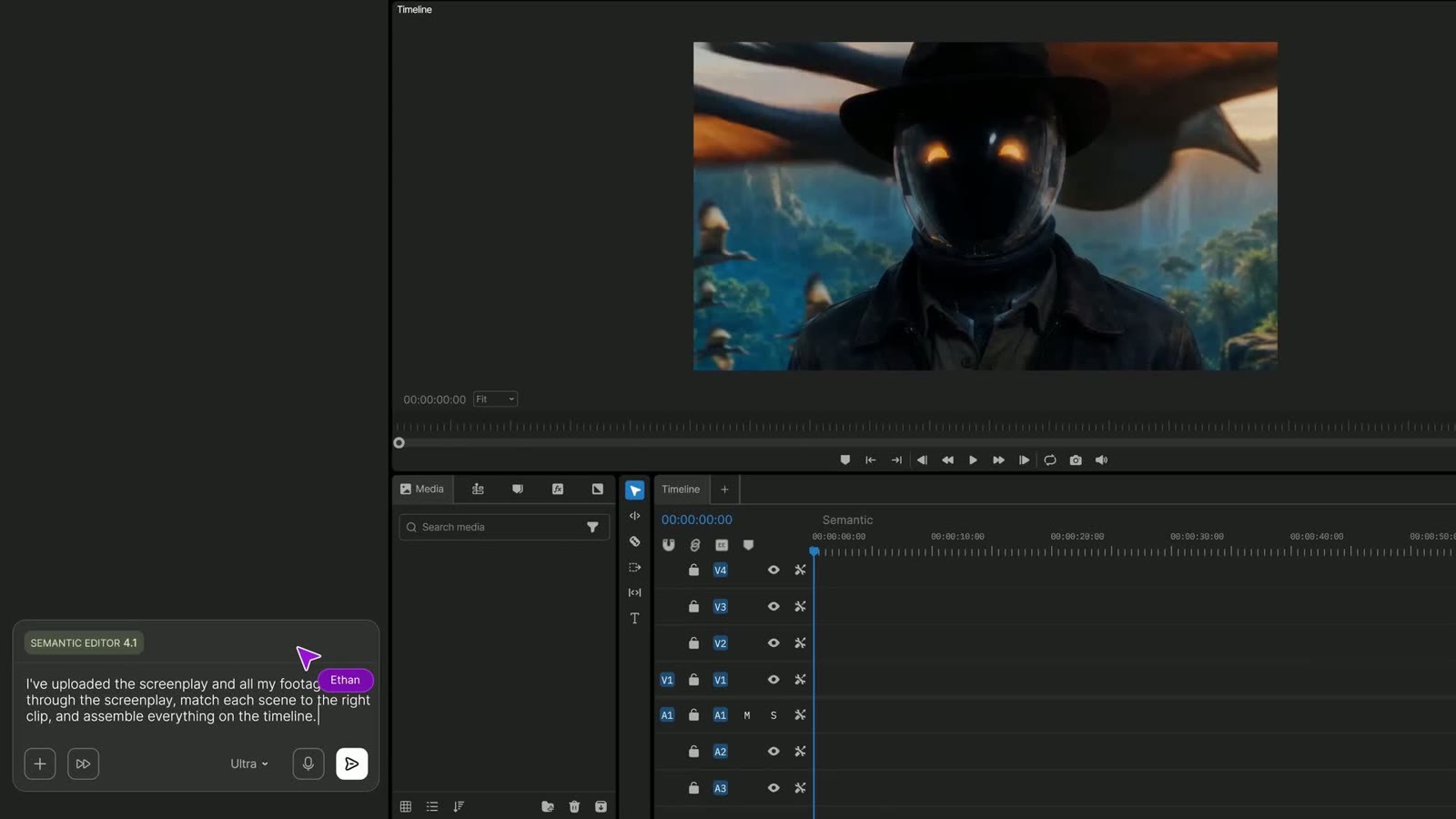
The screen above shows the screenplay and raw footage uploaded, then a request to match each scene to the right clip and assemble it on the timeline. Plain wording is enough, with no film jargon needed.
If a result is off, you do not rebuild it from nothing. Describe the part to change, or take over that section on the multitrack timeline to adjust cut lengths and order yourself.
The annual plan carries a 25% discount, which tends to work out better than month-by-month billing for anyone who keeps turning scripts into videos.
Deals you can use now
| Deal | Code | Conditions |
|---|---|---|
| 30%30% off InVideo Studio monthly | Admitad30 | — |
| 25%25% off InVideo Studio annual | Admitad25 | — |
| +50 min50 extra InVideo AI minutes | Admitad50 | For the first month of a new subscription |
 See InVideo in detailTurn one prompt into a finished videoType it, get a video · Any style, from sci-fi to live action · Even the quirky ideas · Describe the edit in plain words
FAQ
Can I use text I wrote myself?
Yes. A one-line idea or a long piece of writing both work, and InVideo AI returns scenes, captions and narration.
Do I need editing experience?
Edits are typed in everyday language, so there is little to learn, and it runs in the browser with nothing to install.
Can I reorder the generated scenes?
Yes, clip order and length can be changed by hand on the multitrack timeline in InVideo Studio.
You might also like
 UniConverter15% off every licenceConvert, compress and record in one video toolbox
 FilmoraTwo-week free trialThe video editor where AI handles the tedious part
 Media.ioHalf price on the yearly planAn AI image and video studio in your browser
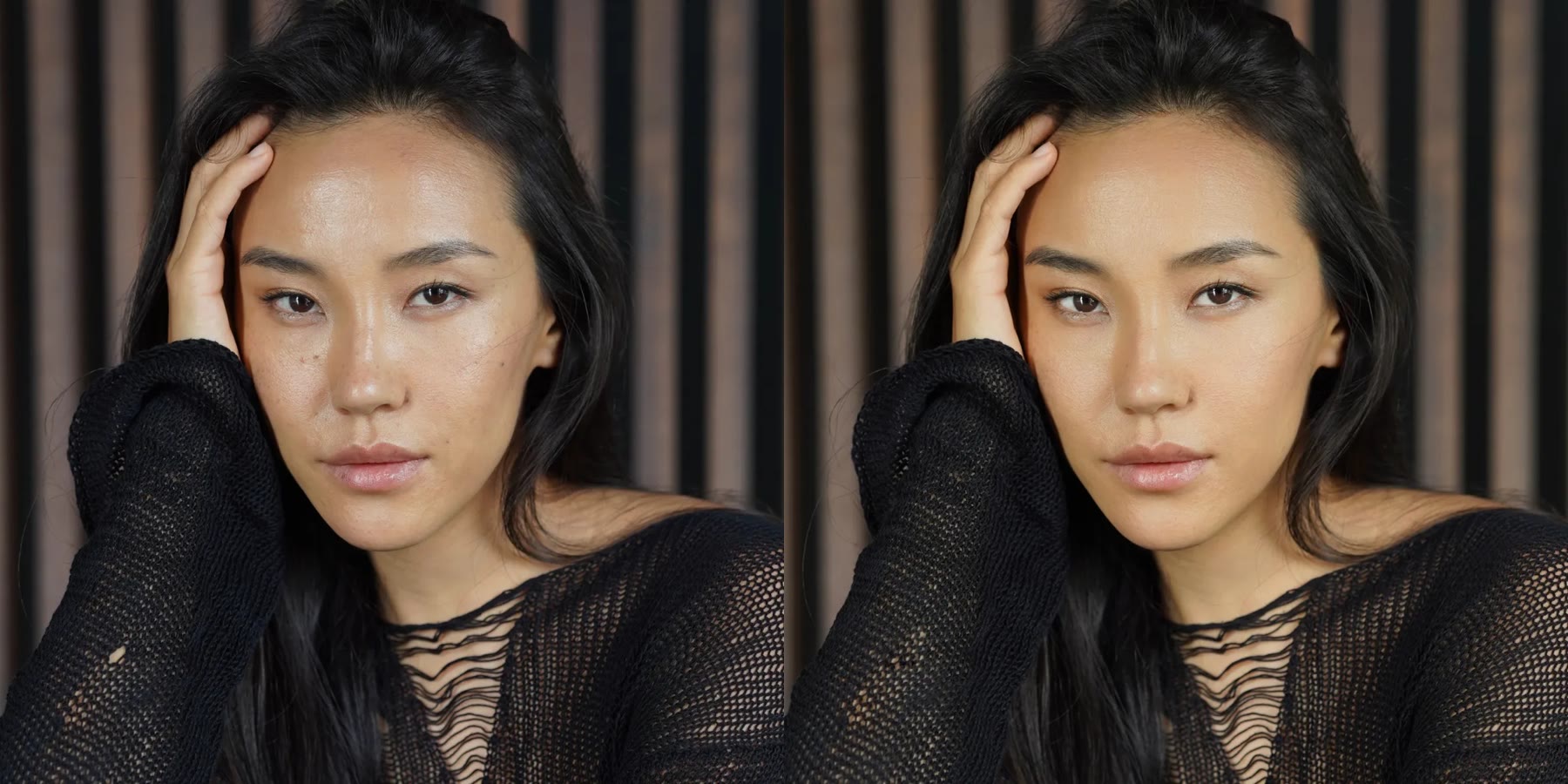 Retouch4me20% off every pluginPhotoshop plugins that retouch portraits for you