
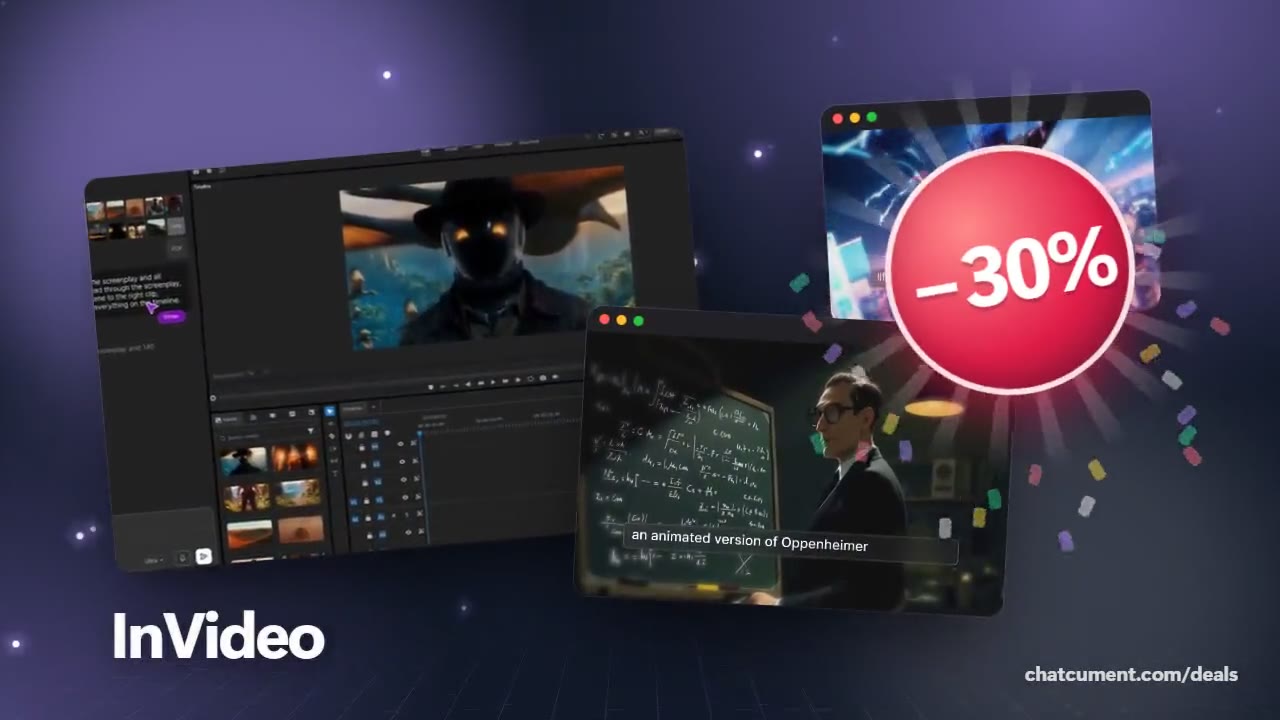
Paste a product link and get an ad video back
Make product intros and demo videos with no shoot at all.
- 30% off monthly, 25% off annual
- 50 extra AI minutes in month one
- One prompt becomes a finished video

A small shop or app rarely has the budget to book a shoot and an editor for one product video. With InVideo AI you paste a product link or enter details by hand, add brand notes, and it reads the product, then builds a script, product visuals and music into a finished video.
The product video flow has three steps: add the product, pick script, language and subtitles, then export. If you want a presenter, choose one from the AI actor library or use an AI twin.
Brand voice is set in the prompt by naming the tone, messaging style and target audience. For a cinematic ad look like the frame above, the request works the same way.
New subscribers can get 50 extra InVideo AI minutes, which is handy for running several ad drafts for different products in the first month.
Deals you can use now
| Deal | Code | Conditions |
|---|---|---|
| 30%30% off InVideo Studio monthly | Admitad30 | — |
| 25%25% off InVideo Studio annual | Admitad25 | — |
| +50 min50 extra InVideo AI minutes | Admitad50 | For the first month of a new subscription |
 See InVideo in detailTurn one prompt into a finished videoType it, get a video · Any style, from sci-fi to live action · Even the quirky ideas · Describe the edit in plain words
FAQ
Do I need product photos to start?
InVideo says the AI reads your product details, generates relevant product images and adds music to complete the video.
Can I match my brand tone?
Yes. Put tone, messaging style and target audience in the prompt and the video follows it.
Can I choose the subtitle language?
Yes. When building a product video you pick the script, the language and the subtitles yourself.
You might also like
 UniConverter15% off every licenceConvert, compress and record in one video toolbox
 FilmoraTwo-week free trialThe video editor where AI handles the tedious part
 Media.ioHalf price on the yearly planAn AI image and video studio in your browser
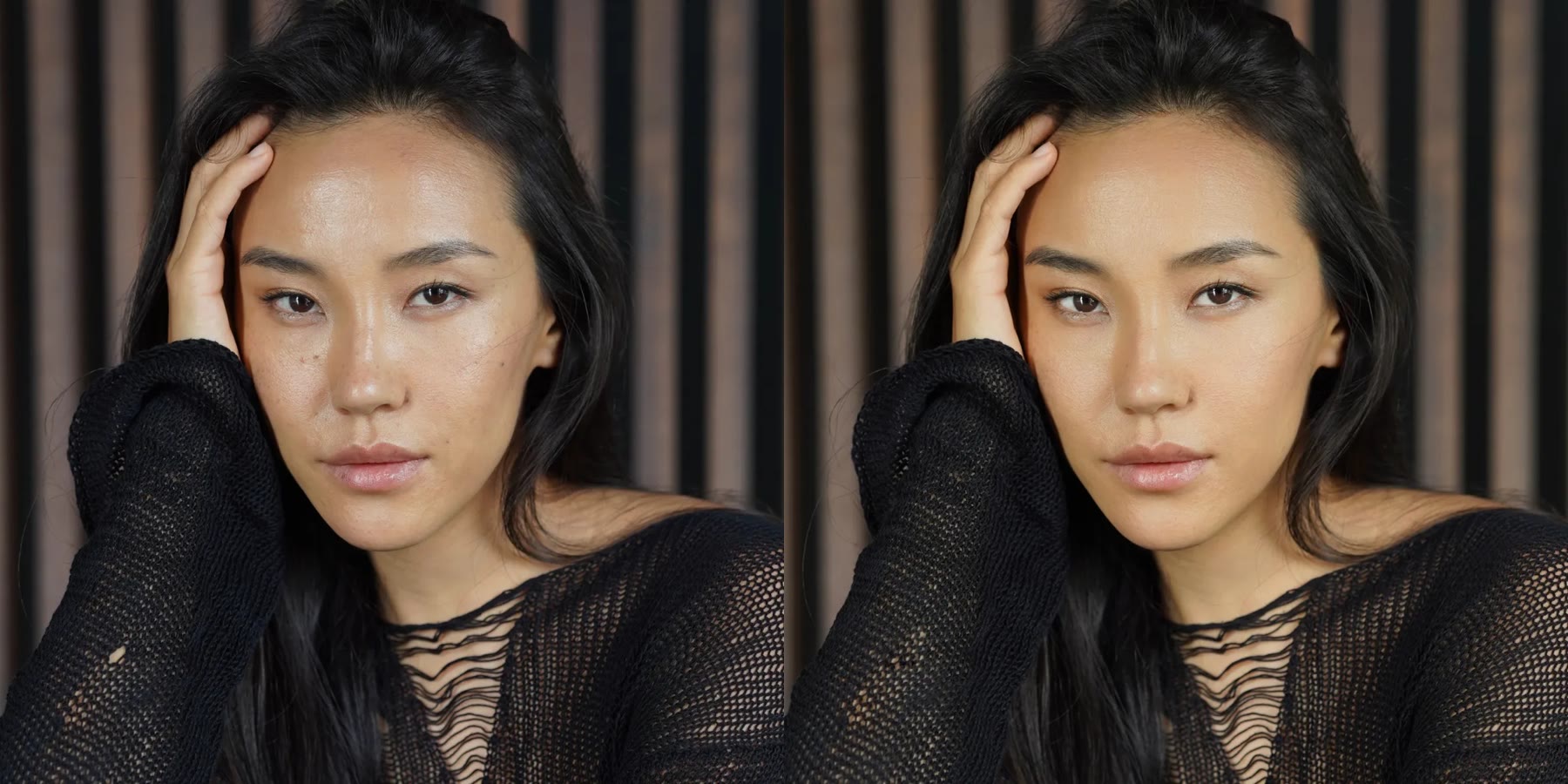 Retouch4me20% off every pluginPhotoshop plugins that retouch portraits for you