
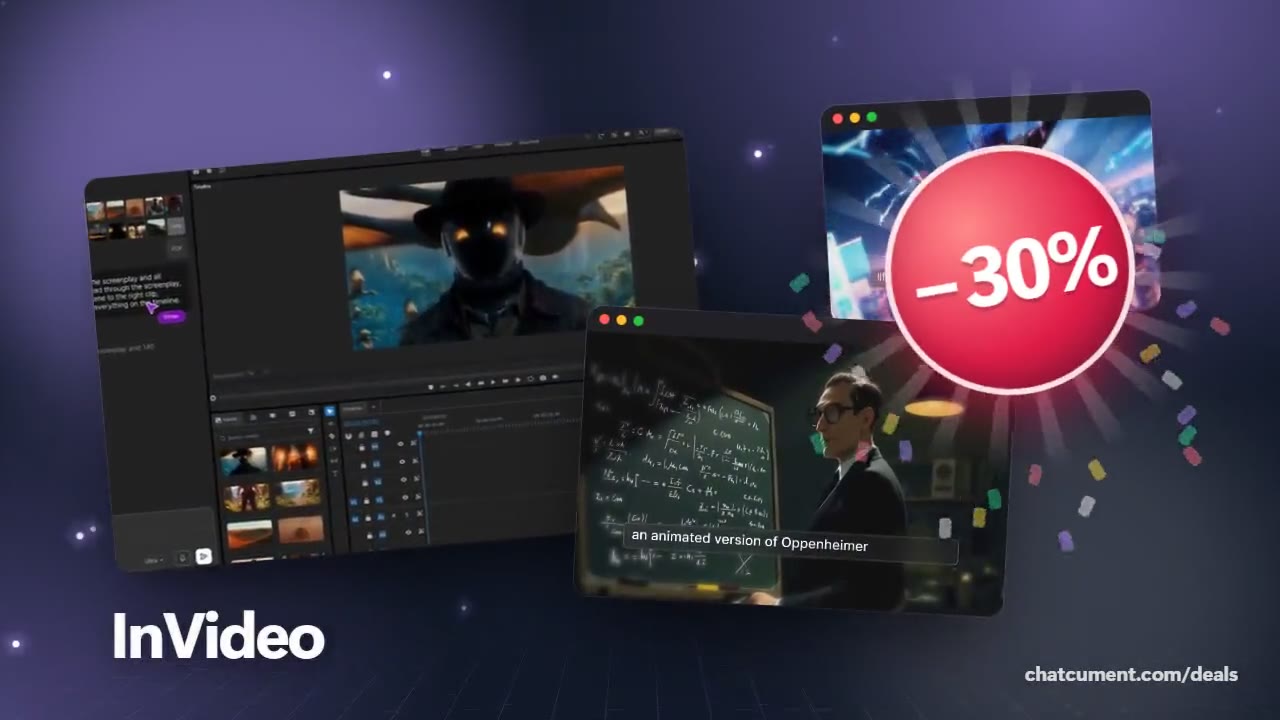
Run a faceless YouTube channel without filming a thing
Give it a topic and get an upload-ready cut with script and voice.
- 30% off monthly, 25% off annual
- 50 extra AI minutes in month one
- One prompt becomes a finished video
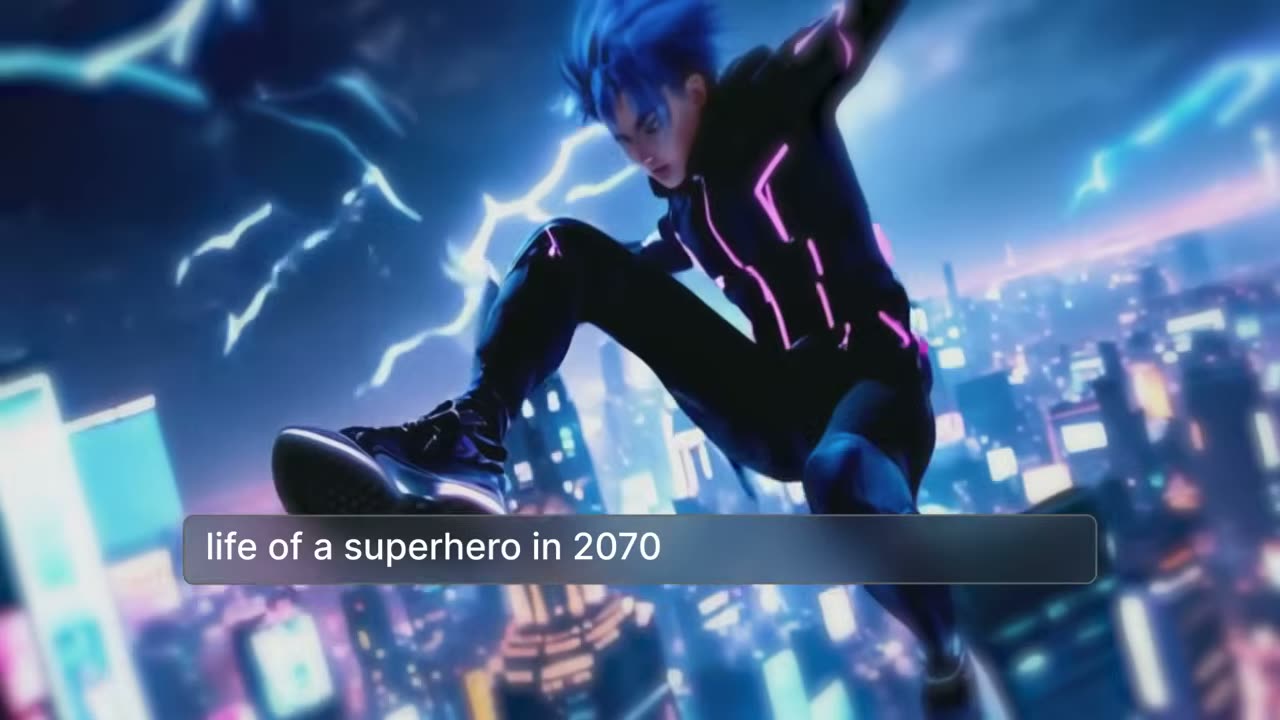
The hard part of a faceless channel is feeding it every week. InVideo AI takes a topic, writes the script, searches more than 16 million stock photos and clips for matching scenes, and layers a voiceover with background music to give you a first cut.
Travel, food and health explainers work, and so do commentary and motivational reads. As the frame above shows, even a one-line idea such as a superhero in 2070 turns into stylised animated scenes, which suits channels with nothing to film.
The workflows feature turns the prompt into a short form: pick audience, platform and look, and it builds the prompt for you. That keeps a channel sounding consistent without a prompting course.
Fixes happen in the edit box. Typing delete this scene or change the voiceover applies at once, and anything finer can move to the InVideo Studio timeline. The 30% monthly-plan discount currently available makes a one-month trial of a new channel idea cheaper.
Deals you can use now
| Deal | Code | Conditions |
|---|---|---|
| 30%30% off InVideo Studio monthly | Admitad30 | — |
| 25%25% off InVideo Studio annual | Admitad25 | — |
| +50 min50 extra InVideo AI minutes | Admitad50 | For the first month of a new subscription |
 See InVideo in detailTurn one prompt into a finished videoType it, get a video · Any style, from sci-fi to live action · Even the quirky ideas · Describe the edit in plain words
FAQ
Can I run a channel without showing my face or voice?
Yes. The script is AI-written and narrated by a human-sounding voice, so there is nothing to record or appear in.
What topics can the generator cover?
InVideo lists travel, food and health, plus educational videos, commentary and motivational speeches, and says any topic works.
Can I change the finished video?
Yes, through commands in the edit box for things like deleting scenes or swapping the voice, or in the Studio timeline for finer work.
You might also like
 UniConverter15% off every licenceConvert, compress and record in one video toolbox
 FilmoraTwo-week free trialThe video editor where AI handles the tedious part
 Media.ioHalf price on the yearly planAn AI image and video studio in your browser
 Retouch4me20% off every pluginPhotoshop plugins that retouch portraits for you