
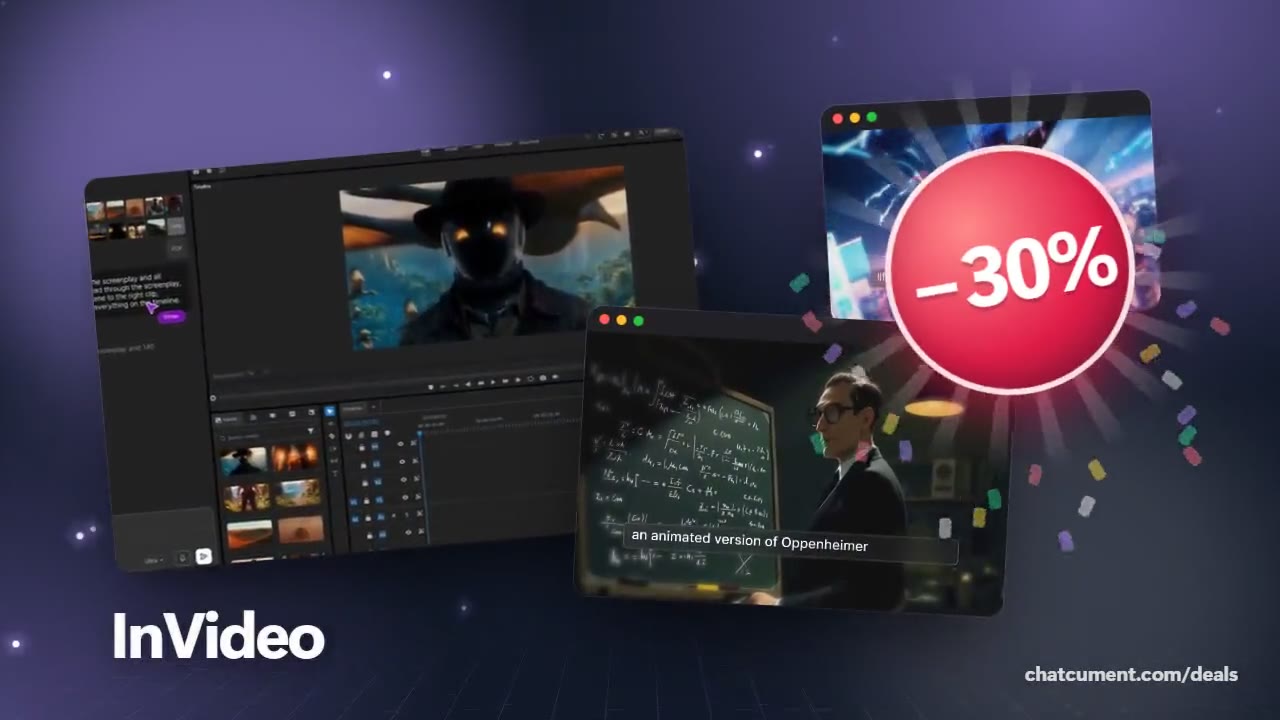
One video, a voiceover in 50-plus languages
Swap voice and captions to get versions for viewers abroad.
- 30% off monthly, 25% off annual
- 50 extra AI minutes in month one
- One prompt becomes a finished video
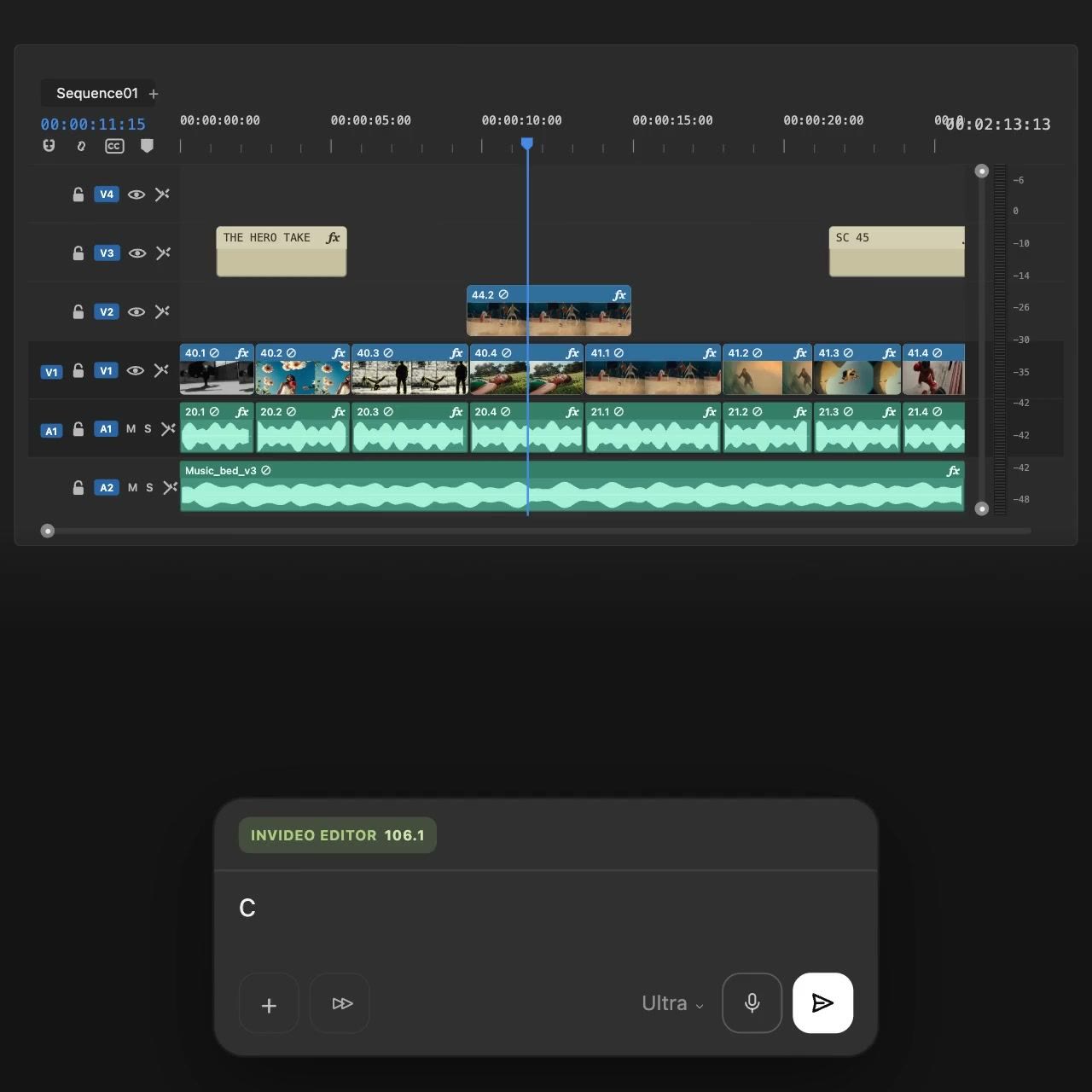
Showing the same video to viewers in another country used to mean hiring a translator and a voice actor. In InVideo AI you finish the video, type a request such as change voiceover to Spanish into the edit box, and the new version arrives within seconds.
Supported languages include Spanish, French, Italian, German, Portuguese, Hindi and Japanese, over 50 in total, and you can choose an accent. The voices carry emotion from joy to anger, which suits explainers and sports pieces.
As in the timeline pictured here, narration and music sit on separate tracks, so swapping the language replaces the speech while the background music stays put. Captions can be translated the same way.
The 30% monthly discount helps if you plan to batch several language versions within a month or two.
Deals you can use now
| Deal | Code | Conditions |
|---|---|---|
| 30%30% off InVideo Studio monthly | Admitad30 | — |
| 25%25% off InVideo Studio annual | Admitad25 | — |
| +50 min50 extra InVideo AI minutes | Admitad50 | For the first month of a new subscription |
 See InVideo in detailTurn one prompt into a finished videoType it, get a video · Any style, from sci-fi to live action · Even the quirky ideas · Describe the edit in plain words
FAQ
How many languages can I switch to?
InVideo says over 50 languages are translated automatically, including Spanish, French, German, Hindi and Japanese.
Are captions translated too?
Yes, after translating the video you can change the captions to the language you want.
Can a video made with my own voice be dubbed?
InVideo describes a dubbing flow where a video made with your own voice is switched to another language from the edit box.
You might also like
 UniConverter15% off every licenceConvert, compress and record in one video toolbox
 FilmoraTwo-week free trialThe video editor where AI handles the tedious part
 Media.ioHalf price on the yearly planAn AI image and video studio in your browser
 Retouch4me20% off every pluginPhotoshop plugins that retouch portraits for you