
InVideo discount
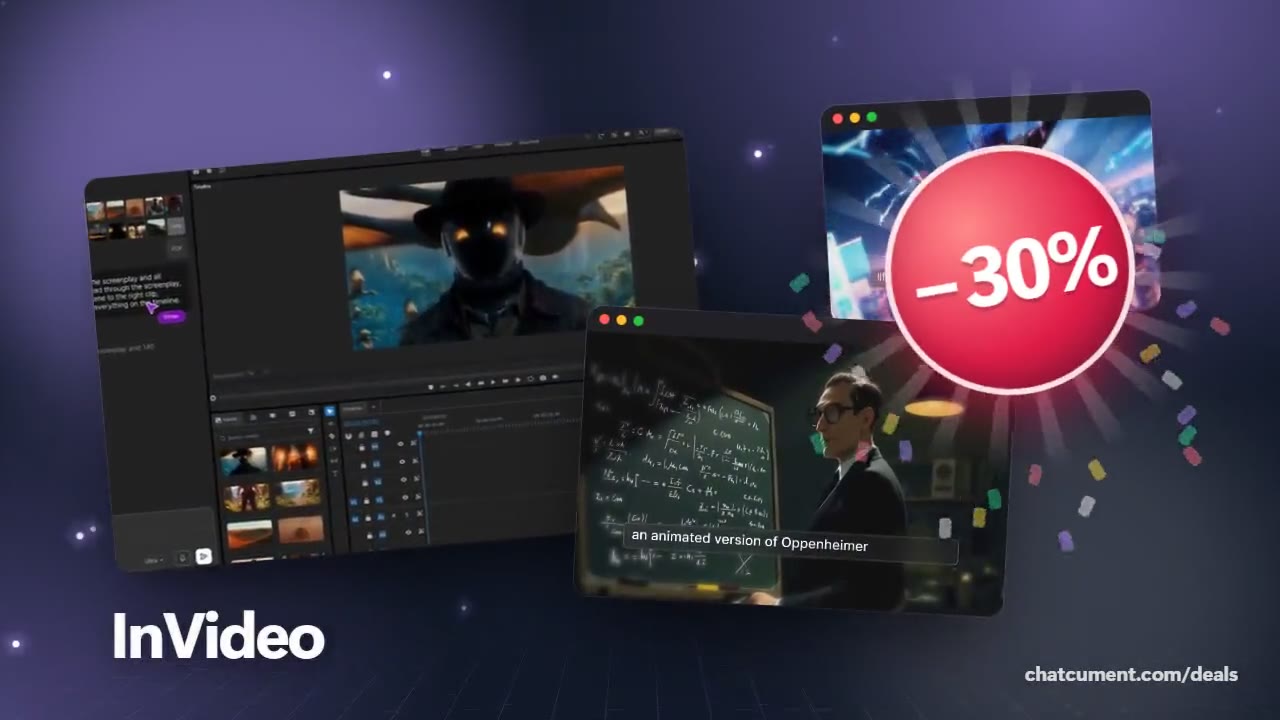
Save 30% on InVideo
- 30% off monthly, 25% off annual
- 50 extra AI minutes in month one
- One prompt becomes a finished video
Every saving, side by side
| Deal | Code | Conditions |
|---|---|---|
| 30%30% off InVideo Studio monthly | Admitad30 | — |
| 25%25% off InVideo Studio annual | Admitad25 | — |
| +50 min50 extra InVideo AI minutes | Admitad50 | For the first month of a new subscription |
InVideo prices its AI plans by credits across Starter, Plus and Max, and the pricing page puts monthly billing at double the annual rate. That gap is the biggest single saving on the AI plans, so if you are sure you will keep the plan, annual billing is the first lever to consider.
Codes belong to InVideo Studio, where Admitad30 takes 30% off monthly and Admitad25 takes 25% off annual. Because unused credits do not roll over, pick the smallest plan whose monthly credits you will really use, and remember that plans can be changed during a billing cycle with a prorated upgrade.
 See InVideo in detailTurn one prompt into a finished videoType it, get a video · Any style, from sci-fi to live action · Even the quirky ideas · Describe the edit in plain words
FAQ
What is the cheapest way to pay for InVideo AI?
Annual billing, since the pricing page lists monthly at twice the annual rate; start on the smallest plan and upgrade if you outgrow it.
Can I change plans later?
Yes. Switching during a billing cycle prorates an upgrade, but moving from annual to monthly takes effect only when the annual term ends.
Do exports use up credits?
No. Exporting and downloading are free, while AI generation and processing consume credits.
You might also like
 UniConverter15% off every licenceConvert, compress and record in one video toolbox
 FilmoraTwo-week free trialThe video editor where AI handles the tedious part
 Media.ioHalf price on the yearly planAn AI image and video studio in your browser
 Retouch4me20% off every pluginPhotoshop plugins that retouch portraits for you