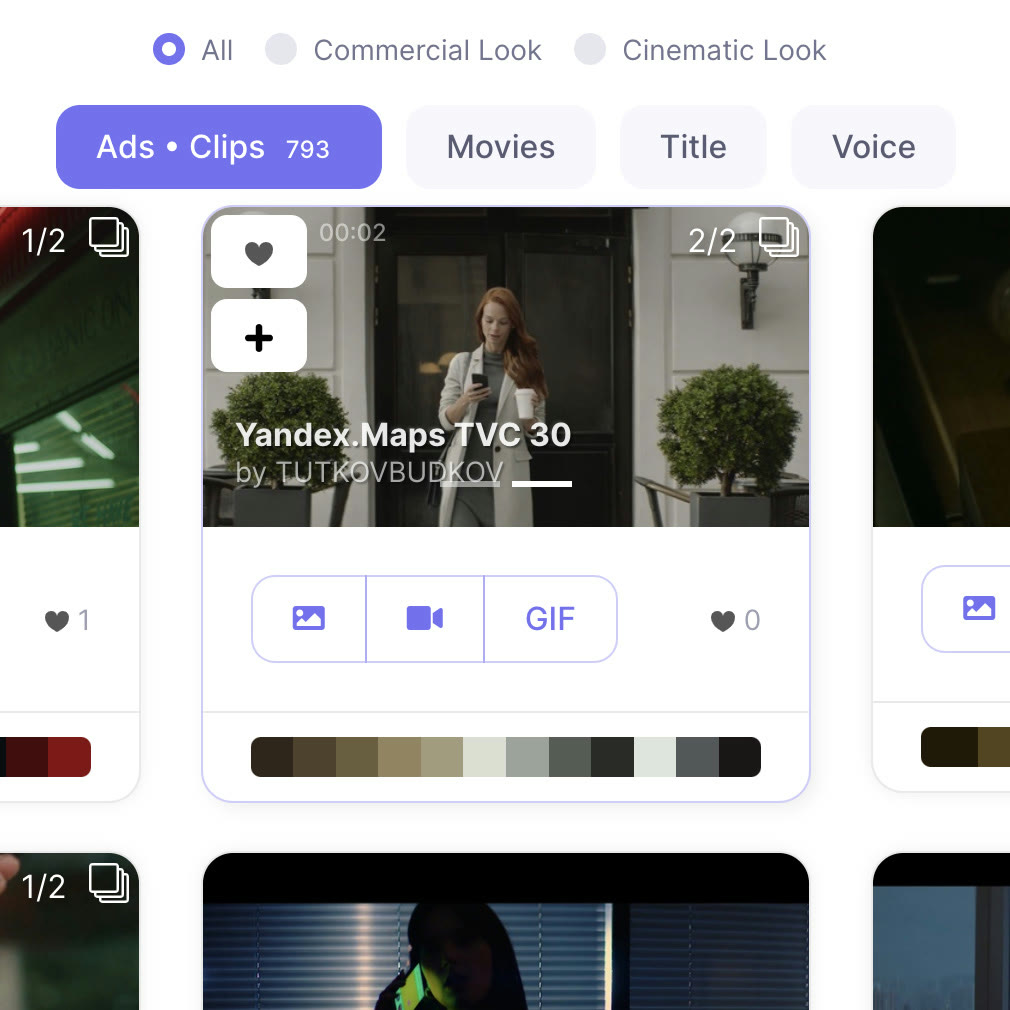
Ads, movies, titles and voice in one search
Tabs above the results split ads and clips, movies, title search and voice search. A switch between commercial and cinematic looks narrows the list further.

Find film and ad references by scene
Works on Plus and Pro subscriptions.
Get the discountTabs above the results split ads and clips, movies, title search and voice search. A switch between commercial and cinematic looks narrows the list further.
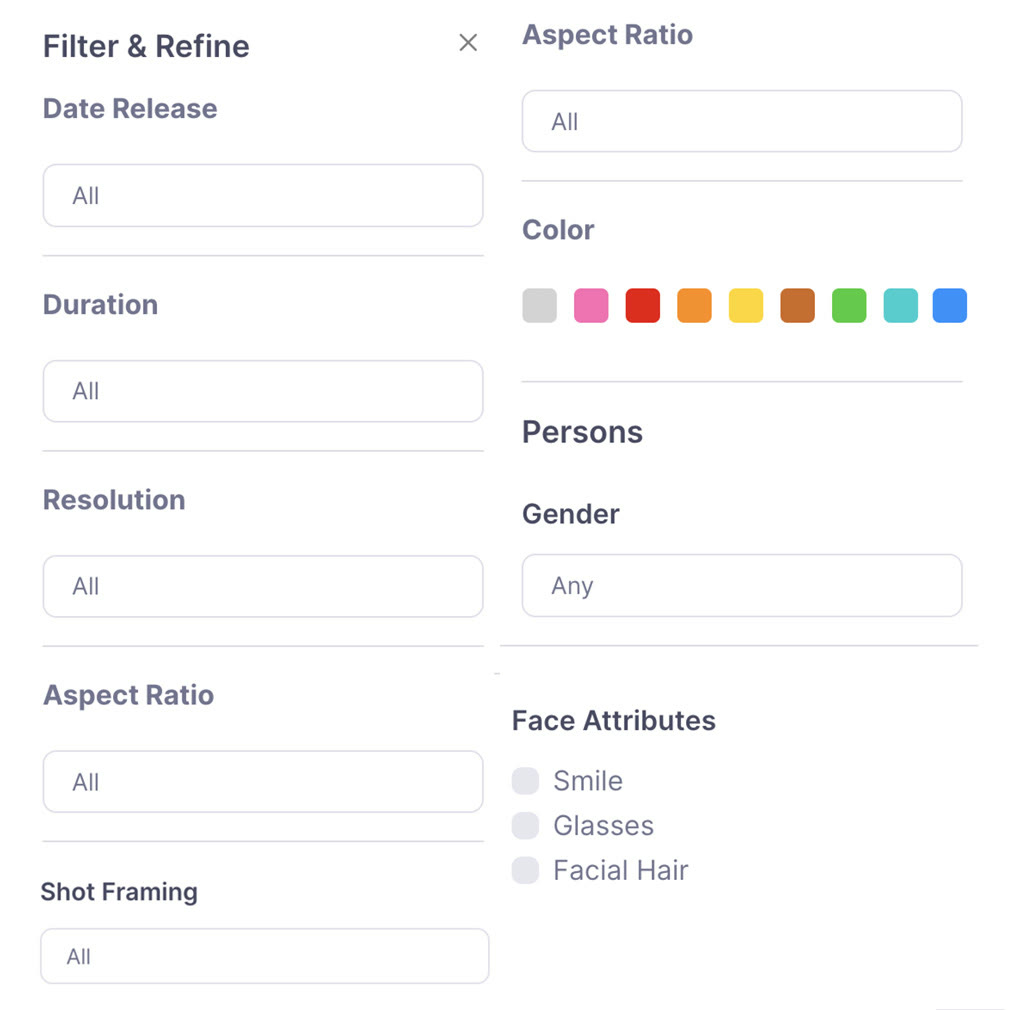
The Filter & Refine panel covers release date, duration, resolution, aspect ratio, shot framing and colour. For scenes with people you can also filter by gender and by smile, glasses or facial hair.

Drop the frames you like into a moodboard and they read as a single visual direction. Turn on the public link and anyone holding it can view the board; turn it off and the board is private again.
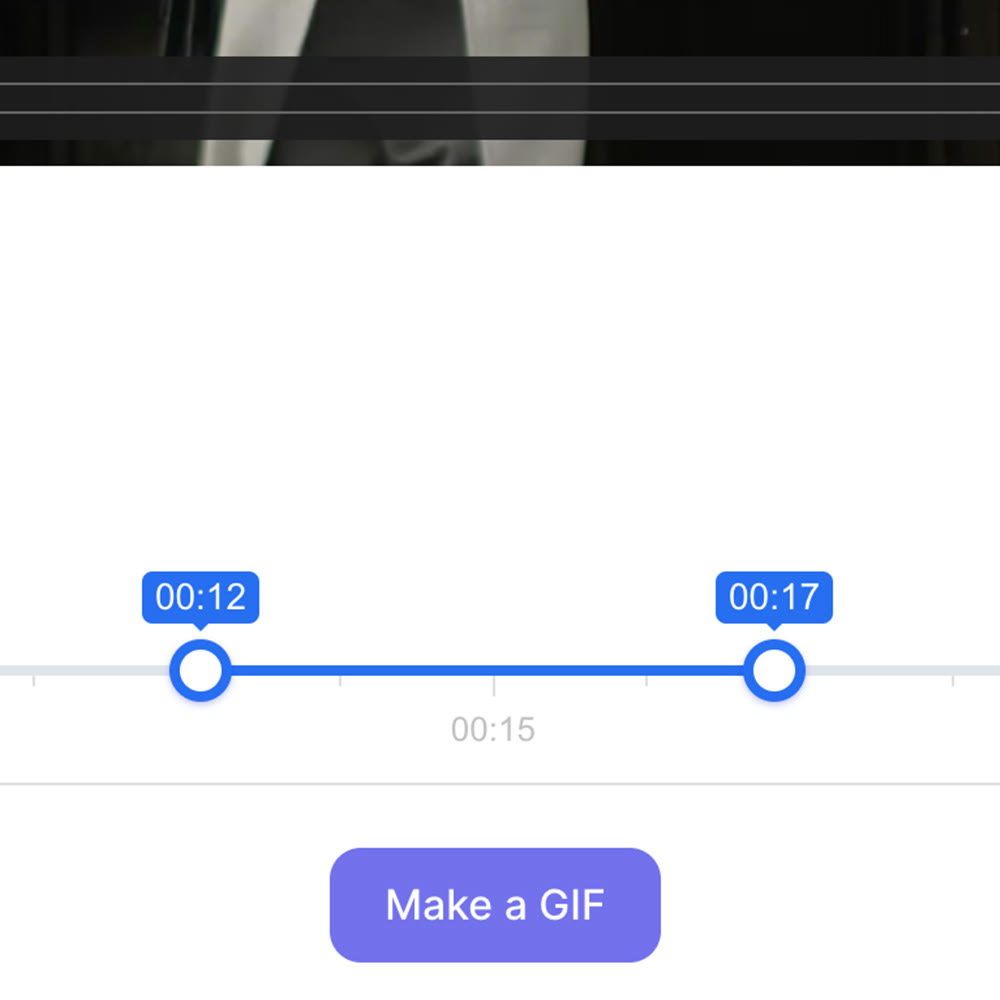
Open a video reference, drag the start and end handles on the slider, then press Make a GIF. Motion that a still frame cannot carry can go straight into your presentation.
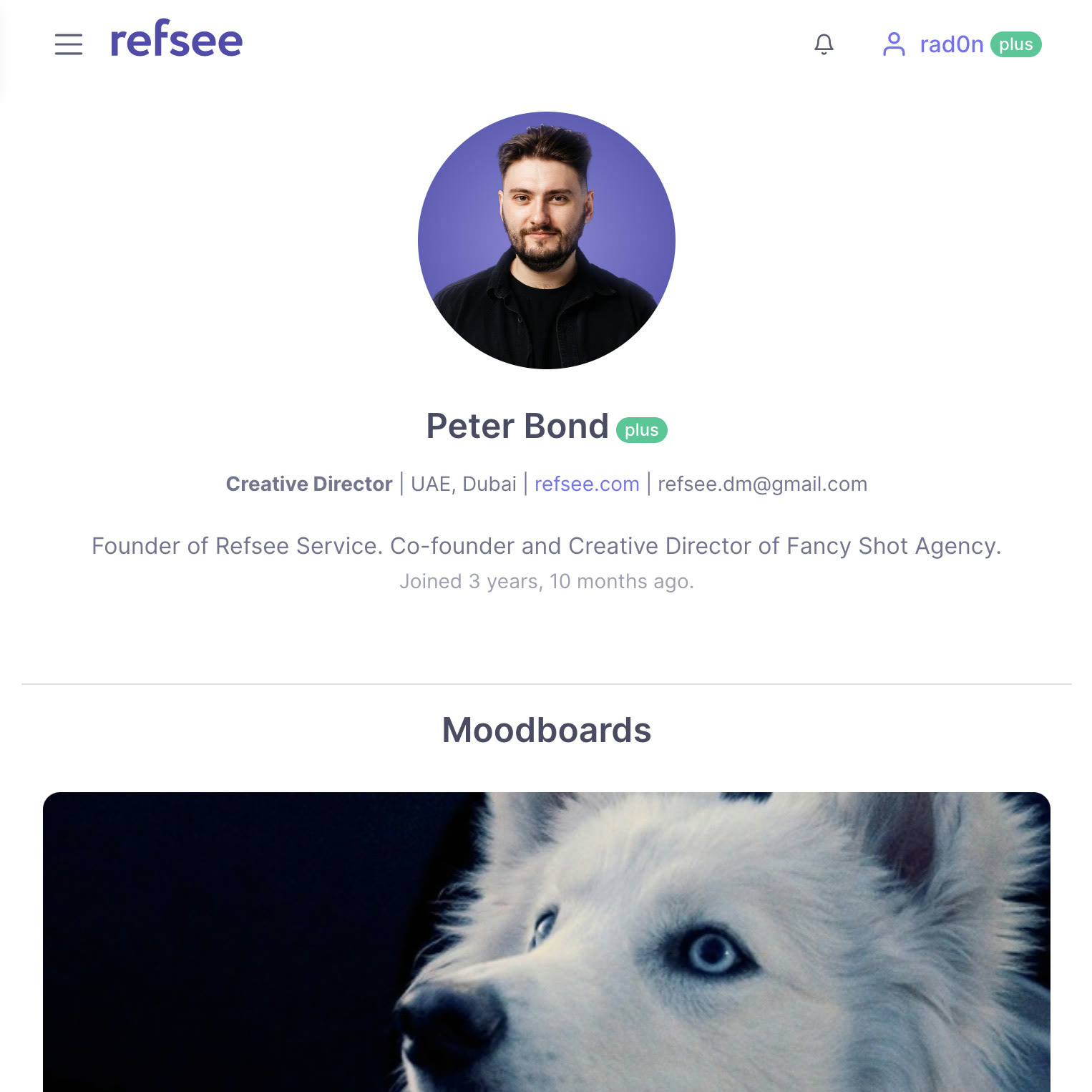
A profile page carries tabs for collection, portfolio and moodboards, plus a short bio and job title. It gives collaborators a quick read on how you see a project.
Refsee is an AI video reference search for filmmakers: you look through ads, films and music videos by scene, colour or mood. It also bundles image, video, voice and avatar generation, plus moodboards you can share.
Plus is $28 a month with 600 generation credits; Pro is $38 a month with 1200. Both include the full reference database and GIF Maker, while advanced search covering voiceover is part of Pro.
Credits pay for image, video and avatar generation and for the editing tools. Each generator shows its price before you start, with images from 2 credits and video from 12.
The pricing page has a promo code field with an Apply button. Enter GET20 or GET10 there and the Plus or Pro price updates.
Open Subscription in your account and choose Cancel renewal. The confirmation screen explains how your payment provider handles it.
Refsee is a search and creative workspace, and reference material may be copyrighted. You need to confirm the rights for your own intended use.
 EdrawMaxBundle price when EdrawMax is paired with EdrawMind or EdrawProjDesktop diagram maker with 210 diagram types
 VectorStockFree vectors section, plus plans from $9.99 a monthRoyalty-free vectors, free picks included
 PDFelement20% off PDFelementEdit a PDF as easily as a Word file
 Edraw.AI7-day unlimited free trialDescribe it, and the diagram draws itself