
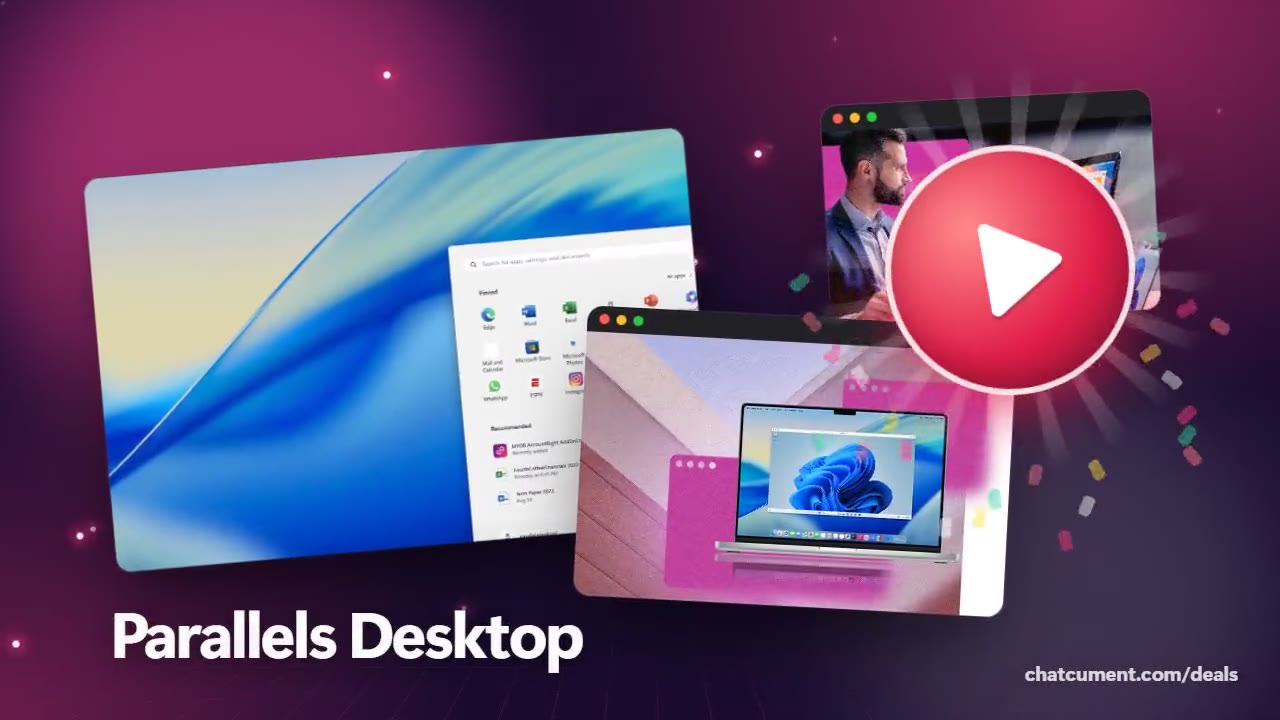
Parallels
Windows 11 on your M-series Mac
Boot Camp is gone on Apple silicon; a virtual machine is the way in.
- 14-day free trial, no purchase to download
- Windows 11 on M1 to M5 Macs
- 30-day money-back on parallels.com purchases
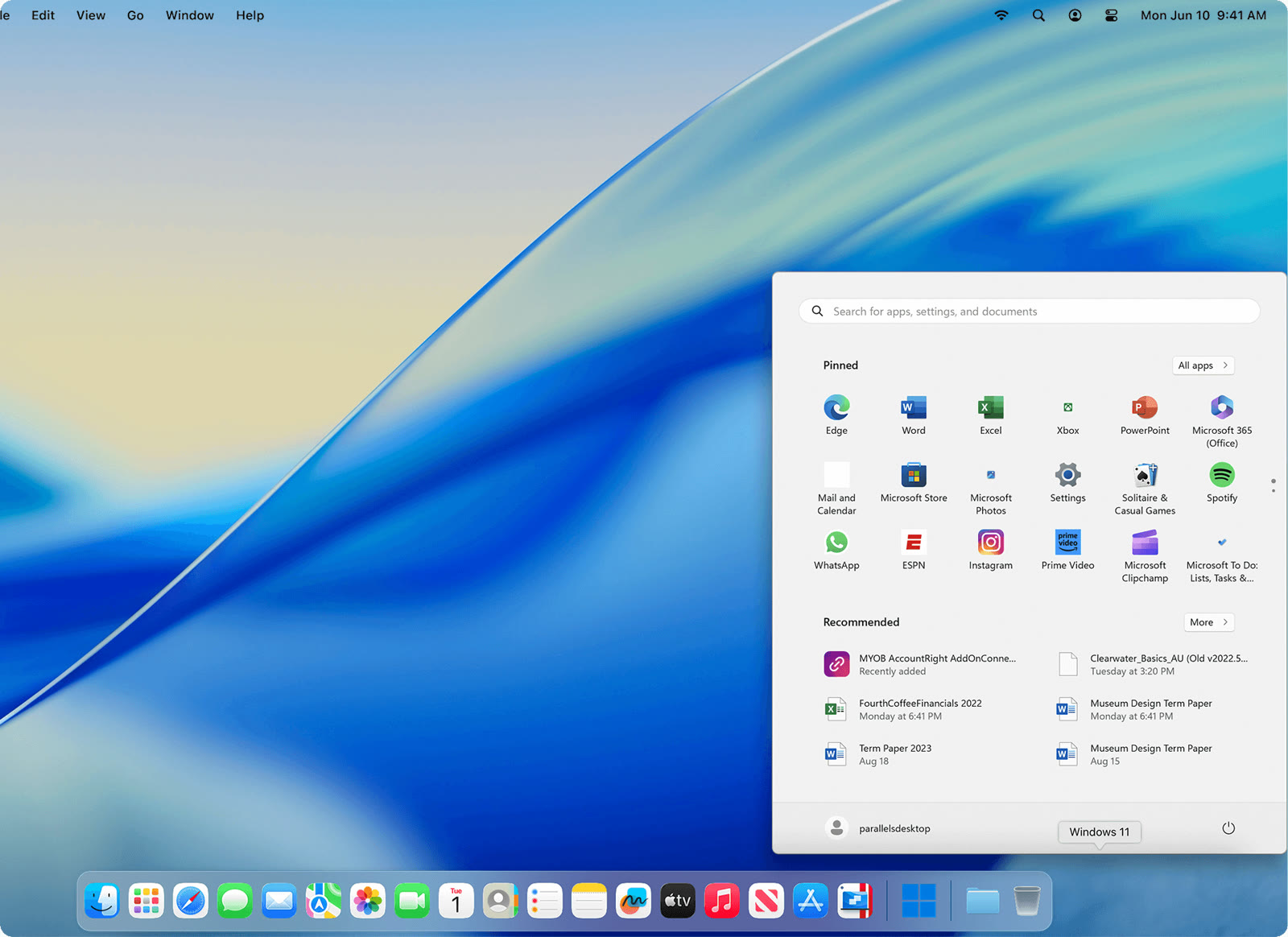
Mac computers with Apple silicon, including the M1, M2, M3, M4 and M5 chips, run Arm-based guest systems. For Windows that means the Arm edition of Windows 11, and Parallels Desktop is the product Microsoft authorizes for running Windows 11 Pro and Enterprise on Arm this way.
Boot Camp is only available on supported Intel Macs, and it restarts the whole computer into Windows. A virtual machine skips the restart, so a Windows app can sit next to Safari and Finder on the same screen.
Setup is meant to be short. The official page describes downloading, installing and configuring Windows 11 in two clicks, without hunting for a Windows image yourself.
Arm Windows can run many Arm, x64 and x86 programs, but not all. Anything built around drivers, anti-cheat software or hardware dongles deserves a test, and the 14-day free trial exists for exactly that check.
Pick Standard if a light home workload is enough, with up to 8 GB of vRAM and 4 vCPUs per machine. Pro lifts the ceiling to 128 GB and 32 vCPUs for heavier jobs.
Deals you can use now
| Deal | Code | Conditions |
|---|---|---|
| 14 daysFree Parallels Desktop trial | — | A Parallels account is needed to activate; no purchase to download. |
See Parallels Desktop in detailWindows apps beside your Mac appsWindows 11 in a Mac window · Mac files open in Windows · Excel starts like any Mac app · Windows games on a MacFAQ
Do I still need Boot Camp?
Apple silicon Macs do not support Boot Camp at all. Parallels Desktop runs Windows 11 in a virtual machine instead.
Which Windows version does it run on an M-series Mac?
The Arm version of Windows 11. Parallels Desktop is authorized by Microsoft to run Windows 11 Pro and Enterprise on Arm.
Which macOS version do I need?
The buy page lists macOS Big Sur (11) or later for Apple silicon Macs and macOS Catalina (10.15) or later for Intel Macs.
Is there a way to try before paying?
Yes. A free 14-day trial is available from the official download page.
You might also like
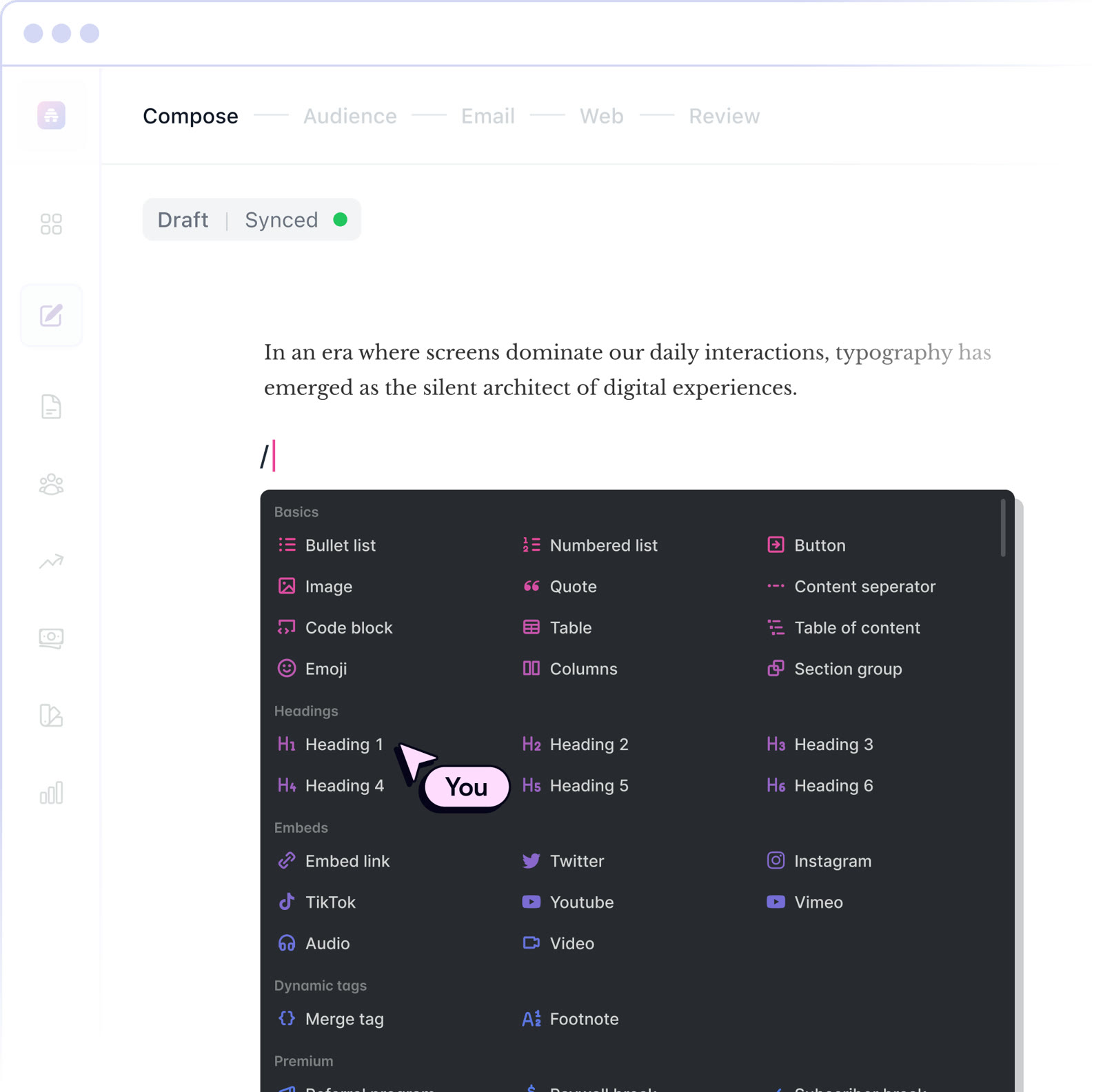 beehiiv20% off the first 3 months of a paid planNewsletter editor, site and monetization in one
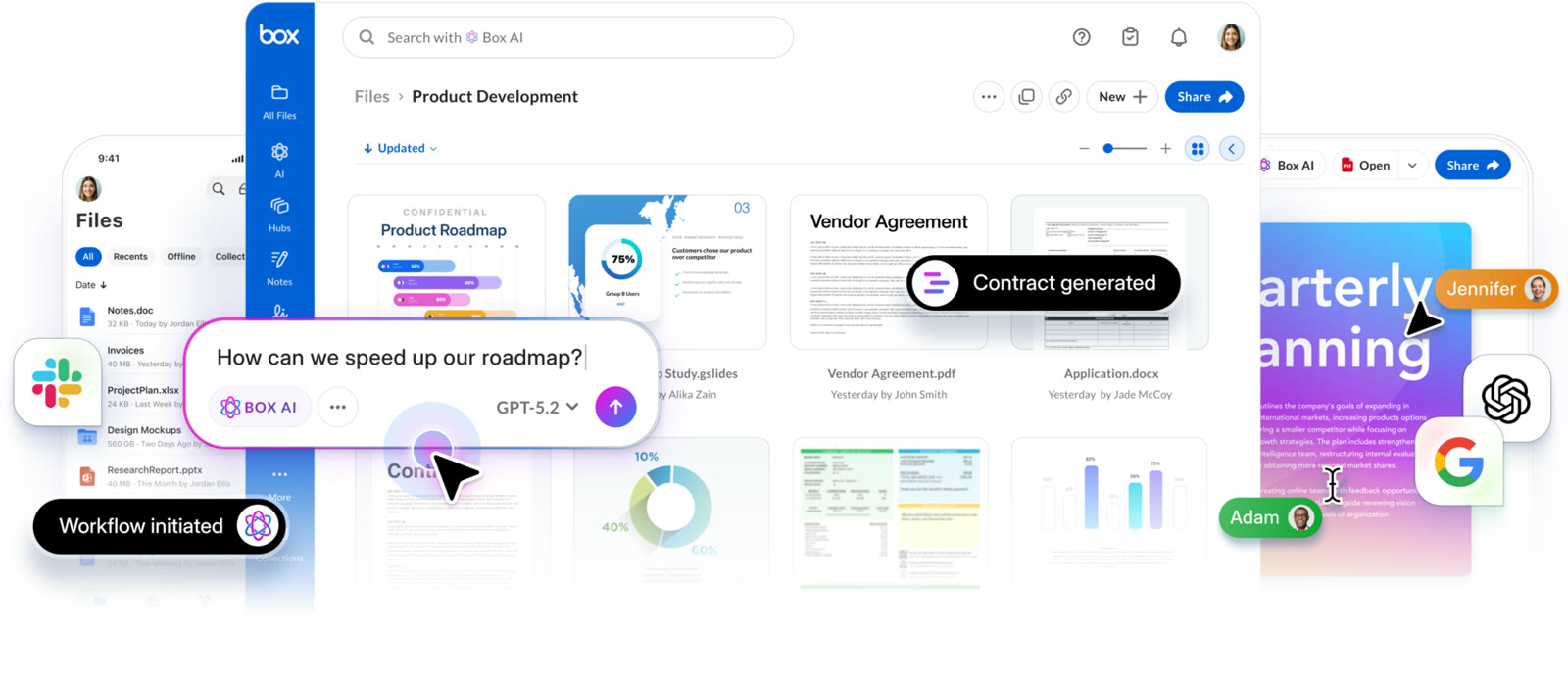 BoxIndividual plan is free; business plans begin with a free trialCloud storage that starts at 10 GB free
 MakeStart on the Free planVisual automation across 3,500+ apps
 MonicaStart on the free planOne AI sidebar for any web page