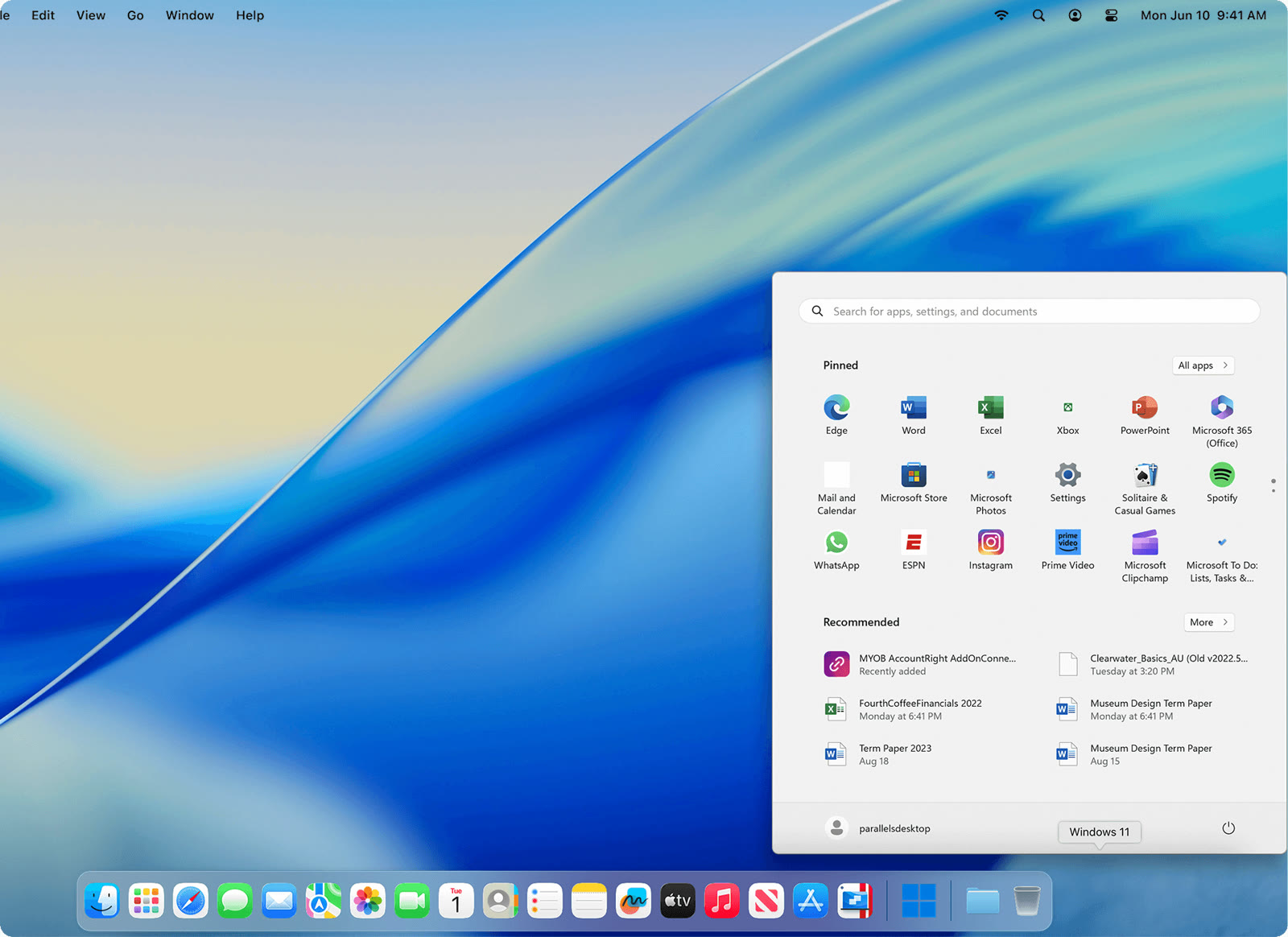
Windows 11 in a Mac window
The Windows Start menu opens right above the macOS Dock, with Word, Excel, PowerPoint and Edge pinned and ready. Parallels Desktop is authorized by Microsoft to run Windows 11 on Apple silicon Macs.

Parallels
Windows apps beside your Mac apps
The Windows Start menu opens right above the macOS Dock, with Word, Excel, PowerPoint and Edge pinned and ready. Parallels Desktop is authorized by Microsoft to run Windows 11 on Apple silicon Macs.
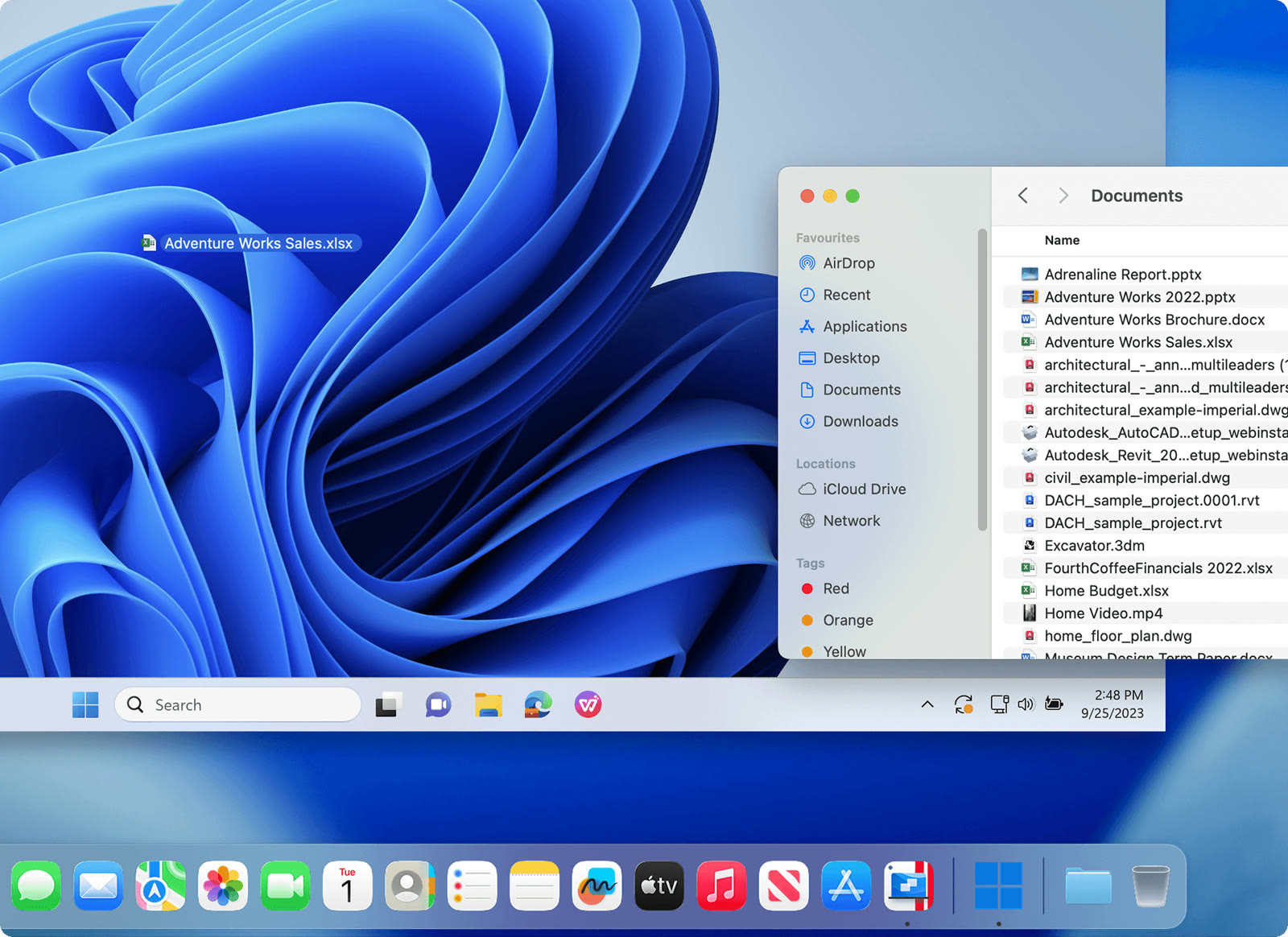
A Finder window with Documents sits next to the Windows desktop, and an .xlsx file lies on the desktop itself. Files stay in one place, so you do not keep two copies or spend extra disk space.
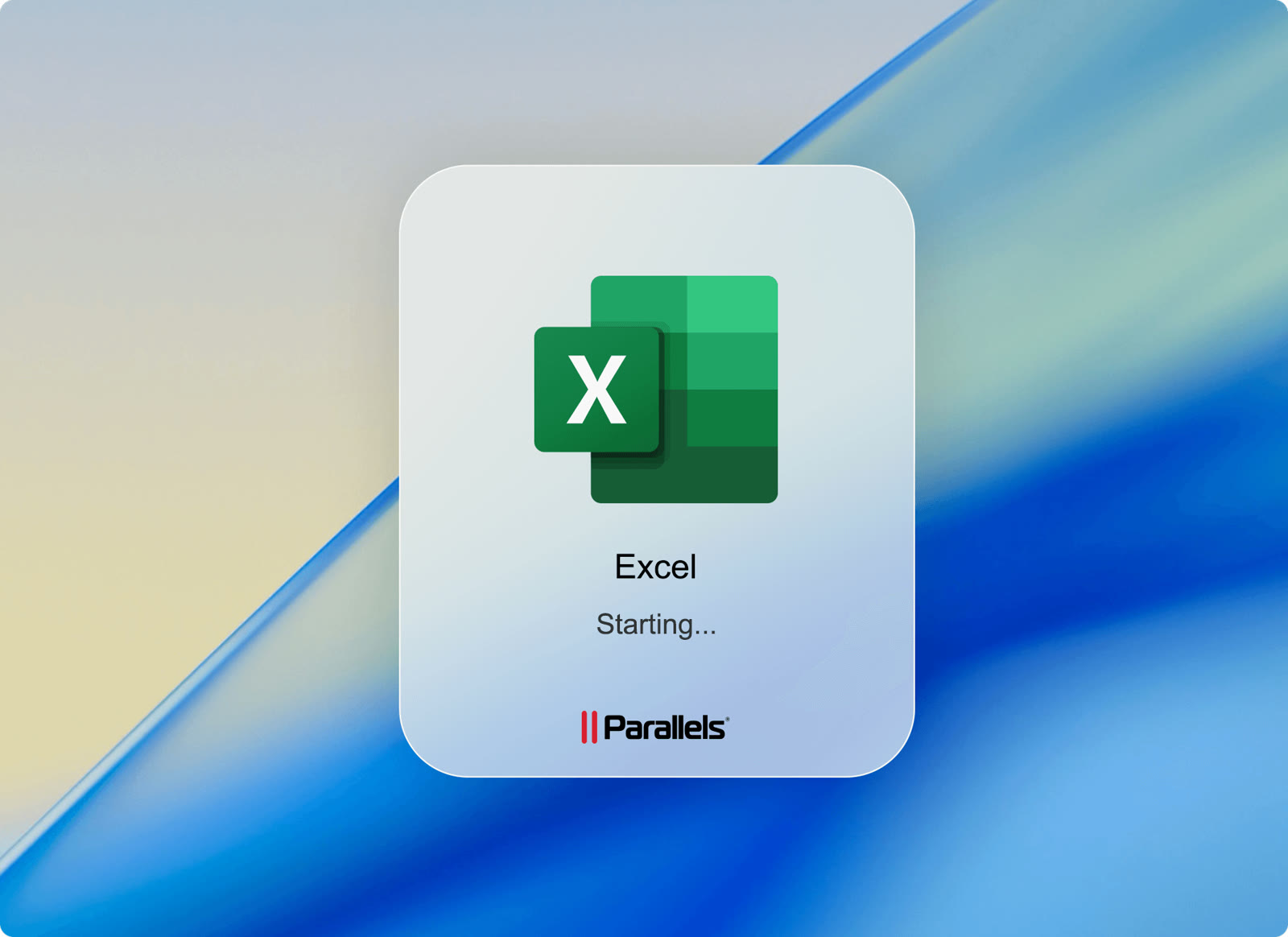
Excel launches from its own splash card without showing the Windows desktop at all. Windows-only add-ons for Excel and PowerPoint work because it is the real Windows build.
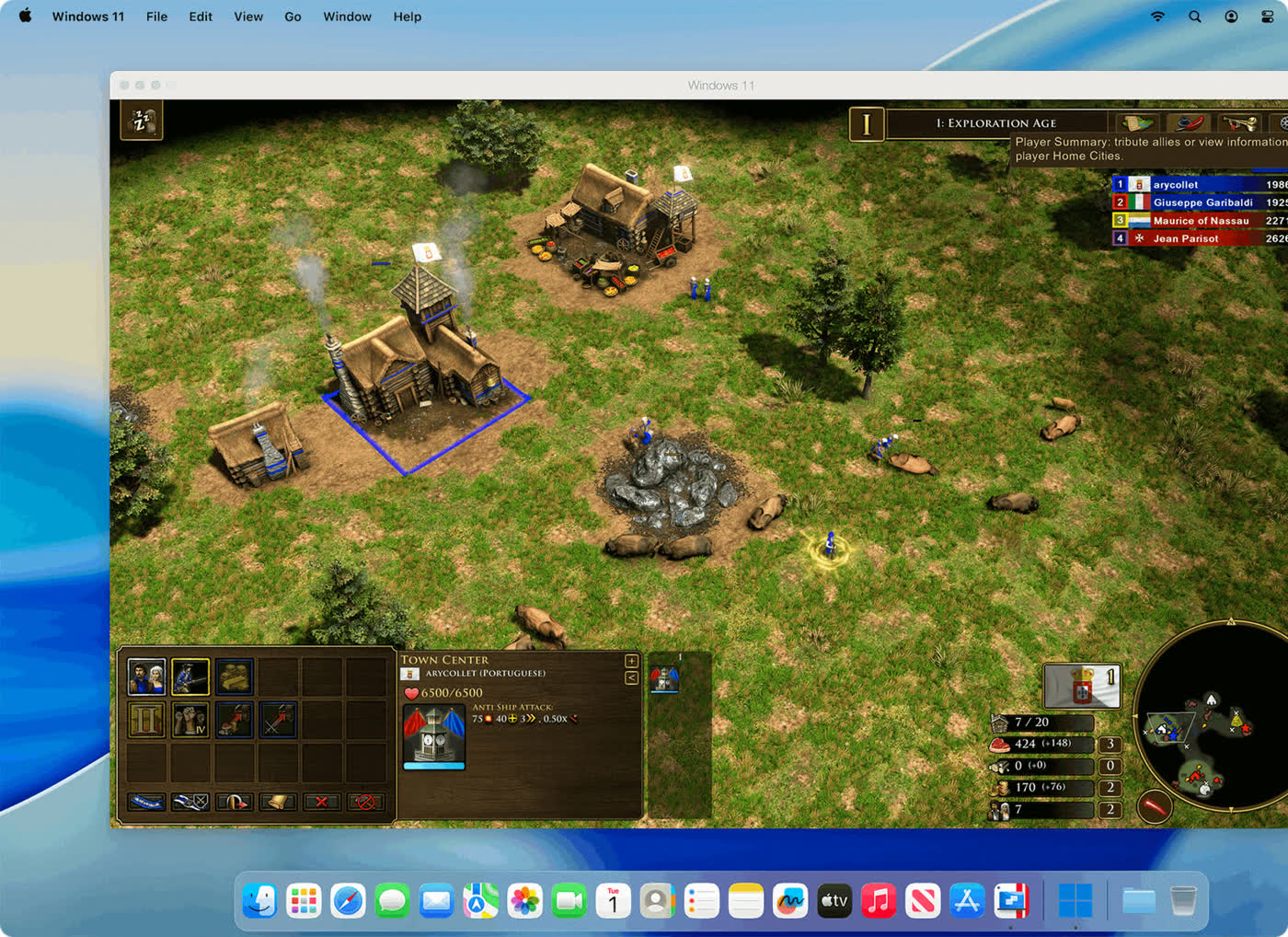
An Age of Empires III scene runs inside a Windows 11 window on a Mac desktop. The official page says Parallels Desktop supports DirectX 11 titles, and lists Minecraft and Half-Life 2 among the games people play.
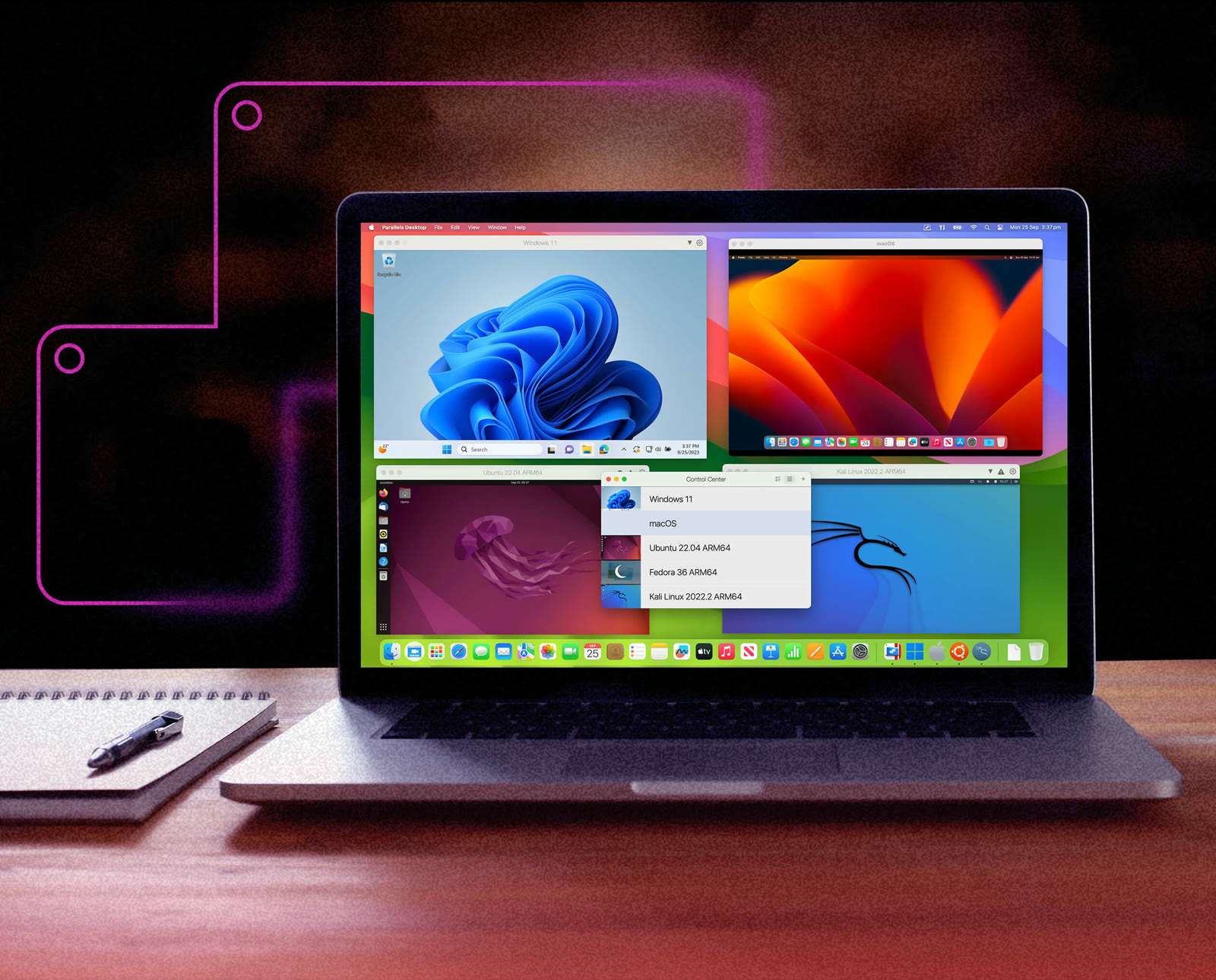
One MacBook screen shows Windows 11, macOS, Ubuntu 22.04 ARM64 and Kali Linux side by side, with a Control Center list of every virtual machine. Switching between systems takes a click instead of a restart.
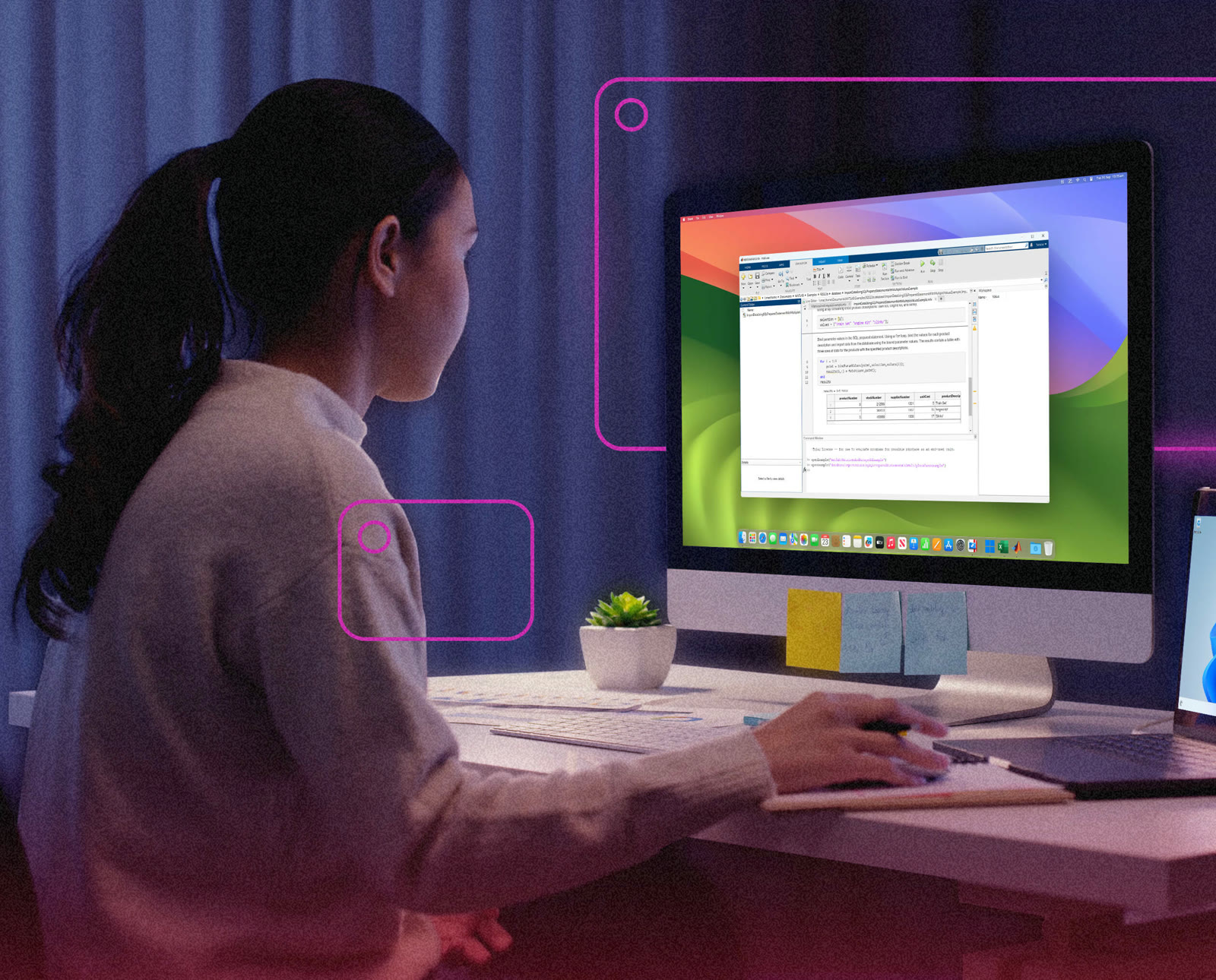
A student works in MATLAB on an iMac while a Windows 11 laptop sits beside it. The education page names MATLAB, Ansys, SolidWorks and Altium Designer as Windows software a Mac can run this way.
Yes. On M1 through M5 Macs it runs Arm versions of Windows, and Microsoft authorizes it for Windows 11 Pro and Enterprise on Arm. Intel Macs are supported too, with x86 guests.
14 days. Download the installer, sign in with a Parallels account and activate the trial. Using it after day 14 needs a license or subscription.
Standard gives each virtual machine up to 8 GB of vRAM and 4 vCPUs. Pro raises that to 128 GB and 32 vCPUs and adds a command line interface and built-in developer tools.
Initial purchases made on parallels.com have a 30-day money-back guarantee. Renewals and purchases from other stores follow different terms.
No. Software that needs special drivers, anti-cheat systems or nested virtualization may fail. Parallels advises checking the publisher's requirements and testing in the trial.
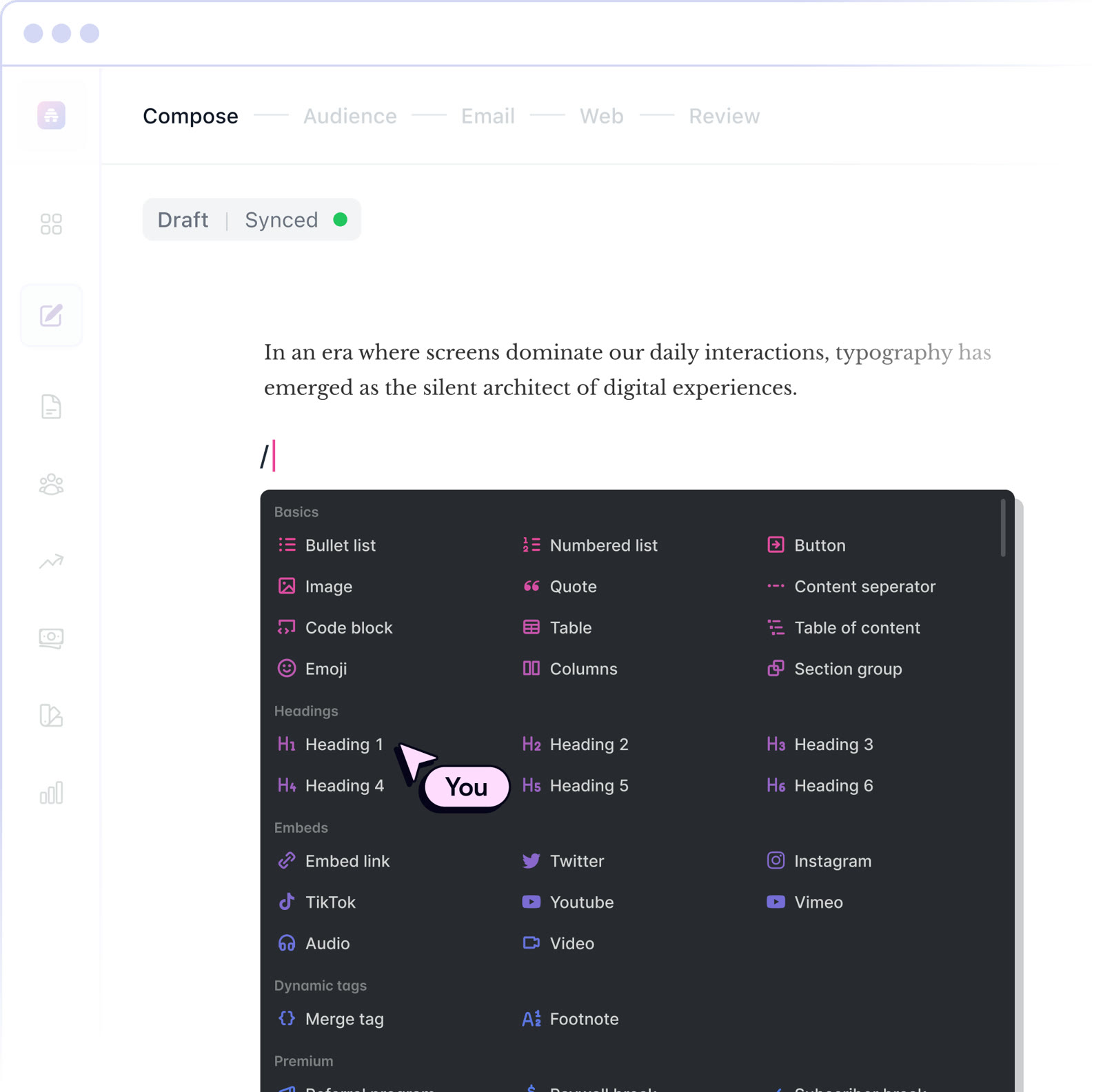 beehiiv20% off the first 3 months of a paid planNewsletter editor, site and monetization in one
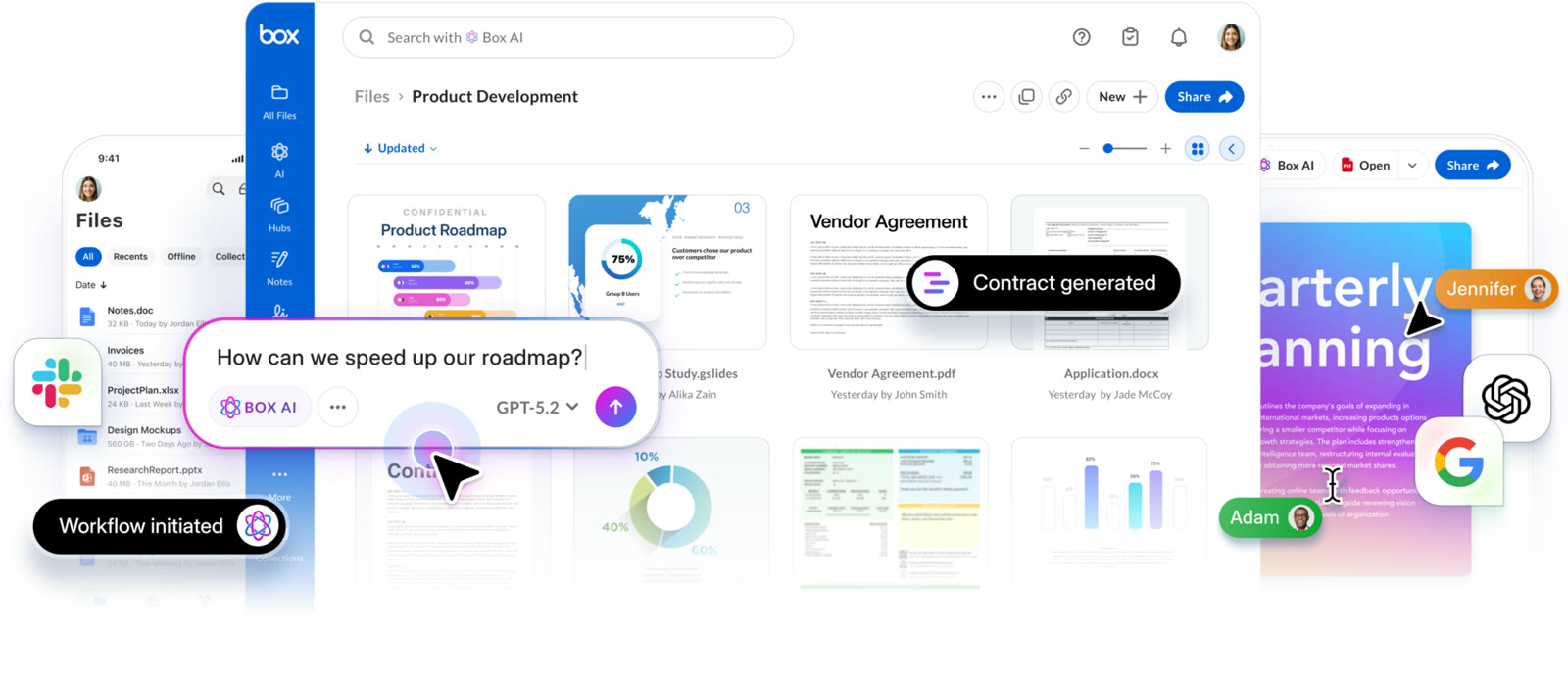 BoxIndividual plan is free; business plans begin with a free trialCloud storage that starts at 10 GB free
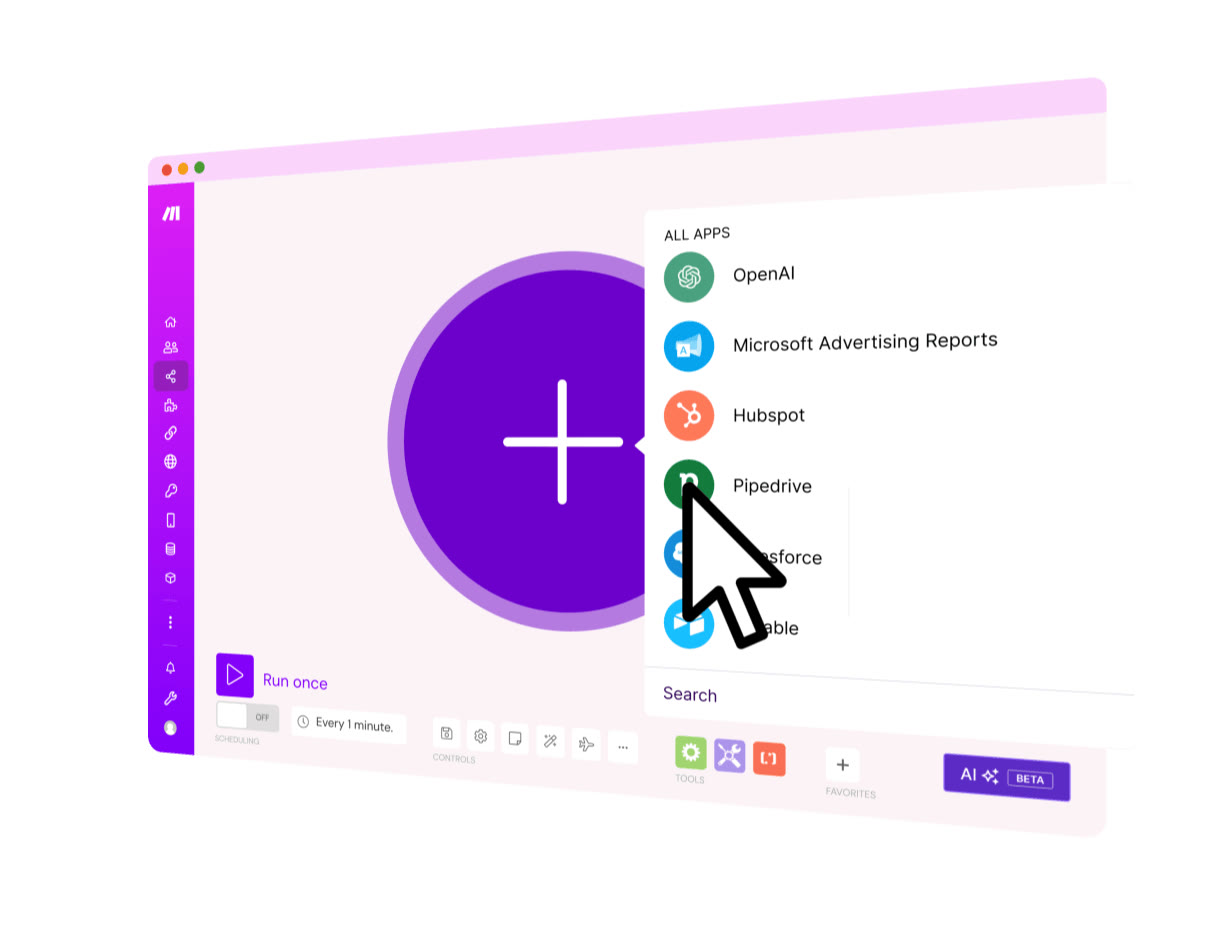 MakeStart on the Free planVisual automation across 3,500+ apps
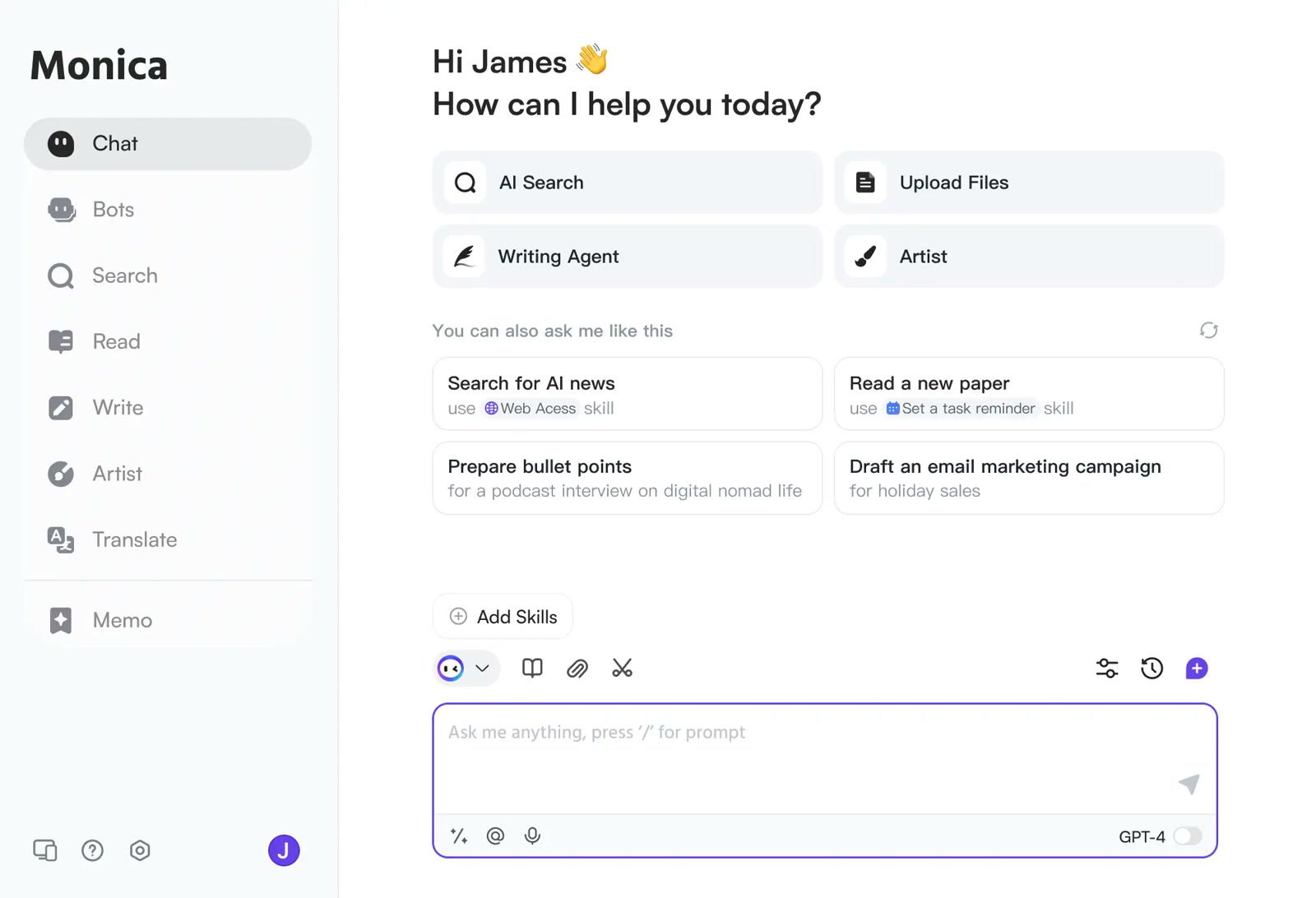 MonicaStart on the free planOne AI sidebar for any web page