
Parallels
Windows-only games, no second PC
Run DirectX 11 titles in a window on macOS.
- 14-day free trial, no purchase to download
- Windows 11 on M1 to M5 Macs
- 30-day money-back on parallels.com purchases
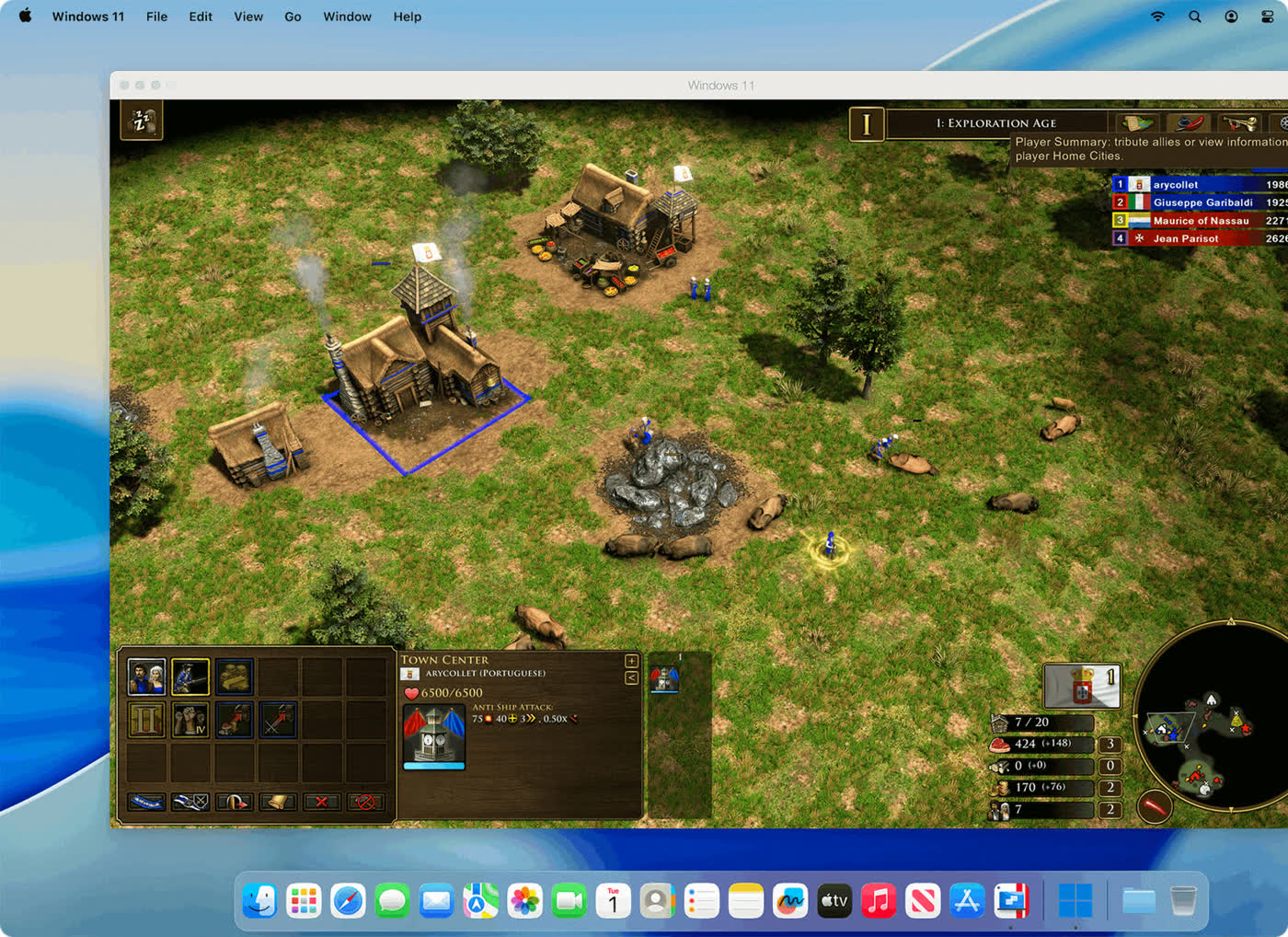
Plenty of PC games never got a Mac version. Running Windows in Parallels Desktop lets you install the Windows build and play it on the Mac you already own, instead of buying a separate gaming PC.
The official product page says it supports many classic Windows-exclusive games and names Roblox, League of Legends, Minecraft, Half-Life 2, the Age of Empires series, Fortnite, Fall Guys and Rocket League. A footnote on that list limits support to DirectX 11.
Real-time strategy, sandbox and older shooters are the safest fit. Newer engines built for DirectX 12, and titles protected by kernel-level anti-cheat, may not start at all, and Parallels says to check tested game information before buying a particular title.
Graphics-hungry games want memory. Standard caps each virtual machine at 8 GB of vRAM and 4 vCPUs, while Pro goes up to 128 GB and 32 vCPUs and is positioned for demanding graphics.
Before paying, install your own favorite game during the free 14-day trial. If it launches and holds a steady frame rate, you have your answer.
Deals you can use now
| Deal | Code | Conditions |
|---|---|---|
| 14 daysFree Parallels Desktop trial | — | A Parallels account is needed to activate; no purchase to download. |
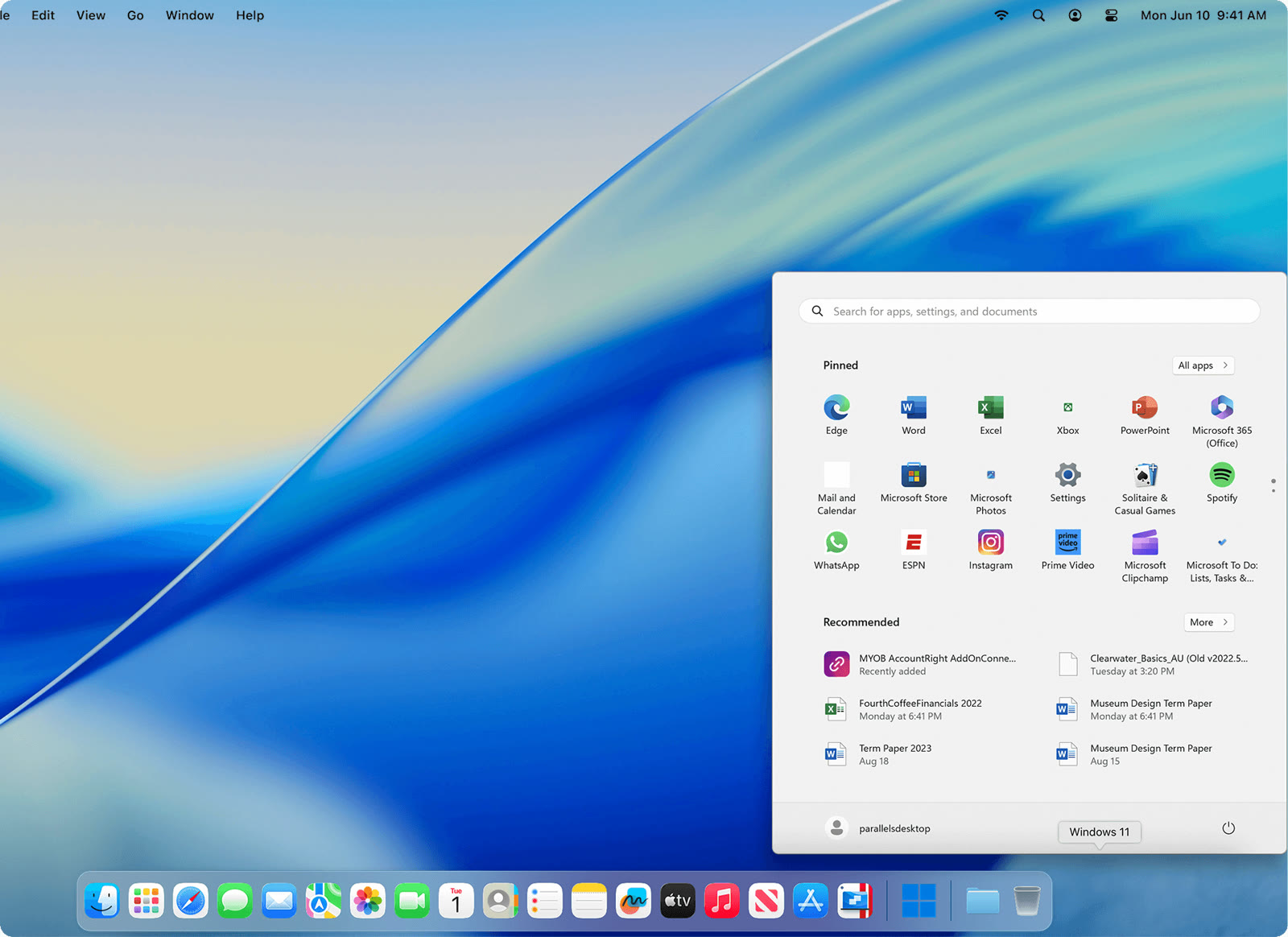 See Parallels Desktop in detailWindows apps beside your Mac appsWindows 11 in a Mac window · Mac files open in Windows · Excel starts like any Mac app · Windows games on a Mac
FAQ
Which DirectX versions are supported?
The official page limits its game support claim to DirectX 11.
Will online games with anti-cheat work?
Not always. Parallels warns that anti-cheat systems can stop software from running, so check the specific title.
Do I need Pro for gaming?
Standard handles light use. Pro is aimed at graphically demanding applications and allows far more memory and CPUs per machine.
Does this work on Apple silicon?
Yes, through Windows 11 on Arm, which runs many Arm, x64 and x86 programs but not every game.
You might also like
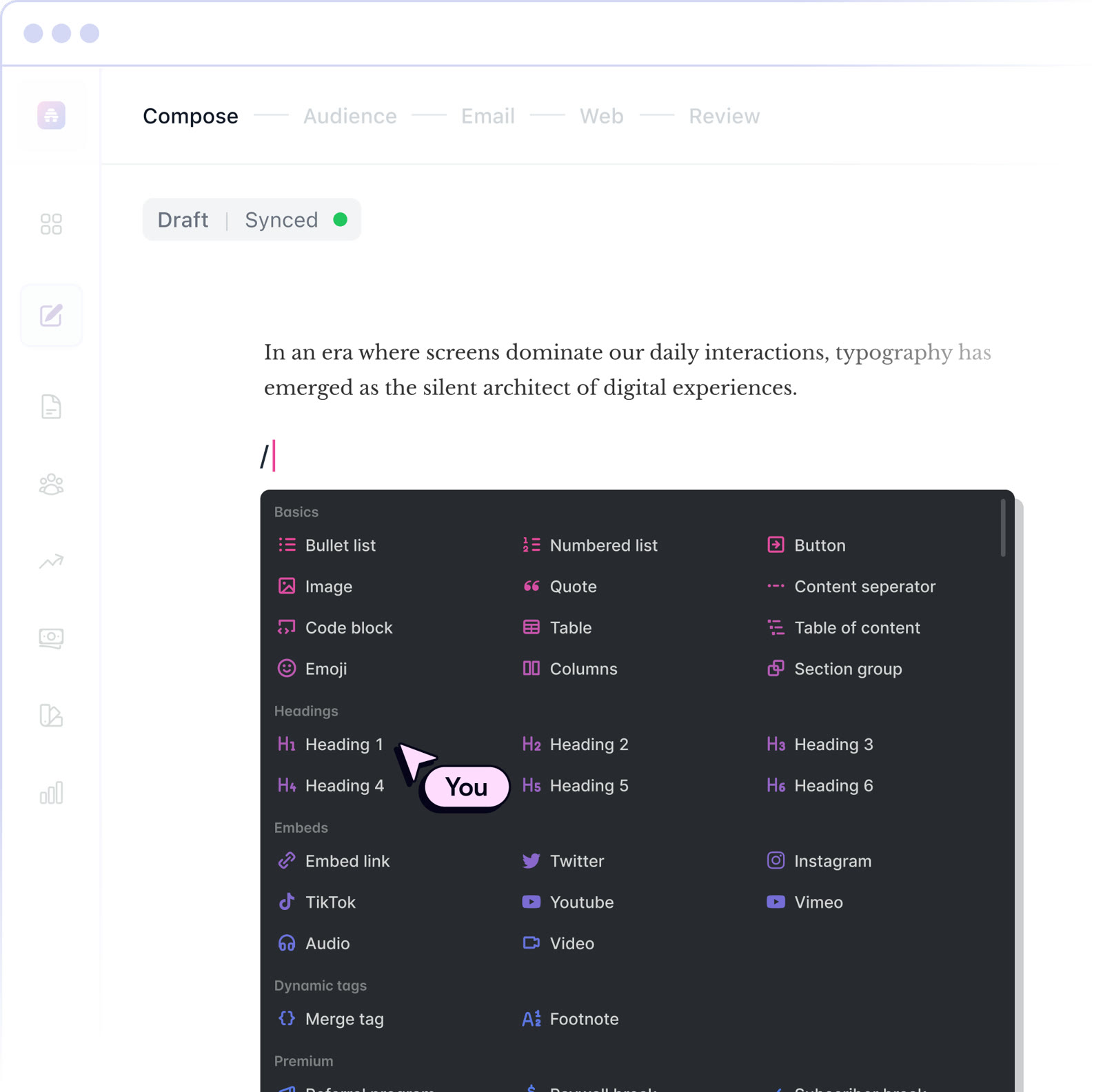 beehiiv20% off the first 3 months of a paid planNewsletter editor, site and monetization in one
 BoxIndividual plan is free; business plans begin with a free trialCloud storage that starts at 10 GB free
 MakeStart on the Free planVisual automation across 3,500+ apps
 MonicaStart on the free planOne AI sidebar for any web page