
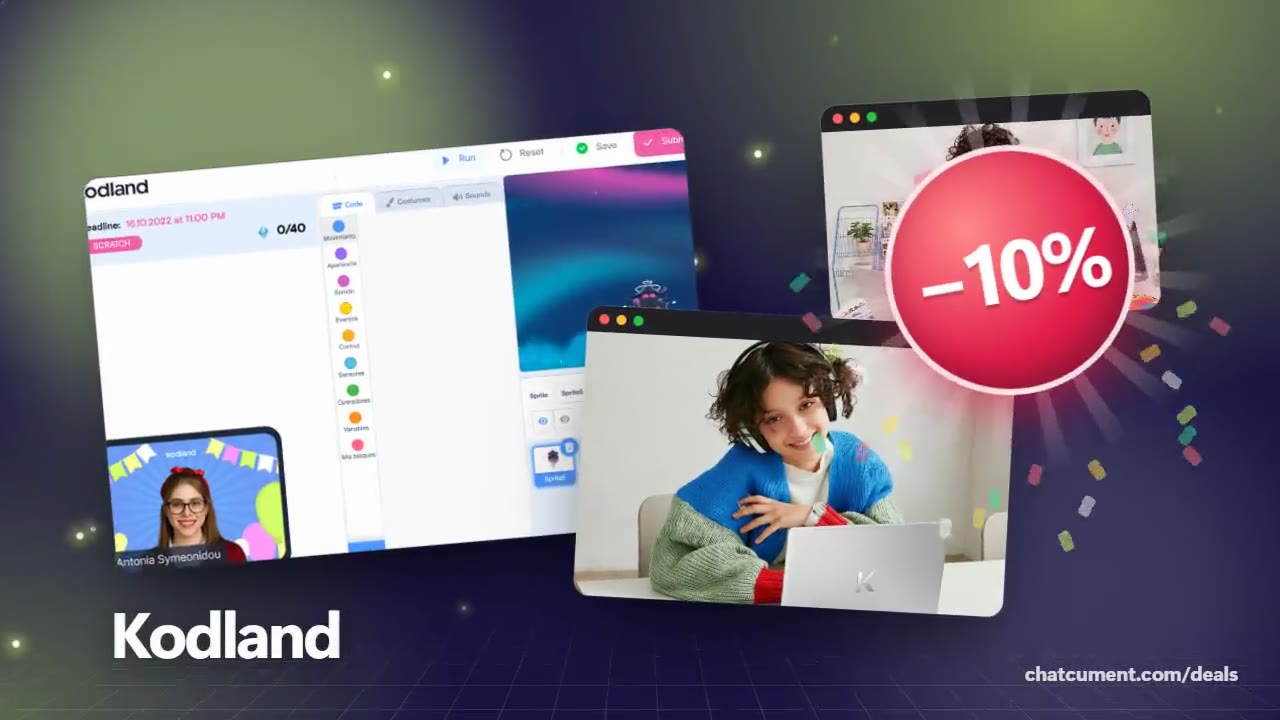
Kodland
What a child needs for online coding class
A desktop or laptop and Chrome; tablets and phones fall short.
- 10% off your first course: START10
- Free first lesson, no payment needed
- 40 lessons per course, with a certificate
New customers only, on the first confirmed course purchase. Cannot be combined with other offers.
Get the discount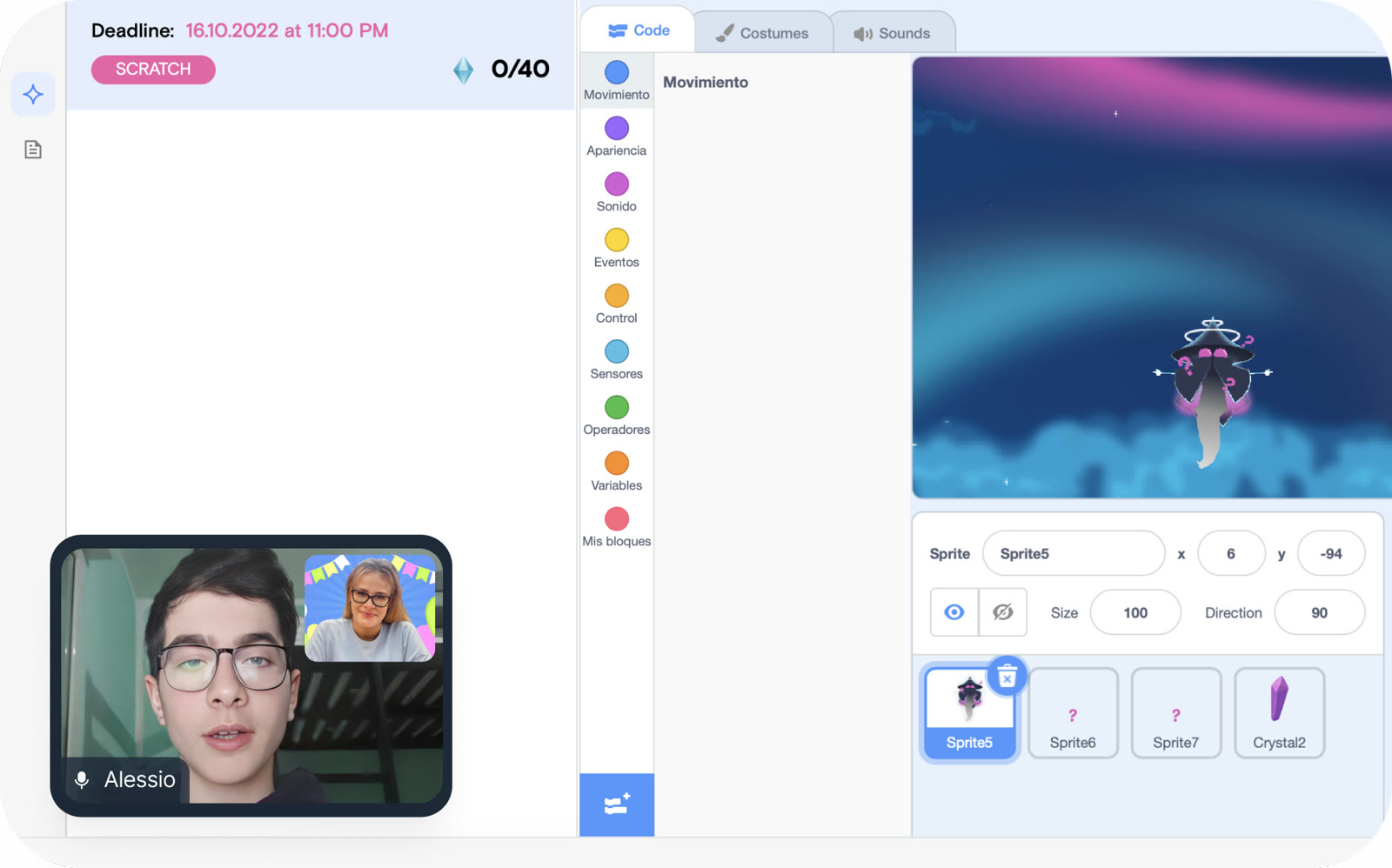
Kodland designed its platform around a keyboard. Students write code themselves, so a desktop or laptop is the device the classes expect.
Supported systems are Windows 7 or later and macOS 10.10 or later, with Google Chrome as the browser. Lessons can be joined from any browser, and links plus software instructions reach you by email once your child is enrolled.
Tablets are not guaranteed to work, and the code environment may not behave correctly on one. A phone opens the platform but offers no way to code or build digital products, so it is only good for checking in.
The Unity course is the exception on hardware: it needs at least 20 GB of free space and at least 2 GB of RAM.
To test everything before paying, book the free first lesson from the machine your child will actually use. Once that goes well, START10 gives new customers 10% off the first course.
Deals you can use now
| Deal | Code | Conditions |
|---|---|---|
| 10%10% off your first course with START10 | START10 | New customers only, on the first confirmed course purchase. Cannot be combined with other offers. |
| FreeFree first lesson with a mentor | — | About one hour, no payment required. |
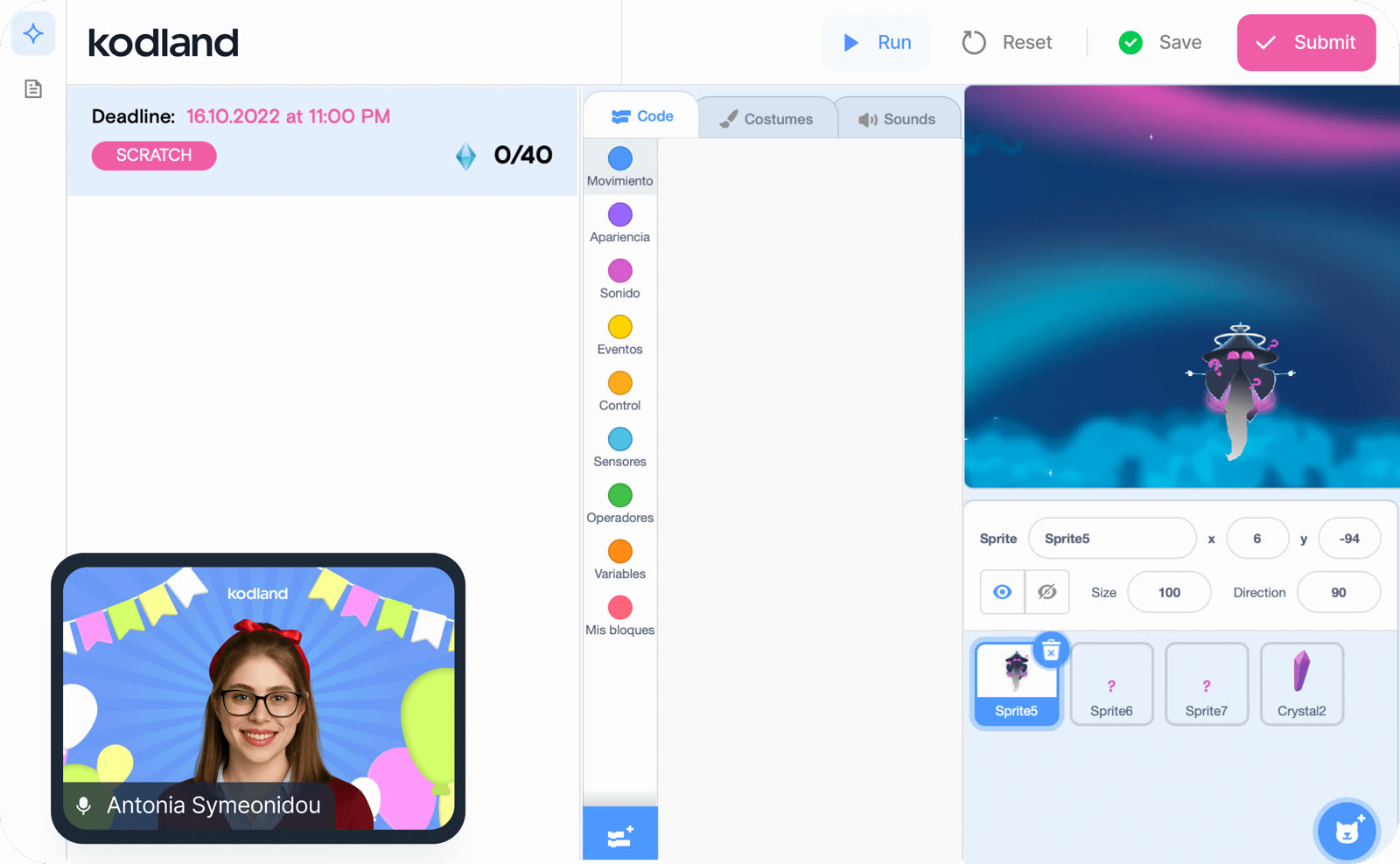 See Kodland in detailLive online coding classes, ages 8–17A laptop, a headset, a live tutor · Build the Roblox games you play · Concentration, one block at a time · Code editor with the mentor on screen
FAQ
Can my child use an iPad or tablet?
It is not recommended. The platform is not guaranteed to run correctly on a tablet.
Which browser should we install?
Google Chrome, on Windows 7 or later or macOS 10.10 or later.
Does the Unity course need a stronger computer?
Yes. It needs at least 20 GB of free space and at least 2 GB of RAM.
Do we install anything ourselves?
After enrollment, Kodland emails the links and instructions for any software the course needs.
You might also like
 HeadwayFree 7-day trial with the yearly planBook summaries in 15 minutes
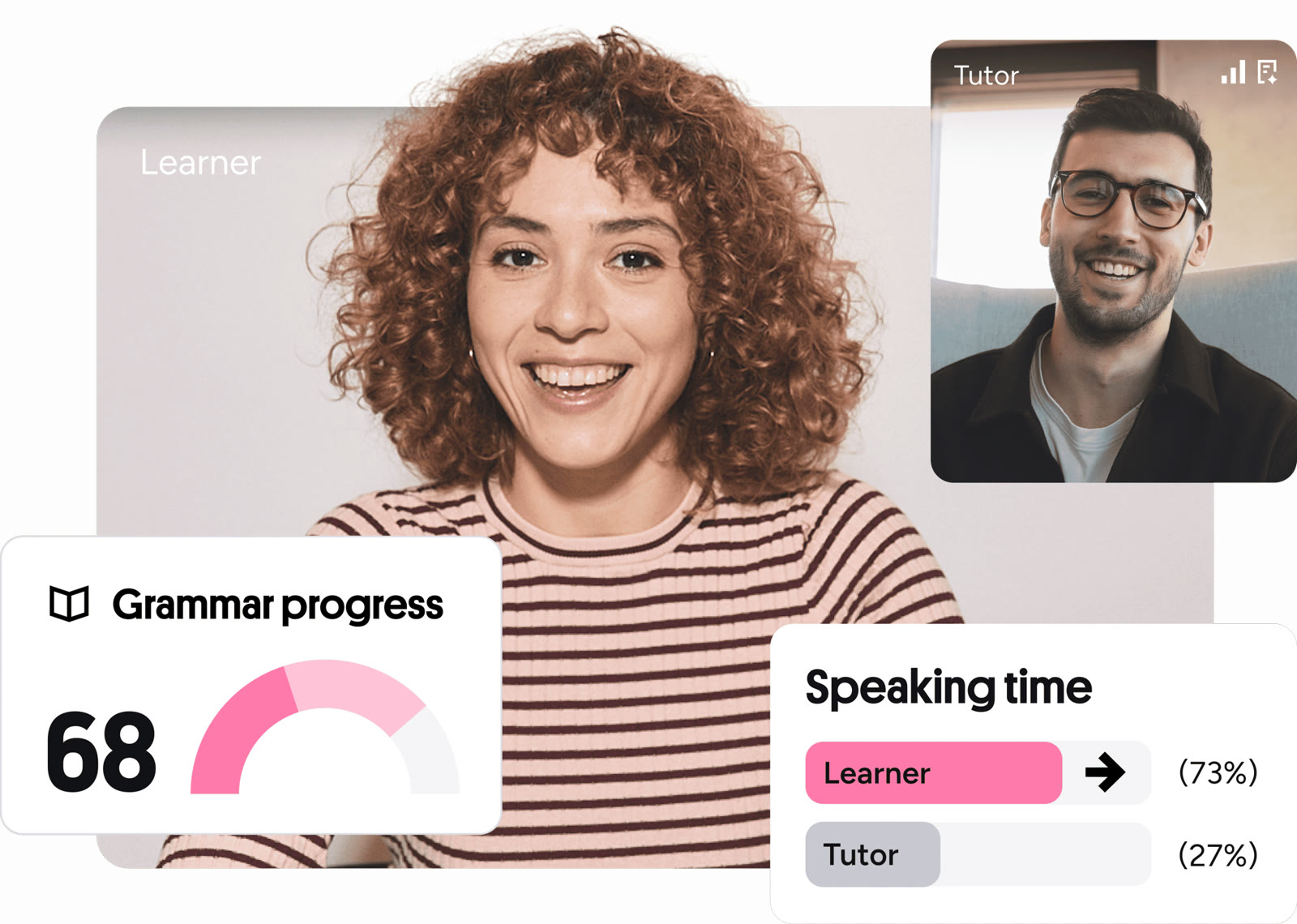 Preply5% off a tutor purchasePick a 1-on-1 language tutor
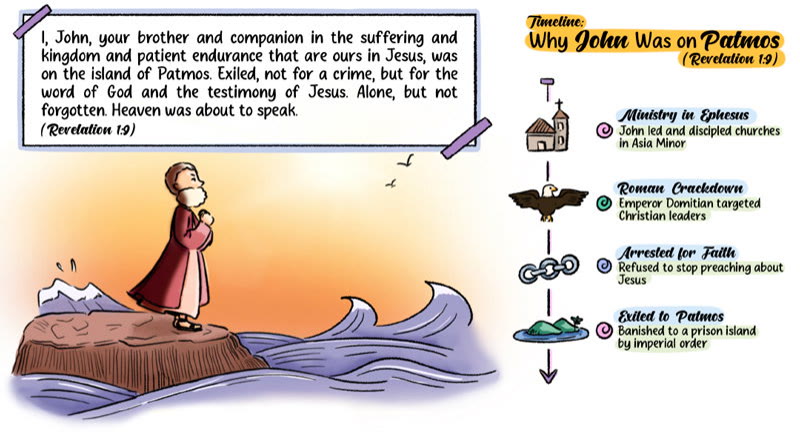 Stories of BibleSale prices on The Bible, Genesis and Revelation: Made SimpleStudy the Bible by chart, map and tree
 PDFelement20% off PDFelementEdit a PDF as easily as a Word file