

Keeper Security
KeeperFill types your logins for you
Usernames, passwords and two-factor codes in one app.
- 30-day free trial of paid plans
- Free plan: 1 mobile device, 10 records
- Family plan: five private vaults
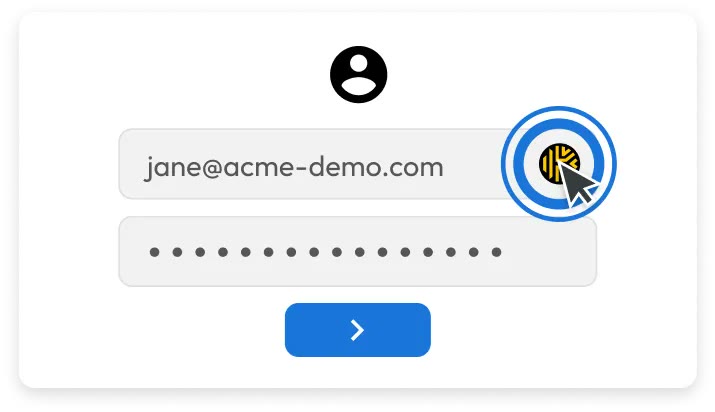
Typing a password at every sign-in is tedious, and a typo makes it worse. KeeperFill places an icon beside the email field and fills the username and password together when you tap it.
Autofill works in the browser extension and in the mobile app. Opening the vault by fingerprint or Face ID keeps phone sign-ins quick.
The vault can also generate and store two-factor codes for each account. You read the code inside the same record without opening a separate authenticator.
When you change a password, Keeper notices and offers to update the saved record. That cuts down on stale entries that lock you out later.
Before committing to a personal plan, run the 30-day free trial against the sites you actually use and see how reliably they fill.
Deals you can use now
| Deal | Code | Conditions |
|---|---|---|
| 30-day trialTry Keeper's personal and family plans free for 30 days | — | After the trial you pick between Unlimited for one person and Family for five. A separate Free plan also exists, limited to one mobile device and ten records. |
 See Keeper in detailPassword manager, 30 days freeEvery login in one list · Long passwords in one tap · One record per account · A login form that fills itself
FAQ
Where does KeeperFill work?
In browsers with the Keeper extension installed and in the mobile app.
Can it store my two-factor codes?
Yes, the vault generates and stores a code per account, so you avoid switching between apps.
How do I open the vault on a phone?
Fingerprint and Face ID sign-in are supported.
Does the vault update when I change a password?
Keeper detects the change and asks whether to save the new password into the record.
You might also like
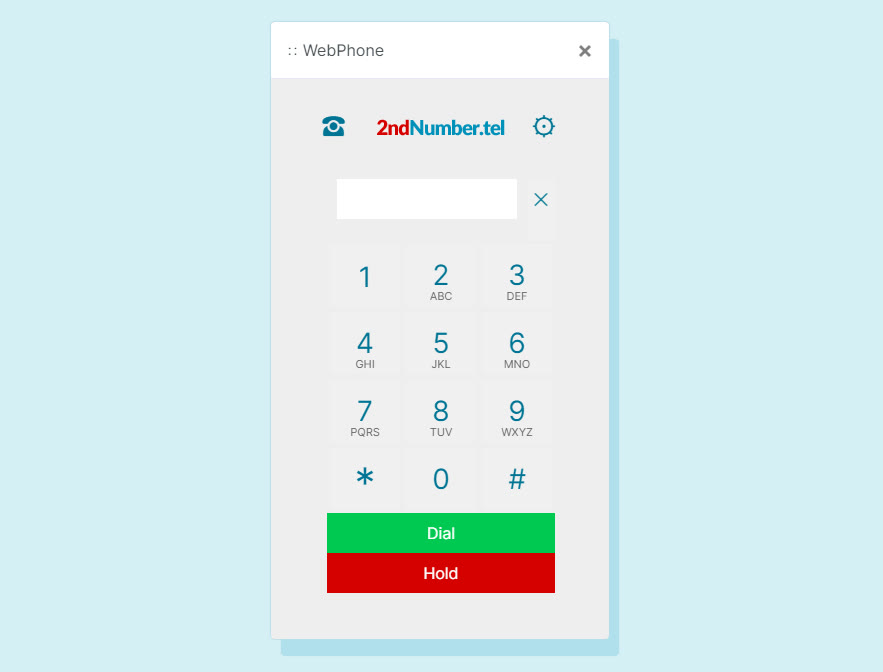 2ndNumber20% off yearly plans with code GIVEME20A US or UK number, no SIM needed
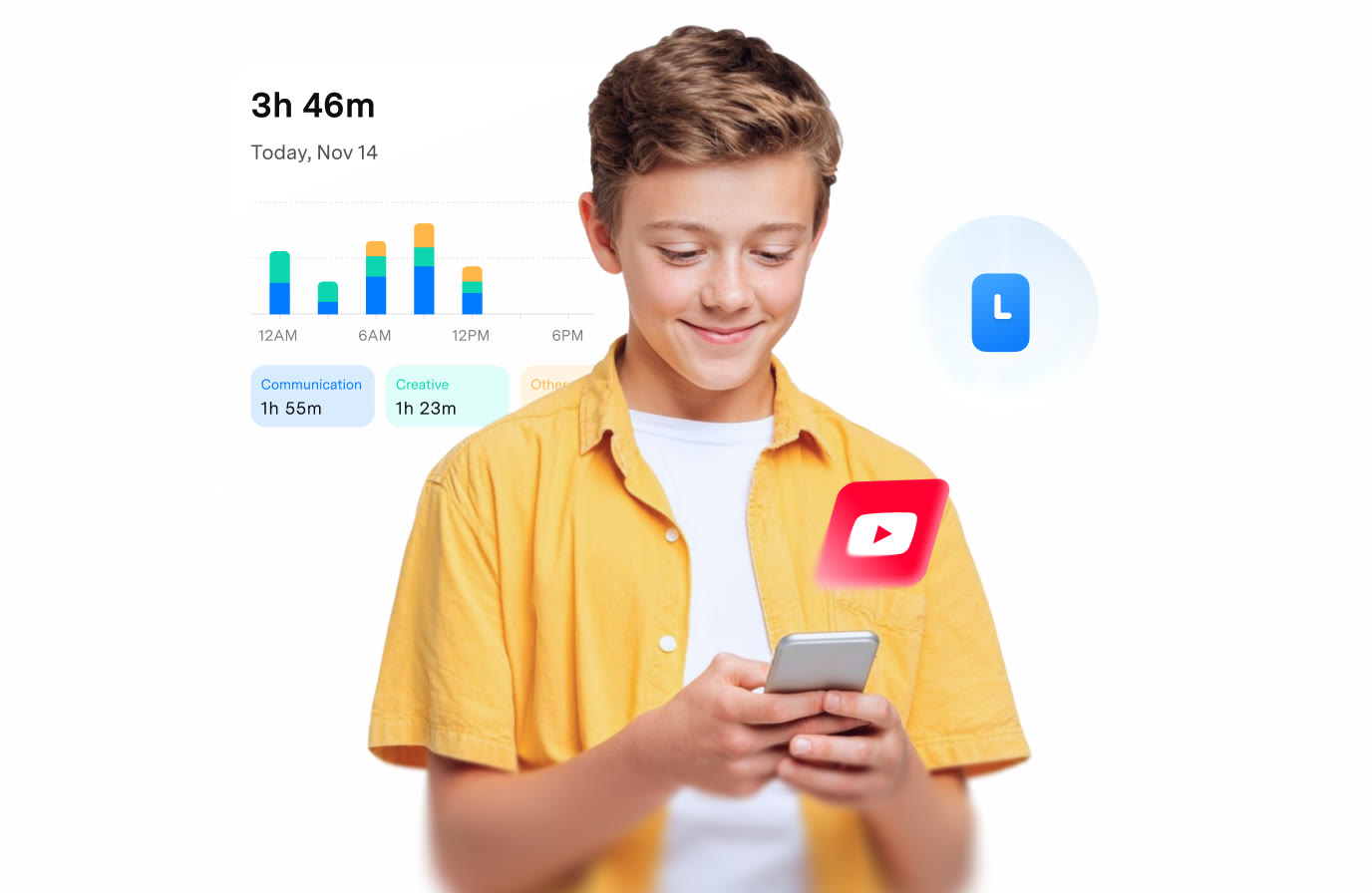 FamiSafeAn extra code you add at checkoutParental controls kids know about
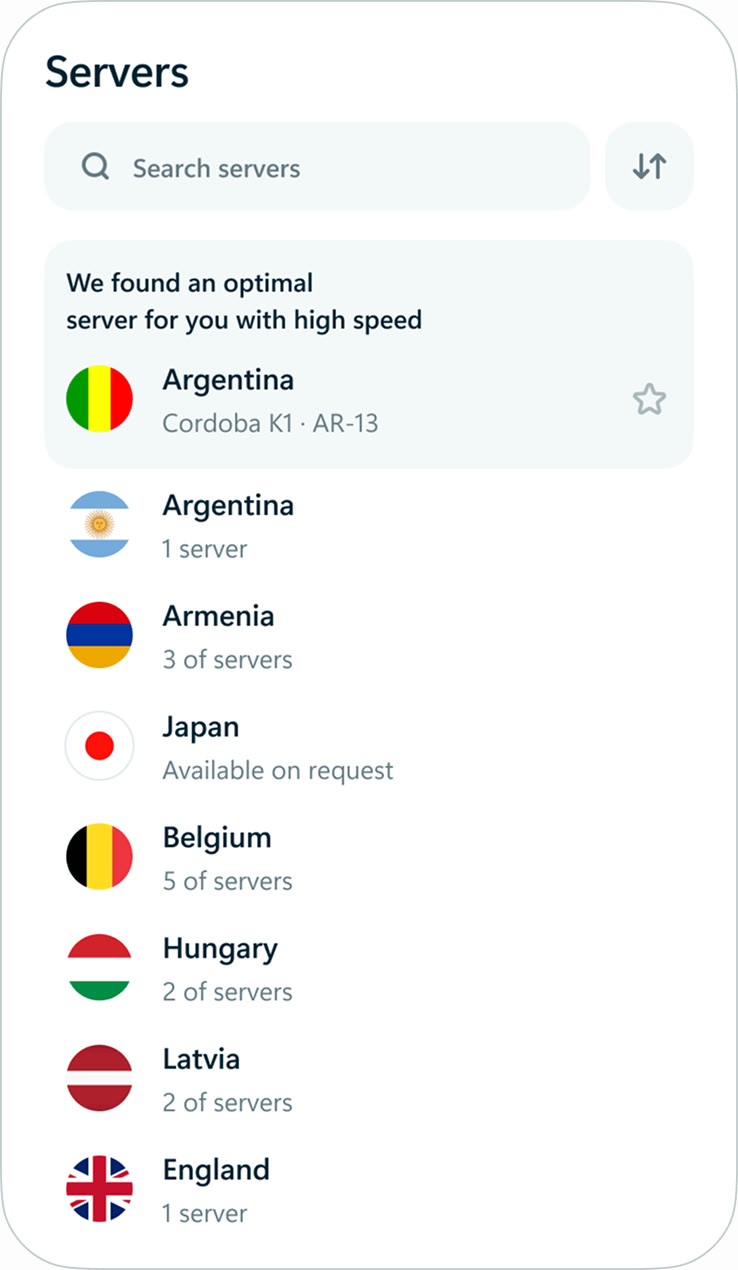 hidemy.name VPNTry hidemy.name VPN free for 24 hoursVPN for 5 devices, 24h free test
 NordVPNLong-term plan savings plus a 30-day money-back guaranteeProtect 10 devices on one VPN plan