
Wondershare
Edit your first YouTube video in Filmora
Trim, add captions and music, then export straight to your channel.
- Two-week free trial first
- 5% off at checkout with LENAFF5
- AI multicam sync and vertical clips
Then $19.99 a month unless you cancel
Start free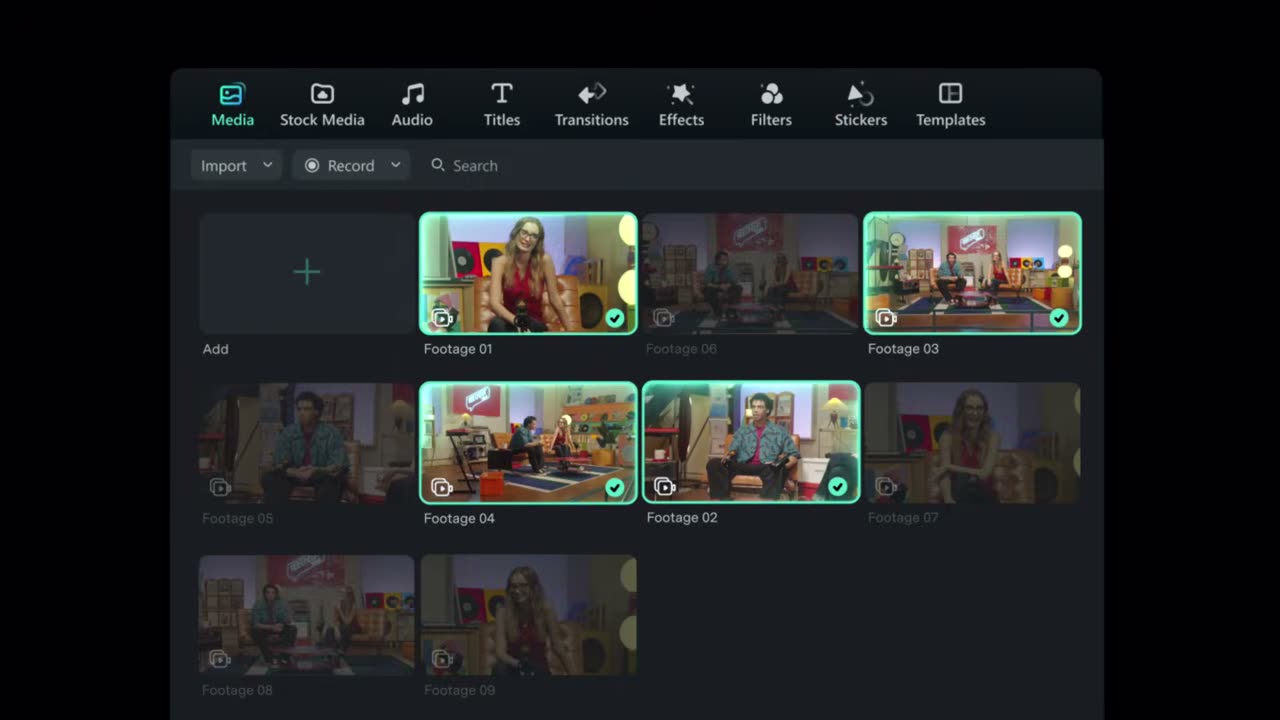
The hardest part of starting a YouTube channel is often the editor itself. Filmora puts trimming, splitting and resizing clips in plain sight on one timeline, so someone who has never cut footage before can get a rough edit done in the first sitting.
You will not need to hunt for extras elsewhere. More than 2.9 million creative assets sit inside the app, including music, filters, transitions, titles and stickers, and there are YouTube-specific stickers such as subscribe buttons. If you have no footage yet, you can record clips right in the editor.
A channel feels like a channel when the opening and the ending look the same every week. Influencer-style intro templates and 3D logo-reveal outros give you that consistency, and once you are comfortable you can add keyframes, motion tracking, speed ramping and colour correction one step at a time.
AI handles the chores. An auto subtitle generator, an AI thumbnail creator, caption translation and automatic background music are all available mid-edit. Export straight to YouTube, or connect your account where available to schedule publishing and check views, likes and comments afterwards.
If you would like to try it on a real project first, the two-week free trial is there for that. When you decide to buy, the code LENAFF5 takes 5% off the price.
Deals you can use now
| Deal | Code | Conditions |
|---|---|---|
| 2 weeks freeTwo-week free trial | — | Then $19.99 a month unless you cancel |
| 5%5% off when you buy | LENAFF5 | — |
 See Filmora in detailThe video editor where AI handles the tedious partMulticam footage, synced for you · Sharpen soft shots with AI · Shorts cut from long videos · Know your footage before you cut
FAQ
I have never edited a YouTube video. Is Filmora too advanced?
Trimming, splitting and resizing are laid out as simple tools, and you can begin from a template, so a first video is realistic for a beginner.
Can I start without any footage?
Yes. You can record clips inside the editor, or begin from a template or stock media.
Can I upload directly to YouTube from Filmora?
You can export to YouTube from the editor, and where an account connection is available you can also schedule publishing and review views, likes and comments.
Do I have to rebuild my channel branding for each video?
No. Upload your logo, fonts and colours, or apply an intro template from the Influence Kit, and reuse the same look across videos.
You might also like
 UniConverter15% off every licenceConvert, compress and record in one video toolbox
 Media.ioHalf price on the yearly planAn AI image and video studio in your browser
 InVideo30% off InVideo Studio monthlyTurn one prompt into a finished video
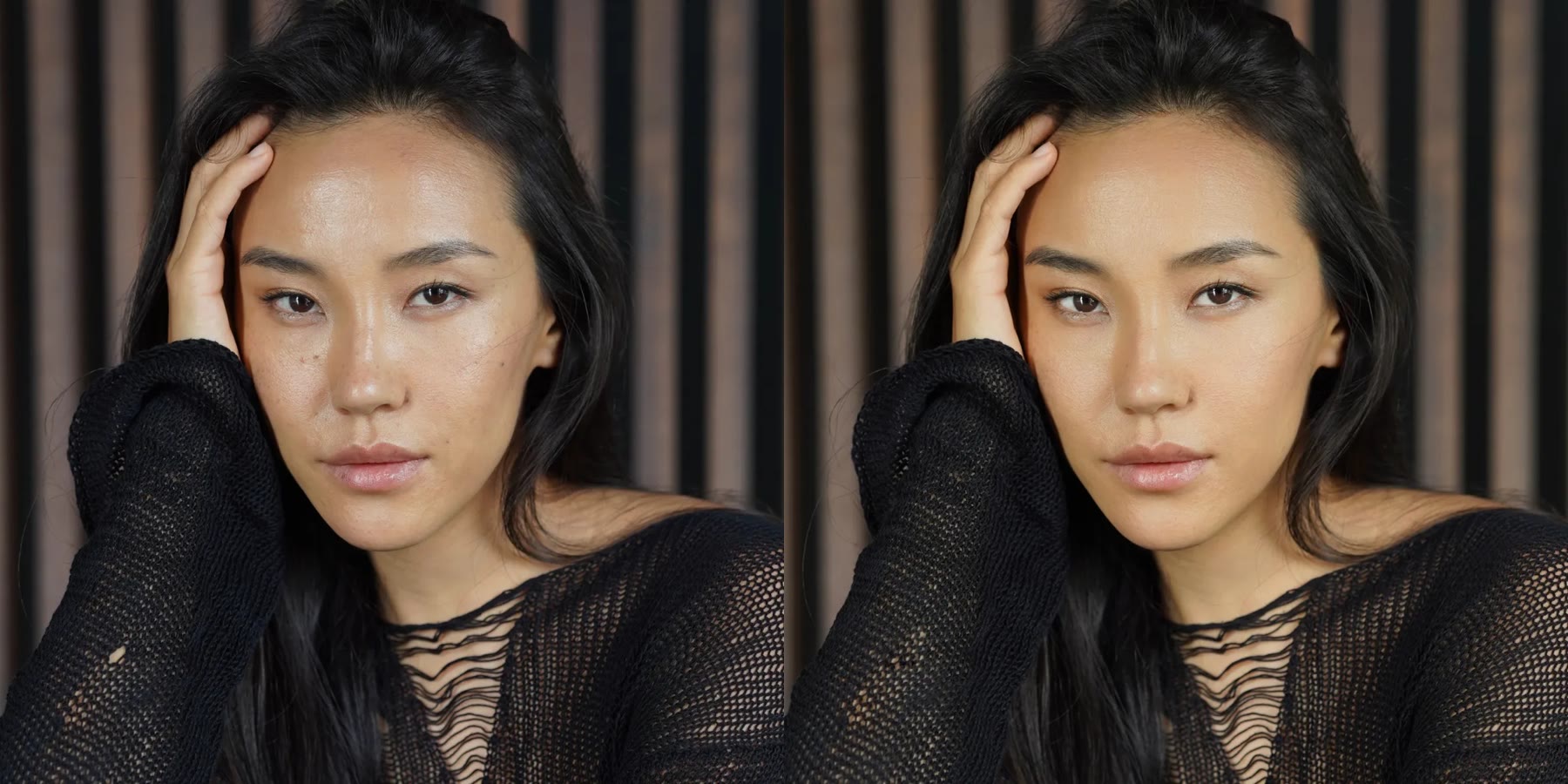 Retouch4me20% off every pluginPhotoshop plugins that retouch portraits for you