
Wondershare
Auto subtitles that follow every word you say
Filmora turns speech into styled captions right on your timeline.
- Two-week free trial first
- 5% off at checkout with LENAFF5
- AI multicam sync and vertical clips
Then $19.99 a month unless you cancel
Start free
Typing out captions by hand is the slowest part of many edits. Drop a clip on the timeline, open Speech to Text under AI Tools, switch on Dynamic Caption and press Generate. In roughly 30 to 60 seconds the sentences appear, split at natural speech pauses, and Filmora's page puts accuracy at 99%.
The result is a design starting point, not a plain text track. Active Words lights up each word as it is spoken, Key Words lets the AI pick out important phrases, and there are more than 100 templates, over 120 animations and 13 text keyframes. Save the looks you use most as favorites or presets.
Interviews and podcasts get help from multi-speaker detection, which labels each guest automatically, while language auto-detect keeps setup short. Video or audio in MP4, MOV, AVI, MP3 or WAV can go straight onto the timeline.
If part of your audience speaks another language, one click adds a synced translation track in any of 30+ languages beneath the original, and right-to-left scripts such as Arabic and Hebrew are covered. One upload can then serve two audiences.
Caption a long recording during the free trial and see how much typing disappears. If you buy afterwards, LENAFF5 takes 5% off at checkout.
Deals you can use now
| Deal | Code | Conditions |
|---|---|---|
| 2 weeks freeTwo-week free trial | — | Then $19.99 a month unless you cancel |
| 5%5% off when you buy | LENAFF5 | — |
 See Filmora in detailThe video editor where AI handles the tedious partMulticam footage, synced for you · Sharpen soft shots with AI · Shorts cut from long videos · Know your footage before you cut
FAQ
Where do I turn on automatic captions in Filmora?
Place your clip on the timeline, open Speech to Text under AI Tools, enable Dynamic Caption, choose the language and press Generate.
How accurate are the generated captions?
The official page states 99% accuracy with sentences split at speech pauses, and you can edit any line afterwards.
How many languages can captions be translated into?
One translation pass produces a secondary caption track in 30+ languages while the original keeps its styling.
What happens when several people are talking?
Multi-speaker detection tells the voices apart and adds speaker labels automatically.
You might also like
 UniConverter15% off every licenceConvert, compress and record in one video toolbox
 Media.ioHalf price on the yearly planAn AI image and video studio in your browser
 InVideo30% off InVideo Studio monthlyTurn one prompt into a finished video
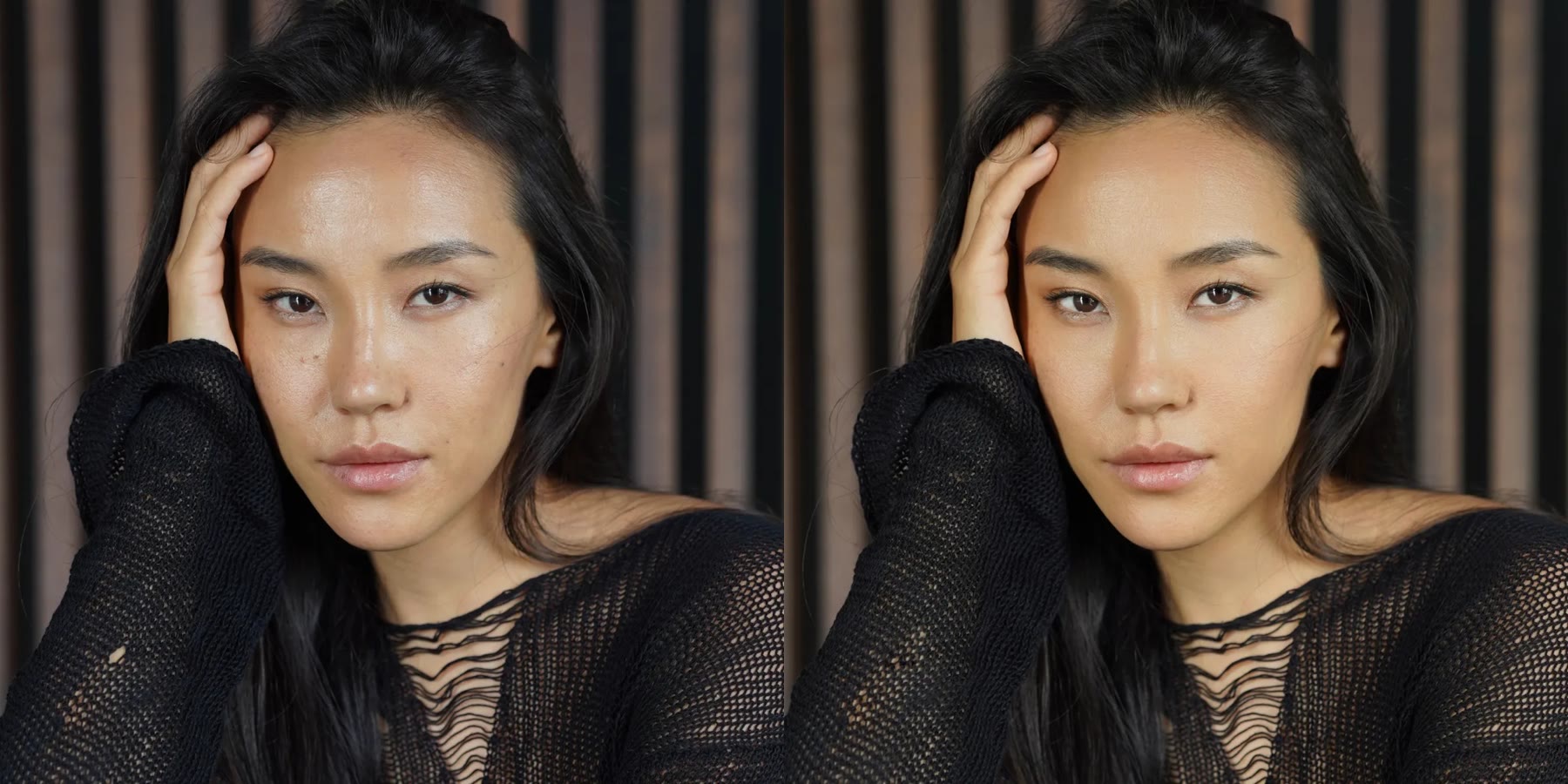 Retouch4me20% off every pluginPhotoshop plugins that retouch portraits for you