
Wondershare
Lift blurry and dark footage up to 4K
Night clips, old family tapes and over-compressed files get a second pass.
- Two-week free trial first
- 5% off at checkout with LENAFF5
- AI multicam sync and vertical clips
Then $19.99 a month unless you cancel
Start free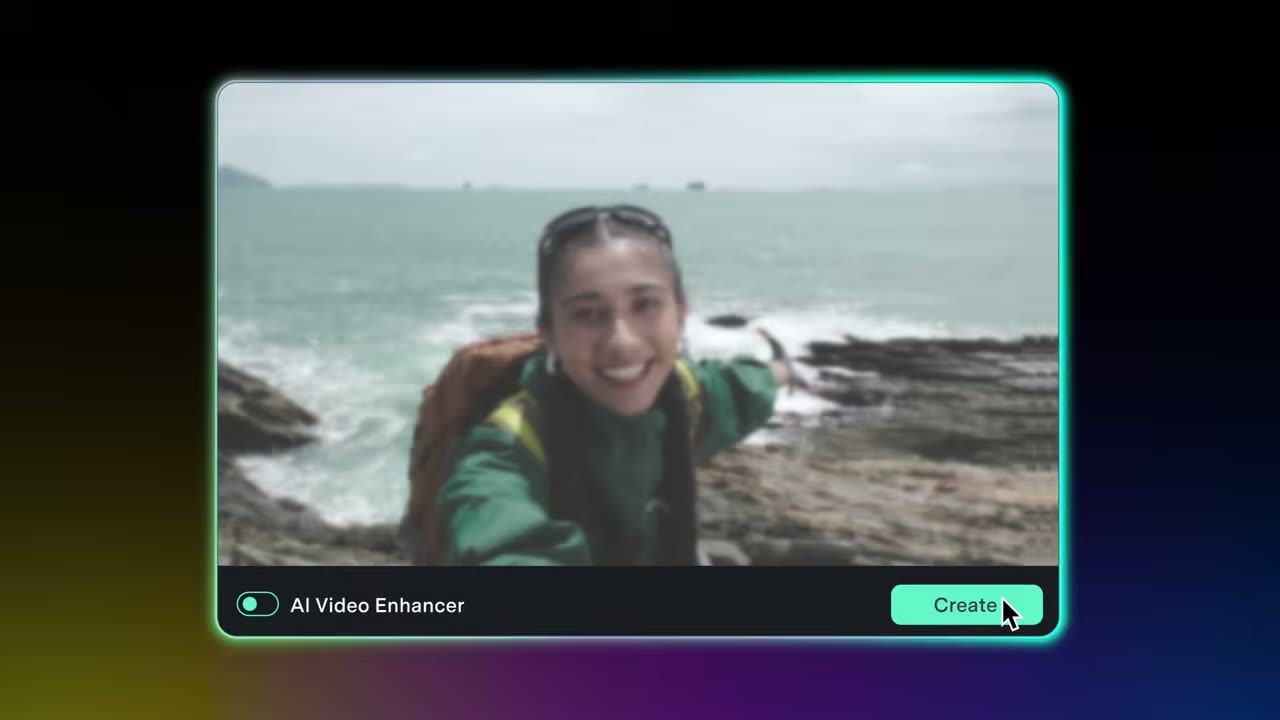
Some clips look fine on the camera screen and then turn out soft, dim and grainy on a monitor. Filmora's AI Video Enhancer uses specialised models to upscale video to 4K and restore lost detail, and you choose a mode instead of fiddling with sliders.
Night footage splits into two modes. Bright Night View suits neon streets, stages and city lights, reducing noise, cleaning colours and keeping highlights under control. Dark Night View is for underexposed portraits, outdoor scenes and night action, where it reveals shadow detail, helps the subject stand out and reduces noise.
Old family recordings that have collected dust, scratches and haze are in scope as well. The enhancer puts clarity back into faded tapes so precious moments can be watched on a large screen again, which also helps with soft, smeared frames.
Videos saved from online platforms often show compression artefacts, and the enhancer can reduce them while raising resolution. Shaky sports and action shots that came out smeared can be sharpened too. Afterwards, carry on with colour work and captions on the same timeline.
Start with the two-week free trial on the one clip you wish looked better. If you buy, LENAFF5 gives 5% off.
Deals you can use now
| Deal | Code | Conditions |
|---|---|---|
| 2 weeks freeTwo-week free trial | — | Then $19.99 a month unless you cancel |
| 5%5% off when you buy | LENAFF5 | — |
 See Filmora in detailThe video editor where AI handles the tedious partMulticam footage, synced for you · Sharpen soft shots with AI · Shorts cut from long videos · Know your footage before you cut
FAQ
Can Filmora upscale my video to 4K?
Yes, the AI Video Enhancer is described as upscaling video to 4K and restoring lost detail.
Which mode should I use for night footage?
Use Bright Night View for lit scenes like neon streets and stages, and Dark Night View for underexposed shots.
Does it help with old camcorder or family videos?
It is presented as a way to sharpen vintage footage that has gathered dust, scratches and blur.
Can it reduce quality loss in downloaded videos?
It can reduce compression artefacts from platform downloads while increasing resolution.
You might also like
 UniConverter15% off every licenceConvert, compress and record in one video toolbox
 Media.ioHalf price on the yearly planAn AI image and video studio in your browser
 InVideo30% off InVideo Studio monthlyTurn one prompt into a finished video
 Retouch4me20% off every pluginPhotoshop plugins that retouch portraits for you