

Wondershare
See what children watch, then set a limit
Read the history, then cap the time or block the app
- Extra checkout code SAFAMILY
- Yearly plan opens with a 3-day free trial
- 7-day money-back, up to 10 devices yearly
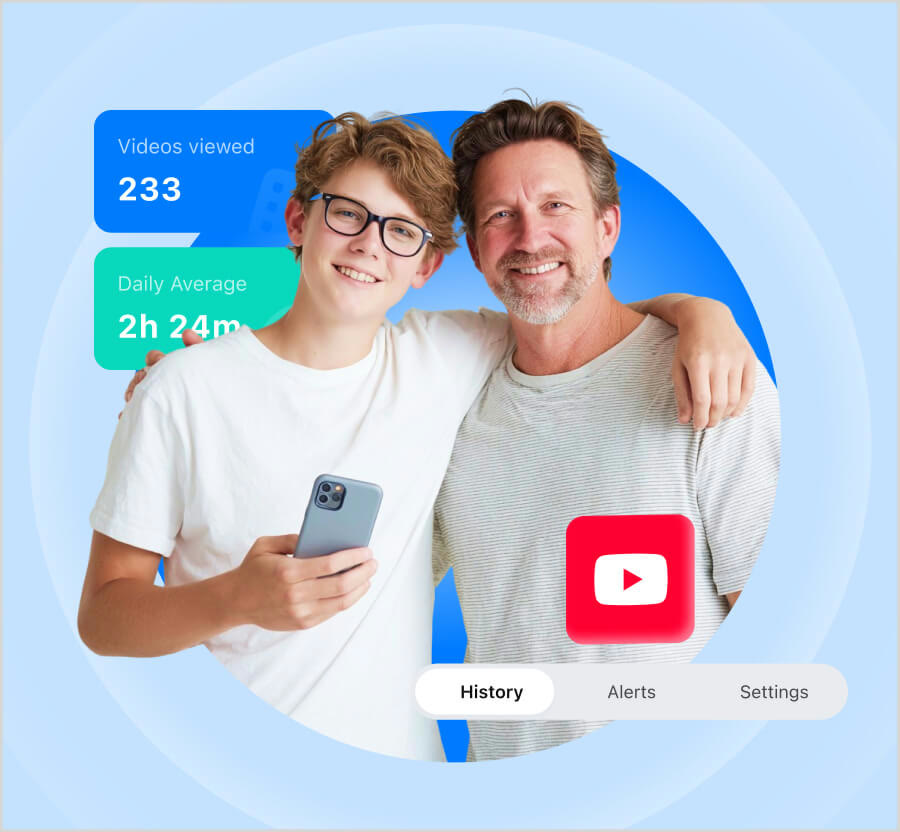
Both apps pull children in quickly, so most parents start with the clock. The YouTube view in FamiSafe shows videos viewed and the daily average watch time.
For TikTok, the official page says no account connection is needed on Android to see history. You get visited channels by date, video details and time spent.
After looking, you have two moves: put a time schedule on that app, or block it outright. Locking only TikTok at bedtime is a typical setup.
Watching a few clips together and asking what your child likes turns the record into a conversation. If you hold a code, SAFAMILY is worth trying when you pay.
Deals you can use now
| Deal | Code | Conditions |
|---|---|---|
| CodeAn extra code you add at checkout | SAFAMILY | — |
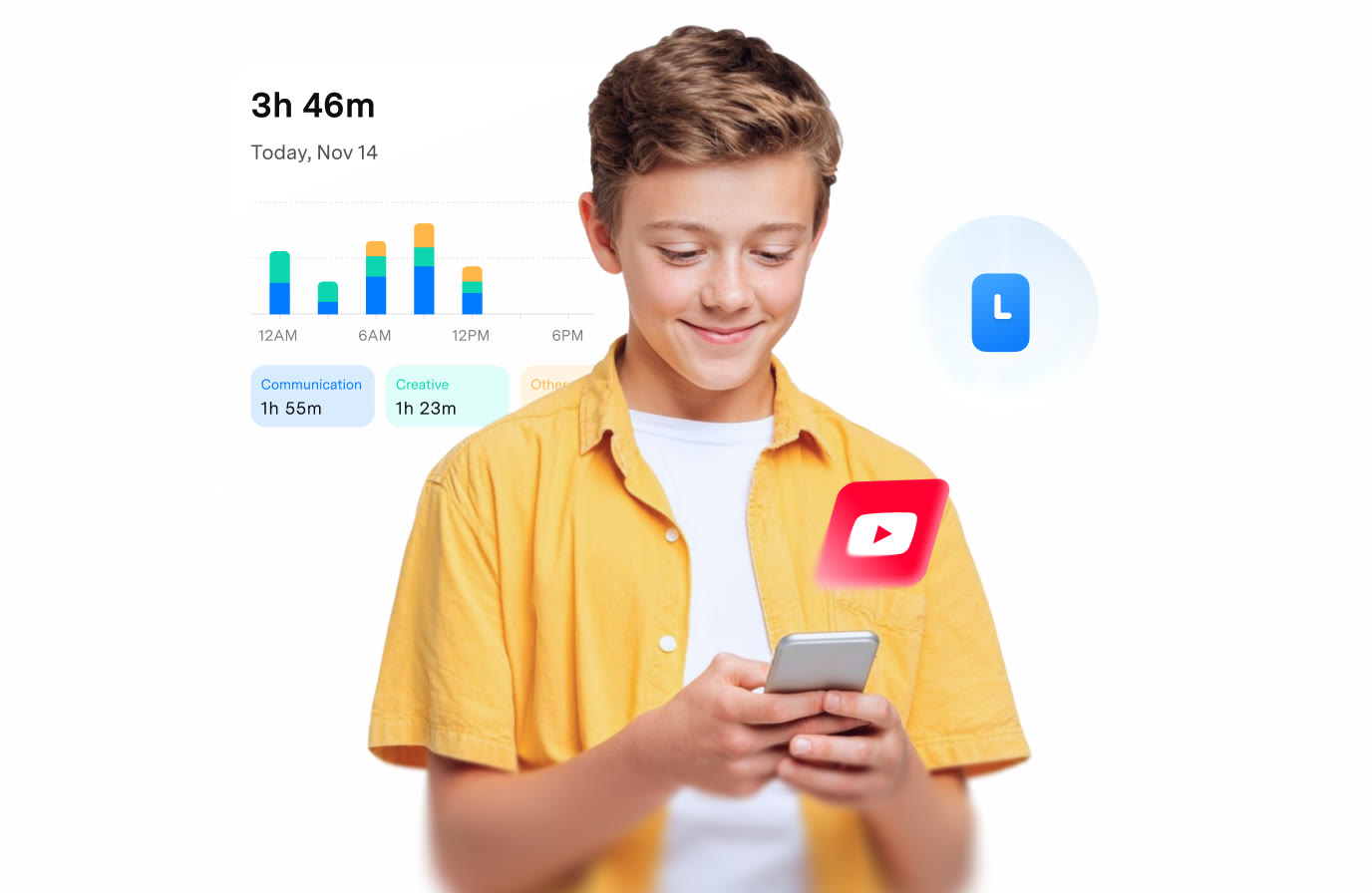 See FamiSafe in detailParental controls kids know aboutToday's screen time at a glance · Your child on the map · Risk tags on chat messages · YouTube history and daily average
FAQ
Which devices show YouTube data?
The official site describes YouTube control on Android and iOS. Some items can differ between platforms.
Does TikTok history work on iPhone?
The official page centres on Android. iOS has platform limits, so confirm during the trial.
Can it block ads in YouTube?
No. The FAQ says blocking ads on the device is not supported.
You might also like
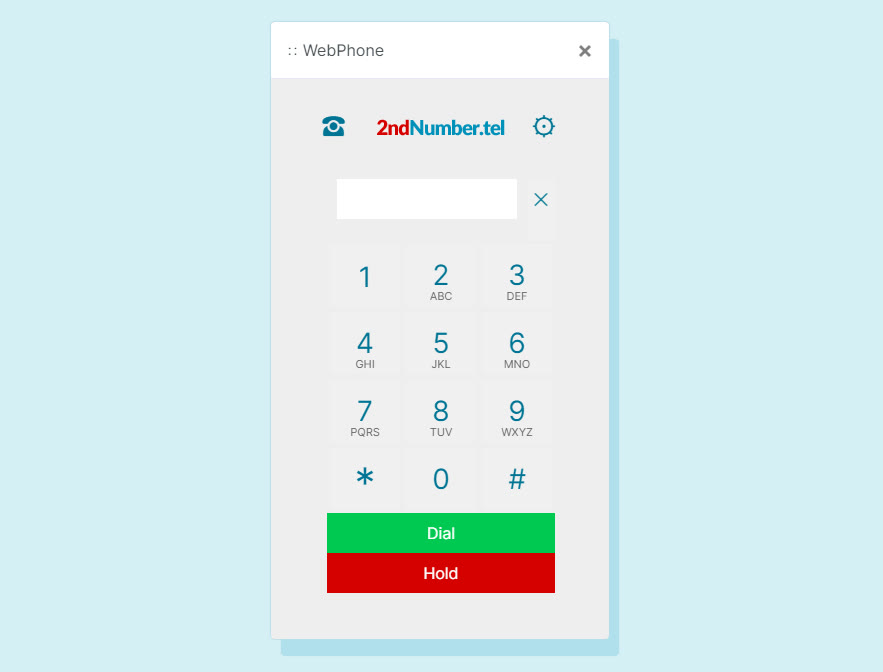 2ndNumber20% off yearly plans with code GIVEME20A US or UK number, no SIM needed
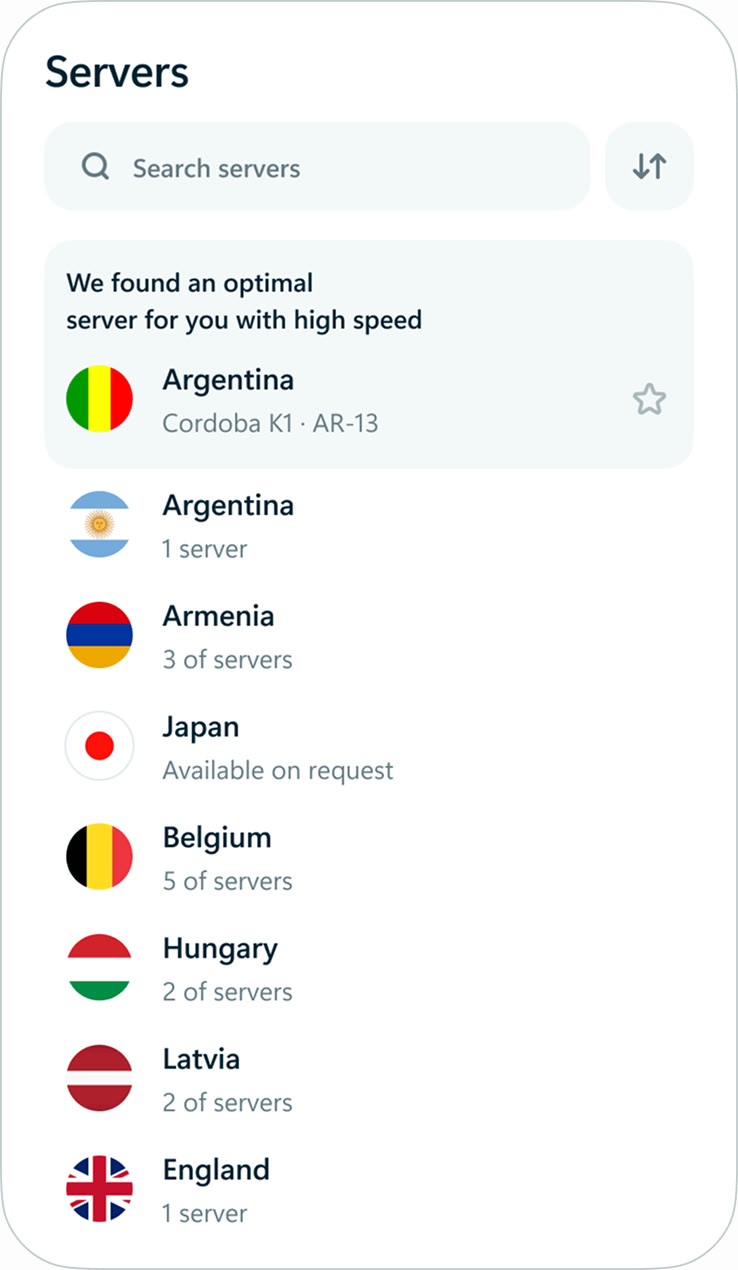 hidemy.name VPNTry hidemy.name VPN free for 24 hoursVPN for 5 devices, 24h free test
 KeeperTry Keeper's personal and family plans free for 30 daysPassword manager, 30 days free
 NordVPNLong-term plan savings plus a 30-day money-back guaranteeProtect 10 devices on one VPN plan