

Wondershare
Screen time limits that kids can see
Daily caps and schedules for homework and bedtime
- Extra checkout code SAFAMILY
- Yearly plan opens with a 3-day free trial
- 7-day money-back, up to 10 devices yearly
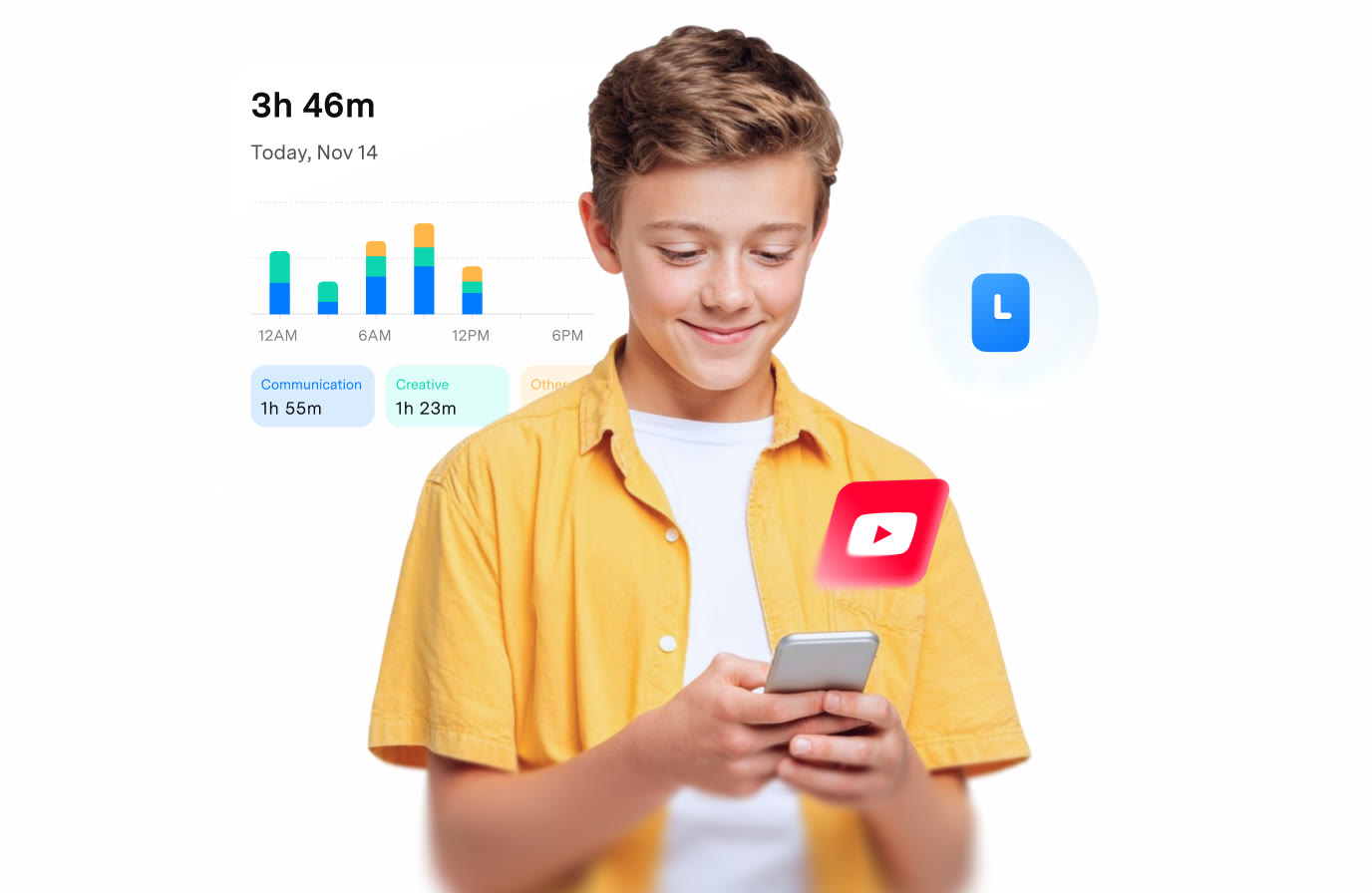
Arguments over the phone usually start because the rule only exists in speech. In FamiSafe you set a daily cap and give school days and weekends different numbers.
A schedule can lock a device or chosen apps at set times. Homework, dinner and the hour before bed are the usual blocks, and you choose them as a family.
Reports run by day, week and month and rank apps by time. A sudden jump is easy to spot, which gives you something concrete to talk about before anyone gets cross.
Children can see their own limit and ask for extra minutes, which suits families that agree rules together. The coupon SAFAMILY can be tried when you pay for a plan.
Deals you can use now
| Deal | Code | Conditions |
|---|---|---|
| CodeAn extra code you add at checkout | SAFAMILY | — |
See FamiSafe in detailParental controls kids know aboutToday's screen time at a glance · Your child on the map · Risk tags on chat messages · YouTube history and daily averageFAQ
Are limits set for the whole device or per app?
Both are possible. Apps can be set to blocked, limited or allowed, alongside an overall device limit.
What happens when my child hits the limit?
The device or app locks. A parent can grant more time when it makes sense.
Does it limit computer use as well?
On Windows, Mac and Chromebook it manages overall computer time only. The official FAQ says per-browser time limits on computers are not supported.
You might also like
 2ndNumber20% off yearly plans with code GIVEME20A US or UK number, no SIM needed
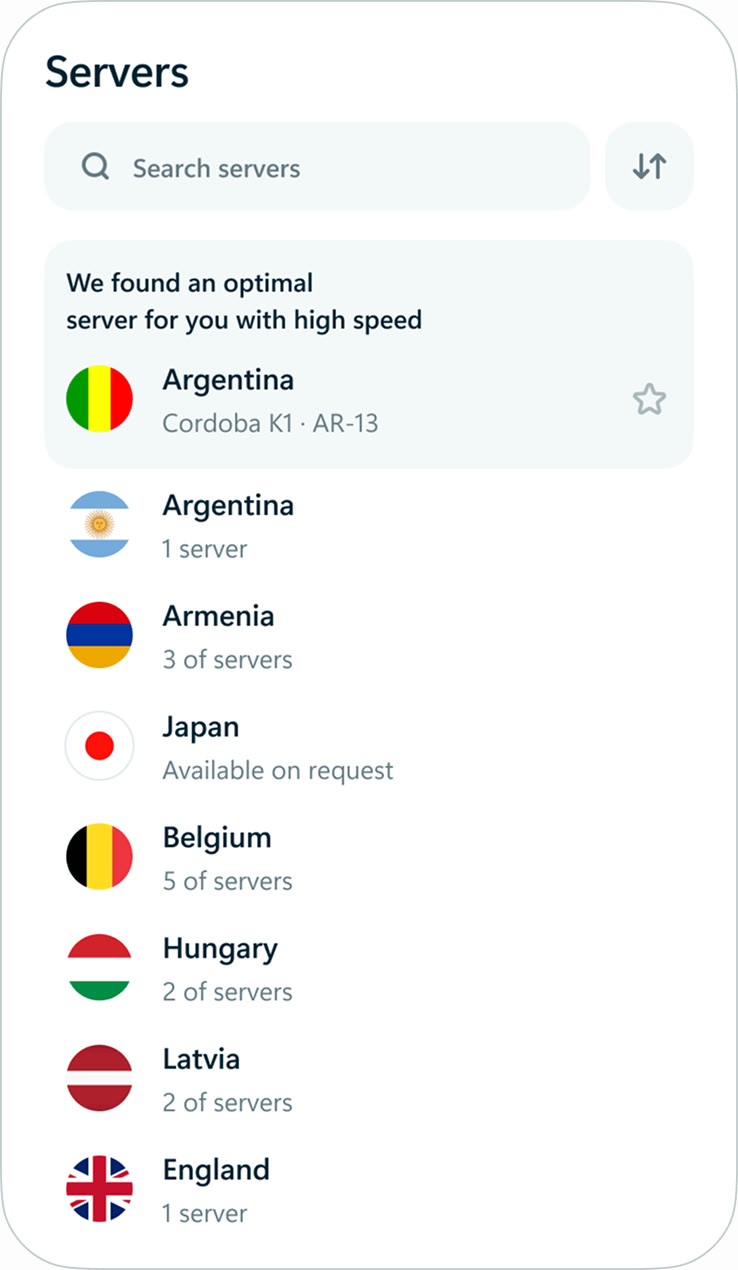 hidemy.name VPNTry hidemy.name VPN free for 24 hoursVPN for 5 devices, 24h free test
 KeeperTry Keeper's personal and family plans free for 30 daysPassword manager, 30 days free
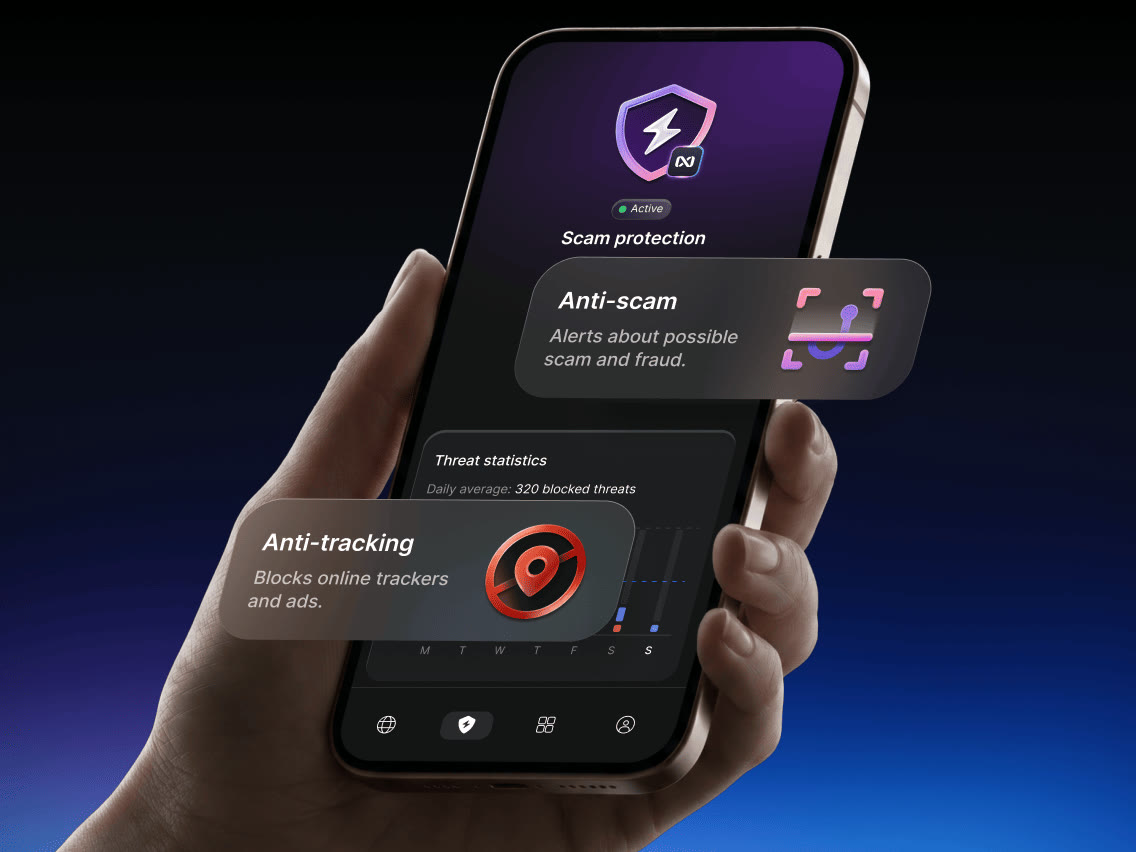 NordVPNLong-term plan savings plus a 30-day money-back guaranteeProtect 10 devices on one VPN plan