

Wondershare
Block game apps while homework gets done
Shut them at once, or let a schedule open them
- Extra checkout code SAFAMILY
- Yearly plan opens with a 3-day free trial
- 7-day money-back, up to 10 devices yearly
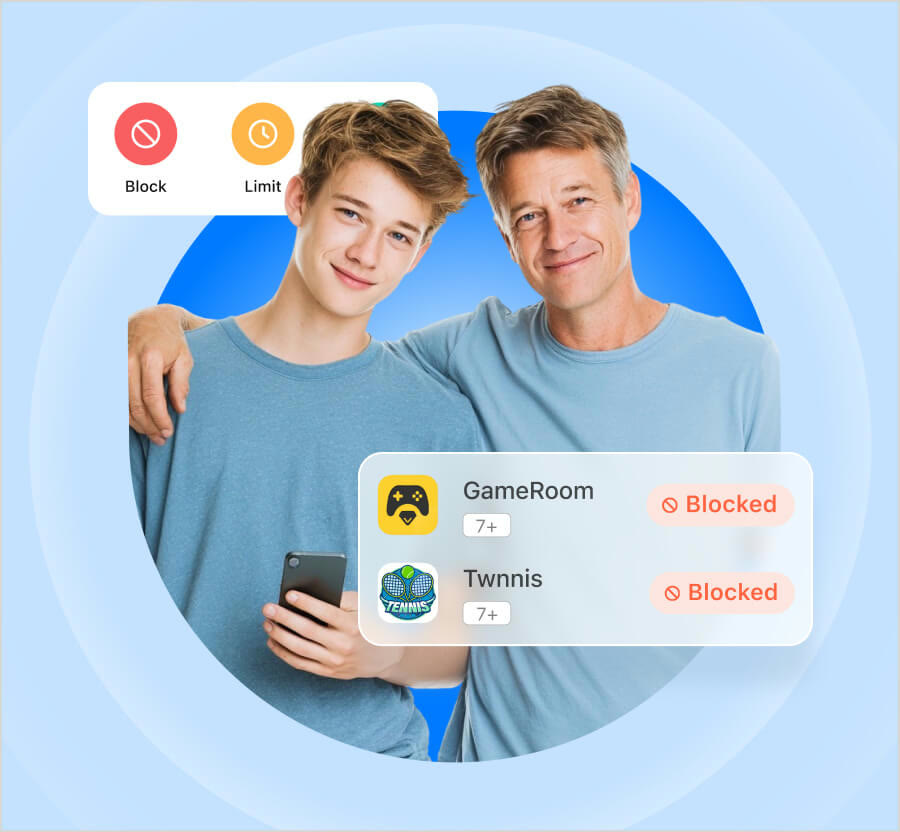
Many homes repeat the same scene: homework stops and a game opens. FamiSafe lets you block games, social and video apps one by one or by category.
Give each app a blocked, limited or allowed status, and use different rules for weekdays and weekends. A schedule can close apps for homework only and open them afterwards.
The age filter sorts apps by 4+, 12+ and 17+. Newly downloaded apps can be held back for your review, and you are notified when your child asks for access.
On iOS, Apple's rules mean system apps such as Camera or Maps cannot be blocked. A SAFAMILY code can be tried when you buy a plan.
Deals you can use now
| Deal | Code | Conditions |
|---|---|---|
| CodeAn extra code you add at checkout | SAFAMILY | — |
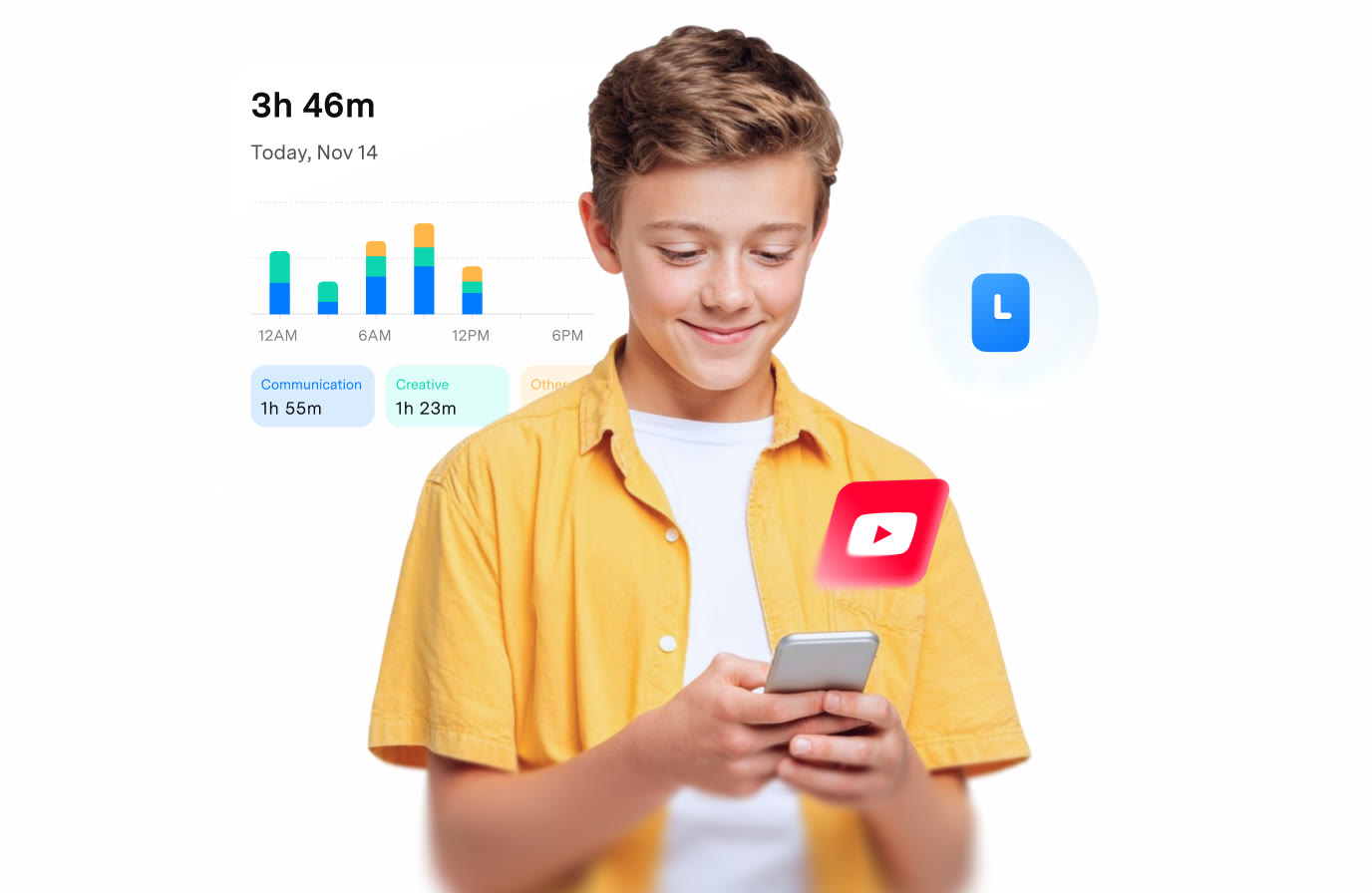 See FamiSafe in detailParental controls kids know aboutToday's screen time at a glance · Your child on the map · Risk tags on chat messages · YouTube history and daily average
FAQ
Are newly installed apps blocked automatically?
The official page describes auto-blocking new downloads so a parent can review them.
Can app installs be stopped?
On iOS use iOS Restrictions, on Android use App Rules. Blocking app downloads is not supported on Windows or Mac.
Does it manage game consoles?
Consoles are outside support. Only mobile devices plus Windows, Mac and Chromebook can connect.
You might also like
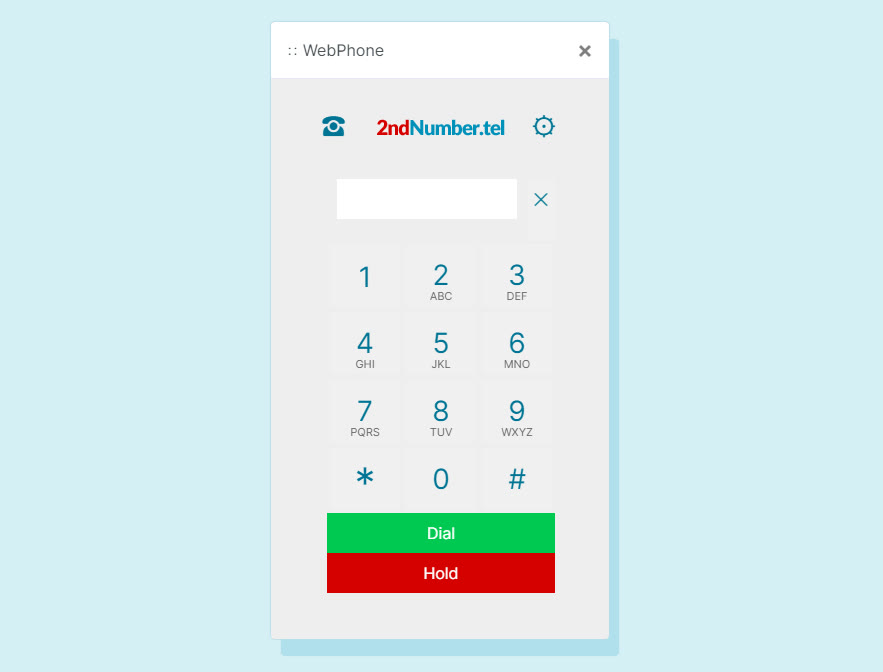 2ndNumber20% off yearly plans with code GIVEME20A US or UK number, no SIM needed
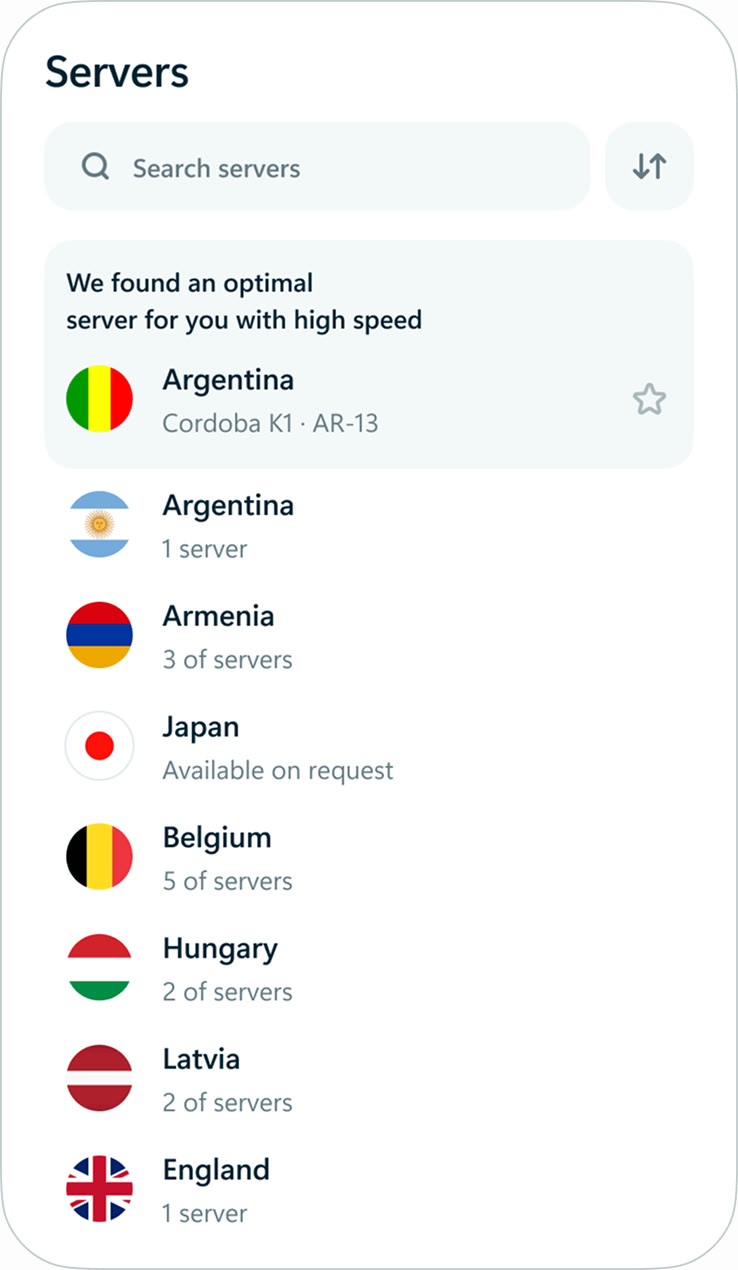 hidemy.name VPNTry hidemy.name VPN free for 24 hoursVPN for 5 devices, 24h free test
 KeeperTry Keeper's personal and family plans free for 30 daysPassword manager, 30 days free
 NordVPNLong-term plan savings plus a 30-day money-back guaranteeProtect 10 devices on one VPN plan