
Wondershare
Make a tutorial that viewers can follow
Arrows, zooms and a voice track, all recorded and edited together.
- Extra checkout code MENDAAF
- Free plan: 10 min, 1080P, 30 FPS
- Paid: 4K, 120 FPS, no watermark
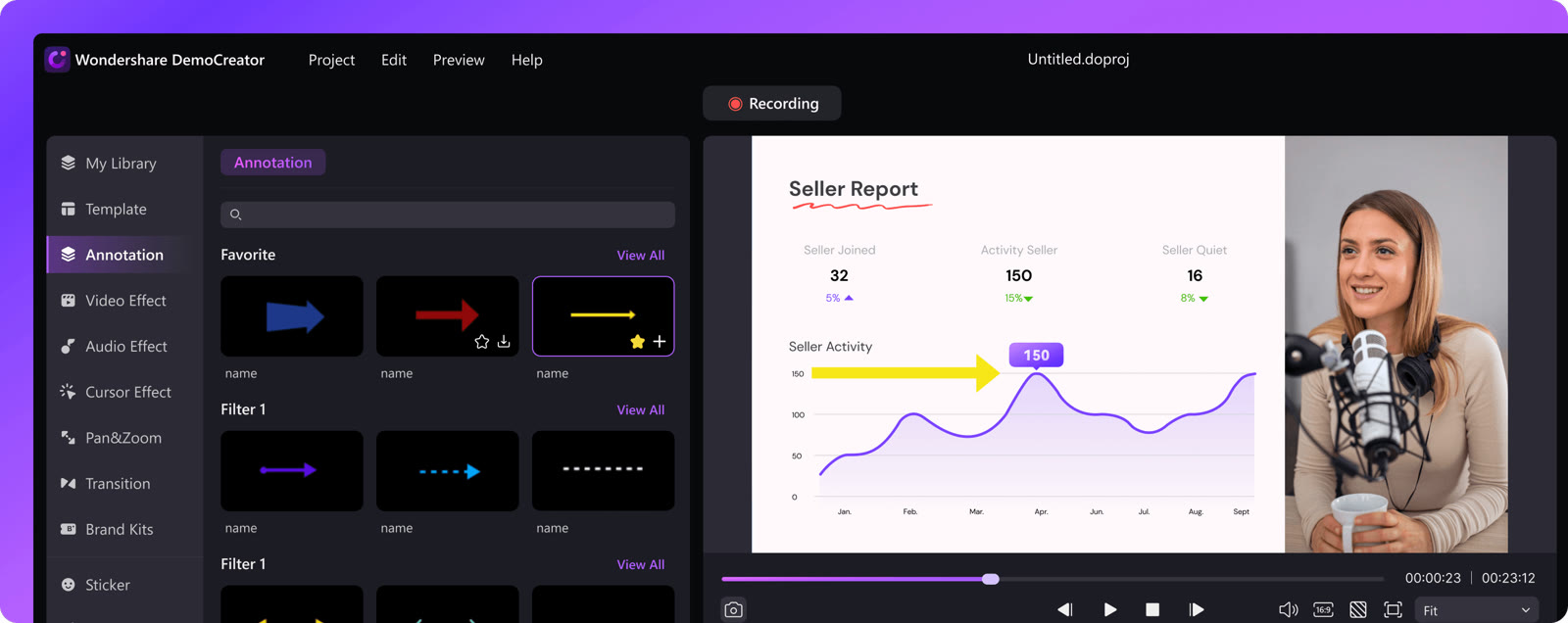
A good tutorial points at things. DemoCreator offers annotation tools such as text, dialogue boxes, lines and arrows, so you can mark a menu item or the peak of a chart without drawing it by hand.
Pan and zoom presets then move the view to the right part of the screen. Because screen, camera and microphone are separate tracks, you can fix a flubbed sentence without re-recording the whole thing.
For narration, an AI teleprompter keeps you on script, and auto captions can add subtitles afterwards. Both use AI credits, 100 on the free plan and 500 a month on subscriptions.
Quick tutorials can start in the DemoAir Chrome extension and be shared as a link, while longer ones belong in the desktop app. The extra checkout code MENDAAF is listed for the store if you decide to upgrade.
Deals you can use now
| Deal | Code | Conditions |
|---|---|---|
| CodeExtra checkout code MENDAAF for the DemoAir and DemoCreator store | MENDAAF | Wondershare publishes no amount for this code, so check your total at checkout. |
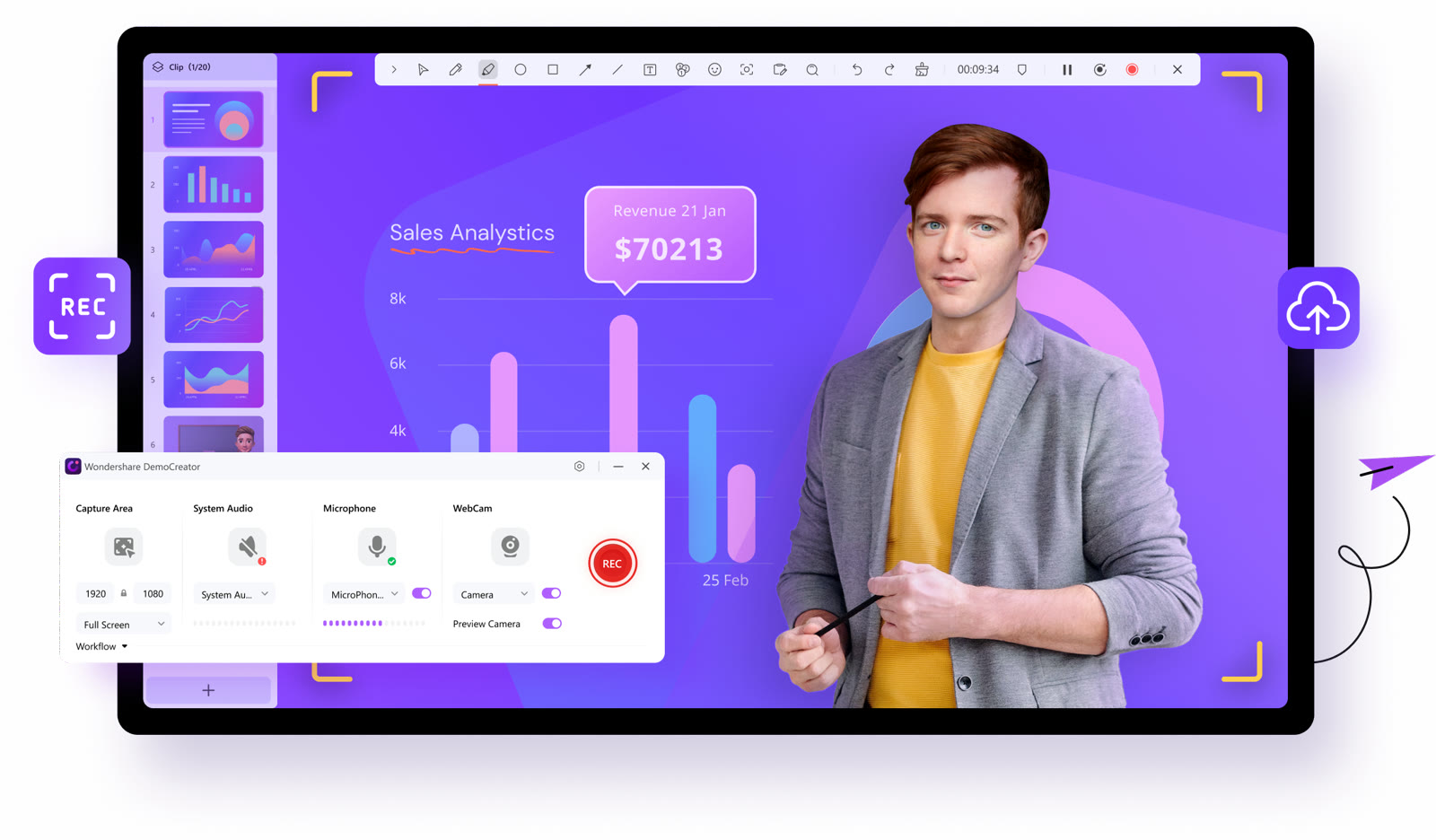 See DemoAir in detailRecord screen, webcam and gamesPick what to record, then press REC · Edit in the same app · Point at the number that matters · Zoom and pan presets
FAQ
Can I edit the screen and my voice separately?
Yes, screen, camera and microphone are recorded and edited as separate tracks.
Does it have arrows and callouts?
Annotation tools include text, dialogue boxes, lines and arrows.
Can it add subtitles automatically?
Auto captions are available and draw on your AI credits.
You might also like
 UniConverter15% off every licenceConvert, compress and record in one video toolbox
 FilmoraTwo-week free trialThe video editor where AI handles the tedious part
 Media.ioHalf price on the yearly planAn AI image and video studio in your browser
 InVideo30% off InVideo Studio monthlyTurn one prompt into a finished video