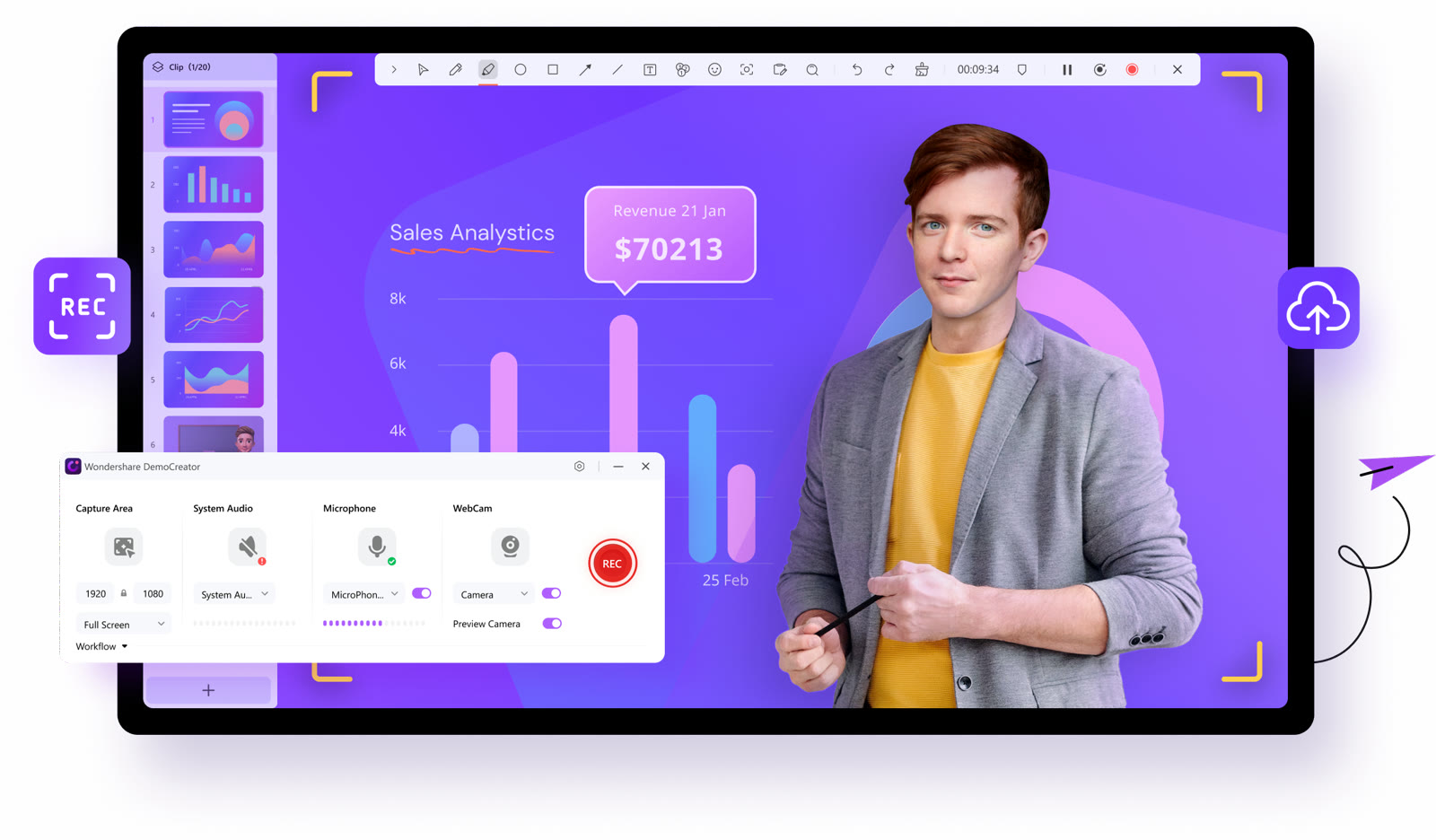
Pick what to record, then press REC
The recorder panel sets the capture area, system audio, microphone and webcam in one row. While you record, a toolbar with a timer and drawing tools floats over the screen.


Wondershare
Record screen, webcam and games
The recorder panel sets the capture area, system audio, microphone and webcam in one row. While you record, a toolbar with a timer and drawing tools floats over the screen.
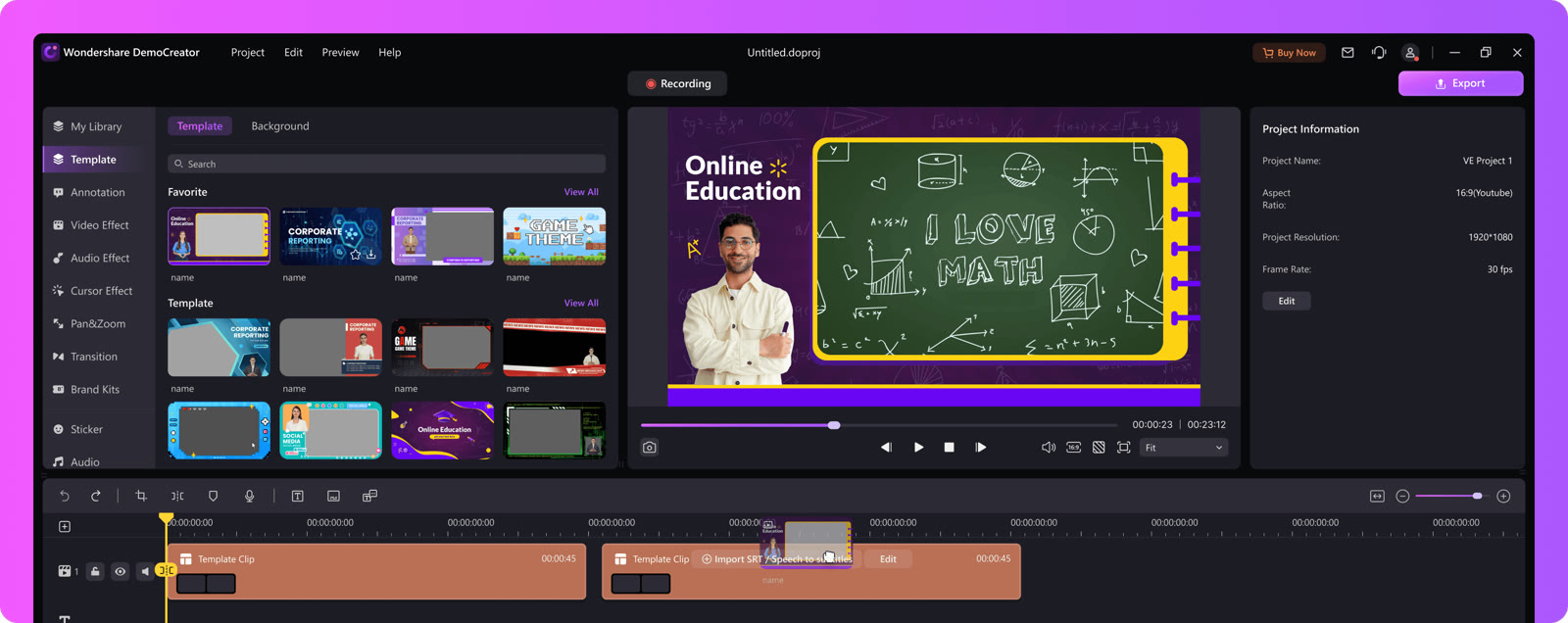
Templates, backgrounds, annotations, cursor effects, transitions and brand kits sit in a left-hand panel beside the timeline. Screen, camera and microphone clips stay on separate tracks.
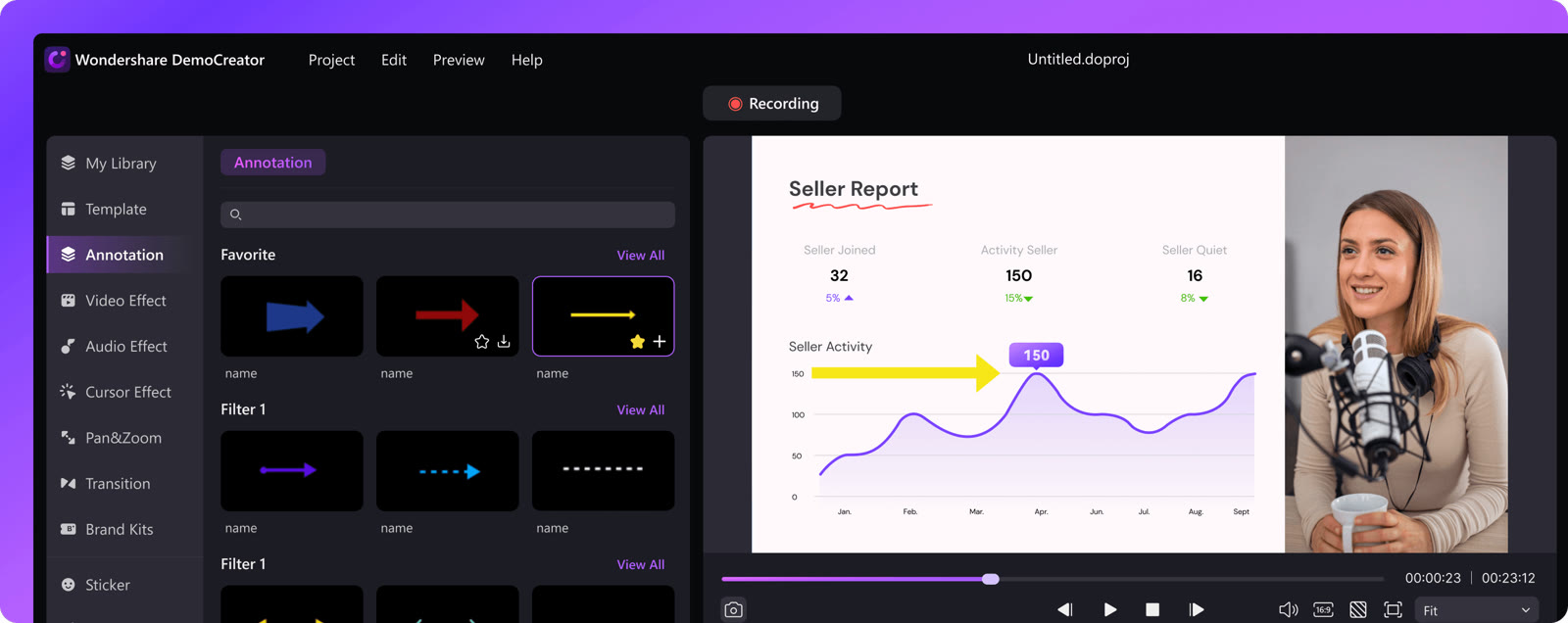
Add arrows, shapes and highlights on top of a recorded slide to mark the figure your audience should remember. The presenter's webcam stays in the corner, which suits lectures and report videos.
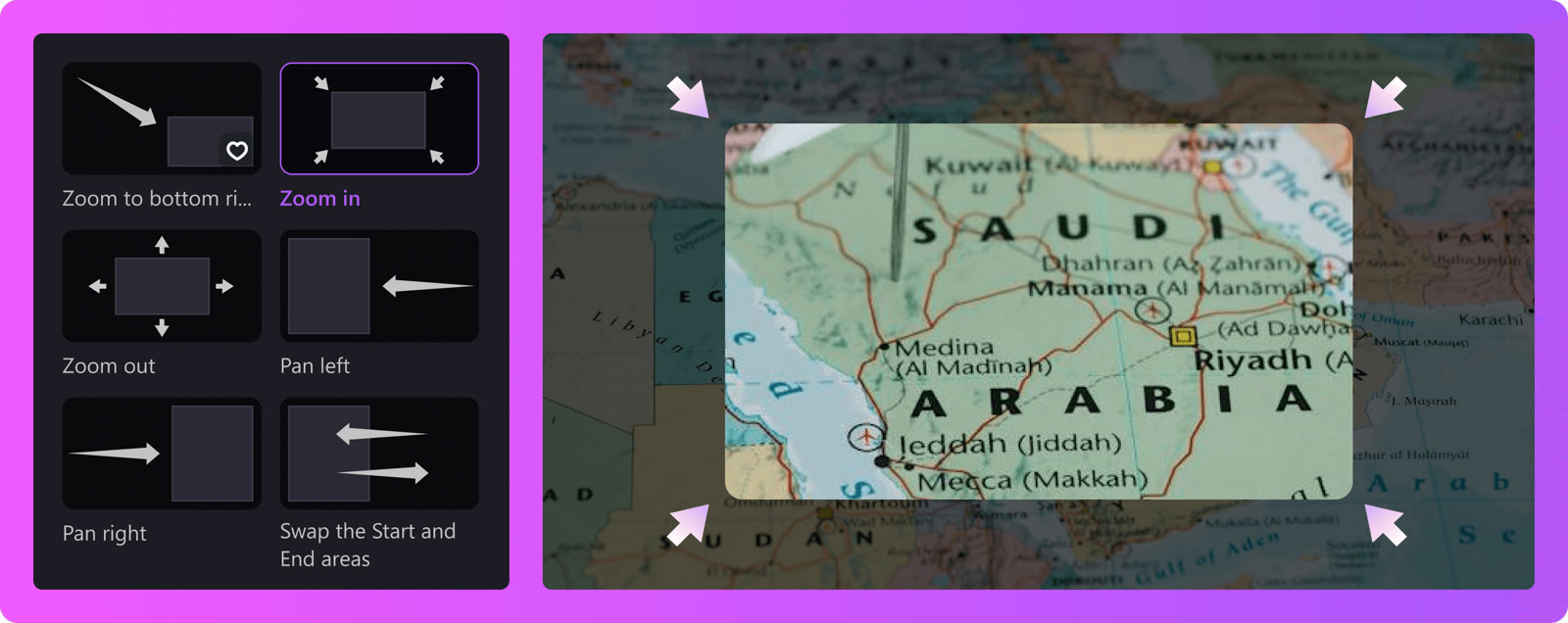
Zoom in, zoom out, pan left, pan right and zoom to a corner come as ready-made presets. They steer a viewer to the part of the screen you are talking about.
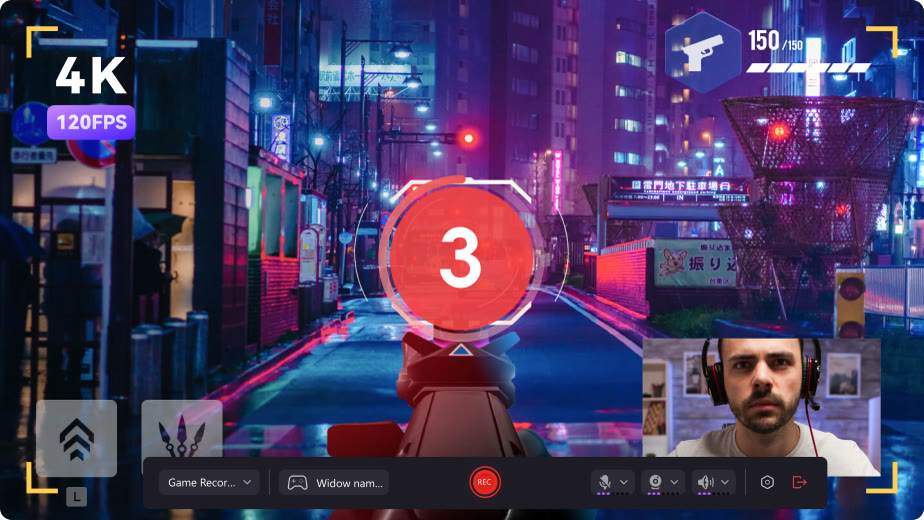
The game recorder puts a countdown, a control bar and a webcam overlay in one frame. Paid plans export at 4K and 120 FPS, while the free plan stops at 1080P and 30 FPS.

Auto subtitles come in animated styles, with a waveform under the speaker. Generating them draws on the AI credits that every plan includes in some amount.
Not exactly. DemoAir is the cloud side: a Chrome extension, an online screen recorder, an audio recorder and a screenshot tool. DemoCreator is the desktop recorder and editor for Windows and Mac, and the store shows one pricing page for both.
Yes. The free plan exports up to 10 minutes at 1080P and 30 FPS, keeps a watermark and includes 100 AI credits. The store also lists a 7-day trial that renews automatically unless you cancel.
Export length becomes unlimited, the watermark goes away, and quality rises to 4K and 120 FPS. Subscriptions list 500 AI credits a month, the perpetual plan lists 2,000 credits, and the template library grows from 300+ to 2,000+.
No. The online recorder runs in Chrome, Firefox, Safari, Opera and Edge, and captures screen, webcam and audio. It generates a link you can share.
Most purchases made directly from Wondershare can be put in for a refund within 30 days of payment, and a few products only get 7 days. EU buyers may have a 14-day right of withdrawal. Credits you have already used are generally not refundable.
It is an extra code for the store's checkout. No discount amount is published for it, so look at the order total before you pay.
 UniConverter15% off every licenceConvert, compress and record in one video toolbox
 FilmoraTwo-week free trialThe video editor where AI handles the tedious part
 Media.ioHalf price on the yearly planAn AI image and video studio in your browser
 InVideo30% off InVideo Studio monthlyTurn one prompt into a finished video