
Box, Inc.
Send big files by link instead of email
Move files past the email attachment limit with a Box link.
- 10 GB free on the Individual plan
- Upload files up to 250 MB each
- 5 free e-signature requests a month
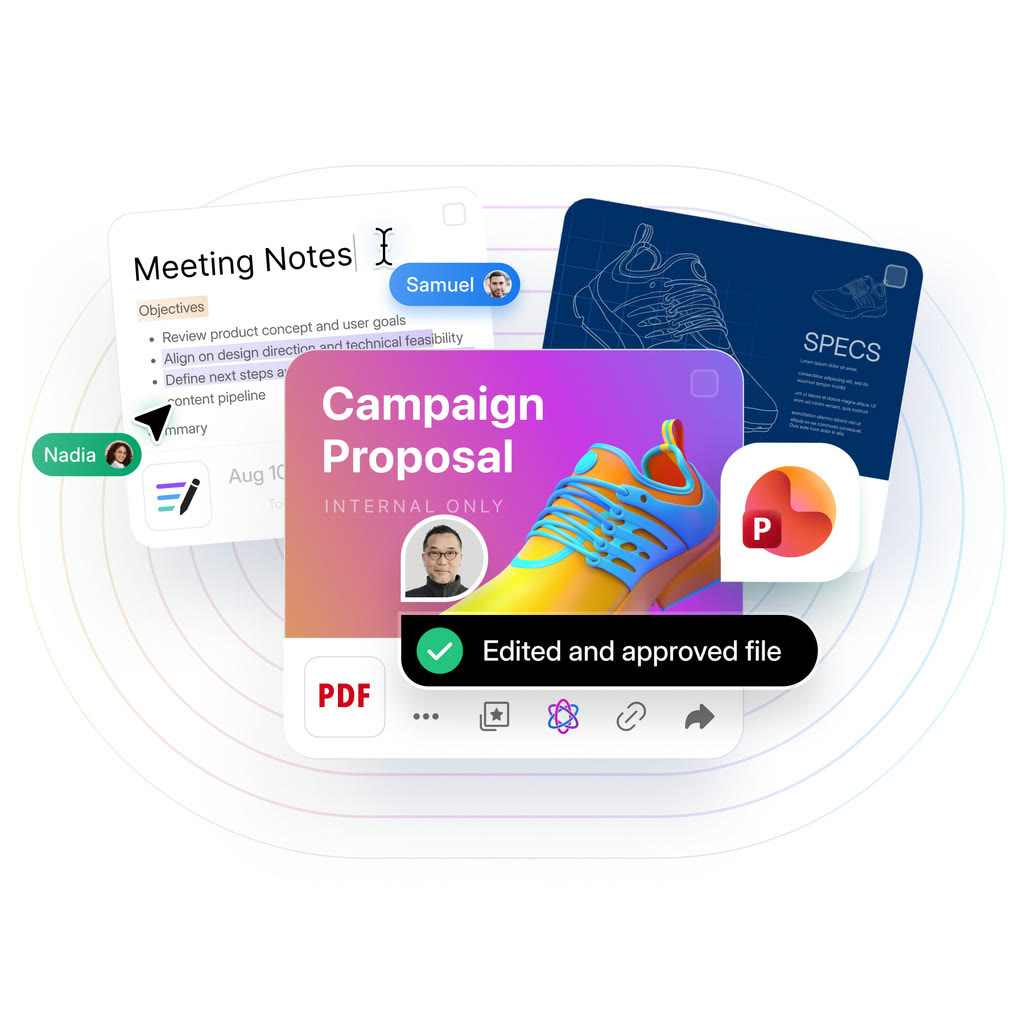
Raw footage and design proofs blow through email attachment limits quickly. Upload them to Box, send the link, and the recipient opens the file without worrying about its size.
The free Individual plan accepts files up to 250 MB each. Anything bigger points to Personal Pro or Business at 5 GB, or Business Plus at 15 GB.
Sharing can be tightened after sending. Turning on the shared link restriction in the security controls cuts down on links travelling further than intended.
For people you swap folders with every week, an invitation as a collaborator works better than links. A changed file never needs a fresh message.
It is reasonable to test with the 10 GB free plan first and move up only when the files outgrow it.
Deals you can use now
| Deal | Code | Conditions |
|---|---|---|
| 10 GB freeIndividual plan is free; business plans begin with a free trial | — | Business plans start at three users. |
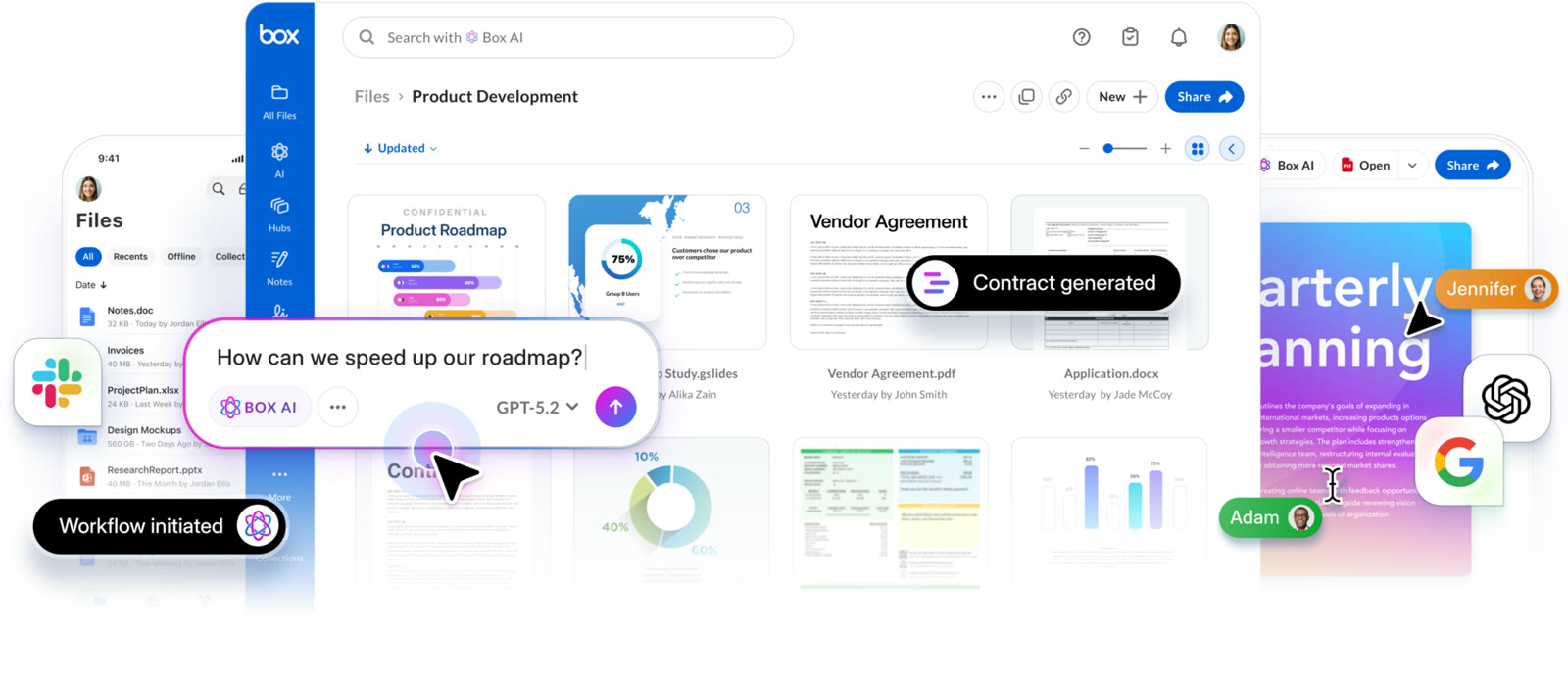 See Box in detailCloud storage that starts at 10 GB freeDocuments your team edits together · Search files by asking · Pull values out of documents · Limit how files are shared
FAQ
How large a file can I send?
The free plan stops at 250 MB; Business Starter allows 2 GB, Personal Pro and Business 5 GB, and Business Plus 15 GB.
Does the recipient need a Box account?
A shared link opens the file directly, though a link restriction changes who is allowed in.
Can I shut a link down later?
Sharing settings stay editable after sending, so you can restrict the link or switch to inviting the person as a collaborator.
You might also like
 beehiiv20% off the first 3 months of a paid planNewsletter editor, site and monetization in one
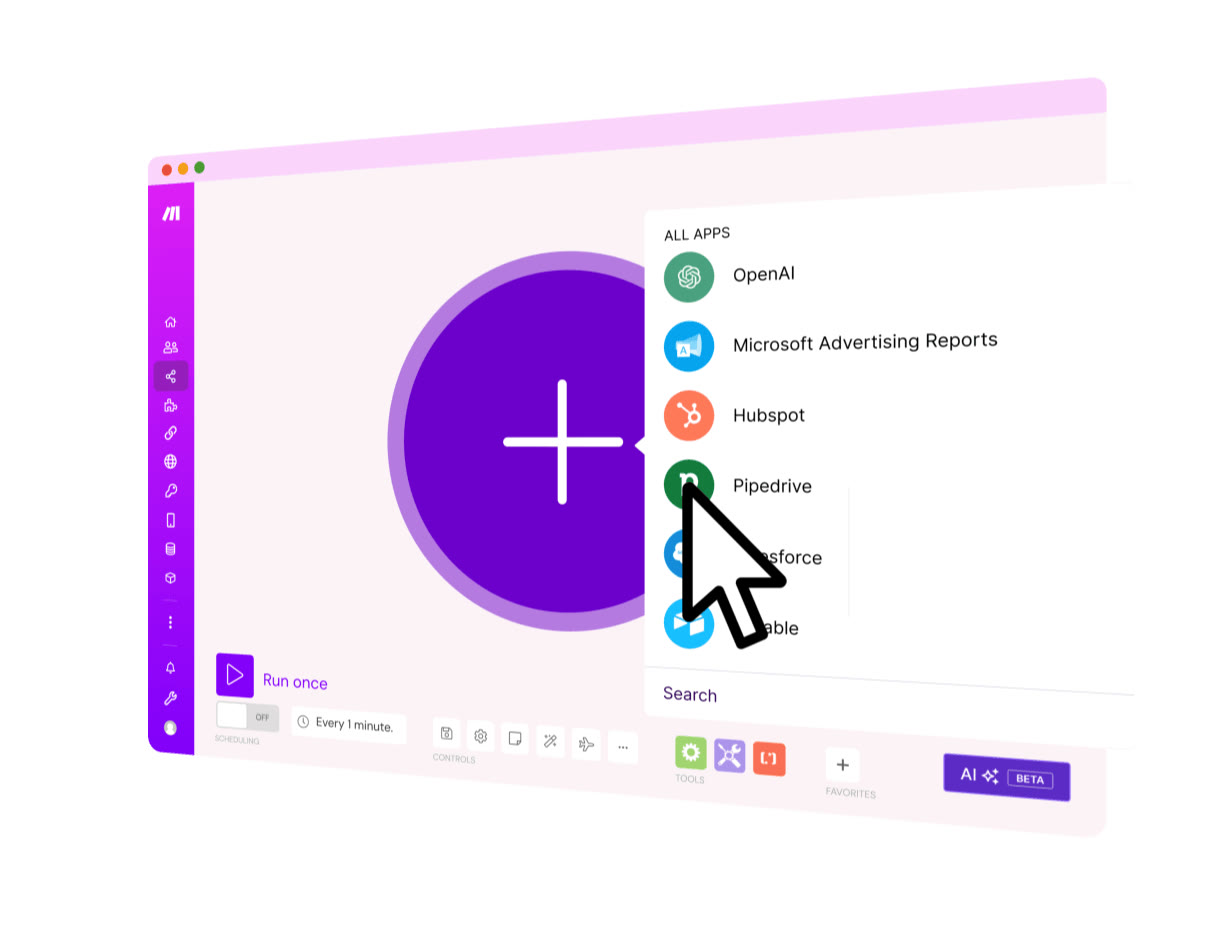 MakeStart on the Free planVisual automation across 3,500+ apps
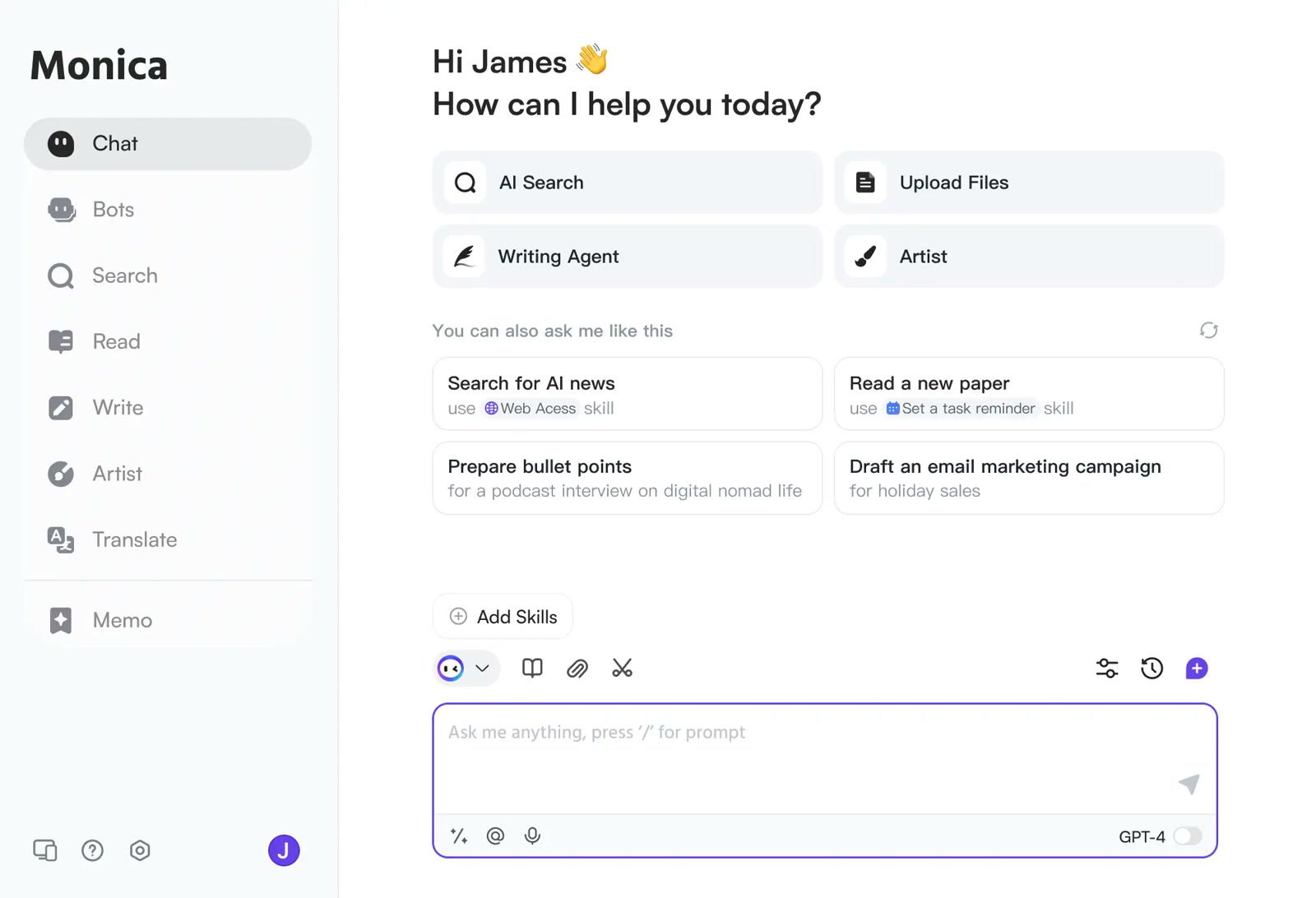 MonicaStart on the free planOne AI sidebar for any web page
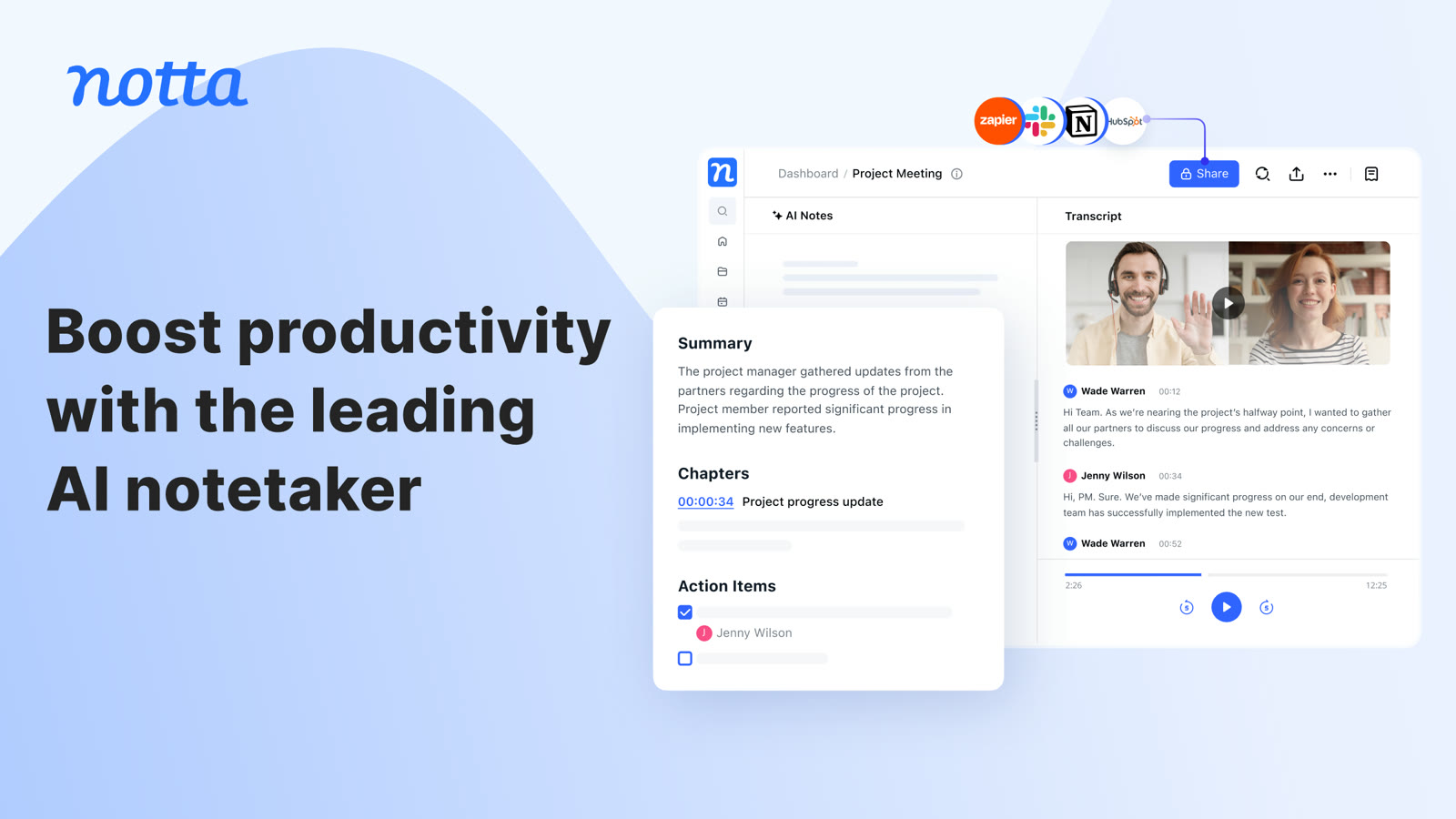 NottaFree plan with 120 transcription minutes a month, no card to startAI transcripts and notes for meetings