

Genesis Group AG
Installing and activating a Yesim eSIM
Set up your eSIM at home before you leave
- €5 bonus for each invited friend
- From $1.10/GB, balance never expires
- 30-day refund on unused plans
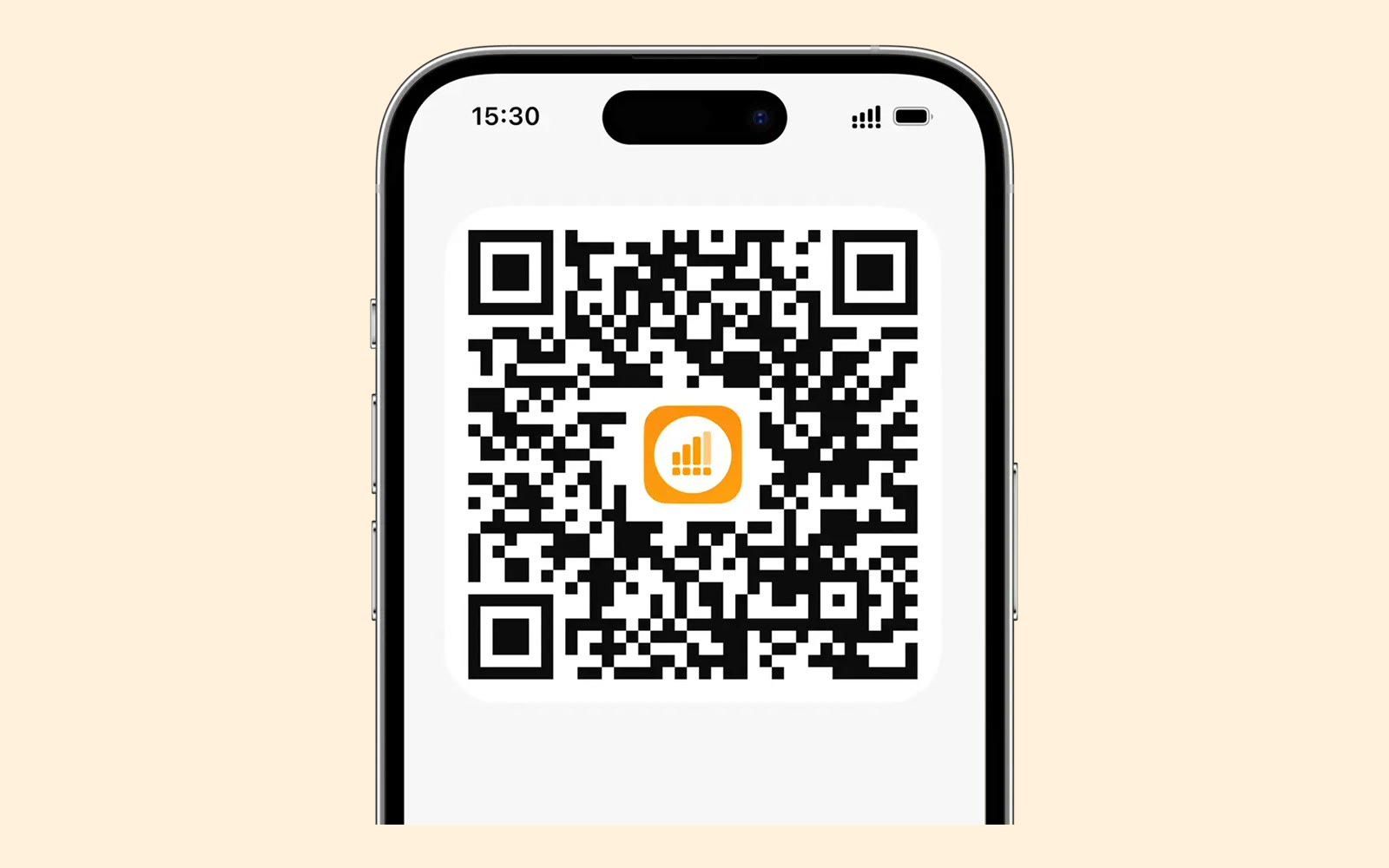
Getting started takes three steps. Choose a destination and plan, pay to receive the QR code, then install in a few taps. Because you tap "Install eSIM" in the app, no tiny chip or SIM pin is involved.
Check two things before buying: that your phone supports eSIM, and that it is not locked to a carrier. The official site lists compatible phones, tablets and smartwatches.
Installing and activating are separate. Install at home, then let the plan start when you join a local network, which keeps airport fumbling to a minimum.
Your regular SIM can stay in place while the eSIM carries the data. Verification texts keep arriving on your home number and the internet runs on Yesim.
Deals you can use now
| Deal | Code | Conditions |
|---|---|---|
| €5Invite a friend: you get €5, they get €5 or 1 GB free | — | The invite feature unlocks after your own €5 purchase. The bonus arrives once your friend's total spend reaches €5. |
 See Yesim in detailOne eSIM for 170+ countriesPay & Fly in 170+ countries · Install with a QR code · Install now, connect on landing · Unlim Day Pass for fixed days
FAQ
What should I check before installing?
Whether your phone supports eSIM and is unlocked from its carrier. The compatibility list is on the official site.
Does validity start at install?
No, installing and activating are separate. Note that for refunds the policy treats installing the profile as activation.
Can I use it alongside my SIM?
Yes. You keep your number and use the eSIM for data only.
You might also like
 AirHelp+11% off AirHelp+A membership that claims flight compensation for you
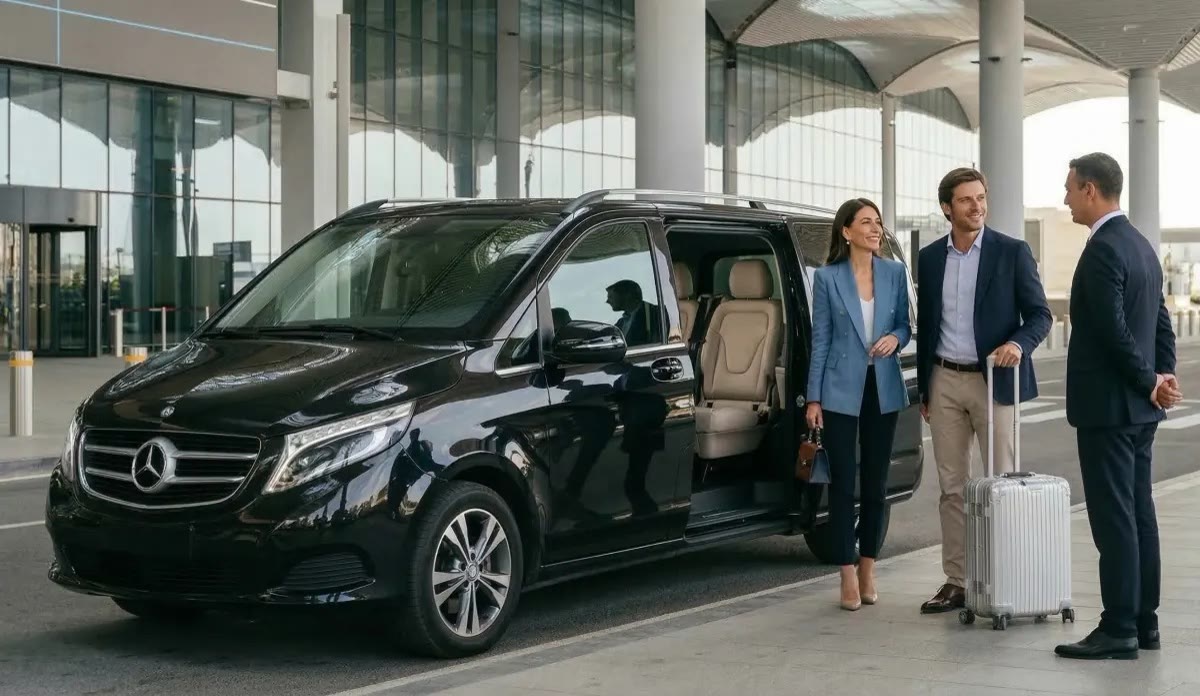 AvitoVIP10% off a private transferIstanbul airport to your hotel in a chauffeured VIP van
 Auto EuropeGlobal sale for members: up to 15% off car hireCompare car hire, up to 15% off
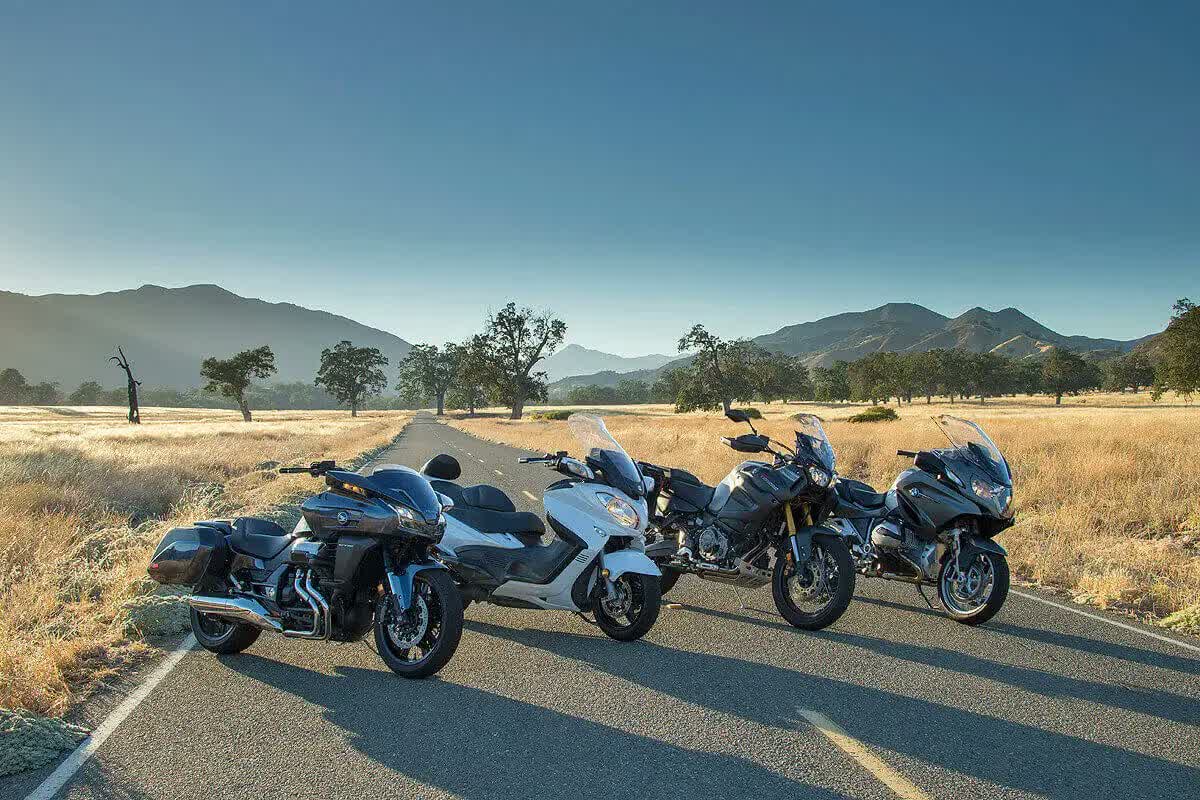 BikesBookingBook scooters and motorcycles in 1,700+ locations, free cancellation on most bookings and a best-price guaranteeScooters and bikes, price matched