
Wondershare
Recover files after emptying the Recycle Bin
An emptied bin is not the end if the drive is untouched.
- Extra checkout code SAFRECOV
- Free version recovers up to 500MB
- 7-day money-back guarantee

Files from an emptied Recycle Bin can be recovered until their storage space is reused. The less you use that drive afterward, the better.
Try the built-in routes first: File History, System Restore or the command line. With no backup, scan the original drive with Recoverit.
Install the recovery program on a different drive if possible. An installer could land on the space your deleted files occupy.
Postpone disk cleanup, defragmenting and CHKDSK until after recovery, since they can alter file system records.
Save to another drive and tick only the files you need.
Deals you can use now
| Deal | Code | Conditions |
|---|---|---|
| CodeExtra checkout code SAFRECOV | SAFRECOV | The official site does not state an amount for this code. |
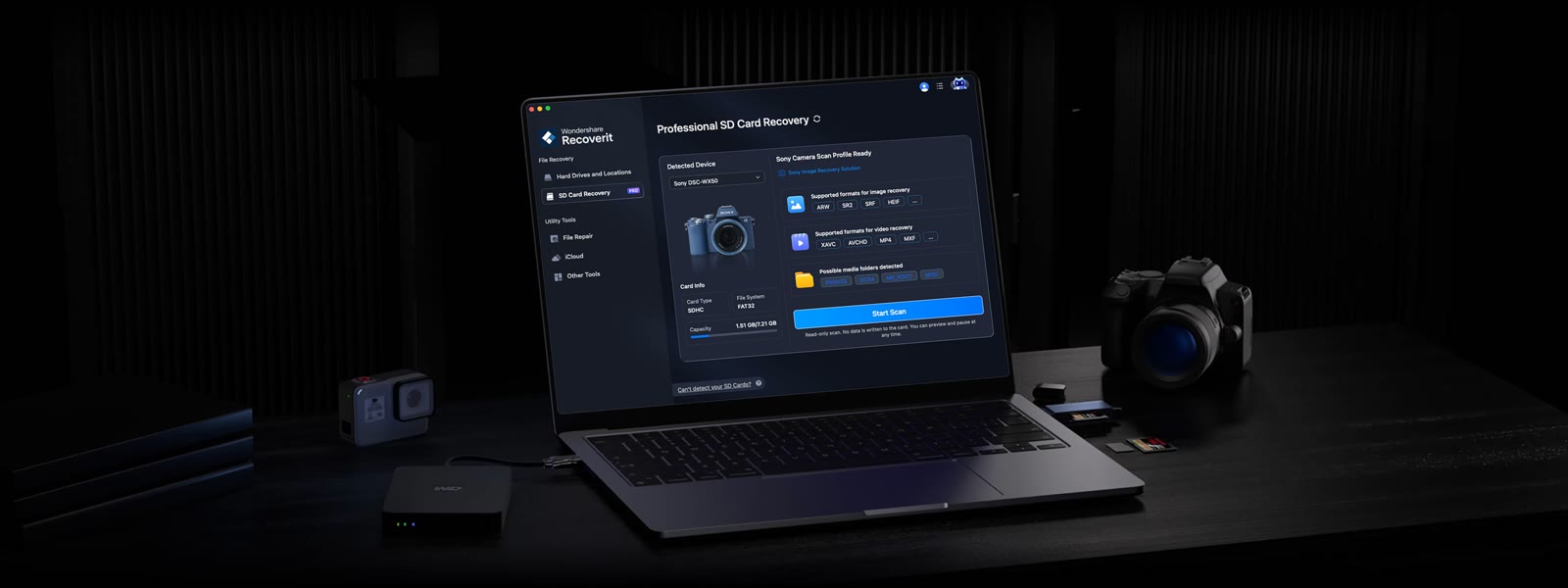 See Recoverit in detailGet deleted and formatted files backA screen built for SD cards · After the Recycle Bin is emptied · Mac results by category · Describe the file, let AI find it
FAQ
Does Shift+Delete count?
Deletes that bypass the bin are scanned too, though overwriting reduces the chances.
I emptied it long ago.
What matters is how much new data hit that drive since. Scan and see whether previews open.
Where should I install it?
Another partition or an external drive, not the one that held the files.
You might also like
 PDFelement20% off PDFelementEdit a PDF as easily as a Word file
 Edraw.AI7-day unlimited free trialDescribe it, and the diagram draws itself
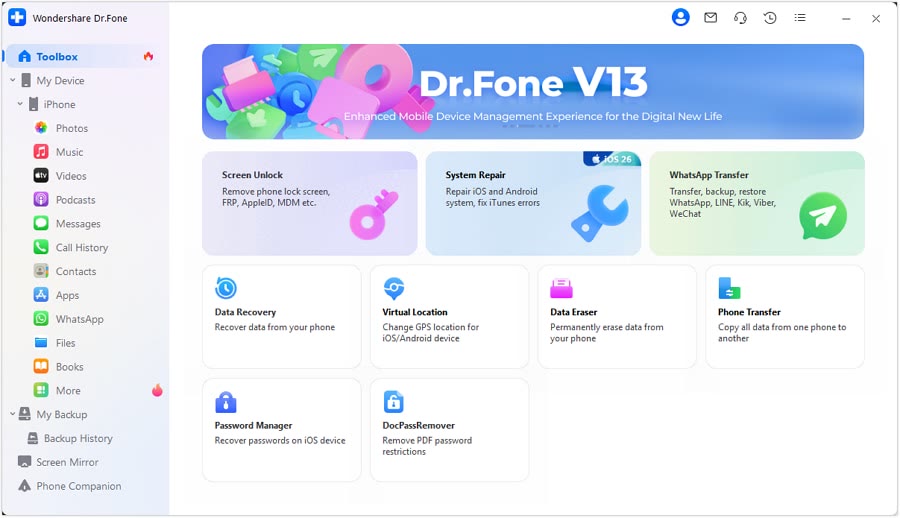 Dr.FoneExtra checkout code SAFDRFON for Dr.FonePhone recovery, repair and transfer toolkit
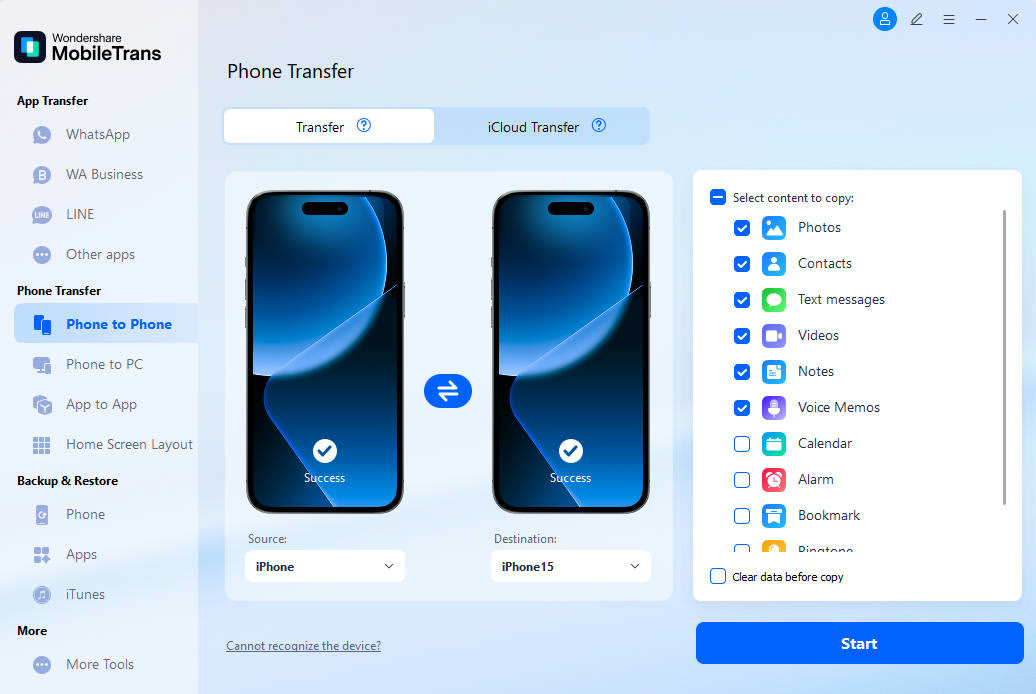 MobileTransAn extra MobileTrans checkout code: SENMOBTRPhone-to-phone transfer and backup