
GZ Systems
Split tunneling: pick the apps that go through the VPN
Protect the apps that matter and leave the rest on your normal line.
- 20% off every plan with the code
- 31-day money-back guarantee
- Up to 10 devices at once
Discounts depend on the plan length. After the first term, the renewal rate applies.
Get the discount
Split tunneling divides your traffic in two. Apps you choose travel through the encrypted VPN tunnel, while everything else goes straight out over your usual connection.
A few situations make it worth having. You can protect a banking or work app and still reach a home printer, which a VPN may otherwise block. Pulling a heavy download app out of the tunnel also trims VPN slowdowns.
You can hold a VPN IP and your real IP at once. One app uses local services as usual while another goes out through a server abroad. On metered or capped data, sending only the needed traffic through the VPN saves allowance.
In the PureVPN app you decide which apps to include or exclude. Open split tunneling in the settings and choose them, and with the code for 20% off all plans the start costs less.
Deals you can use now
| Deal | Code | Conditions |
|---|---|---|
| 31 daysLong-plan savings plus a 31-day money-back guarantee | — | Discounts depend on the plan length. After the first term, the renewal rate applies. |
| 20%20% off every plan with a code | admitad20 | Entered in the coupon field at checkout. Whether it stacks with other discounts shows in the order total. |
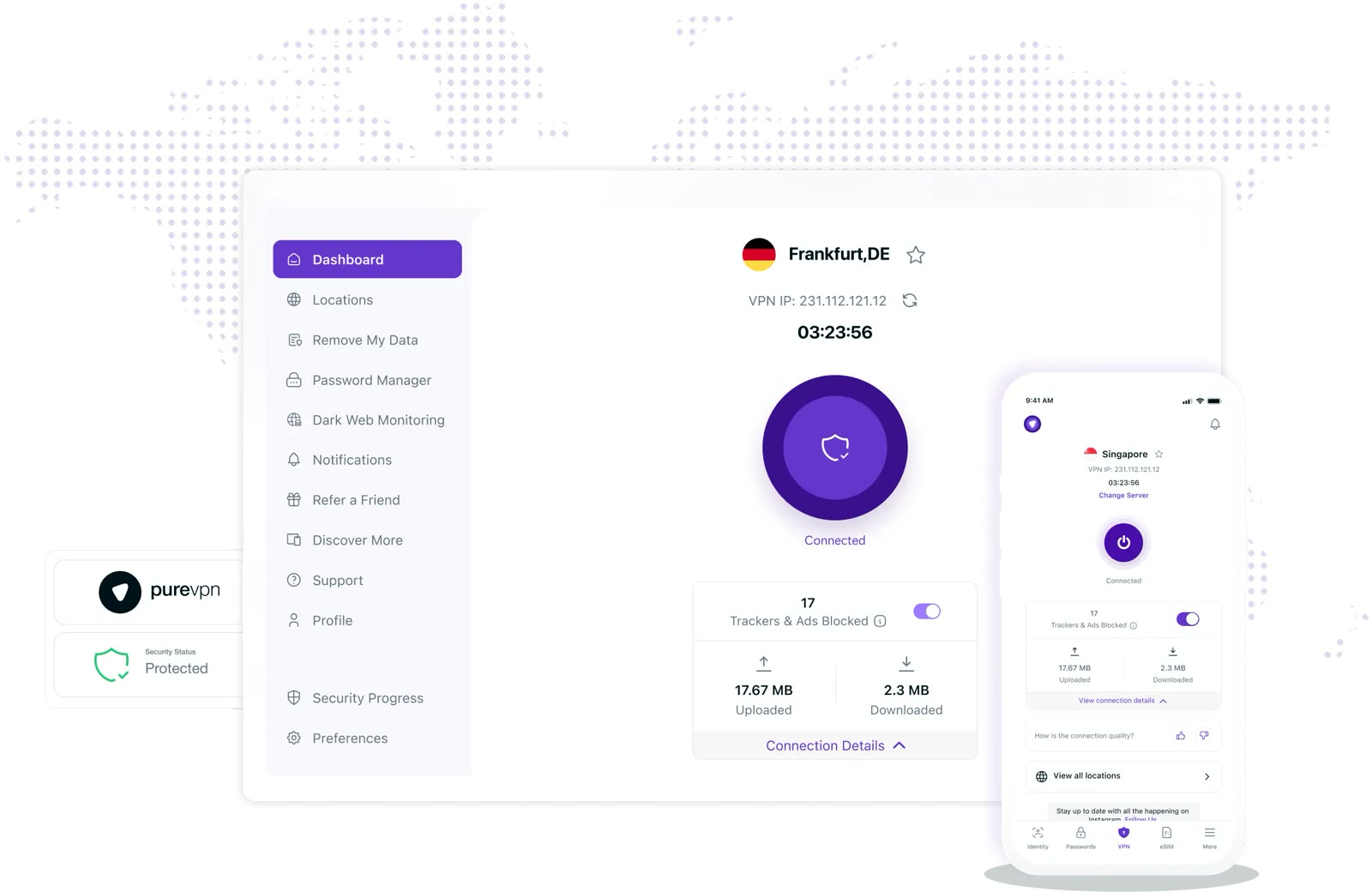 See PureVPN in detailOne VPN account for 10 devices10 devices on one account · 80+ server locations · One tap to connect, trackers blocked · Dark web monitoring
FAQ
Does split tunneling weaken security?
Apps you exclude get no VPN protection. Keep sensitive ones, such as login and payment apps, on the VPN side.
Can I use a home printer and the VPN together?
The official site notes a VPN can block wireless home devices like printers, and presents split tunneling as the way to keep both.
Where is the setting?
Under the advanced settings in the app there is a split tunneling entry, where you pick apps to include or exclude.
You might also like
 2ndNumber20% off yearly plans with code GIVEME20A US or UK number, no SIM needed
 FamiSafeAn extra code you add at checkoutParental controls kids know about
 hidemy.name VPNTry hidemy.name VPN free for 24 hoursVPN for 5 devices, 24h free test
 KeeperTry Keeper's personal and family plans free for 30 daysPassword manager, 30 days free